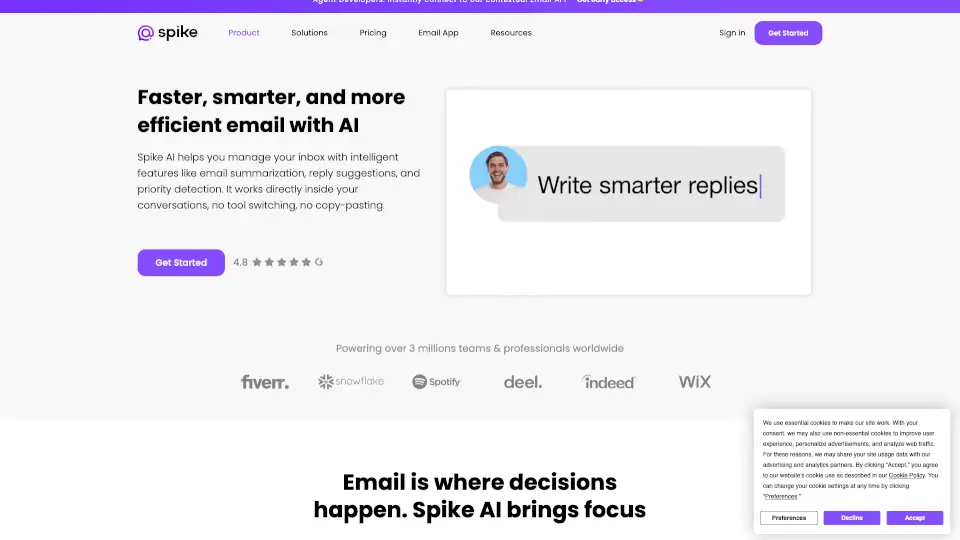
What is MagicAI by Spike?
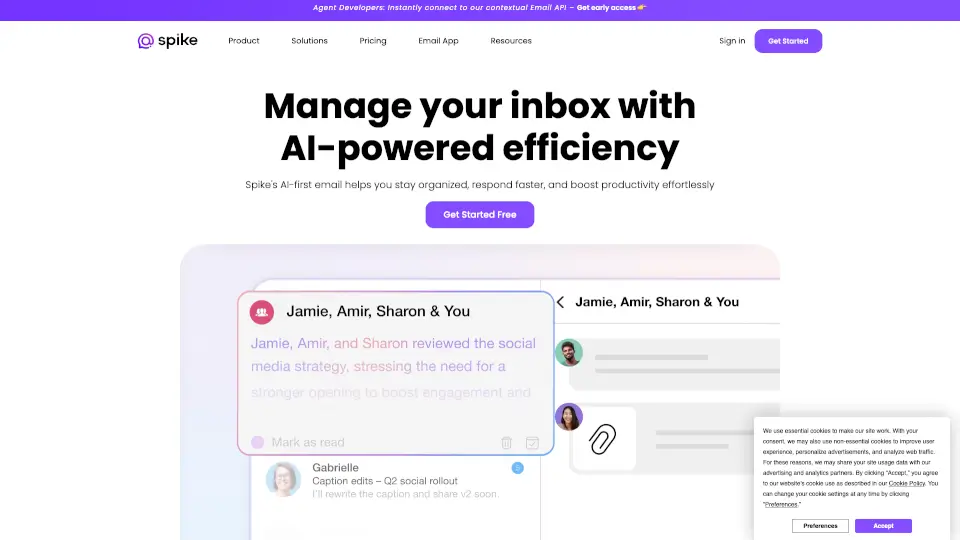
Tired of juggling endless apps just to get through your inbox? Spike AI transforms your email into a fast, chat-style workspace that actually helps you get things done. Instead of switching between messaging, tasks, and documents, Spike brings everything together—right where your conversations already happen.
Powered by smart AI tools, Spike helps you write emails faster, cut through clutter, and collaborate without chaos. Whether you're a solo freelancer or part of a remote team, it turns your overloaded inbox into a streamlined hub for communication and action—no more lost messages or app fatigue.
What are the features of MagicAI by Spike?
- AI-Powered Email Writing: Draft full, context-aware replies in one click with Magic Message—perfect for beating writer’s block.
- Instant Summaries: Use Magic Summarize to quickly grasp long email threads or attachments without reading every word.
- Unified Inbox: Connect Gmail, Outlook, Yahoo, and more into one clean view so you never miss an important message.
- Priority Inbox: Automatically surfaces high-impact emails so urgent items don’t get buried.
- Collaborative Docs & Shared Inbox: Co-edit files and handle customer emails as a team—no forwarding or confusion.
- Built-in AI Assistant: Just message [email protected] for help with ideas, code, content, or quick answers anytime.
- Super Search: Find any email, file, or conversation instantly with lightning-fast search across all accounts.
- Video Meetings & Calendar: Start one-click calls and view your schedule without leaving your inbox.
What are the use cases of MagicAI by Spike?
- Freelancers managing client emails, invoices, and project updates in one place—no extra apps needed.
- Remote teams collaborating on customer support tickets using shared inboxes and real-time docs.
- Founders staying lean by replacing Slack + email + task apps with Spike’s all-in-one workspace.
- Consultants delivering polished client communications faster with AI-generated drafts and summaries.
- HR managers centralizing onboarding, feedback, and internal comms through private groups and channels.
- Project managers tracking deliverables directly from email threads turned into actionable tasks.
- Sales teams closing deals quicker by keeping all client conversations, files, and follow-ups organized.
How to use MagicAI by Spike?
- Download Spike for your device (iOS, Android, Windows, or Mac) and sign in with your existing email.
- Enable Spike AI features in settings to unlock Magic Message, Magic Summarize, and the AI assistant.
- Connect all your email accounts to create a unified inbox that works across providers.
- Use “/” commands in any message to trigger AI actions like summarizing, drafting, or generating content.
- Create a TeamSpace to invite colleagues, set up shared inboxes, and start collaborating instantly.
- Pin important conversations or turn emails into tasks to stay on top of priorities without switching apps.