What is Mailbutler AI?
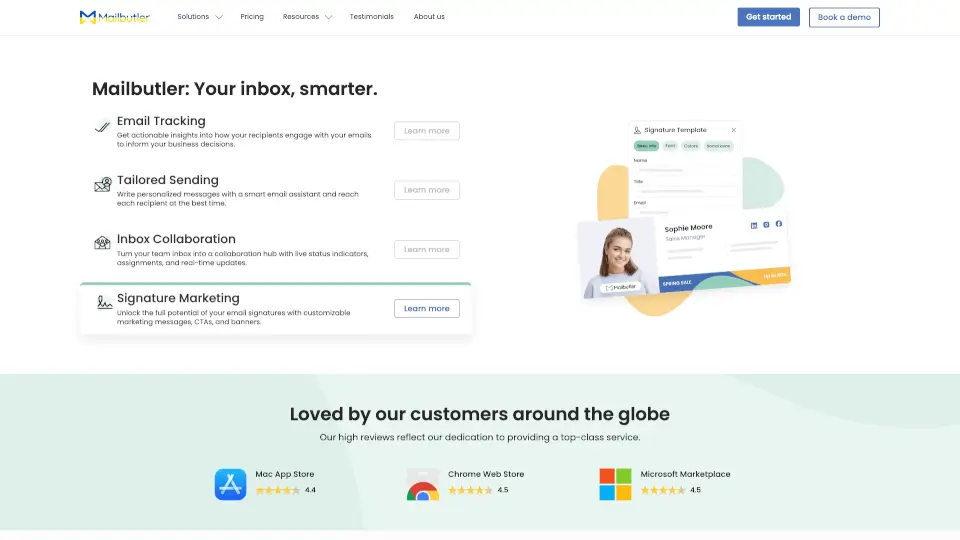
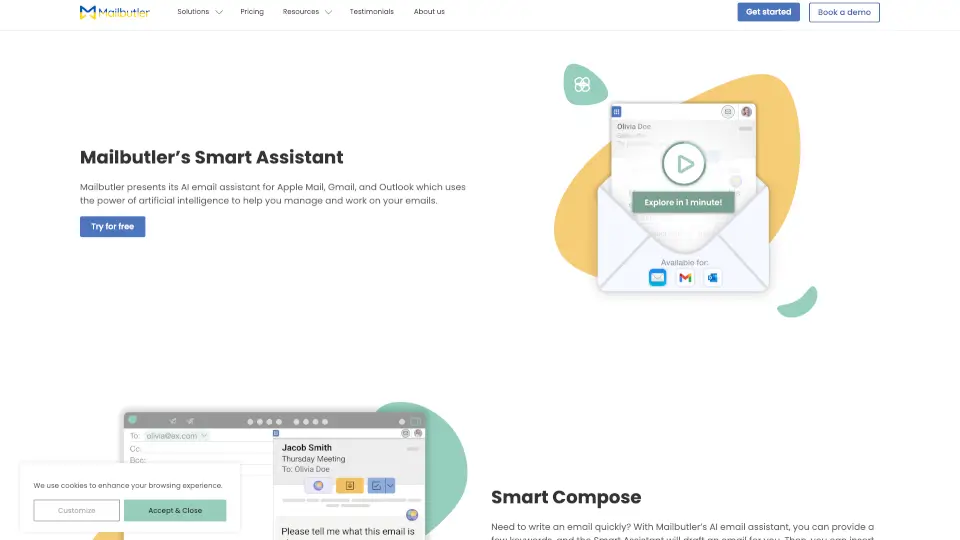
Meet Mailbutler’s Smart Assistant, your new AI-powered email sidekick for Apple Mail, Gmail, and Outlook. It’s here to save you time and make email management a breeze. Whether you’re drafting, responding, or organizing, this assistant has got your back.
What are the features of Mailbutler AI?
- Smart Compose: Write emails in seconds with just a few keywords.
- Smart Respond: Let AI craft replies for you, so you can focus on what matters.
- Tuning: Customize email tone, style, and length to fit any situation.
- Smart Summarize: Get quick overviews of long emails in a snap.
- Smart Improve: Polish your emails with grammar and spelling suggestions.
- Contact Finder: Automatically save contact details from emails.
- Task Finder: Turn emails into actionable tasks effortlessly.
What are the use cases of Mailbutler AI?
- Busy Professionals: Save time on email drafting and responses.
- Students: Stay organized with task and contact management.
- Teams: Collaborate efficiently with shared inbox features.
- Anyone: Simplify email communication with AI-powered tools.
How to use Mailbutler AI?
- Install Mailbutler on your Apple Mail, Gmail, or Outlook.
- Open an email and click the Smart Assistant button.
- Choose from options like compose, respond, summarize, or improve.
- Customize the results as needed and send or save.