Spark Mail logo

Spark Mail

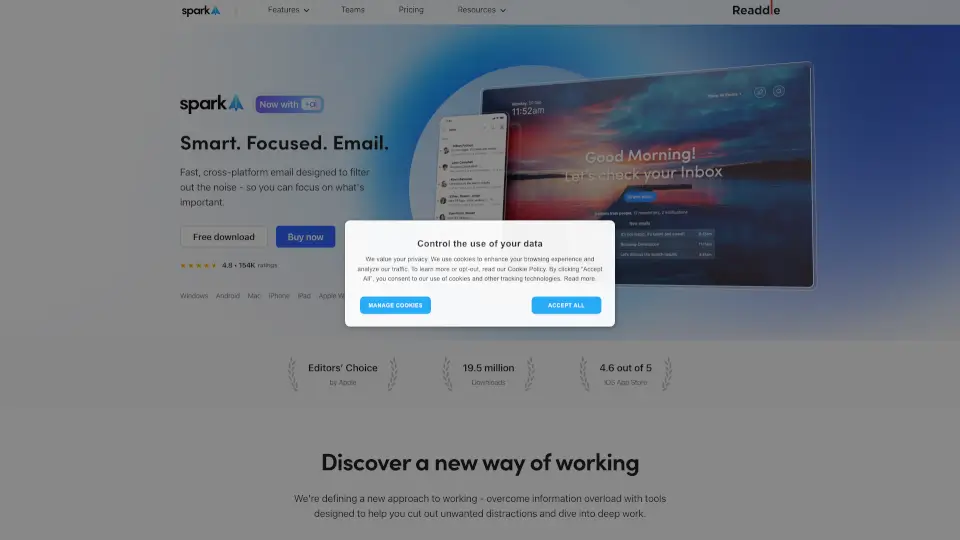
Spark Mail helps you manage your inbox efficiently, focusing on what’s important while filtering out distractions.

Social Media:
Spark Mail

Spark Mail Product Information

What is Spark Mail?

Spark Mail helps you take control of your inbox by showing what’s important right away and letting you quickly clean up the rest. It’s a fast, cross-platform email app designed to filter out noise so you can focus on what matters. Whether you’re juggling personal messages or working with a team, Spark keeps you organized and distraction-free.

What are the features of Spark Mail?

  • Smart Inbox
    Automatically sorts emails into priority, newsletters, and notifications so you see the important stuff first.
  • AI Assistant
    Write, summarize, translate, and take action on emails faster with built-in AI help.
  • Gatekeeper
    Screen and block unwanted senders before their emails hit your inbox.
  • Priority Emails
    Highlight messages from your most important contacts so you never miss a thing.
  • Snooze & Send Later
    Delay emails until you’re ready, or schedule them to send at the perfect time.
  • Group by Sender
    Bundle all emails from a preferred sender for easy scanning.
  • Team Collaboration
    Share drafts, leave private comments, and delegate emails to colleagues in real-time.

What are the use cases of Spark Mail?

  • Busy professional
    who needs to cut through email clutter and focus on top-priority messages.
  • Freelancer
    balancing multiple accounts – Spark syncs all your email (Gmail, iCloud, Outlook, IMAP, etc.) in one place.
  • Team lead
    who wants to collaborate on email replies without back-and-forth forwarding.
  • Student
    handling course notifications and personal correspondence – the Smart Inbox separates newsletters from important notes.
  • Remote worker
    needing to stay productive across devices (Windows, Mac, iPhone, iPad, Android, Apple Watch).

How to use Spark Mail?

  • Set up Priority contacts
    Mark your most important people so their emails always appear at the top.
  • Use Gatekeeper
    Enable it to screen unknown senders – review them anytime before deciding to allow or block.
  • Snooze a message
    Swipe or right-click to put an email aside; it will come back when you’re ready.
  • Try the AI Assistant
    Click the assistant icon to summarize a long thread or ask it to find something in your inbox.
  • Collaborate on a draft
    Share an email with a teammate, add private comments, and finalize it together.
  • Clean up newsletters
    Spark automatically routes subscription emails to a separate “Newsletters” folder – just browse and delete in bulk.

Do you like this tool?

Upvote to help others discover it!

Spark Mail Alternatives

MagicAI by Spike

MagicAI by Spike

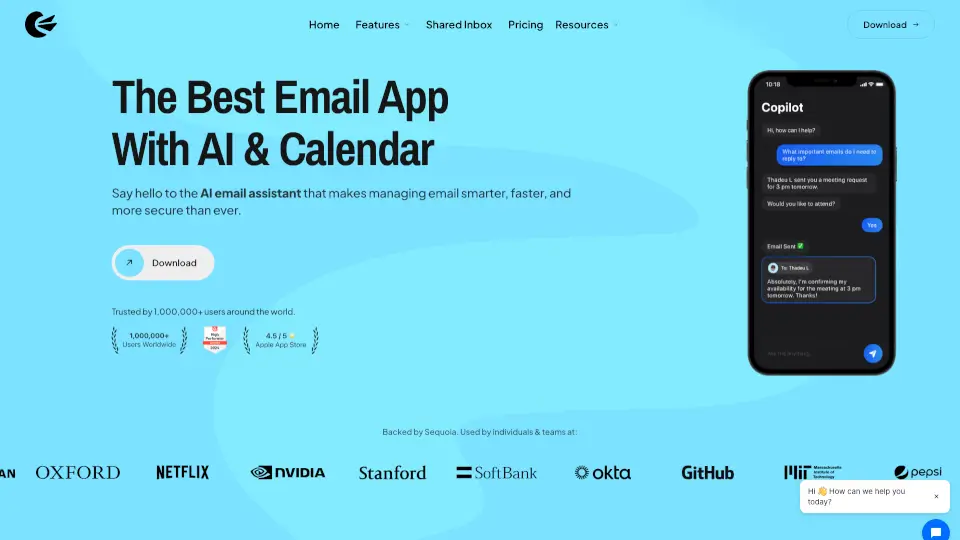
Spike AI boosts productivity by turning your email into an intelligent, all-in-one workspace with AI-powered writing, summarization, and team collaboration.

US
37.44%
127.4K
0
BlueMail

BlueMail

BlueMail is a free, cross-platform email app with a unified inbox, AI-powered tools, and advanced organization features.

US
12.03%
339.5K
0
Canary Mail

Canary Mail

Canary Mail is the best email app for managing multiple accounts, boosting productivity, and keeping your inbox secure with AI-powered features.

US
17.53%
140.2K
0
Mailbird

Mailbird

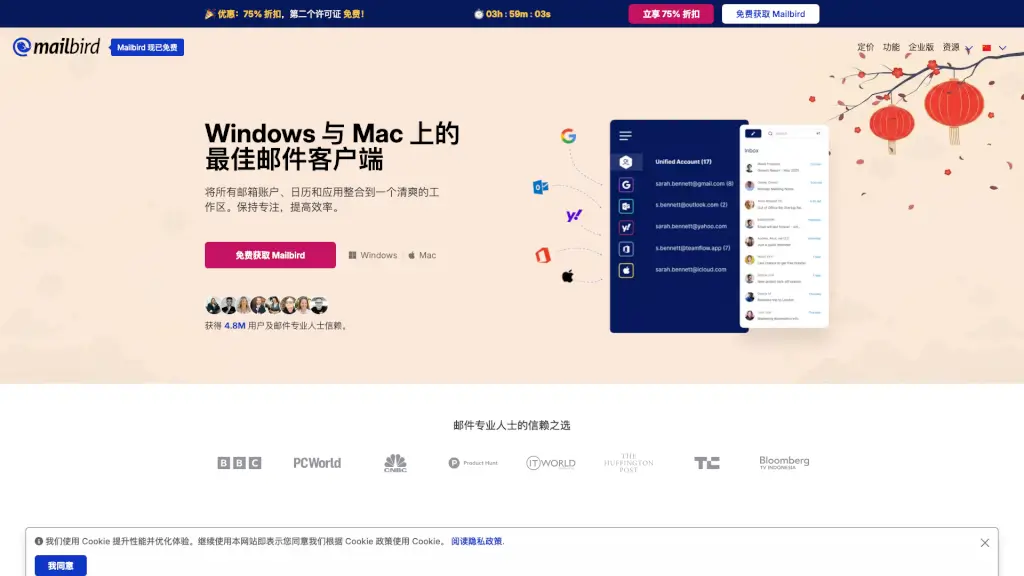
Mailbird is the best email client for Windows and Mac to manage multiple accounts, boost productivity, and simplify your inbox in 2026.

US
21.19%
354.4K
0
Mailbutler AI

Mailbutler AI

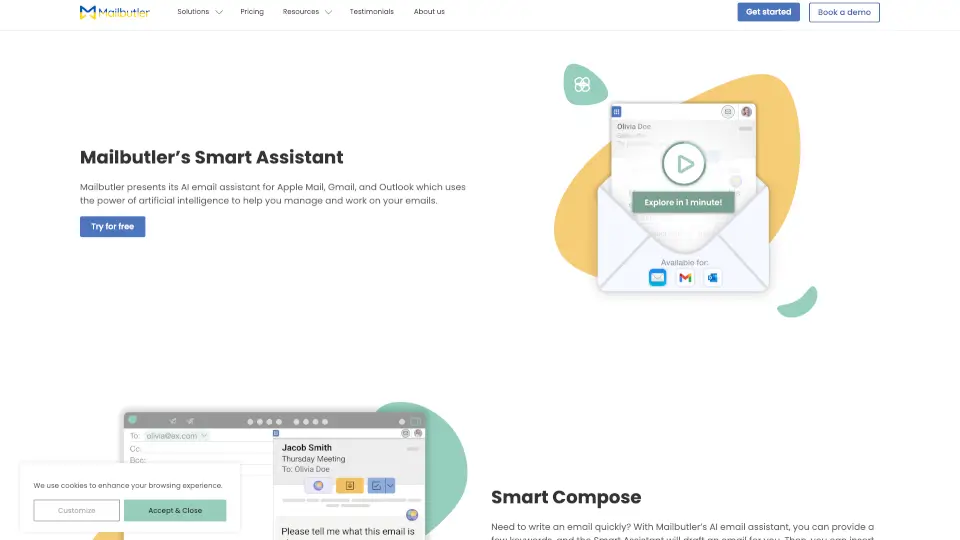
Mailbutler’s Smart Assistant is an AI-powered tool that simplifies email management, saving you time and effort. Try it today!

US
29.62%
51.7K
0
Inbox Zero

Inbox Zero

Inbox Zero is the ultimate AI email assistant that helps you automate, organize, and clean your inbox in minutes. It’s open-source, privacy-first, and trusted by thousands.

US
54.14%
83.7K
0
Spike

Spike

Spike is a game-changer for team collaboration, combining chat, email, meetings, and docs in one platform. It’s designed to boost productivity and simplify communication for teams of all sizes.

US
37.44%
127.4K
0
MailMaestro

MailMaestro

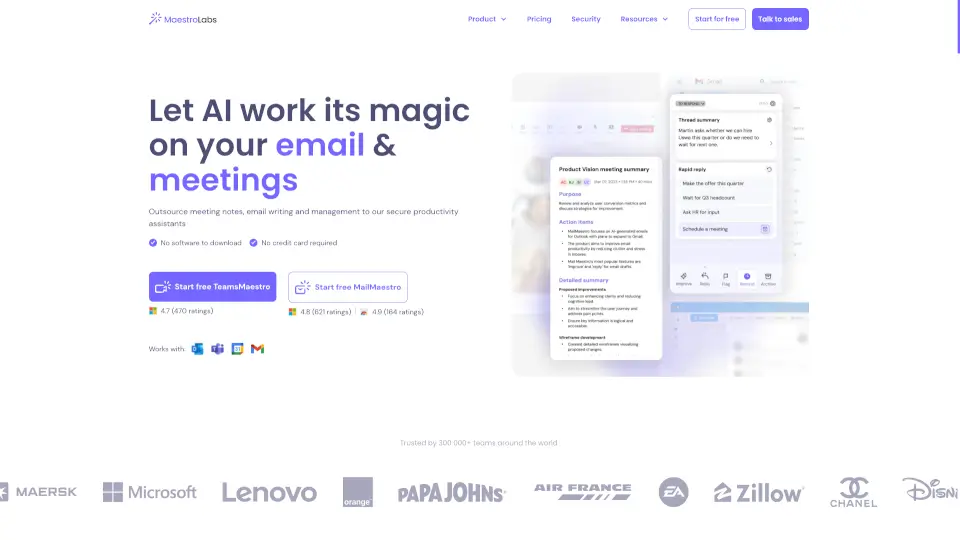
Maestro Labs offers secure, native AI tools for Outlook, Gmail, and Teams that automate email writing, meeting notes, and calendar management to save professionals 8+ hours weekly.

US
22.67%
50.8K
0

Spark Mail Related Other Categories

Spark Mail Traffic Analysis

Website traffic estimates for sparkmailapp.com. Visits are not unique users or product usage.

💡 Insights

⭐
Medium Scale
100K-1M monthly visits. Growing tool with active development.
⚠️
Slight Decline
Traffic has slightly decreased recently.
👍
Good Experience
Bounce rate of 45%. Users are willing to explore features.
  • Monthly Visits

    502.99K

  • Bounce Rate

    44.66%

  • Pages Per Visit

    1.97

  • Visit Duration

    00:01:04

  • Global Rank

    108340

  • Country Rank

    85418

Visits Over Time

Traffic Sources

Direct44.27%
Search Organic41.50%
Referrals6.16%
Social Organic2.53%
Search Paid1.97%
Mail1.86%
Gen Ai1.60%
Display Ads0.11%
Social Paid0.00%
Affiliate0.00%

Top Keywords

1
spark
CPC$1.19
21.67KTraffic
2
spark mail
CPC$1.86
20.17KTraffic
3
aol mail
CPC$1.78
15.68KTraffic
4
aol.mail
CPC$1.78
14.67KTraffic
5
spark email
CPC$2.27
10.94KTraffic

Top Regions

RegionPercentage
United States
United States
33.93%
Japan
Japan
6.17%
United Kingdom
United Kingdom
5.99%
Germany
Germany
5.92%
Italy
Italy
3.83%
Low
High

Powered by SimilarWeb

Spark Mail FAQ

Is Spark Mail free to use?

Yes, Spark offers a free version with core features. Paid plans unlock advanced tools like the AI Assistant and team collaboration.

How does the AI Assistant help me write better emails?

You can ask the assistant to draft a reply, rephrase a sentence, or translate an email. It also summarizes long threads so you can grasp the key points fast.

Can I connect multiple email accounts to Spark?

Absolutely. Spark works with Gmail, iCloud, Exchange, Outlook, Yahoo, IMAP, and more – all synced across your devices.

What is Gatekeeper and how do I use it?

Gatekeeper screens emails from people you haven’t contacted before. You can review them in a special folder and either allow or block the sender. It’s a great way to avoid spam.

Does Spark work with teams?

Yes. Team features let you share drafts, leave comments, and assign ownership of emails. It’s perfect for small businesses or groups that need to coordinate replies.

How is my privacy protected?

Spark keeps your data secure and private. Your information is only used to improve the product and is never shared with third parties. Storage and encryption use Google Cloud.

Spark Mail Reviews

0
0 Reviews
Sign Into leave a review

Recent Reviews

No reviews yet

Spark Mail Embed

Use website badges to drive community support for SeekTool.ai. They are easy to embed in your homepage or footer.

Light
Dark
Spark Mail - Featured on SeekTool.aiSpark Mail - Featured on SeekTool.ai
How to install?

Category Rankings

Ranked by monthly traffic