What is Spark Mail?
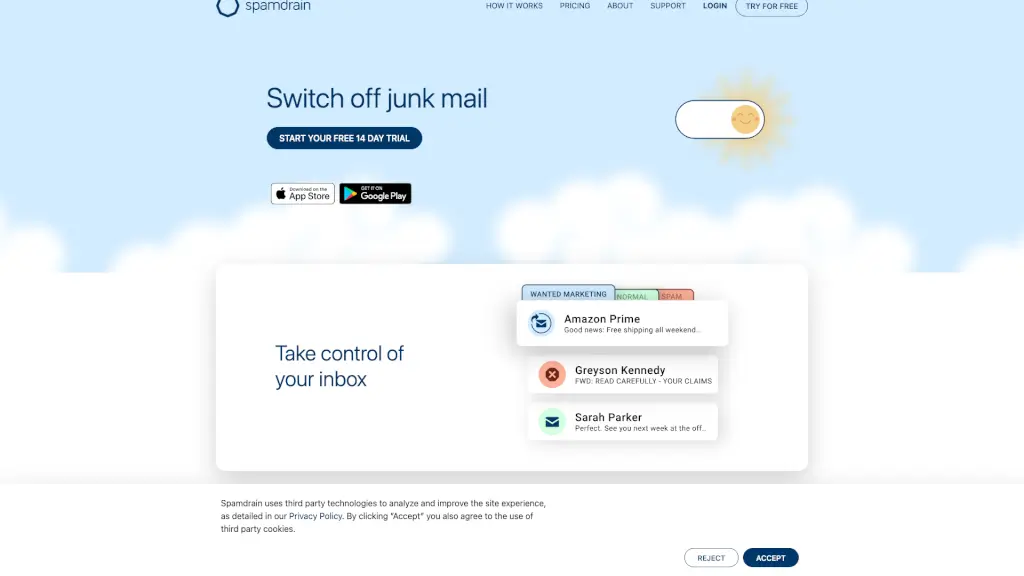
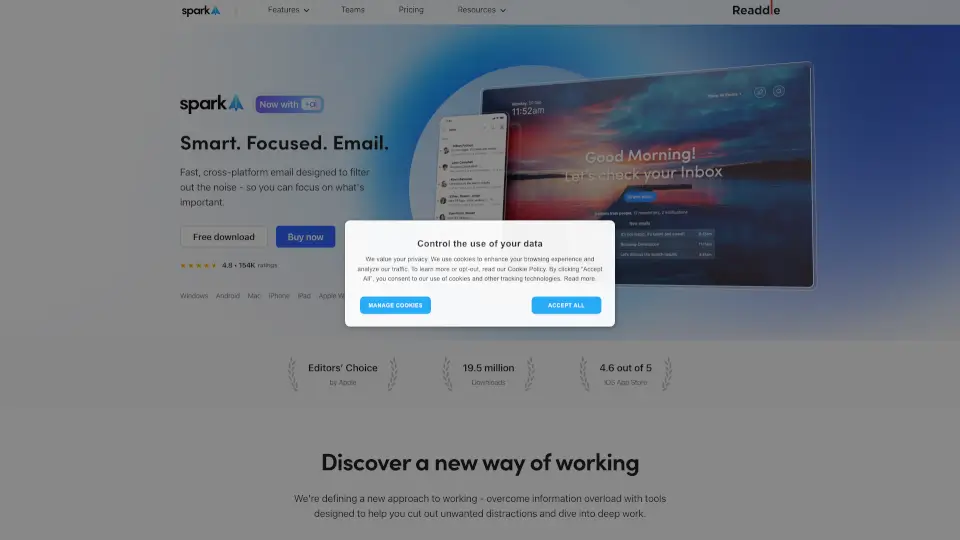
Spark Mail helps you take control of your inbox by showing what’s important right away and letting you quickly clean up the rest. It’s a fast, cross-platform email app designed to filter out noise so you can focus on what matters. Whether you’re juggling personal messages or working with a team, Spark keeps you organized and distraction-free.
What are the features of Spark Mail?
- Smart Inbox: Automatically sorts emails into priority, newsletters, and notifications so you see the important stuff first.
- AI Assistant: Write, summarize, translate, and take action on emails faster with built-in AI help.
- Gatekeeper: Screen and block unwanted senders before their emails hit your inbox.
- Priority Emails: Highlight messages from your most important contacts so you never miss a thing.
- Snooze & Send Later: Delay emails until you’re ready, or schedule them to send at the perfect time.
- Group by Sender: Bundle all emails from a preferred sender for easy scanning.
- Team Collaboration: Share drafts, leave private comments, and delegate emails to colleagues in real-time.
What are the use cases of Spark Mail?
- Busy professional who needs to cut through email clutter and focus on top-priority messages.
- Freelancer balancing multiple accounts – Spark syncs all your email (Gmail, iCloud, Outlook, IMAP, etc.) in one place.
- Team lead who wants to collaborate on email replies without back-and-forth forwarding.
- Student handling course notifications and personal correspondence – the Smart Inbox separates newsletters from important notes.
- Remote worker needing to stay productive across devices (Windows, Mac, iPhone, iPad, Android, Apple Watch).
How to use Spark Mail?
- Set up Priority contacts: Mark your most important people so their emails always appear at the top.
- Use Gatekeeper: Enable it to screen unknown senders – review them anytime before deciding to allow or block.
- Snooze a message: Swipe or right-click to put an email aside; it will come back when you’re ready.
- Try the AI Assistant: Click the assistant icon to summarize a long thread or ask it to find something in your inbox.
- Collaborate on a draft: Share an email with a teammate, add private comments, and finalize it together.
- Clean up newsletters: Spark automatically routes subscription emails to a separate “Newsletters” folder – just browse and delete in bulk.