
What is SaneBox?
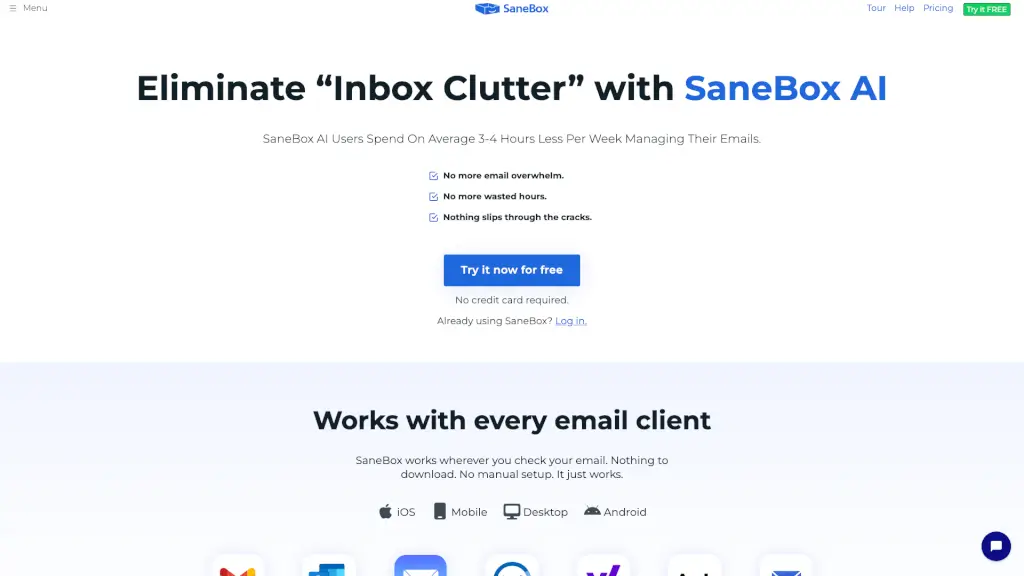
Tired of drowning in emails? SaneBox is an AI-powered email assistant that works behind the scenes to automatically sort your inbox—so you only see what truly matters. It learns your preferences over time and filters out unimportant messages, helping you save 3–4 hours every week without changing how you use email.
Whether you’re on Gmail, Outlook, Apple Mail, or any other major provider, SaneBox integrates seamlessly with your existing setup—no downloads, no complicated setup. Just connect it once, and it quietly organizes your incoming mail so you can focus on real work instead of inbox chaos.
What are the features of SaneBox?
- Smart Email Filtering: Automatically moves low-priority emails out of your main inbox using AI that learns from your behavior.
- BlackHole: One-click tool to permanently block annoying senders and unsubscribe from newsletters you never read.
- Snooze: Temporarily hide emails and have them return at a better time (like Monday morning instead of Friday night).
- Follow-Up Reminders: Get automatic alerts if someone doesn’t reply to your message by a set deadline—or remind your future self about pending tasks.
- Daily Digest: A single daily summary of all filtered emails you haven’t opened, so nothing important gets lost.
- Universal Compatibility: Works with Gmail, Microsoft 365, iCloud, Yahoo, Fastmail, and any IMAP/Exchange server—on desktop, iOS, or Android.
What are the use cases of SaneBox?
- Busy professionals managing 100+ emails daily who need to prioritize client messages over newsletters.
- Executives who want to avoid missing critical follow-ups while reducing inbox distractions.
- Remote teams collaborating across time zones who need reliable email reminders and clean inboxes.
- Students or educators juggling multiple accounts who want to minimize email stress.
- Real estate agents handling hundreds of leads daily (like Ryan Serhant’s team) who rely on timely responses.
- Freelancers who need to track client communications without getting buried in promotional spam.
How to use SaneBox?
- Sign up for the 14-day free trial at sanebox.com—no credit card required.
- Connect your email account securely using OAuth (your password is never stored).
- Let SaneBox analyze your past emails for a few days to learn what’s important to you.
- Start using features like Snooze, BlackHole, and Follow-Up Reminders right from your existing email app.
- Check your “SaneLater” or “SaneBlackHole” folders to review filtered messages or blocked senders.
- Adjust settings anytime via the SaneBox dashboard or mobile app to fine-tune filtering sensitivity.