What is Mailbutler?
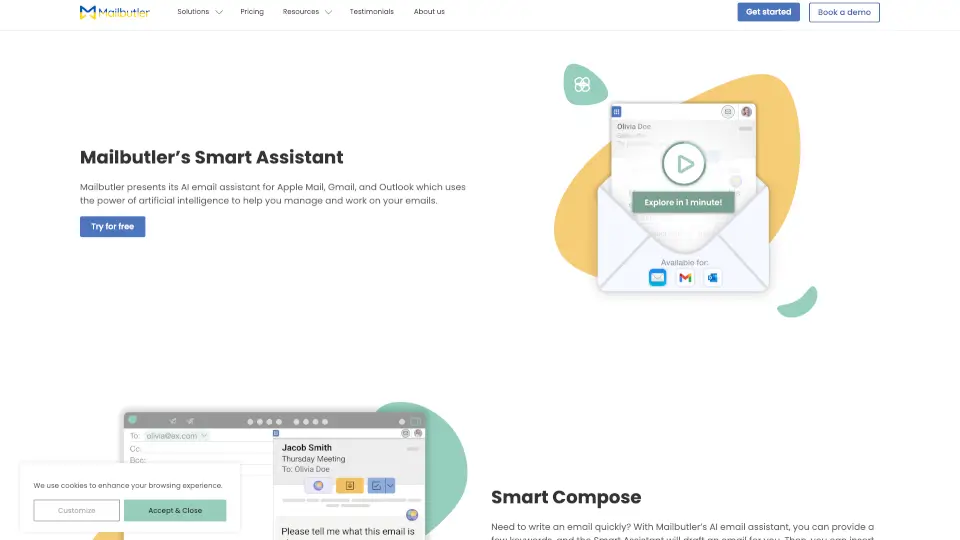
Mailbutler is a straightforward extension that transforms your everyday inbox into a smart, organized workspace. Whether you’re juggling client emails, managing a shared team mailbox, or running solo, this tool steps in to save your time and reduce inbox clutter. It plugs right into Apple Mail, Gmail, and Outlook, giving you real-time tracking, automated scheduling, collaborative tagging, and polished signature marketing—all without forcing you to switch apps. The best part? You can explore every feature risk-free with a generous 14-day trial that doesn’t ask for a credit card upfront. Built with privacy-first principles, Mailbutler keeps your data locked down while helping you communicate more intentionally.
What are the features of Mailbutler?
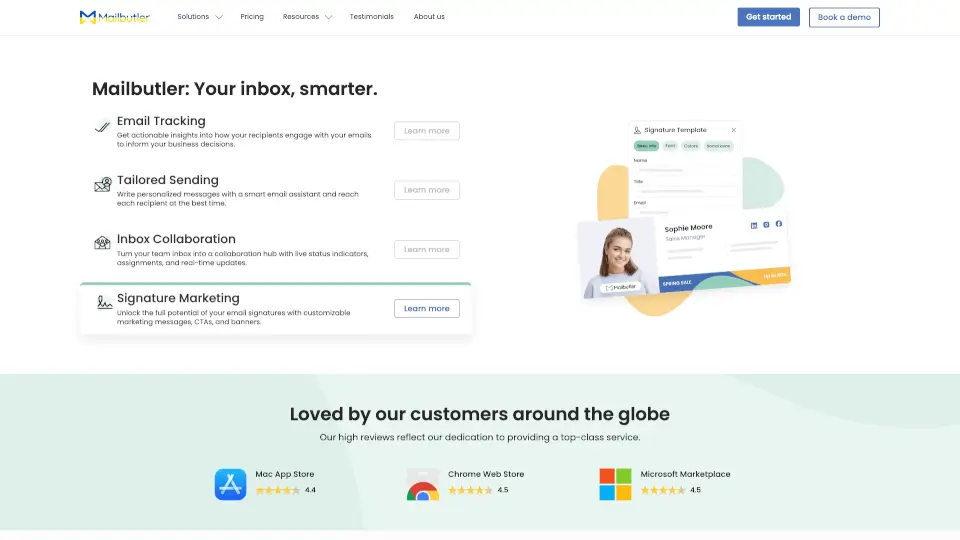
- Email Tracking: Get instant notifications when someone opens your email or clicks a link, so you can follow up at the perfect moment instead of guessing.
- Tailored Sending: Blast personalized messages at scale using mail merge, and let the app schedule each email for when that specific recipient is most likely to engage.
- Inbox Collaboration: Convert a shared mailbox into a smooth teamwork hub with live status indicators, assignment tags, and internal notes to stop overlapping replies.
- Signature Marketing: Design consistent, clickable email footers featuring promotions, social links, or calendar bookings that update automatically across every message.
- AI Smart Assistant: Request quick drafts, rewrites, or summaries powered by modern AI—contact details are masked to keep your privacy intact during processing.
- Cross-Platform Compatibility: Works natively across Apple Mail, Gmail, and Outlook, ensuring your team stays synchronized regardless of their preferred desktop client.
- Bank-Level Security: Hosted on encrypted servers in Frankfurt, fully GDPR compliant, and independently audited (ISO/IEC 27001). We never store or read your actual message content.
What are the use cases of Mailbutler?
- Sales outreach: Monitor prospect engagement in real time, then prioritize warm leads who clicked your pricing link while letting cooler prospects wait for a better follow-up window.
- Customer support workflows: Assign incoming tickets to the right specialist instantly, tag urgent issues, and share context privately so resolution times drop dramatically.
- Freelancer branding: Swap plain email signatures for dynamic marketing cards that highlight recent projects, client logos, and booking links, boosting credibility on autopilot.
- Newsletter distribution: Combine tailored sending with performance tracking to figure out which subject lines and send times drive the highest opens, then iterate quickly.
- Project handoffs: Leave detailed internal comments attached to specific threads so new team members can jump in without digging through weeks of forwarded emails.
How to use Mailbutler?
- Download and install Mailbutler from the Mac App Store, Chrome Web Store, or Microsoft Marketplace based on your preferred platform.
- Create a free account and grant the necessary permissions to link your Apple Mail, Gmail, or Outlook inbox—it takes less than thirty seconds.
- Flip on the tracking toggle for outbound emails, then navigate to Settings to customize which notifications you want to see in your toolbar.
- Set up your first mail merge template by mapping columns from a spreadsheet, then select “Schedule” to let Mailbutler find the optimal send window.
- Review your data controls in the dashboard to decide how long your activity history is kept, ensuring your privacy preferences always match your comfort level.