
Lightfield logo

Lightfield

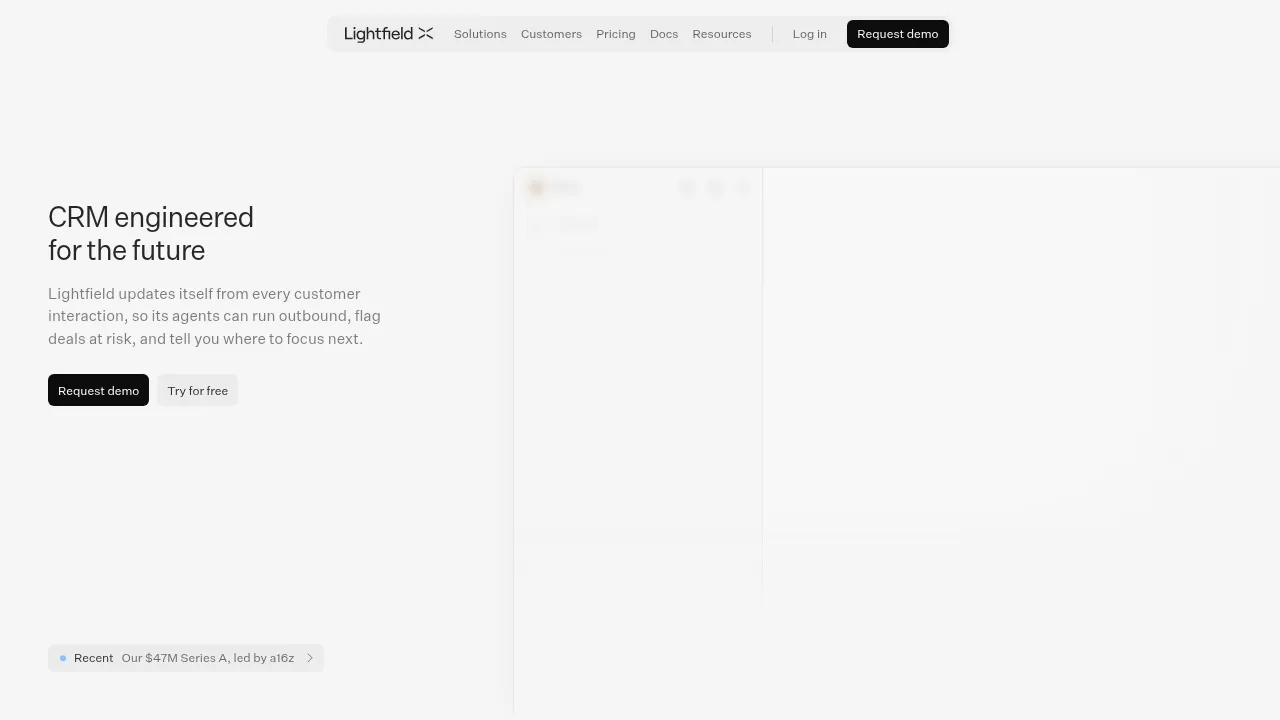
Lightfield is a CRM that builds a temporal context graph from customer interactions to automate sales tasks and surface pipeline insights.

Lightfield

Lightfield Product Information

What is Lightfield?

Lightfield is an AI-native CRM that automatically updates customer records from calls, emails, and meetings. It provides agents to run outbound outreach, flag at-risk deals, and surface buying signals for sales teams. Access requires a demo request or signing up for a free trial.

What are the features of Lightfield?

  • Automatic interaction capture
    Connects email, calendar, Slack, and LinkedIn to ingest customer interactions and keep records structured without manual entry.
  • Buying signal tracking
    Monitors accounts and contacts for events such as executive hires, funding rounds, headcount growth, and tech stack changes.
  • Sales skills
    Executes predefined workflows including account research, call prep, meeting recaps, follow-up emails, deal reviews, and proposal drafts.
  • Multi-channel sequences
    Runs outreach campaigns with steps like LinkedIn connection requests and emails, enforcing constraints such as keeping messages under 80 words.
  • Agent infrastructure
    Uses a standardized SDK, deterministic code sandbox, and continuous evaluations to give agents consistent access to records.
  • Open data access
    Allows reading and writing every record through API, MCP, and CLI.

What are the use cases of Lightfield?

  • Legacy CRM migration
    An agent ingests existing CRM data and recreates the data model, with two-way sync available to run alongside Salesforce or Hubspot during transition.
  • Churn analysis
    Queries lost accounts to identify shared blockers across conversations, such as missing SSO causing stalls in security review.
  • New hire ramping
    Delivers suggested next steps based on a company's messaging, sales process, and qualification framework files.

How to use Lightfield?

  • Web deal review workflow:
  1. Start a chat
    Open a new chat and instruct the system to run the Deal review skill on a specific account.
  2. Review agent analysis
    Read the output, which pulls recent interactions and judges the deal against uploaded qualification framework files.
  3. Approve or dismiss
    Evaluate the generated follow-up email draft in the review queue and select Approve to send or Dismiss.

Lightfield Pricing Information:

  • Free trial
    Available via a "Try for free" option; specific limits are not stated.
  • Demo access
    Requires submitting a demo request form.

Do you like this tool?

Upvote to help others discover it!

Lightfield Alternatives

Spotlight

Spotlight

Spotlight.ai revolutionizes sales by autonomously managing deals, qualifying opportunities, and providing actionable insights for higher win rates and predictable pipelines.

US
55.59%
8.5K
0
Outreach

Outreach

Outreach provides AI agents that automate prospecting, deal management, and forecasting across the revenue lifecycle.

US
42.07%
255.1K
0
Salesforge

Salesforge

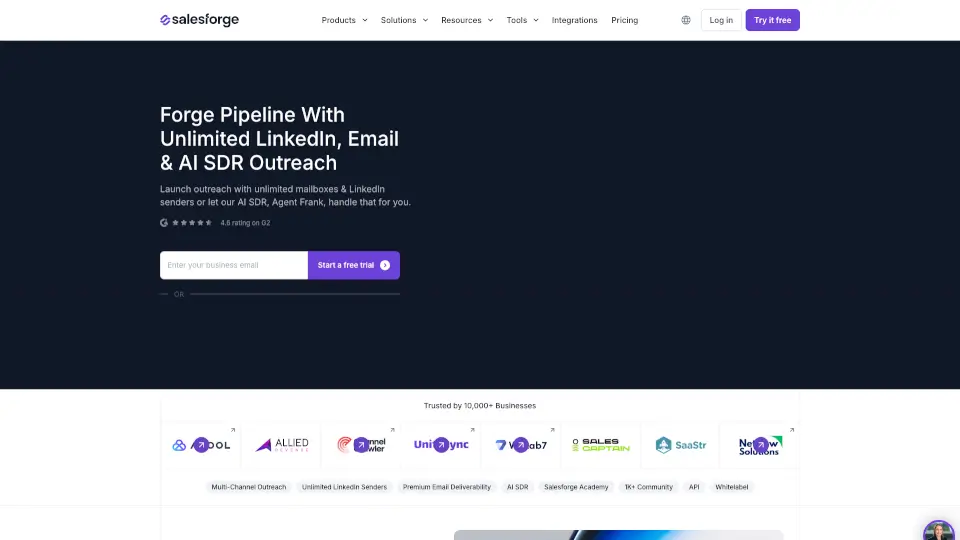
Salesforge blends AI + human outreach to scale pipelines effortlessly. With autonomous SDRs, multi-language support, and bulletproof deliverability, it’s a game-changer for sales teams and agencies.

US
18.15%
262.7K
0
Smartlead

Smartlead

Smartlead centralizes high-volume cold email sending, warm-up, and reply management for sales teams through unlimited connected mailboxes.

US
27.91%
912.9K
0
Salesforce AI

Salesforce AI

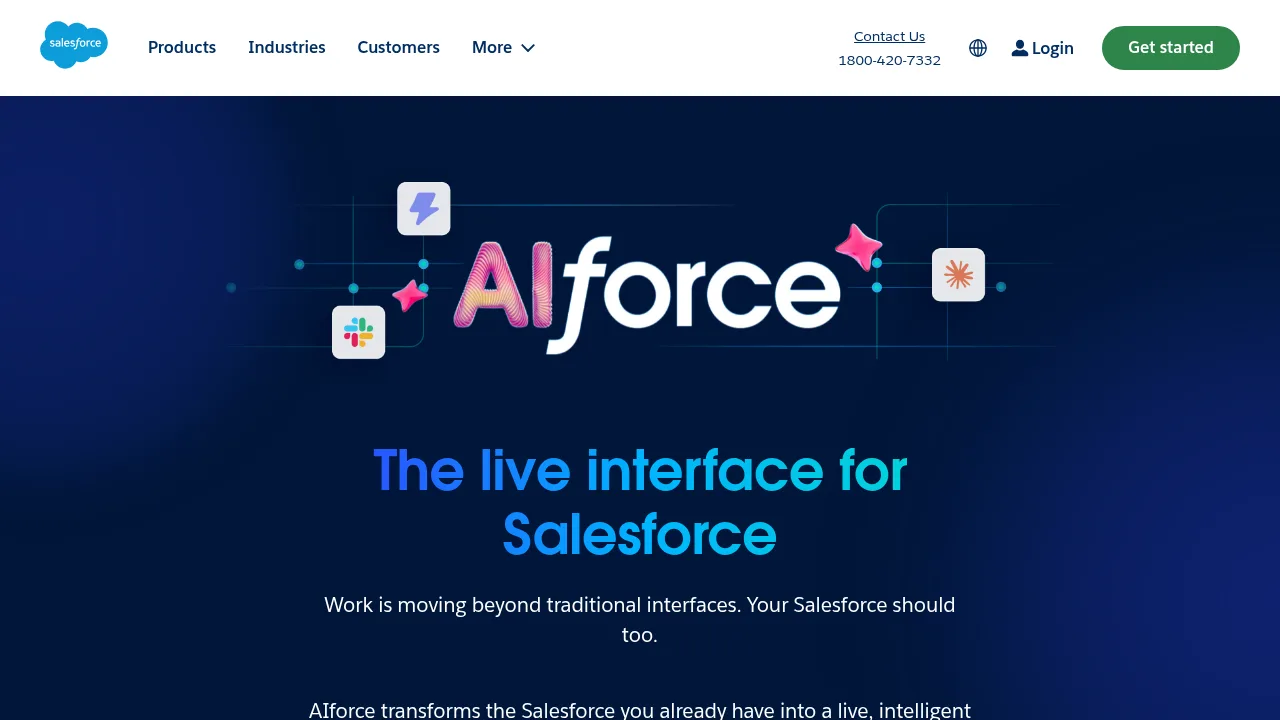
Salesforce AIforce surfaces CRM data, permissions, and automation inside external tools like Slack, Claude, and custom applications.

US
42.14%
109.5M
0
Brightcall AI Agent

Brightcall AI Agent

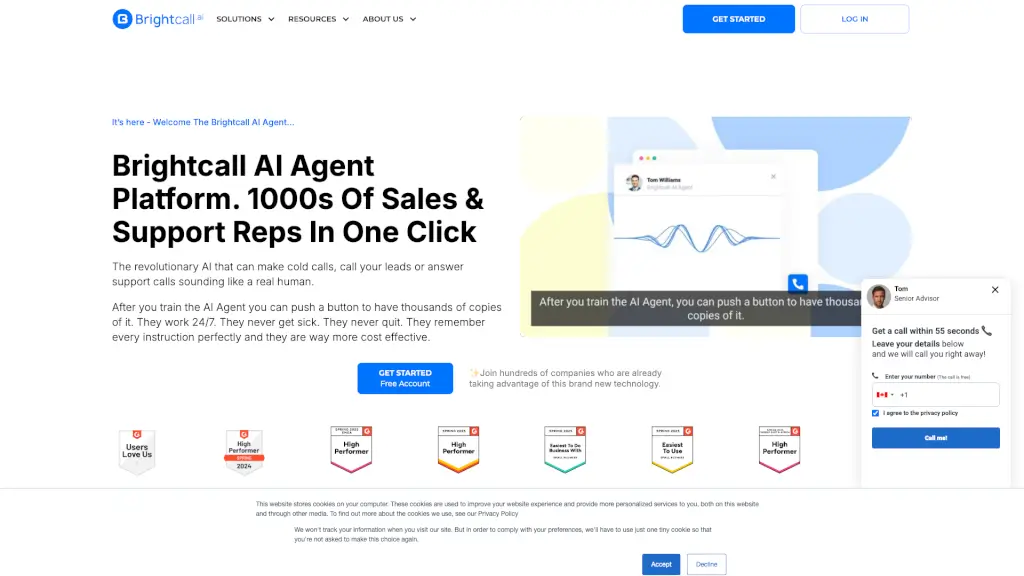
Brightcall.ai is a comprehensive communication platform that helps businesses optimize sales, improve ROI, and enhance customer experience through AI-powered tools like the AI Agent, Multi Line Dialer, and Speed To Lead.

US
37.14%
11.0K
0
GetSales.io

GetSales.io

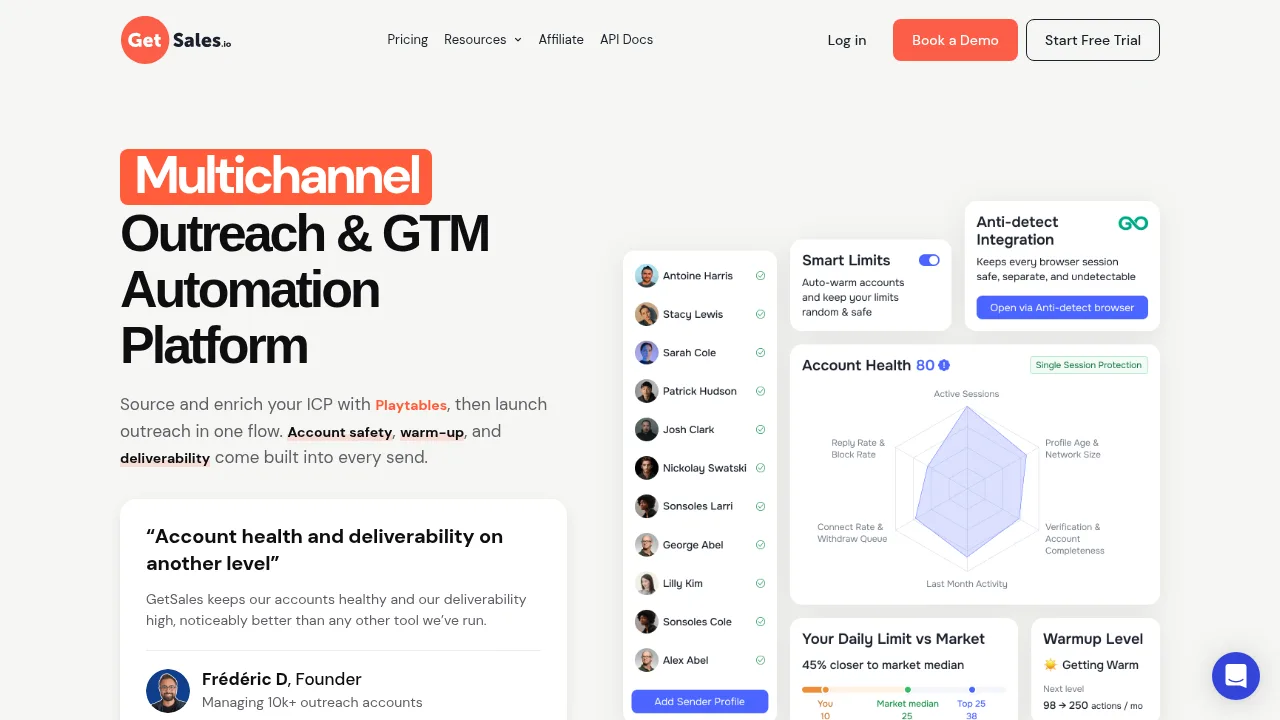
GetSales.io automates multichannel B2B outreach using isolated cloud sessions, automated sending limits, and account health monitoring.

US
42.59%
55.2K
0
Clientell

Clientell

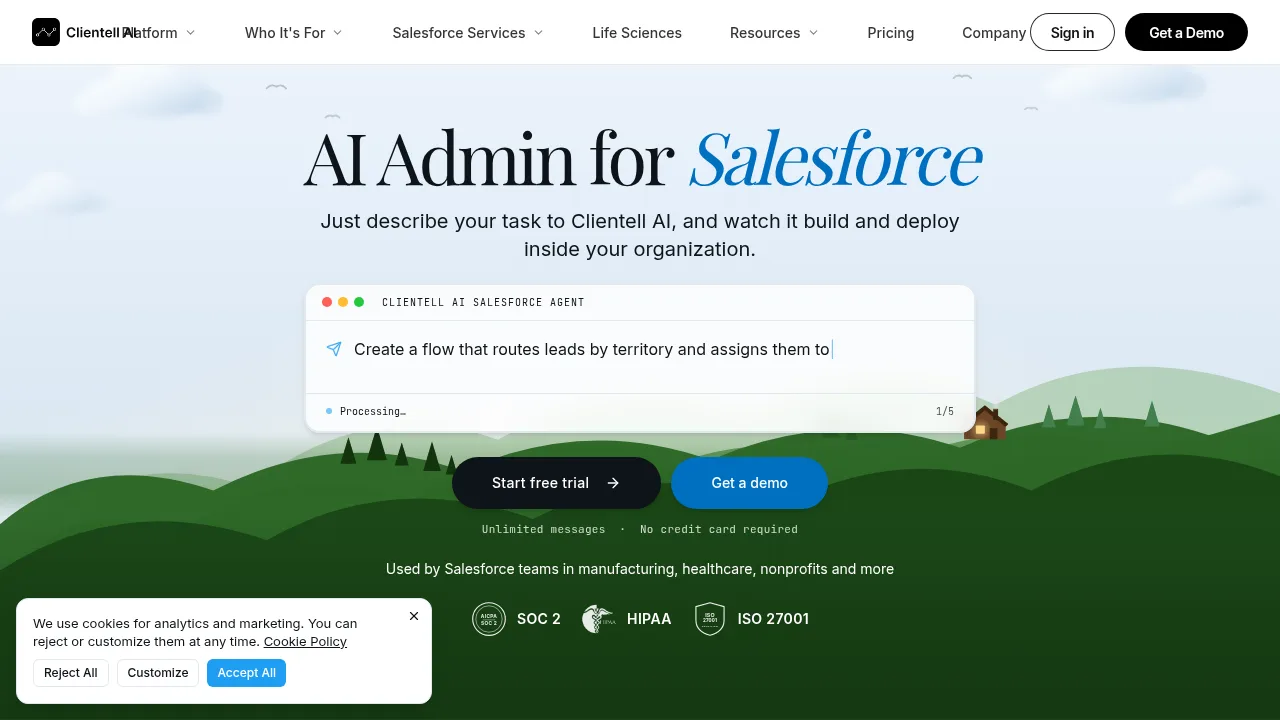
Clientell AI drafts and deploys Salesforce configurations like flows, Apex, and data fixes from plain English instructions with mandatory approval steps.

IN
73.10%
9.4K
0

Lightfield Related Other Categories

Lightfield Traffic Analysis

Website traffic estimates for lightfield.com. Visits are not unique users or product usage.

💡 Insights

🔍
Niche Tool
Lower traffic volume. Likely new or highly specialized. Good for early adopters.
⚠️
Slight Decline
Traffic has slightly decreased recently.
👍
Good Experience
Bounce rate of 54%. Users are willing to explore features.
🌍
United States Dominant
100% users from United States. Optimized for this market.
  • Monthly Visits

    4.10K

  • Bounce Rate

    54.33%

  • Pages Per Visit

    1.90

  • Visit Duration

    00:00:43

  • Global Rank

    3779361

  • Country Rank

    1203872

Visits Over Time

Traffic Sources

Direct41.47%
Search Organic34.42%
Mail6.72%
Referrals5.35%
Search Paid4.53%
Social Organic2.78%
Gen Ai1.34%
Affiliate1.31%
Social Paid1.13%
Display Ads0.95%

Top Keywords

1
lightfield
CPC$14.00
930Traffic
2
lightfield crm
CPC$5.32
420Traffic
3
lightfield ai
290Traffic
4
competitor attio eua new crm
290Traffic
5
lightfield costing
210Traffic

Top Regions

RegionPercentage
United States
United States
100.00%
Low
High

Powered by SimilarWeb

Lightfield FAQ

Can Lightfield operate alongside my current CRM?

Yes, a two-way sync allows running Lightfield while workflows continue in Salesforce or Hubspot.

How does the system handle custom sales processes?

Users upload files such as SKILL.md, qualification.md, and sales-process.md to configure skills like Deal review against their specific frameworks.

Lightfield Reviews

0
0 Reviews
Sign Into leave a review

Recent Reviews

No reviews yet

Lightfield Embed

Use website badges to drive community support for SeekTool.ai. They are easy to embed in your homepage or footer.

Light
Dark
Lightfield - Featured on SeekTool.aiLightfield - Featured on SeekTool.ai
How to install?