
What is Lightfield?
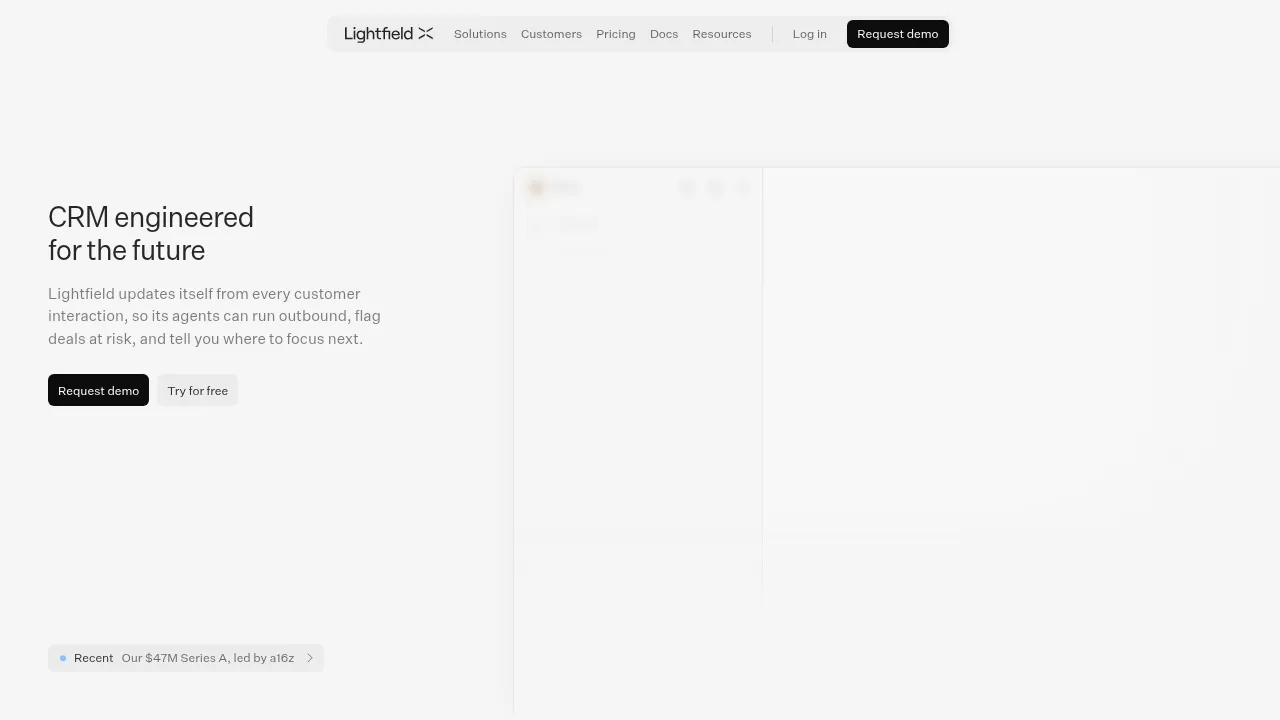
Lightfield is an AI-native CRM that automatically updates customer records from calls, emails, and meetings. It provides agents to run outbound outreach, flag at-risk deals, and surface buying signals for sales teams. Access requires a demo request or signing up for a free trial.
What are the features of Lightfield?
- Automatic interaction captureConnects email, calendar, Slack, and LinkedIn to ingest customer interactions and keep records structured without manual entry.
- Buying signal trackingMonitors accounts and contacts for events such as executive hires, funding rounds, headcount growth, and tech stack changes.
- Sales skillsExecutes predefined workflows including account research, call prep, meeting recaps, follow-up emails, deal reviews, and proposal drafts.
- Multi-channel sequencesRuns outreach campaigns with steps like LinkedIn connection requests and emails, enforcing constraints such as keeping messages under 80 words.
- Agent infrastructureUses a standardized SDK, deterministic code sandbox, and continuous evaluations to give agents consistent access to records.
- Open data accessAllows reading and writing every record through API, MCP, and CLI.
What are the use cases of Lightfield?
- Legacy CRM migrationAn agent ingests existing CRM data and recreates the data model, with two-way sync available to run alongside Salesforce or Hubspot during transition.
- Churn analysisQueries lost accounts to identify shared blockers across conversations, such as missing SSO causing stalls in security review.
- New hire rampingDelivers suggested next steps based on a company's messaging, sales process, and qualification framework files.
How to use Lightfield?
- Web deal review workflow:
- Start a chatOpen a new chat and instruct the system to run the Deal review skill on a specific account.
- Review agent analysisRead the output, which pulls recent interactions and judges the deal against uploaded qualification framework files.
- Approve or dismissEvaluate the generated follow-up email draft in the review queue and select Approve to send or Dismiss.
Lightfield Pricing Information:
- Free trialAvailable via a "Try for free" option; specific limits are not stated.
- Demo accessRequires submitting a demo request form.