
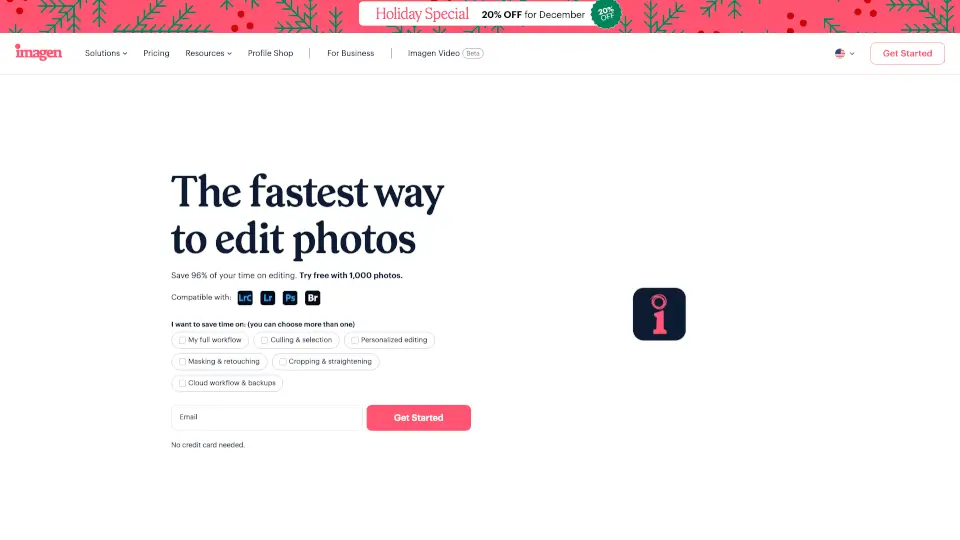
What is Imagen AI?
Tired of spending hours editing photos after a long shoot? Imagen is an AI-powered photo editor and culling software built specifically for photographers who want to reclaim their time without sacrificing their unique style. Instead of manually adjusting every image, Imagen learns how you edit—your color preferences, tone curves, cropping habits—and applies that knowledge across entire galleries in seconds.
Whether you shoot weddings, real estate, portraits, or events, Imagen handles the repetitive grunt work like culling blurry shots, fixing exposure, straightening horizons, and applying consistent color grading. That means you can deliver sneak peeks the same night and spend more time creating, not clicking sliders.
What are the features of Imagen AI?
- Personal AI Profile: Learns your editing style from past work and replicates it accurately across new photos
- Smart Photo Culling: Automatically flags and removes out-of-focus, poorly composed, or duplicate images
- AI Color Correction: Applies precise, consistent color grading based on your preferences—not generic presets
- Automatic Masking & Retouching: Intelligently isolates subjects for skin smoothing, background cleanup, and selective edits
- Perfect Framing & Horizon Correction: Auto-crops and straightens images while preserving your composition intent
- Video Color Grading: Extends AI editing to video with adaptive color correction and LUT-based styling
- Lightroom Integration: Works seamlessly with Adobe Lightroom catalogs—no need to switch workflows
- Cloud Storage & Backup: Securely stores your files so you never lose a shoot
What are the use cases of Imagen AI?
- Wedding photographers delivering same-day sneak peeks without pulling all-nighters
- Real estate pros generating listing-ready photos in minutes, not hours
- Portrait studios maintaining consistent skin tones and lighting across hundreds of client sessions
- Event photographers culling and editing 2,000+ images from a concert or conference in under an hour
- Busy parents running photography businesses who need to save time without hiring help
- Commercial photographers ensuring brand-consistent edits across product or campaign shoots
- School and sports photographers processing high-volume seasonal work efficiently
How to use Imagen AI?
- Sign up for a free trial (no credit card needed) and connect your Lightroom catalog or upload RAW files
- Let Imagen analyze 10–20 of your previously edited photos to build your Personal AI Profile
- Upload a new gallery—the AI will auto-cull, color-correct, and apply your signature style
- Review AI results using side-by-side previews, tweak key settings if needed, and approve edits
- Export directly to Lightroom, cloud storage, or client delivery platforms like Pic-Time
- Refine your AI profile over time—each manual adjustment teaches Imagen to get even better