What is FloorAI?
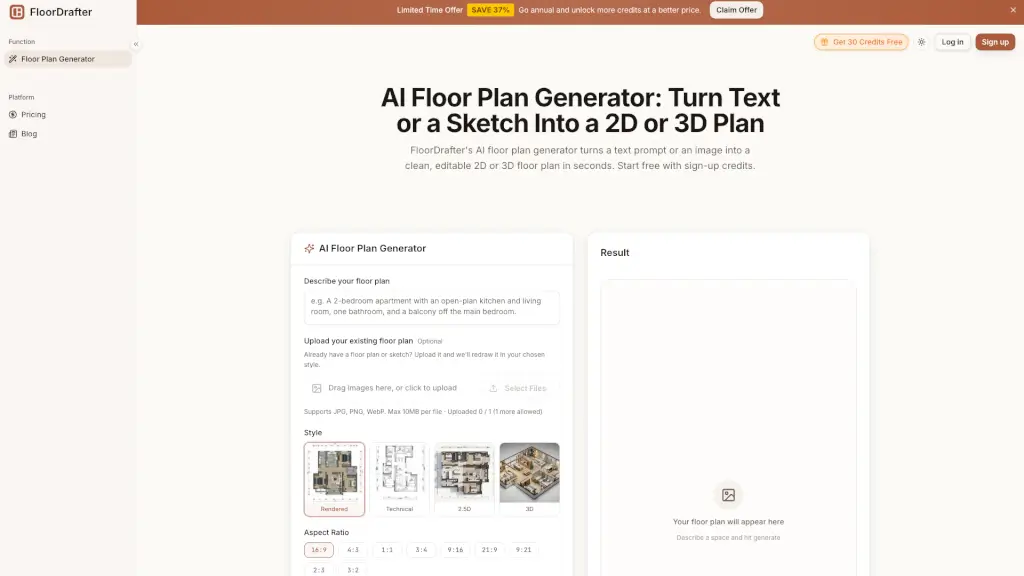
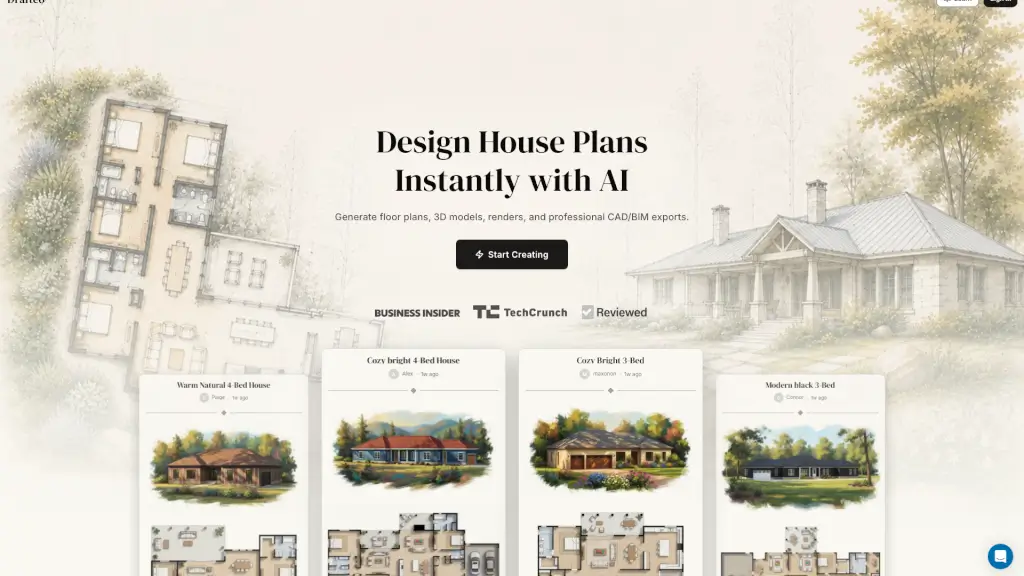
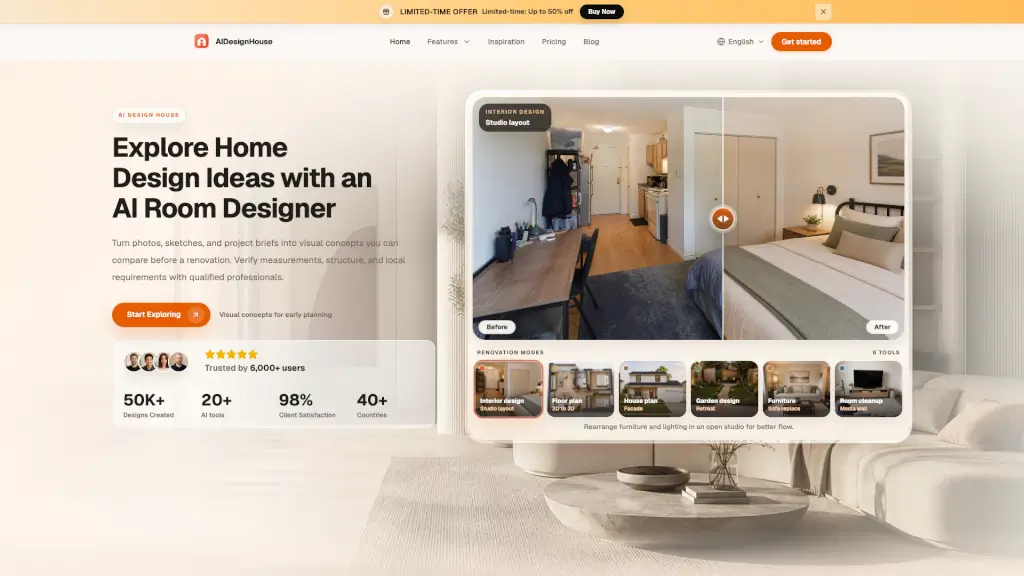
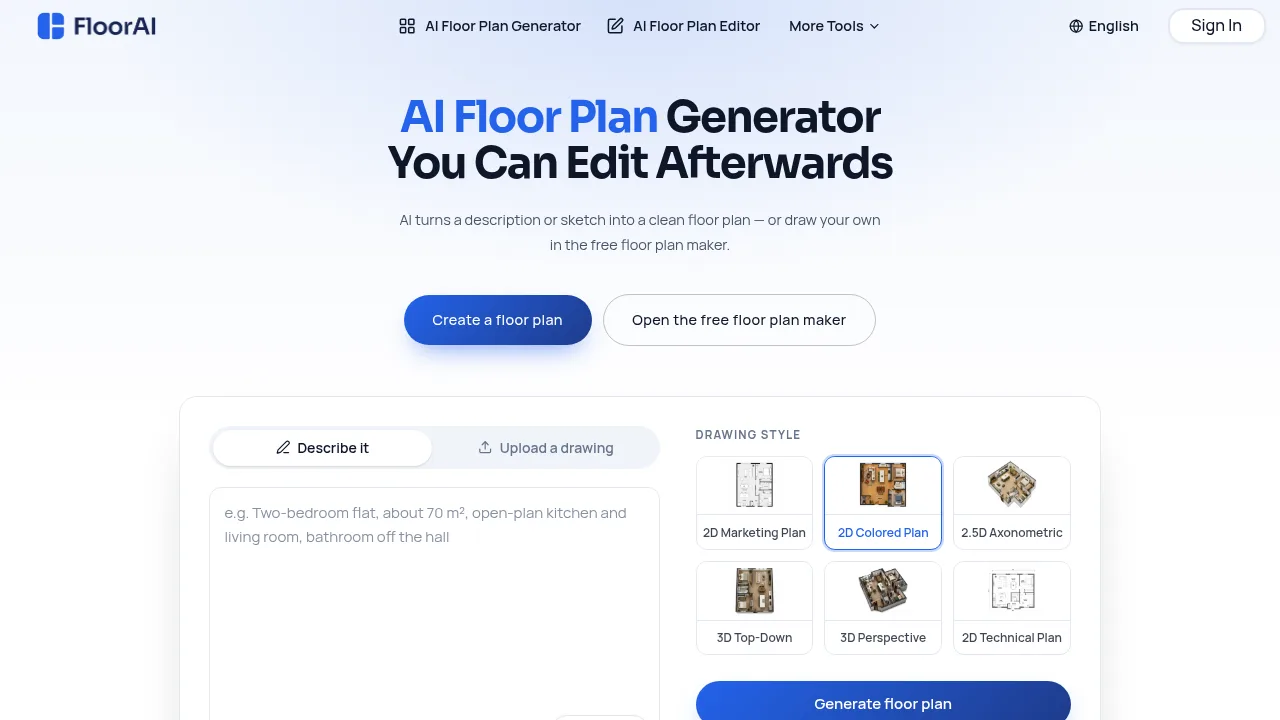
FloorAI is an AI floor plan generator and editor designed for real-world property workflows—not just blank-page design. It converts messy inputs (like a creased 1980s survey drawing, a phone photo of a pencil sketch, or plain text such as “three beds, open-plan kitchen, utility off the hall”) into clean, measured, labelled floor plans in under a minute. Unlike most AI tools that lock you into static outputs, FloorAI opens every generated plan in a built-in editor where you can drag walls, rename rooms, adjust dimensions, and move furniture—no regeneration needed. It’s built for listing agents, renovating homeowners, property photographers, and small design studios who need editable, accurate plans by Friday.
What are the features of FloorAI?
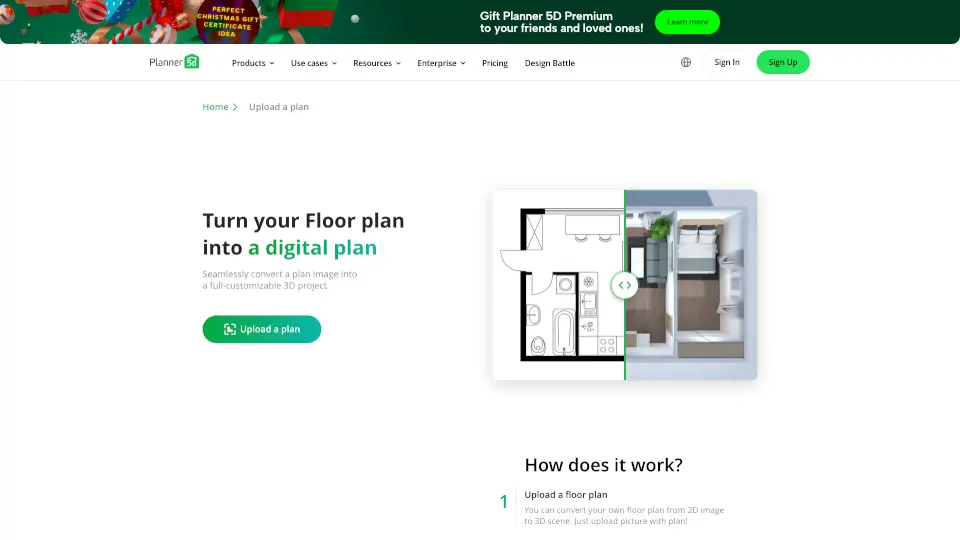
- AI Image to Floor Plan: Upload phone photos, scans, or PDFs of existing plans—even creased printouts or pencil-on-graph-paper sketches—and get automatically deskewed, cleaned, and labelled layouts with room names and areas.
- Text-to-Floor Plan Generator: Describe a space in plain English (e.g., “two-bed apartment, bathroom off hallway, no internal doors”) to generate a scaled, labelled 2D or 3D floor plan without drawing.
- Built-in Floor Plan Editor: Edit walls, doors, room labels, and furniture directly after generation—resize the pantry, reposition a wall, or fix guessed room areas without starting over.
- Multi-Style Export from One Layout: Generate and re-export the same underlying layout as 2D colored plans, technical poché plans, blueprints, or 3D isometric cutaways—all with aligned walls and consistent dimensions.
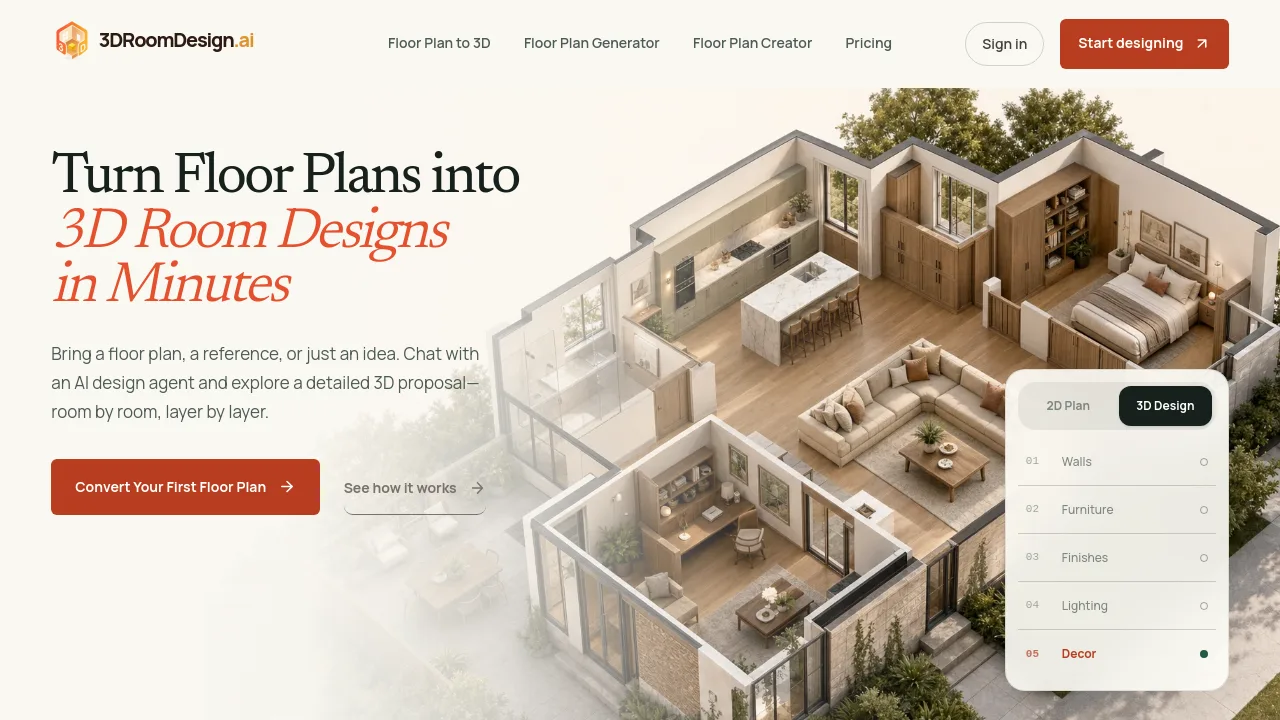
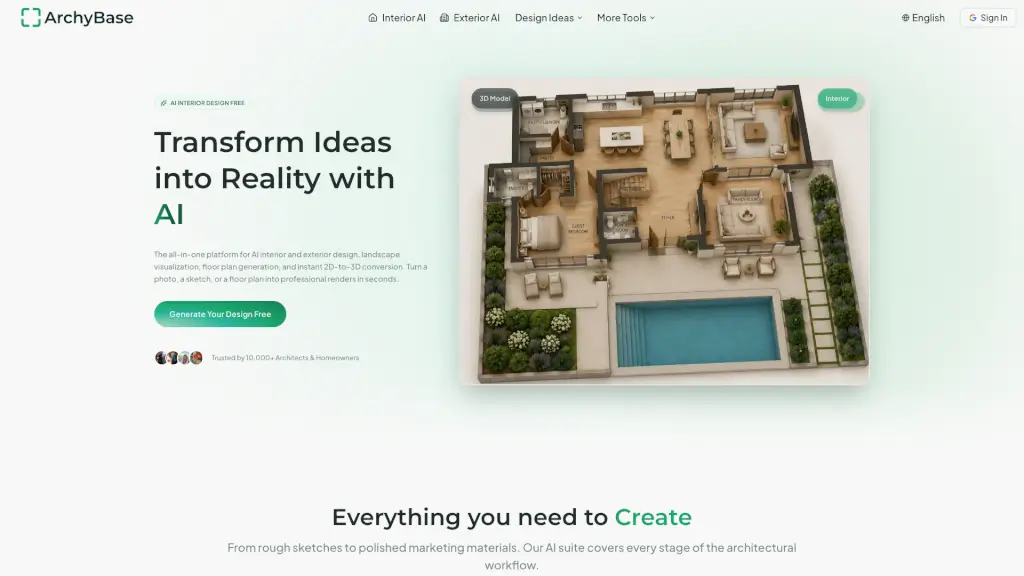
- AI Floor Plan to 3D: Convert any edited 2D layout into a ready-to-share 3D top-down or perspective cutaway view, with room areas and total floor area included.
- AI Floor Plan Video: Animate a plan into a drone-style fly-through or bare-to-furnished reveal, sized for portals, Reels, or client presentations.
What are the use cases of FloorAI?
- Listing agents upload a coffee-stained photo of a 1994 survey drawing and deliver a clean, watermark-free 2D color plan to their portal listing the same afternoon.
- Renovating homeowners test multiple wall configurations (e.g., knock-through vs. keep partition) in the editor before committing to builder quotes—no CAD skills required.
- Property photographers add floor plans as a 10-minute upsell to every shoot package, exporting DXF files for clients or brochures.
- Short-let hosts embed a small, clear plan on Airbnb or Booking.com listings to reduce late-night guest questions about bedroom legitimacy.
- Freelance draughtsmen use the AI-generated first pass as a traced base layer in CAD, skipping manual redrawing of walls already correctly sketched by clients.
How to use FloorAI?
- Start by uploading a photo, scan, or PDF of an existing plan—or type a plain-English description of the space (e.g., “four-bedroom family house, en-suite master, utility room off kitchen”).
- Choose a drawing style (e.g., 2D Colored Plan for listings, Technical Plan for builders, or 3D Isometric for buyers) before generating.
- After generation, click “Open the editor” to adjust walls, update room names, correct areas, or add furniture—changes preserve exact scale and alignment.
- Export final versions as PNG, PDF, DXF, or GLB directly from the editor—no regeneration needed to switch styles or formats.
- For comparison, generate alternative layouts (e.g., open-plan vs. walled kitchen) and view them side-by-side at identical scale before sharing links with clients or contractors.