What is Draftly?
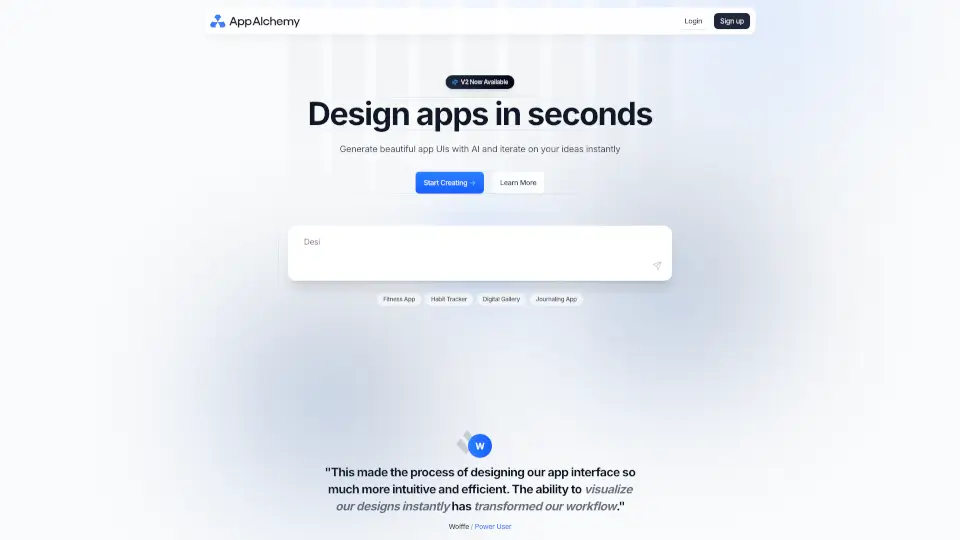
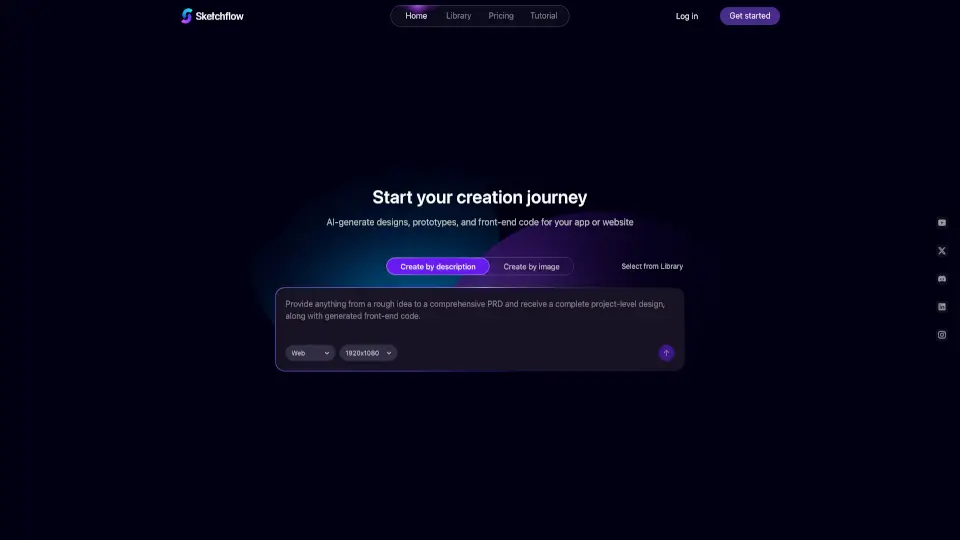
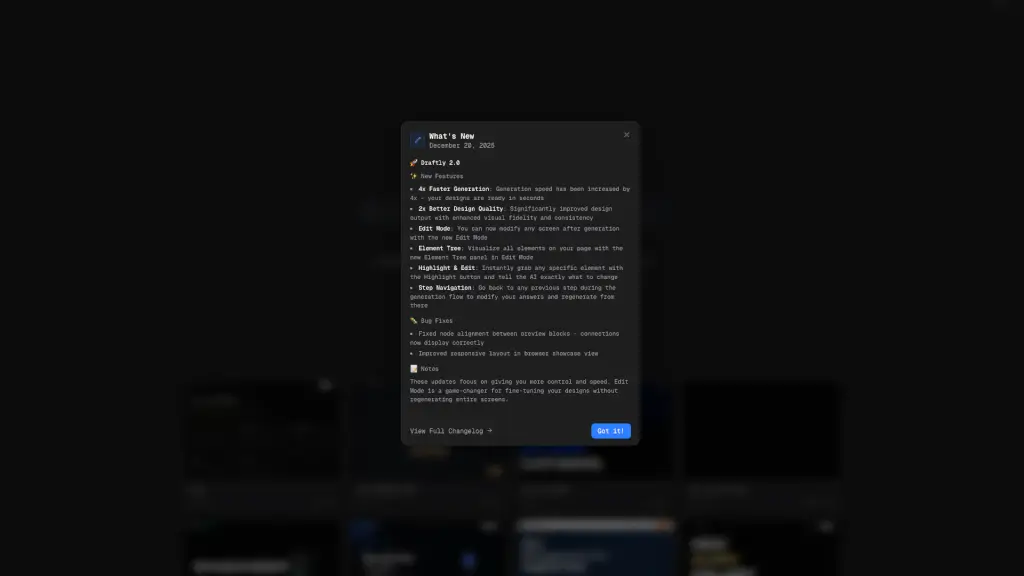
Draftly is an innovative AI-powered UI design generator that transforms your app ideas into stunning, production-ready interfaces in just a few seconds. Whether you're a startup founder, a designer, or a developer, Draftly makes it incredibly easy to visualize and create beautiful user interfaces without the need for extensive design skills. Simply describe your app idea, and Draftly will generate a variety of high-quality designs for you to choose from, saving you time and effort.
What are the features of Draftly?
- AI-Powered Design Generation: Draftly uses advanced AI to instantly generate professional and visually appealing UI designs based on your app description.
- Customizable Templates: Choose from a wide range of customizable templates tailored to different types of apps, such as SaaS dashboards, social web apps, portfolio websites, and e-commerce stores.
- Production-Ready Designs: The generated designs are not just pretty; they are fully functional and ready to be implemented, making the transition from design to development seamless.
- User-Friendly Interface: Draftly's intuitive interface makes it easy for anyone, regardless of their design experience, to create and customize UI designs.
- Instant Feedback and Iteration: Get immediate feedback on your designs and make quick iterations to perfect your app's look and feel.
What are the use cases of Draftly?
- Startup Founders: Quickly create and test multiple UI designs for your new app idea, helping you validate concepts and attract investors.
- Designers: Save time by generating initial design concepts and focusing on refining and customizing them to meet client needs.
- Developers: Easily create UI designs for your projects without needing to rely on external designers, streamlining the development process.
- Marketing Teams: Generate professional-looking landing pages and marketing materials for campaigns, ensuring a consistent and attractive brand presence.
- Freelancers: Offer your clients a variety of design options quickly, enhancing your service offerings and client satisfaction.
How to use Draftly?
- Describe Your App Idea: Start by providing a clear and concise description of your app, including its purpose, target audience, and key features.
- Select a Template: Choose a template that best fits your app type, such as a SaaS dashboard or an e-commerce store.
- Customize the Design: Use Draftly's tools to customize the design, adjusting colors, fonts, and layout to match your brand and preferences.
- Review and Iterate: Review the generated designs and make any necessary adjustments. You can iterate as many times as needed until you are satisfied.
- Export and Implement: Once you have the perfect design, export it and integrate it into your app or website.