
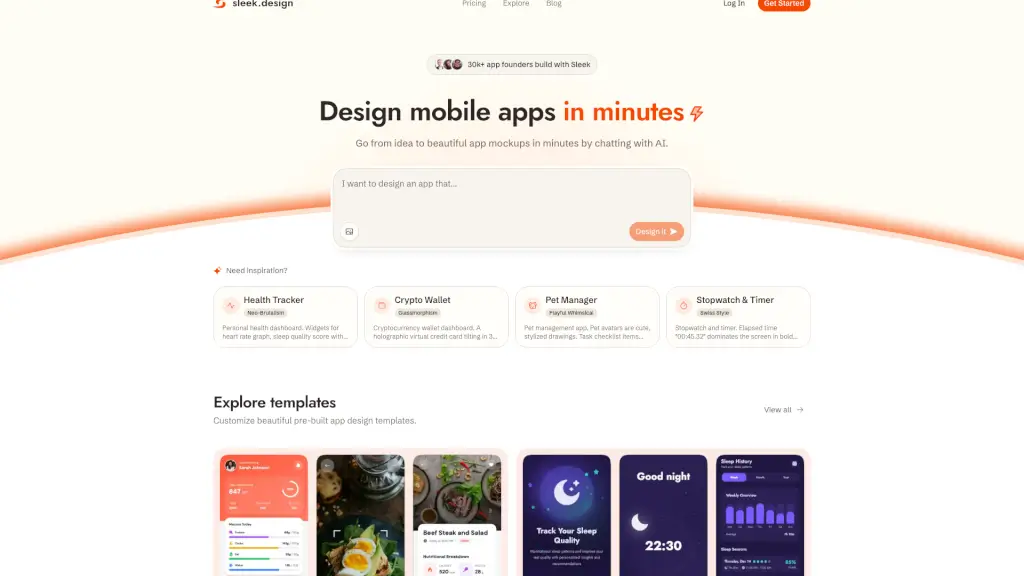
What is Sleek?
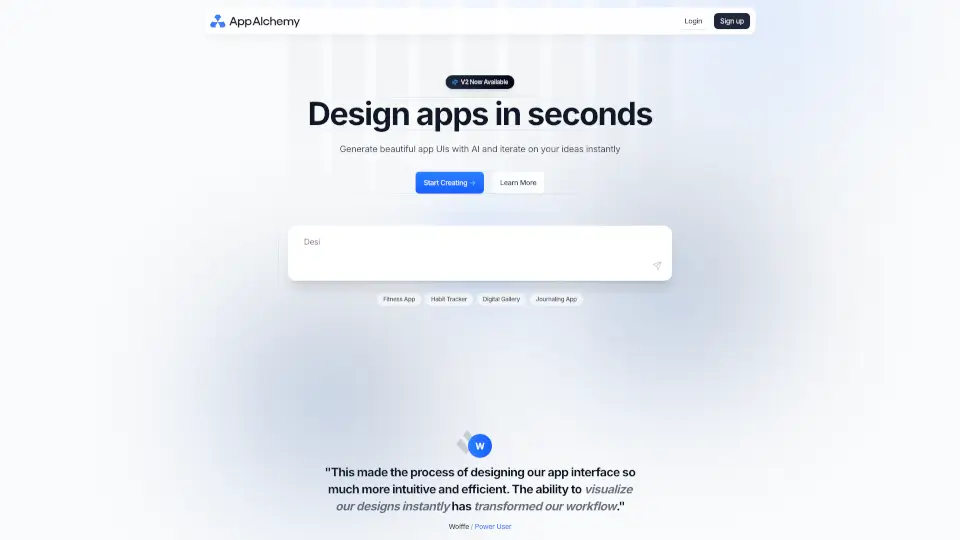
Sleek: AI Mobile App Designer is a game-changing tool for anyone looking to turn their app ideas into stunning, professional-looking mockups in minutes. Whether you're a non-technical founder, a startup enthusiast, or just someone with a great app concept, Sleek makes it easy to create iOS and Android app designs without needing any design skills. With Sleek, you can go from a simple idea to a fully designed app interface in no time, saving you the hassle and cost of hiring a designer.
What are the features of Sleek?
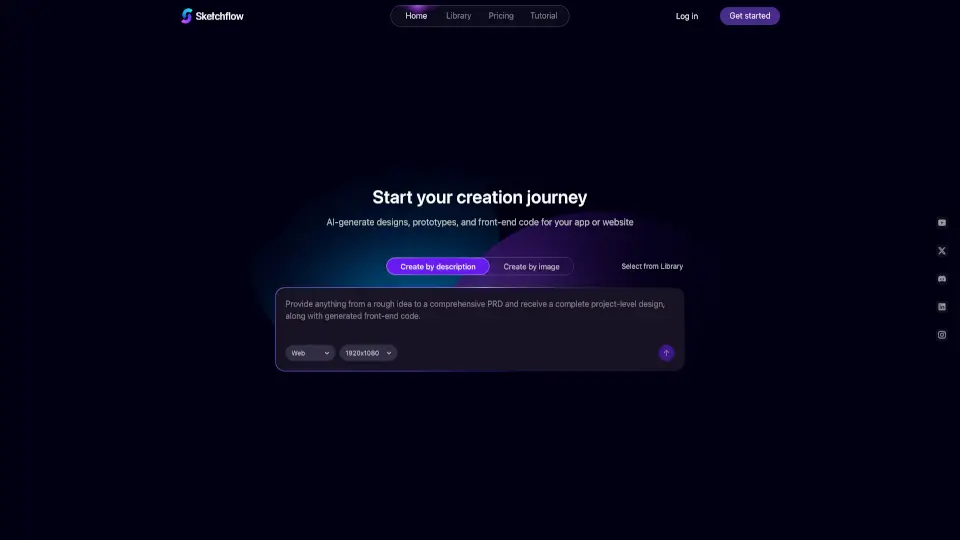
- AI-Powered Design Generation: Simply describe your app or upload an image, and Sleek's AI will generate beautiful, high-quality mockups.
- Customizable Templates: Choose from a variety of pre-built templates that you can customize to fit your specific needs.
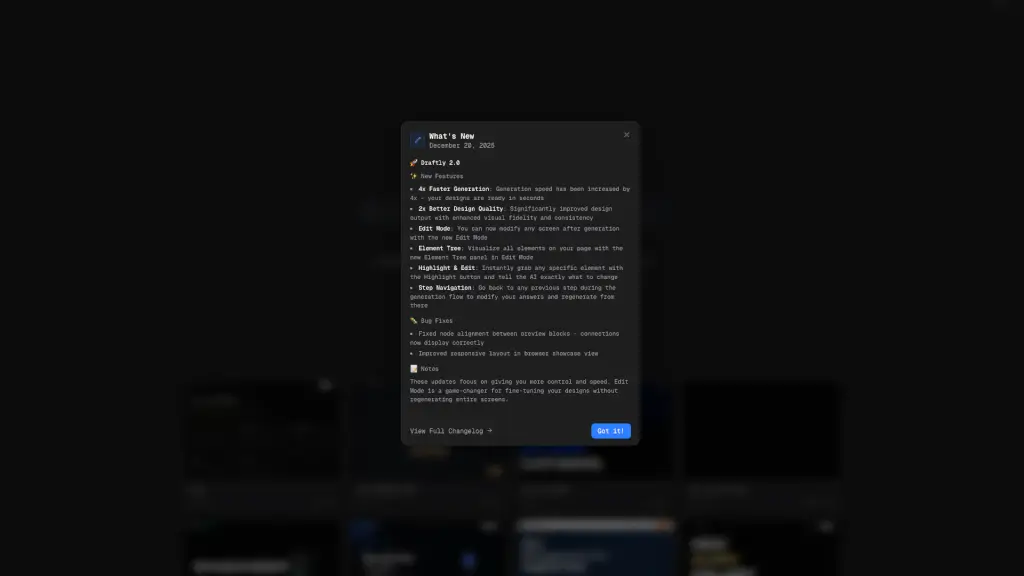
- Real-Time Edits: Make quick and easy changes to your designs, allowing you to iterate and refine until you get the perfect look.
- Export Options: Export your designs to Figma or as code, making it easy to bring your app to life.
- Dark and Light Themes: Switch between light and dark themes to match your personal preference or brand aesthetic.
- Community and Resources: Access a wealth of resources, including a blog, community forums, and tutorials to help you along the way.
What are the use cases of Sleek?
- Startup Founders: Quickly test and validate app ideas with real users, saving time and money on design.
- Non-Technical Entrepreneurs: Create professional-looking app designs without needing to learn complex design tools.
- Design Teams: Generate initial mockups to kickstart the design process and provide a starting point for further refinement.
- Freelancers: Offer rapid prototyping services to clients, increasing efficiency and client satisfaction.
- Educators and Students: Teach or learn mobile app design with an intuitive and user-friendly platform.
- Solo Developers: Build and launch apps faster by handling the design process yourself.
How to use Sleek?
- Describe Your Idea: Start by describing your app idea or uploading an image to give Sleek a sense of what you want.
- Generate Mockups: Let the AI do its magic and generate a set of initial mockups based on your input.
- Customize and Edit: Use the built-in tools to make any necessary adjustments and refine your design.
- Export Your Design: Once you’re happy with the design, export it to Figma or as code to start building your app.
- Iterate and Improve: Keep refining your design based on feedback and testing, using Sleek’s easy-to-use editing tools.