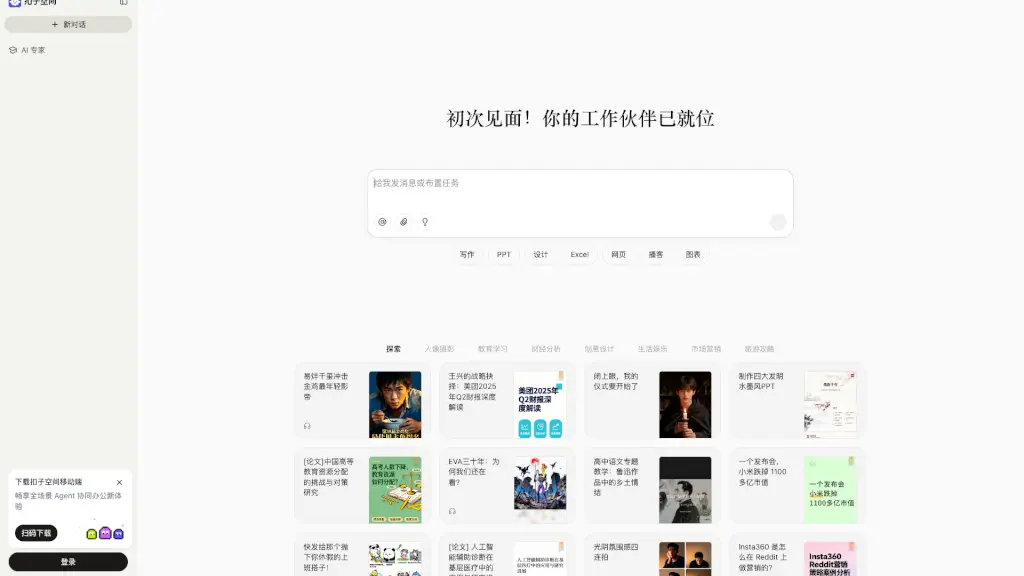
What is 苏打办公?
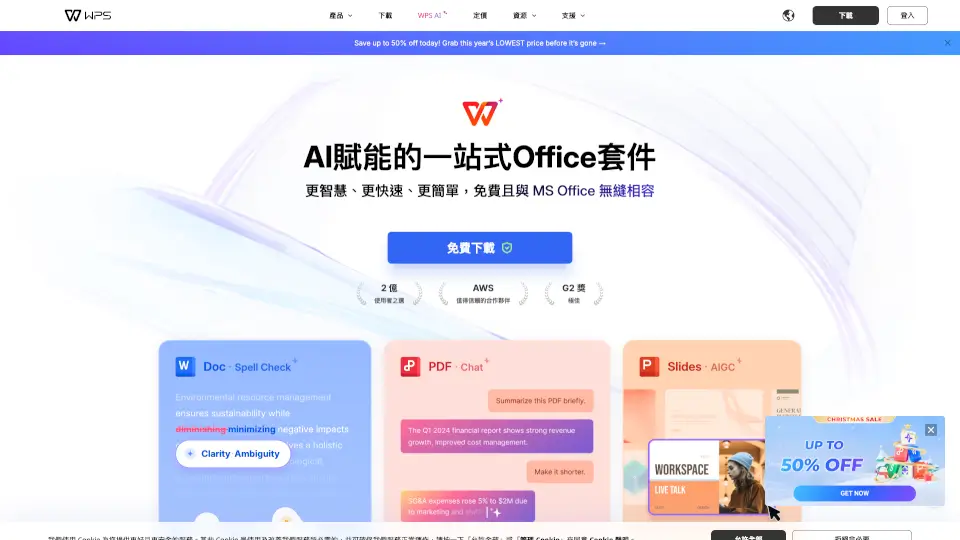
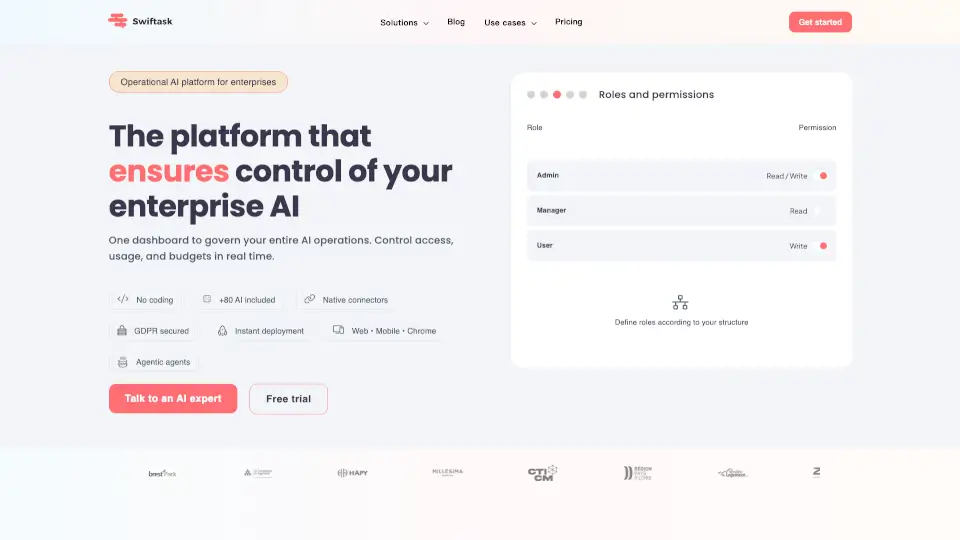
Soda Office (Su Da Ban Gong) is an all-in-one online productivity hub designed to streamline your work and creative tasks. Whether you're editing videos, converting PDFs, generating AI images, or crafting marketing copy, Soda Office brings together hundreds of free and premium tools in one easy-to-navigate platform. Think of it as your digital Swiss Army knife for modern office life—no downloads needed for most tools, just click and go.
Built with both casual users and professionals in mind, Soda Office emphasizes speed, simplicity, and smart AI integration. From removing watermarks from videos to turning blurry photos into crisp images or generating travel itineraries with AI, the platform helps you get more done in less time. Plus, once you log in, you can save favorites and track recently used tools—making your workflow even smoother.
What are the features of 苏打办公?
- AI-Powered Tools: Generate images from text, create AI avatars, write marketing copy, and more using cutting-edge artificial intelligence.
- Comprehensive File Conversion: Convert PDFs to Word, Excel, PPT, or images—and vice versa—with high accuracy and formatting preservation.
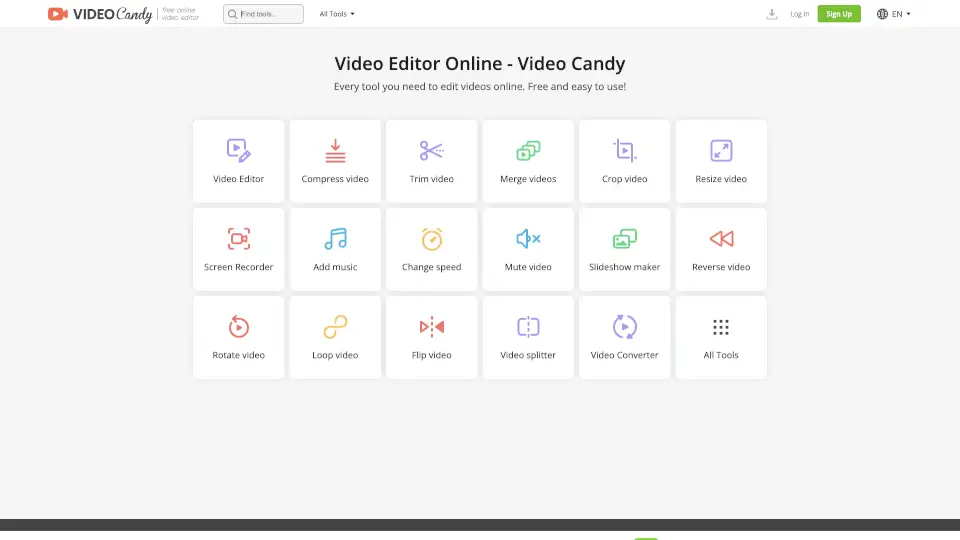
- Video Editing Suite: Trim clips, remove watermarks, extract audio, add subtitles, and apply AI effects like background removal—all online.
- Smart Image Editing: Enhance photos, remove backgrounds, restore old pictures, convert color to black-and-white (or vice versa), and upscale resolution effortlessly.
- Personalized Dashboard: Log in to access your recently used tools, save favorites, and get tailored recommendations based on your activity.
- Curated Tool Collections: Explore expert-organized categories like “AI Writing,” “PDF Conversion,” and “Design Tools” to find exactly what you need fast.
What are the use cases of 苏打办公?
- A marketer quickly generates social media visuals and ad copy using AI design and writing tools before a campaign launch.
- A student converts a scanned PDF textbook into an editable Word document for note-taking and study guides.
- A content creator removes watermarks from stock footage, extracts voiceovers, and adds auto-generated subtitles for YouTube videos.
- An office worker enhances a blurry photo from a client meeting and turns it into a clear, professional-looking image.
- A traveler uses the AI tool to generate a personalized day-by-day itinerary based on destination and interests.
- A freelancer creates a custom logo, designs a business card, and formats a portfolio PDF—all without switching platforms.
How to use 苏打办公?
- Visit the Soda Office website and browse tools by category (e.g., AI Video, PDF Conversion, Image Editing).
- Click “立即使用” (Use Now) on any tool to open it directly in your browser—most require no installation.
- For full features like saving favorites or viewing history, log in or register with your email or social account.
- Use the search bar or explore “Recommended” and “Top Charts” sections to discover trending and high-quality tools.
- Check labels like “Free,” “Paid,” or “Partially Free” to understand access requirements before starting.
- Bookmark or “收藏” (Save) your go-to tools for quick access next time.