
Was ist Cabina AI?
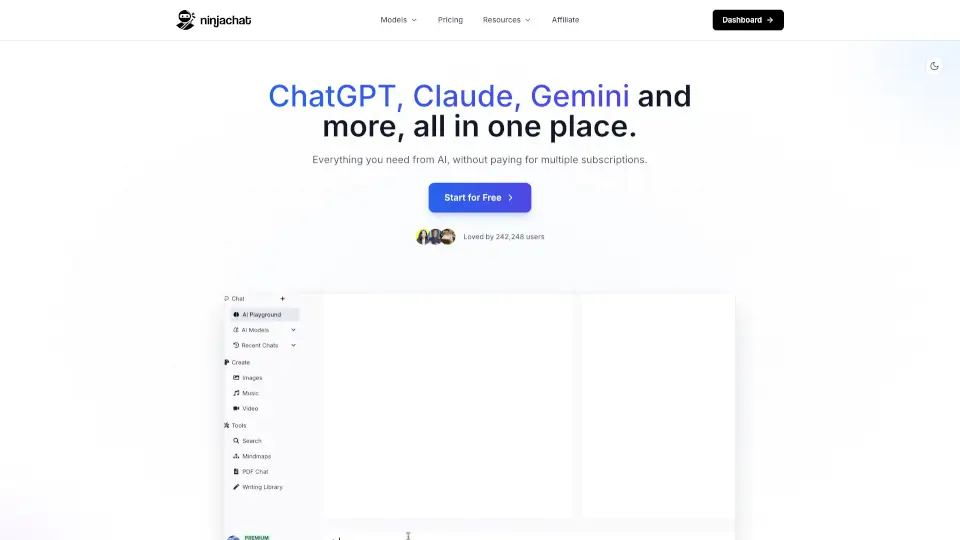
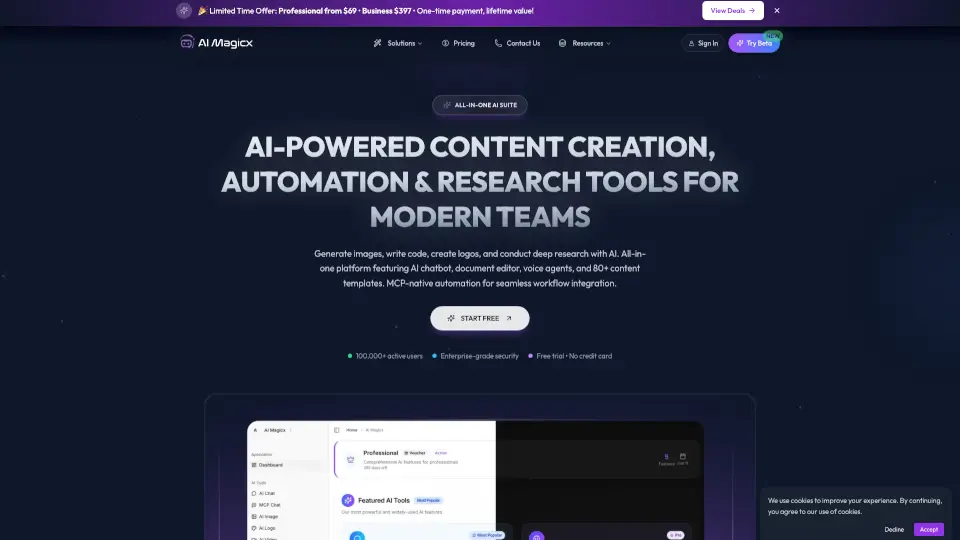
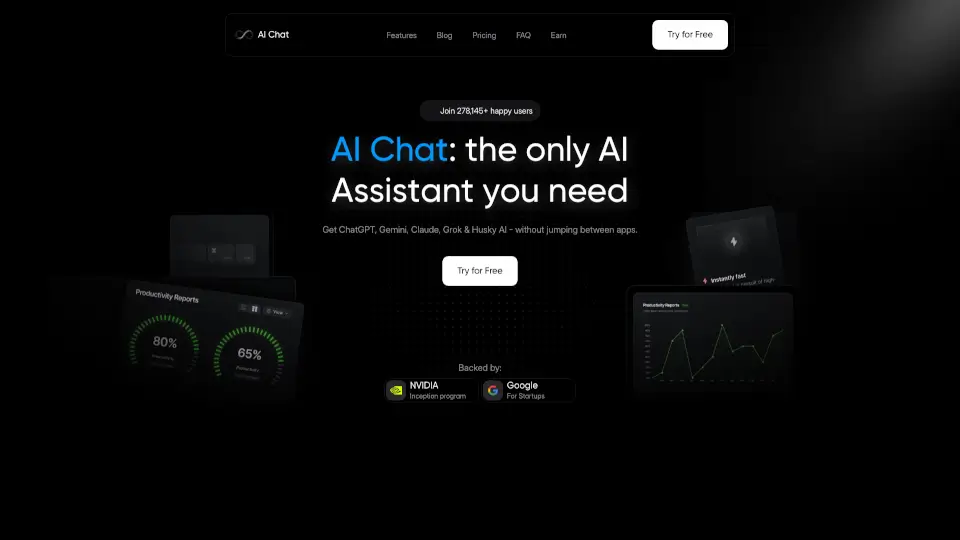
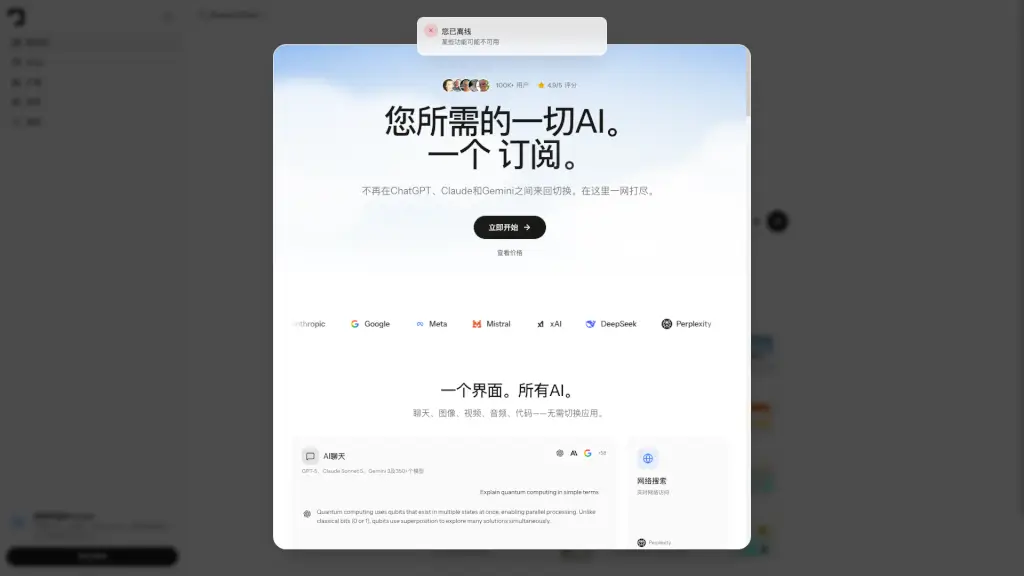
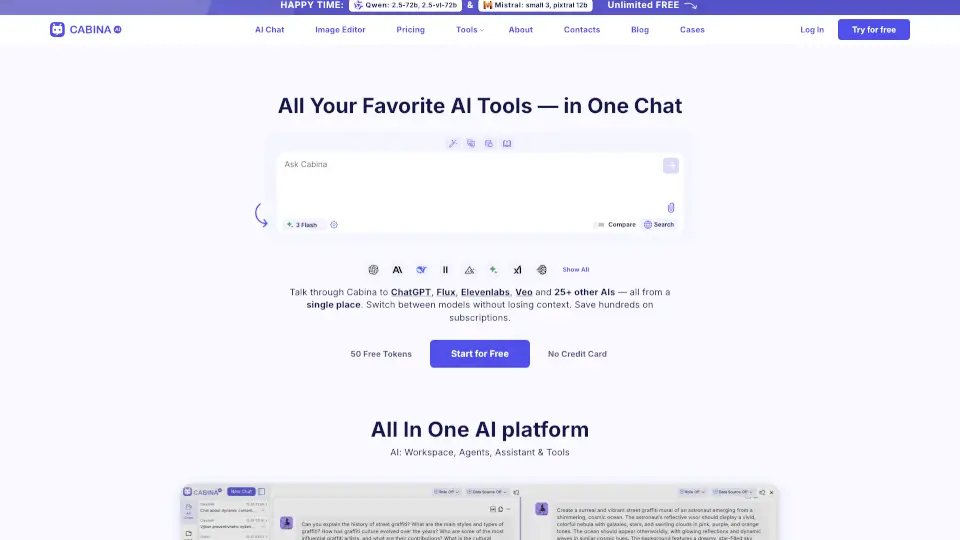
Cabina.AI ist dein All-in-One-KI-Assistent, der über 55 beliebte KI-Modelle wie ChatGPT, Claude, Gemini, Llama, Flux, Midjourney, Runway und ElevenLabs an einem einzigen Ort vereint. Statt für jedes Tool einzeln zu bezahlen, sparst du Zeit und Geld – mit nur einer Plattform kannst du Texte schreiben, Bilder generieren, Videos erstellen, Audio transkribieren und Dokumente analysieren.
Ob Schüler, Content Creator oder Profi im Homeoffice: Cabina.AI macht komplexe KI-Tools einfach nutzbar. Dank kostenloser Starttokens und keiner Kreditkartenpflicht kannst du sofort loslegen – ohne Risiko.
Was sind die Merkmale von Cabina AI?
- Mehr als 55 KI-Modelle in einem Chat: Wechsle nahtlos zwischen ChatGPT, Claude, Gemini & Co. – sogar im Vergleichsmodus, um die beste Antwort zu finden.
- KI für Text, Bild, Video & Audio: Generiere Bilder mit Flux oder Midjourney, erstelle Videos mit Runway oder Veo, transkribiere Audio mit Whisper – alles integriert.
- RAG-basierte Dokumentenanalyse: Lade PDFs, Word- oder Excel-Dateien hoch und chatte direkt mit deinen eigenen Unterlagen.
- Über 35 integrierte KI-Tools: Vom Hashtag-Generator bis zum Code-Refactoring – inklusive Prompt-Bibliothek, Text-Humanizer und Grammatikprüfung.
- Organisierte Arbeitsumgebung: Ordne Chats in Ordnern, speichere eigene Prompts und erstelle maßgeschneiderte KI-Rollen (z. B. für Social Media oder Marketing).
Was sind die Anwendungsfälle von Cabina AI?
- Studierende fassen lange PDFs automatisch zusammen oder erklären komplexe Themen in einfachen Worten.
- Content Creator generieren Social-Media-Posts, passende Bilder und Videos – alles aus einer Hand.
- Freiberufler nutzen RAG, um Verträge oder Kundenbriefe zu analysieren und professionelle Antworten zu erstellen.
- Entwickler lassen sich Code generieren, testen oder formatieren – direkt neben der Text-KI.
- Unternehmen sparen hunderte Euro an Einzelabos, indem sie alle KI-Tools über Cabina.AI nutzen.
- Podcaster transkribieren Interviews mit einem Klick und generieren daraus Blogbeiträge oder Social-Media-Zitate.
Wie benutzt man Cabina AI?
- Melde dich kostenlos mit E-Mail oder Google an – keine Kreditkarte nötig.
- Wähle im Chat ein oder mehrere KI-Modelle aus (z. B. ChatGPT + Claude) und stelle deine Frage.
- Lade Dateien wie PDFs oder Audios per Drag & Drop hoch, um sie direkt zu analysieren oder zu transkribieren.
- Nutze den Vergleichsmodus, um Antworten verschiedener Modelle nebeneinander zu sehen.
- Speichere häufig genutzte Prompts in deiner persönlichen Bibliothek für schnellen Zugriff.
- Passe KI-Rollen an (z. B. „Marketing-Experte“), um konsistente, themenspezifische Antworten zu erhalten.