
WPS Office logo

WPS Office

WPS Office is a free, AI-driven office suite that offers seamless compatibility with Microsoft Office, advanced features, and real-time collaboration, making it perfect for students and professionals alike.

WPS Office

WPS Office Product Information

What is WPS Office?

WPS Office is a powerful and user-friendly office suite that leverages AI to make your work easier and more efficient. Whether you're a student, professional, or just someone who needs to get things done, WPS Office has got you covered. It's highly compatible with Microsoft Office, so you can open, edit, and save files in Word, Excel, and PowerPoint formats without any hassle. Plus, it’s free to download and use on multiple devices, including Windows, Mac, iOS, Android, and Linux.

What are the features of WPS Office?

  • AI-Driven Spelling Check
    Automatically corrects spelling errors as you type, ensuring your documents are clear and error-free.
  • AI-Powered Translation
    Seamlessly translate documents between multiple languages, making it easy to work with international content.
  • One-Click Professional PPT Creation
    Quickly create and enhance professional presentations with just a few clicks.
  • AI-Enhanced PDF Interaction
    Extract insights and summaries from PDFs, making it easier to understand and use the information.
  • Advanced Photo Editing
    Edit and enhance your photos with advanced tools, including quality enhancement and element removal.
  • Seamless Collaboration
    Work together with others in real-time, with free cloud storage for easy file sharing and synchronization.

What are the use cases of WPS Office?

  • Writing and Editing Documents
    Perfect for students and professionals who need to write reports, essays, or any other text-based documents.
  • Creating Presentations
    Ideal for anyone who needs to create engaging and professional presentations for school, work, or personal projects.
  • Data Analysis and Management
    Great for managing and analyzing data with spreadsheets, making it a go-to tool for finance, research, and project management.
  • Reading and Annotating PDFs
    Useful for reading, annotating, and extracting key information from PDF documents.
  • Photo Editing and Management
    Perfect for editing and organizing photos, whether for personal or professional use.

How to use WPS Office?

  • Download and install WPS Office from the official website.
  • Open the application and select the document type you want to work with (Word, Excel, PowerPoint, or PDF).
  • Use the intuitive interface to start creating or editing your document.
  • Take advantage of AI features like spell check and translation by clicking on the AI icons in the toolbar.
  • Save your work and sync it to the cloud for easy access from any device.
Do you like this tool?

Upvote to help others discover it!

WPS Office Alternatives

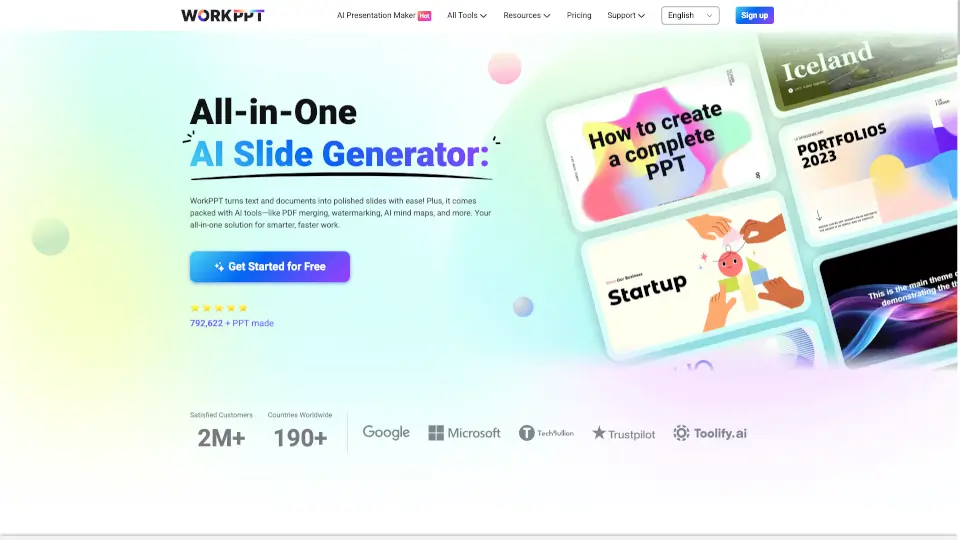
WorkPPT

WorkPPT

WorkPPT is a fast, secure, and user-friendly platform that helps you create presentations, summarize content, chat with AI, and manage PDFs—all in one place.

US
25.46%
1.9K
0
Autoppt

Autoppt

AutoPPT is the best AI presentation generator that turns ideas or documents into professional PowerPoint slides in seconds—fast, easy, and free to try.

KR
6.49%
201.3K
0
苏打办公

苏打办公

Soda Office is a powerful, all-in-one online workspace offering hundreds of AI-enhanced tools for document conversion, video editing, image enhancement, and creative design—boosting productivity for everyone.

CN
98.34%
79.7K
0
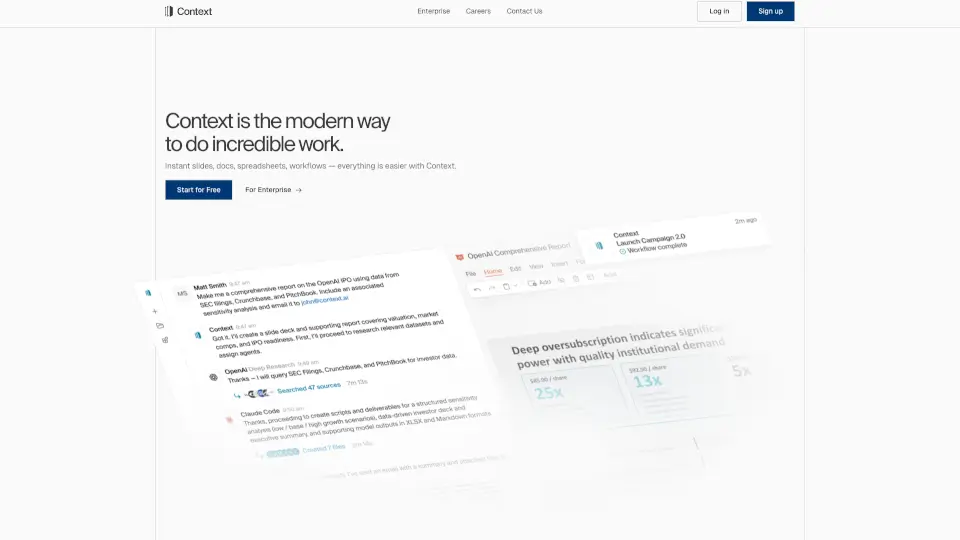
Context

Context

Context – The AI Office Suite helps you work smarter, not harder. From presentations to spreadsheets, it automates the boring stuff so you can focus on what matters.

US
30.10%
38.2K
0
Plus AI

Plus AI

Plus AI is the ultimate tool for creating and editing professional presentations effortlessly. Try it free for 7 days and transform your slides today.

US
27.32%
69.5K
0
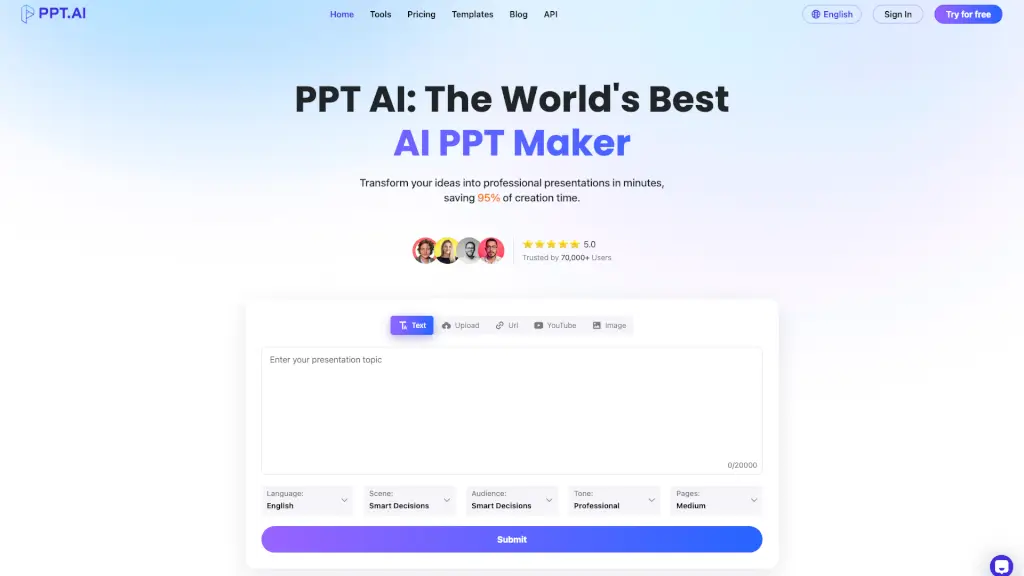
PPT.AI

PPT.AI

PPT AI: The World's Best AI PPT Maker, transforming your ideas into professional presentations in minutes and saving 95% of creation time.

IN
22.79%
551.6K
0
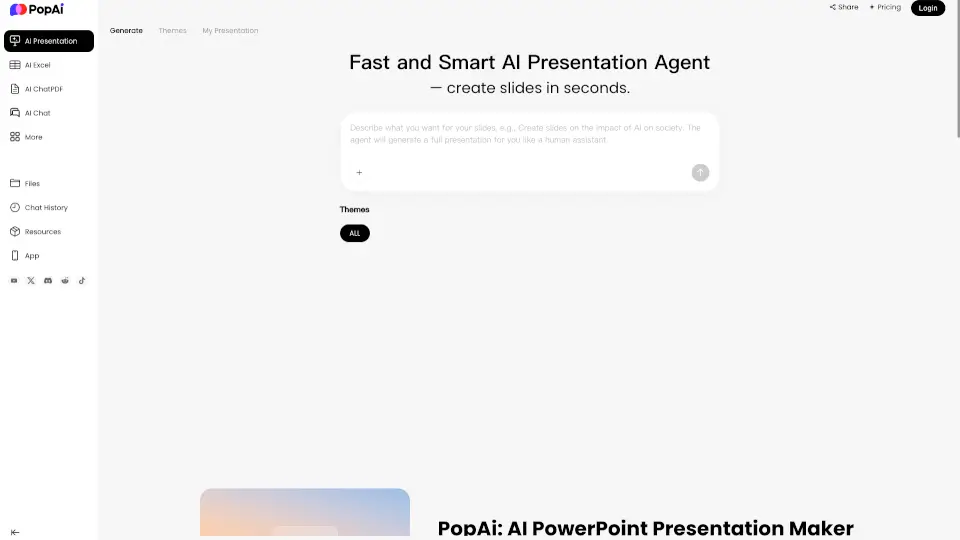
PopAi

PopAi

PopAi turns your notes and files into polished, editable AI presentation decks in seconds, saving hours of design work while delivering professional slides.

US
17.31%
187.7K
0
Slidesgo

Slidesgo

Slidesgo offers free, customizable Google Slides and PowerPoint templates plus AI tools to create stunning presentations for education, business, and beyond—fast and hassle-free.

US
26.06%
4.9M
0

WPS Office Related Other Categories

WPS Office Traffic Analysis

Website traffic estimates for wps.com. Visits are not unique users or product usage.

💡 Insights

🚀
Super High Traffic
Over 10M monthly visits. A market leader with extremely high user trust.
➡️
Stable
Traffic remains stable, indicating a mature product.
🌐
Global Reach
Balanced user distribution worldwide.
  • Monthly Visits

    37.71M

  • Bounce Rate

    61.93%

  • Pages Per Visit

    2.60

  • Visit Duration

    00:01:27

  • Global Rank

    1436

  • Country Rank

    1187

Visits Over Time

Traffic Sources

Affiliate50.65%
Direct16.68%
Search Organic11.74%
Display Ads7.48%
Social Organic5.01%
Search Paid3.37%
Referrals2.24%
Mail1.77%
Social Paid0.70%
Gen Ai0.35%

Top Keywords

1
wps office
CPC$0.16
214.58KTraffic
2
wps
CPC$0.22
204.71KTraffic
3
word
CPC$0.66
54.63KTraffic
4
wps office download
CPC$0.13
25.32KTraffic
5
word online
CPC$0.47
21.41KTraffic

Top Regions

RegionPercentage
Indonesia
Indonesia
8.09%
Vietnam
Vietnam
7.34%
Philippines
Philippines
5.79%
Pakistan
Pakistan
5.66%
India
India
5.59%
Low
High

Powered by SimilarWeb

WPS Office FAQ

Is WPS Office free to use?

Yes, WPS Office is free to download and use. You can access all basic features without any cost.

Can I use WPS Office on my mobile device?

Absolutely! WPS Office is available for both iOS and Android devices, so you can work on the go.

Is WPS Office compatible with Microsoft Office?

Yes, WPS Office is 100% compatible with Microsoft Office, allowing you to open, edit, and save files in Word, Excel, and PowerPoint formats.

Does WPS Office offer cloud storage?

Yes, WPS Office provides free cloud storage, making it easy to sync and share your files across multiple devices.

How do I use the AI features in WPS Office?

The AI features are integrated into the toolbar. Simply click on the AI icon to access features like spell check, translation, and more.

Can I collaborate with others in real-time using WPS Office?

Yes, WPS Office supports real-time collaboration, allowing you to work together with others on the same document simultaneously.

Is WPS Office secure?

Yes, WPS Office prioritizes your privacy and security. Your data is encrypted end-to-end, and there is no third-party involvement.

WPS Office Reviews

0
0 Reviews
Sign Into leave a review

Recent Reviews

No reviews yet

WPS Office Embed

Use website badges to drive community support for SeekTool.ai. They are easy to embed in your homepage or footer.

Light
Dark
WPS Office - Featured on SeekTool.aiWPS Office - Featured on SeekTool.ai
How to install?