
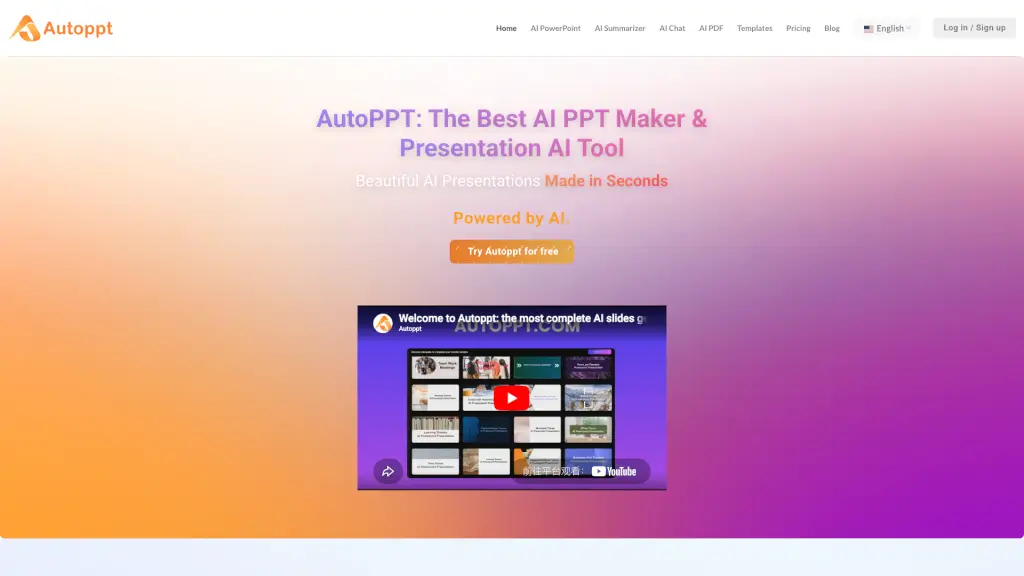
AutoPPT is the best AI presentation generator that turns ideas or documents into professional PowerPoint slides in seconds—fast, easy, and free to try.

Social Media:

Autoppt Product Information

What is Autoppt?

Tired of spending hours building PowerPoint slides? AutoPPT is an AI-powered presentation tool that creates professional, visually stunning slides in seconds—no design skills needed. Just type a topic or upload a document (like a PDF or Word file), and AutoPPT’s smart AI instantly generates a complete, well-structured presentation tailored to your content.

Whether you're a student preparing for class, a marketer pitching a campaign, or a busy professional summarizing a report, AutoPPT saves you over 90% of the time usually spent on slide creation. With support for 100+ languages, responsive designs that work on any device, and seamless editing tools, it’s never been easier to create polished, engaging presentations fast.

What are the features of Autoppt?

  • AI-Powered Slide Generation
    Enter a topic or upload a file (PDF, Word, Excel, etc.), and AutoPPT instantly builds a full presentation with relevant content and visuals.
  • Extensive Template Library
    Choose from dozens of professionally designed, theme-based PowerPoint templates that match your message and audience.
  • One-Click Document Conversion
    Turn PDFs, Word docs, or even images into editable, beautiful slides with a single click—perfect for repurposing existing materials.
  • Real-Time Online Editor
    Customize fonts, colors, layouts, and text after AI generation to make every slide truly yours.
  • Multilingual Support
    Create and present in over 100 languages, including Spanish, French, Chinese, Arabic, Hindi, and more.
  • Easy Sharing & Export
    Download your finished deck as a PPTX file or generate a shareable link to collaborate or present online.

What are the use cases of Autoppt?

  • Students turning research notes or essays into class presentations in minutes
  • Marketers converting campaign briefs into client-ready pitch decks
  • Executives summarizing quarterly reports without wrestling with slide formatting
  • Teachers creating engaging lesson slides from textbooks or handouts
  • Freelancers quickly building proposals from project outlines or emails
  • Non-designers needing professional-looking slides for conferences or webinars

How to use Autoppt?

  • Go to AutoPPT.com and sign up for a free account
  • Type your presentation topic or upload a document (PDF, Word, TXT, etc.)
  • Select a template style that fits your purpose—business, academic, creative, and more
  • Use the online editor to tweak text, colors, or layout if needed
  • Download your final presentation as a PowerPoint file or share via a public link
Autoppt Contact Email:

support@autoppt.com

Do you like this tool?

Upvote to help others discover it!

Autoppt Alternatives

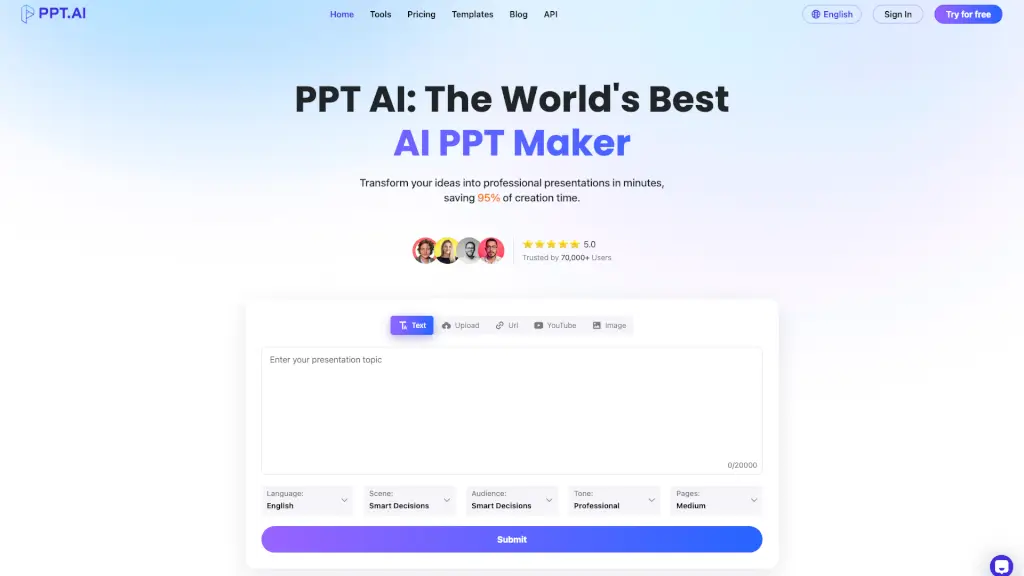
PPT.AI

PPT.AI

PPT AI: The World's Best AI PPT Maker, transforming your ideas into professional presentations in minutes and saving 95% of creation time.

IN
16.02%
575.5K
0
AiPPT

AiPPT

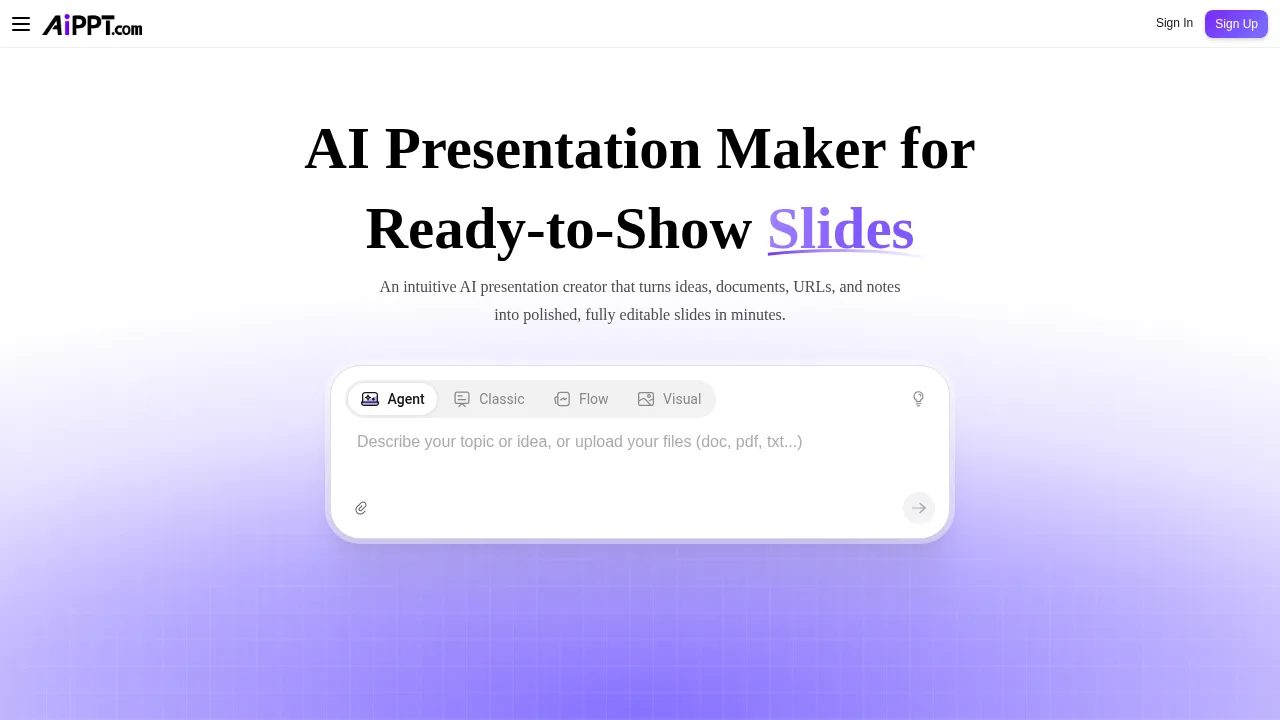
AiPPT converts documents, URLs, and text prompts into editable slide decks with AI-generated layouts and visuals.

IN
27.21%
622.5K
0
SlideTeam AI Presentation Generator

SlideTeam AI Presentation Generator

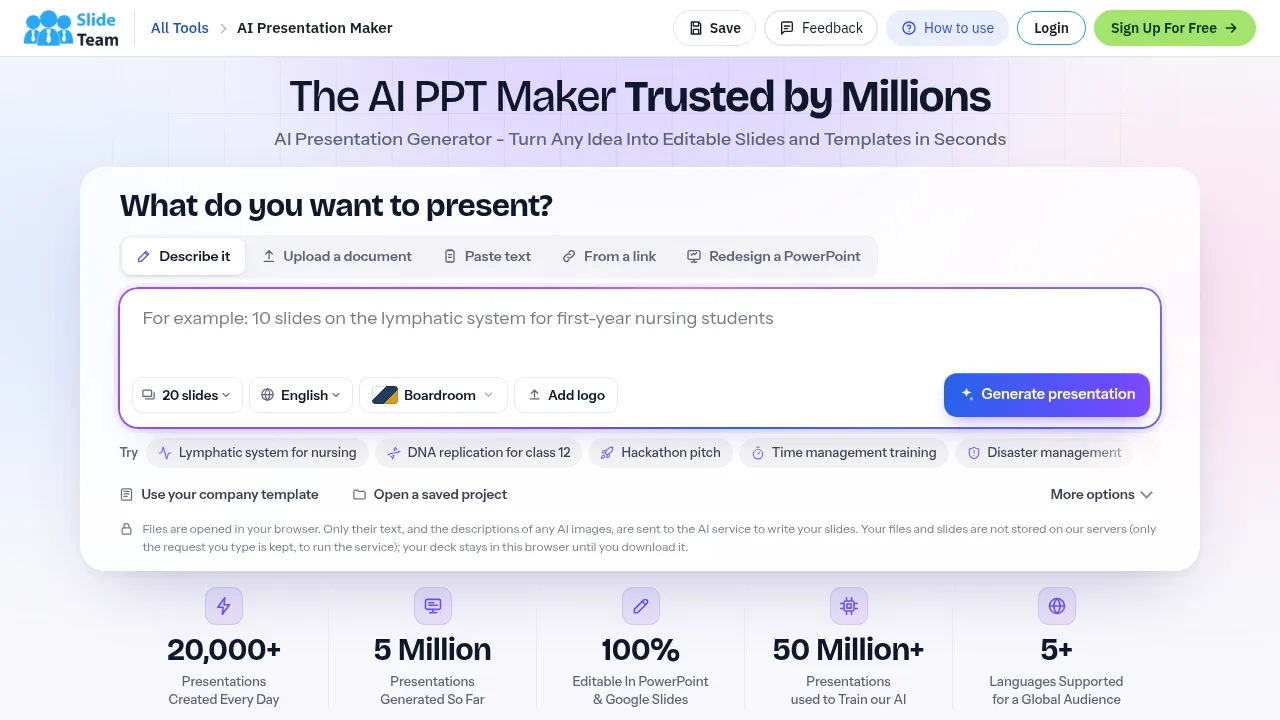
SlideTeam AI Presentation Generator converts uploaded documents, web links, and existing PowerPoints into fully editable .pptx slide decks.

US
22.40%
1.0M
0
SlidesGPT

SlidesGPT

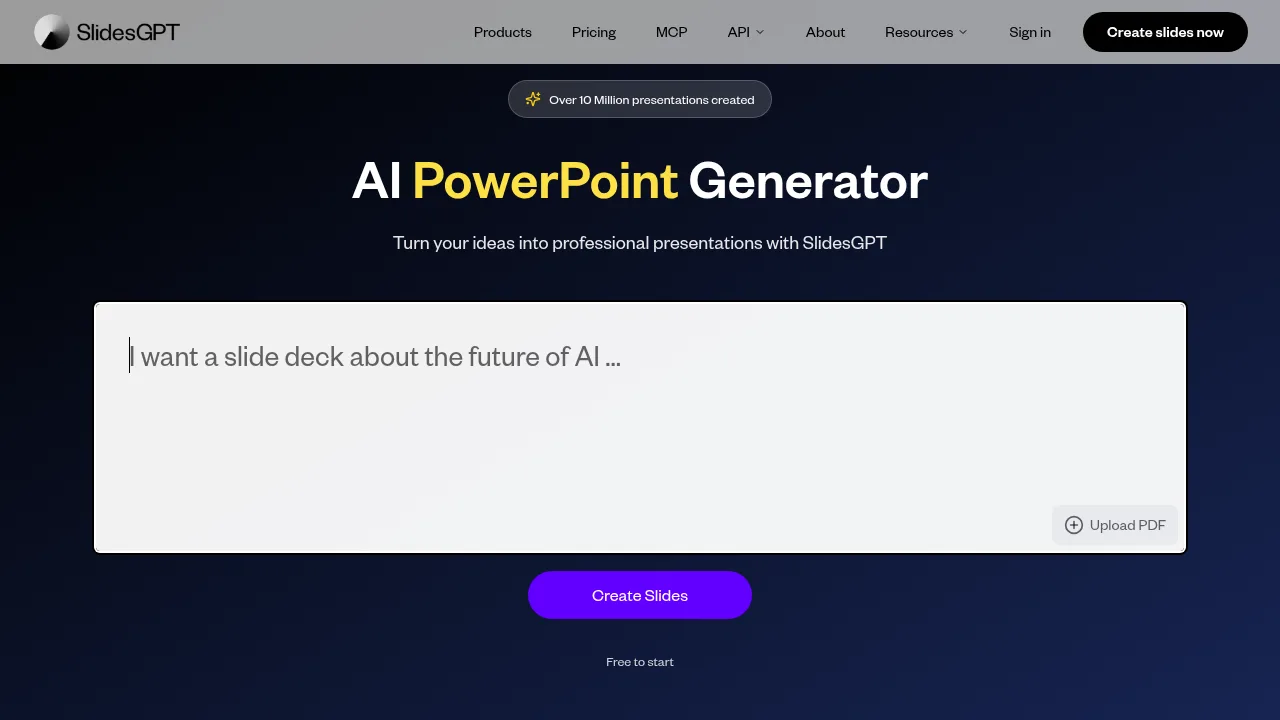
SlidesGPT generates PowerPoint, Google Slides, and PDF presentations from text prompts or uploaded documents.

US
17.36%
110.8K
0
SketchBubble AI Presentation Maker

SketchBubble AI Presentation Maker

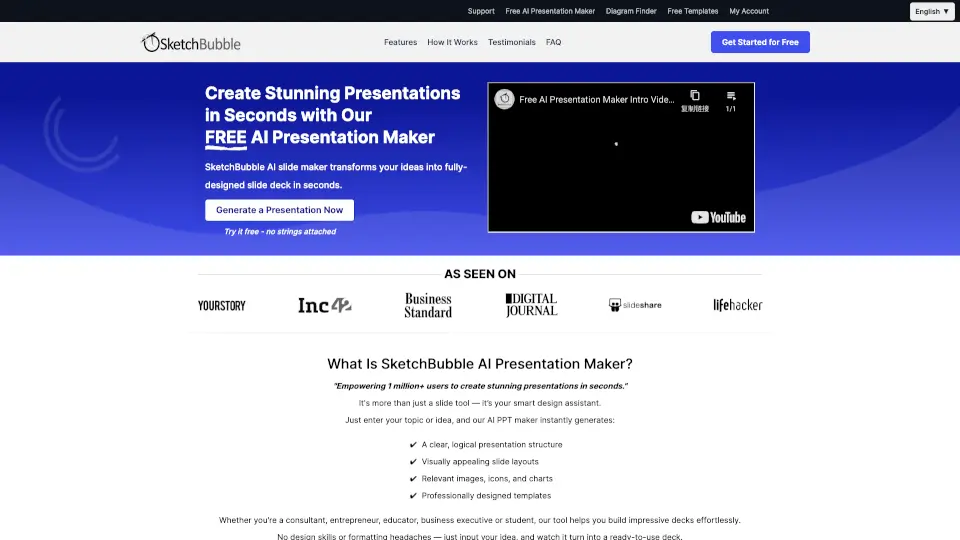
SketchBubble AI Presentation Maker turns your ideas into pro slides in seconds. Free, easy, and packed with templates—perfect for school, work, or pitches.

US
24.52%
207.7K
0
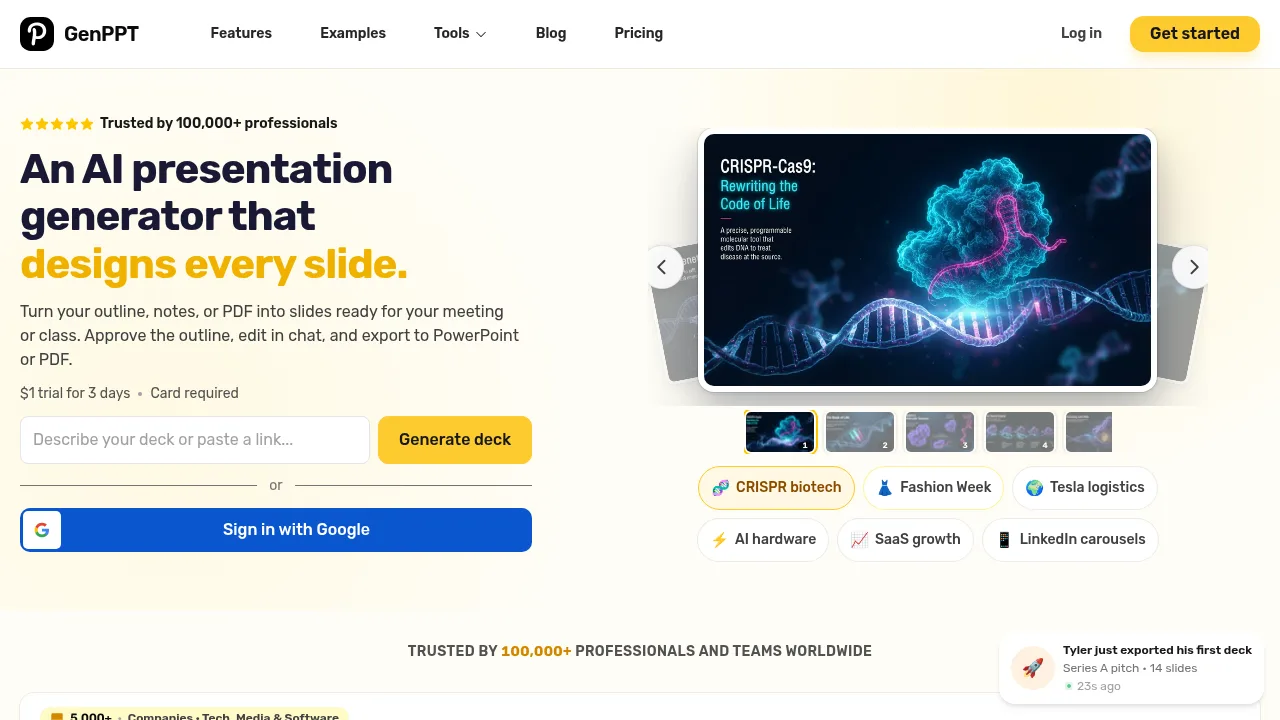
GenPPT - AI PowerPoint Generator

GenPPT - AI PowerPoint Generator

GenPPT - AI PowerPoint Generator builds editable presentation slides from uploaded documents, notes, and multimedia inputs.

US
33.19%
33.5K
0
AI PPT Maker

AI PPT Maker

AI PPT Maker converts topics, documents, and video links into editable presentations using three distinct generation modes.

IN
46.86%
30.2K
0
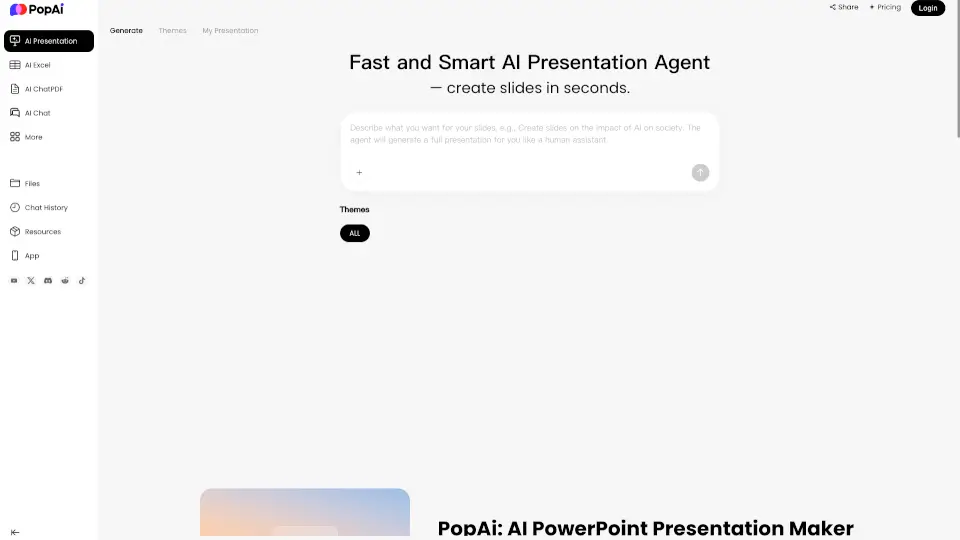
PopAi

PopAi

PopAi turns your notes and files into polished, editable AI presentation decks in seconds, saving hours of design work while delivering professional slides.

US
20.21%
177.5K
0

Autoppt Related Other Categories

Autoppt Traffic Analysis

Website traffic estimates for autoppt.com. Visits are not unique users or product usage.

Data month: 2026-10

💡 Insights

⭐
Medium Scale
Estimated monthly visits exceed 100,000 and are at most 1 million.
➡️
Small increase
Estimated visits increased 6.9% from the previous month.
👍
Bounce rate below 60%
The estimated bounce rate is 44%.
🔎
Search-led traffic
Search accounts for 75% of estimated visits.
  • Monthly Visits

    215.15K

  • Bounce Rate

    44.07%

  • Pages Per Visit

    2.39

  • Visit Duration

    00:00:37

  • Global Rank

    198715

  • Country Rank

    28486

Visits Over Time

Traffic Sources

Search Organic74.55%
Direct16.39%
Referrals4.30%
Gen Ai1.27%
Social Organic1.27%
Search Paid1.17%
Mail0.99%
Display Ads0.06%
Social Paid0.00%
Affiliate0.00%

Top Keywords

1
slides
CPC$1.38
1.27KTraffic
2
гугл презентации
CPC$0.53
1.03KTraffic
3
autoppt
CPC$0.08
910Traffic
4
onde ver o contador de palavras no power point
540Traffic
5
pptとpdfの違い
530Traffic

Top Regions

RegionPercentage
Indonesia
Indonesia
6.65%
Japan
Japan
6.23%
South Korea
South Korea
4.81%
United States
United States
4.72%
Taiwan
Taiwan
4.56%
Low
High

Powered by SimilarWeb

Autoppt FAQ

Does AutoPPT offer a free trial?

Yes! AutoPPT offers a free trial so you can test the AI PowerPoint generator and access various free online office tools before committing.

What are the benefits of a subscription?

A Pro subscription unlocks advanced features like PDF-to-PPT conversion, AI summarization, ChatGPT integration, AI mind mapping, and full access to all premium templates.

Are the templates fully editable?

Most elements are editable, but some design components in master slides may be locked to preserve layout integrity.

Can I use the templates for commercial purposes?

Yes—you’re free to use AutoPPT templates for both personal and commercial projects.

Will my subscription renew automatically?

Yes, unless you turn off auto-renewal. You can cancel anytime via your account or by emailing support@autoppt.com.

Is payment through your website secure?

Absolutely. Credit/debit payments are processed through FastSpring (PCI Level 1 certified), and PayPal transactions are handled by a licensed European financial institution.

Do I need special access to use the templates?

Full template access requires a Pro plan subscription.

Are there any hidden fees after I subscribe?

No—your only charge is the subscription fee, unless auto-renewal is active (which you can cancel anytime).

Autoppt Reviews

0
0 Reviews
Sign Into leave a review

Recent Reviews

No reviews yet

Autoppt Embed

Use website badges to drive community support for SeekTool.ai. They are easy to embed in your homepage or footer.

Light
Dark
Autoppt - Featured on SeekTool.aiAutoppt - Featured on SeekTool.ai
How to install?

Category Rankings

Ranked by monthly traffic