

What is Autoppt?
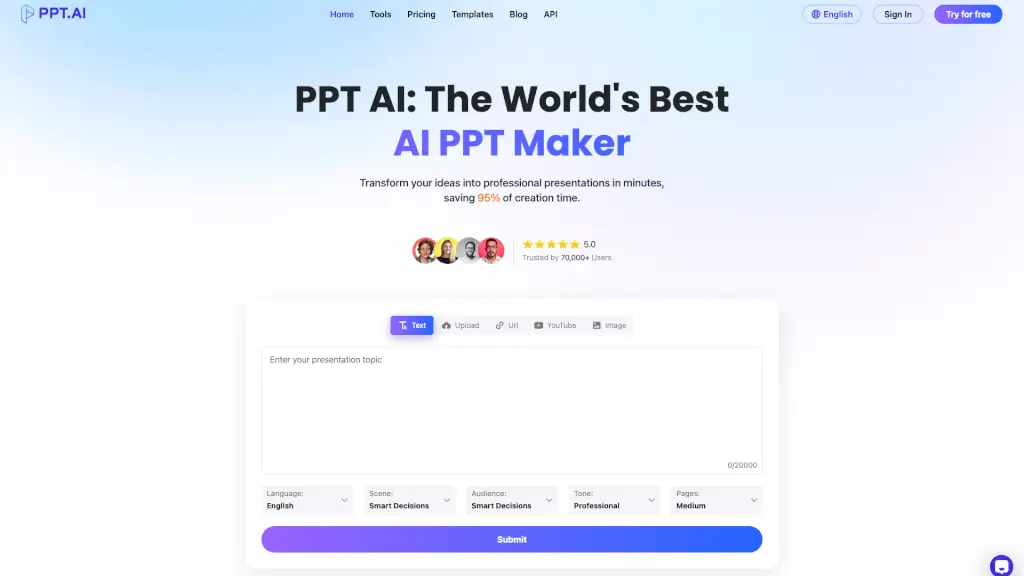
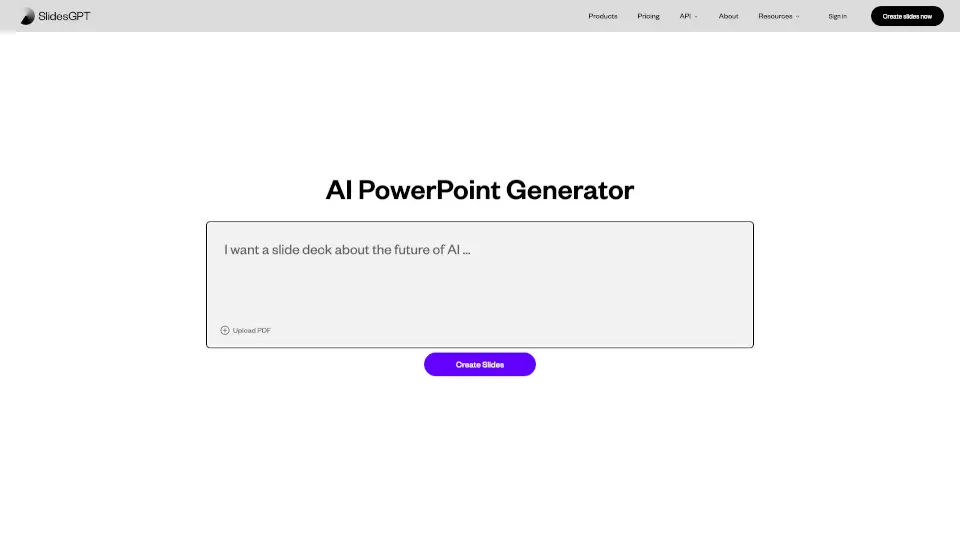
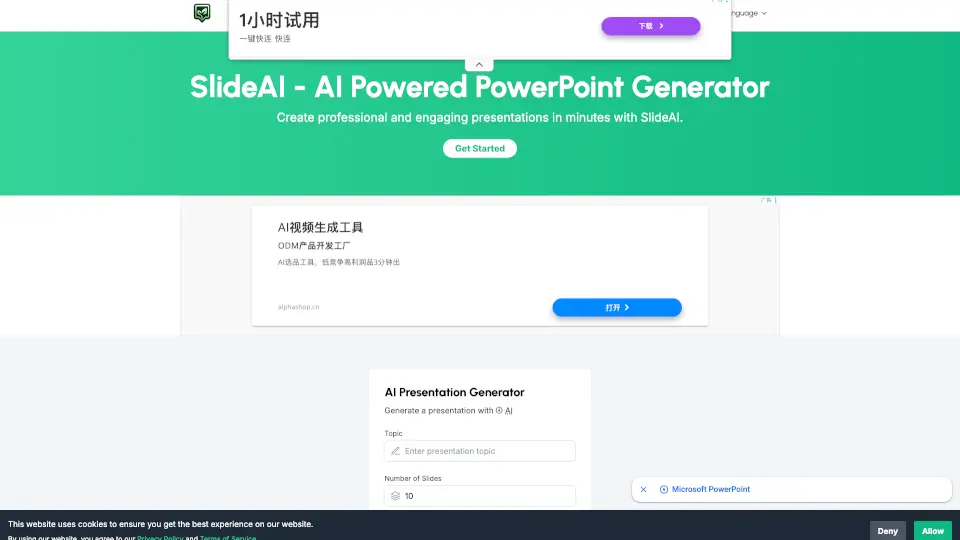
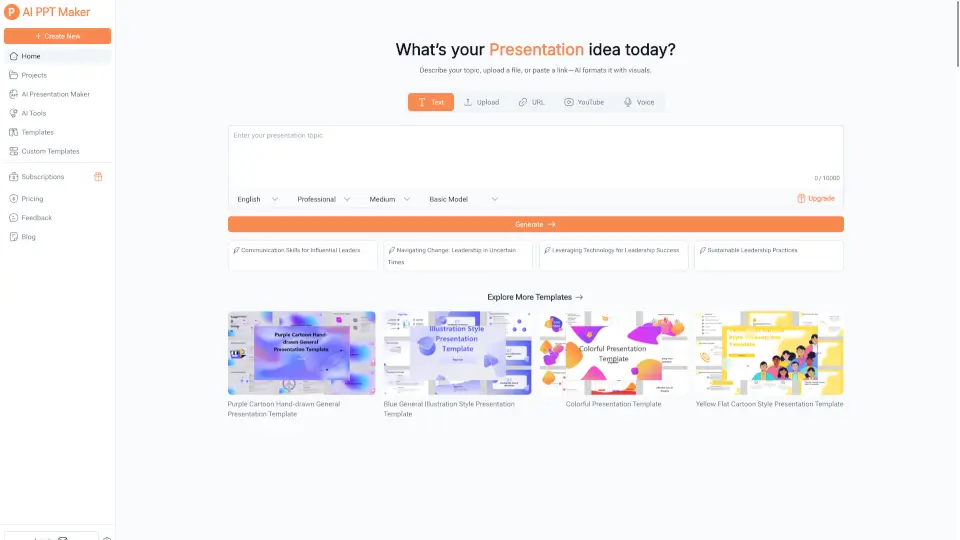
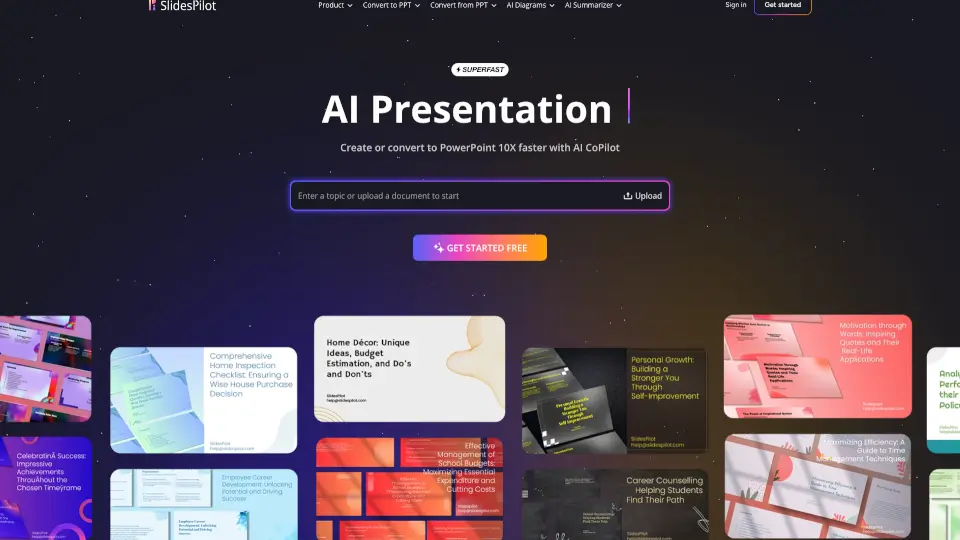
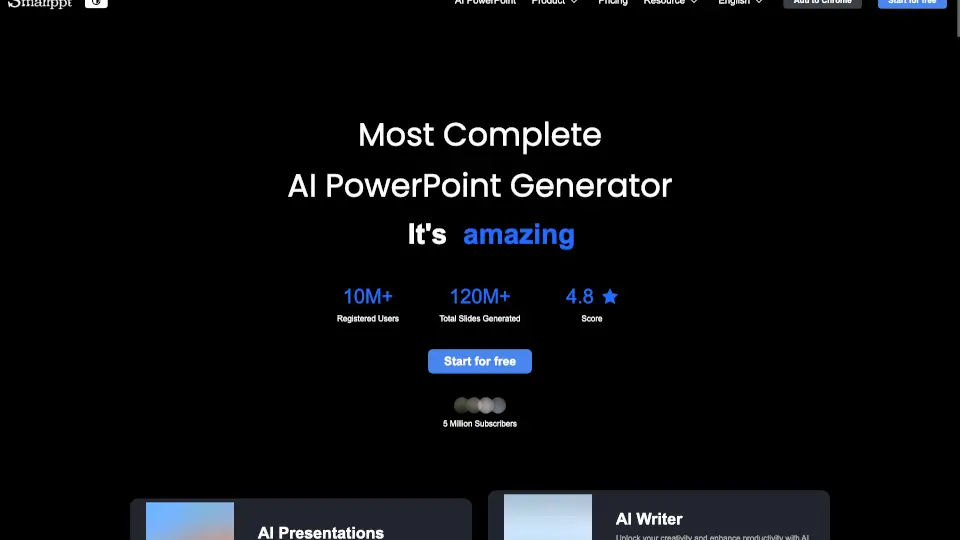
Tired of spending hours building PowerPoint slides? AutoPPT is an AI-powered presentation tool that creates professional, visually stunning slides in seconds—no design skills needed. Just type a topic or upload a document (like a PDF or Word file), and AutoPPT’s smart AI instantly generates a complete, well-structured presentation tailored to your content.
Whether you're a student preparing for class, a marketer pitching a campaign, or a busy professional summarizing a report, AutoPPT saves you over 90% of the time usually spent on slide creation. With support for 100+ languages, responsive designs that work on any device, and seamless editing tools, it’s never been easier to create polished, engaging presentations fast.
What are the features of Autoppt?
- AI-Powered Slide Generation: Enter a topic or upload a file (PDF, Word, Excel, etc.), and AutoPPT instantly builds a full presentation with relevant content and visuals.
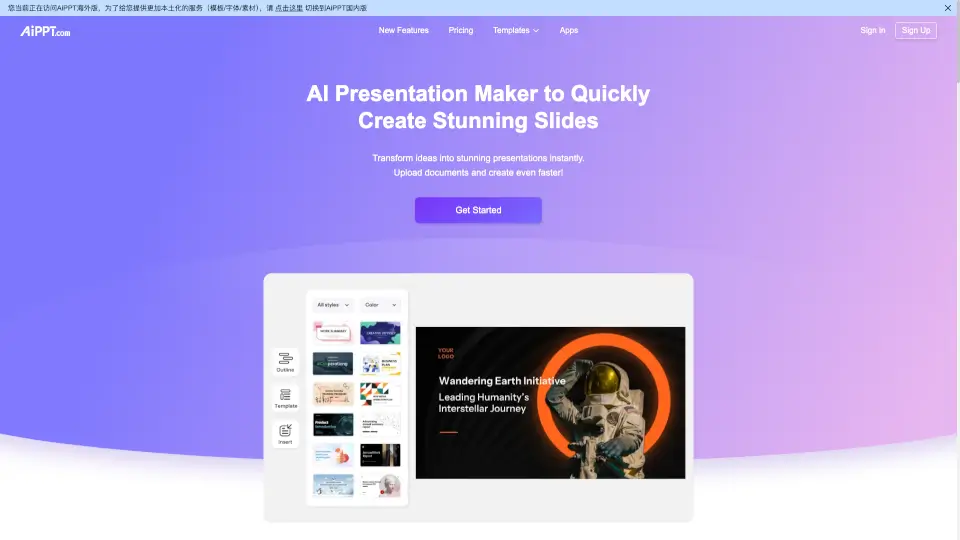
- Extensive Template Library: Choose from dozens of professionally designed, theme-based PowerPoint templates that match your message and audience.
- One-Click Document Conversion: Turn PDFs, Word docs, or even images into editable, beautiful slides with a single click—perfect for repurposing existing materials.
- Real-Time Online Editor: Customize fonts, colors, layouts, and text after AI generation to make every slide truly yours.
- Multilingual Support: Create and present in over 100 languages, including Spanish, French, Chinese, Arabic, Hindi, and more.
- Easy Sharing & Export: Download your finished deck as a PPTX file or generate a shareable link to collaborate or present online.
What are the use cases of Autoppt?
- Students turning research notes or essays into class presentations in minutes
- Marketers converting campaign briefs into client-ready pitch decks
- Executives summarizing quarterly reports without wrestling with slide formatting
- Teachers creating engaging lesson slides from textbooks or handouts
- Freelancers quickly building proposals from project outlines or emails
- Non-designers needing professional-looking slides for conferences or webinars
How to use Autoppt?
- Go to AutoPPT.com and sign up for a free account
- Type your presentation topic or upload a document (PDF, Word, TXT, etc.)
- Select a template style that fits your purpose—business, academic, creative, and more
- Use the online editor to tweak text, colors, or layout if needed
- Download your final presentation as a PowerPoint file or share via a public link