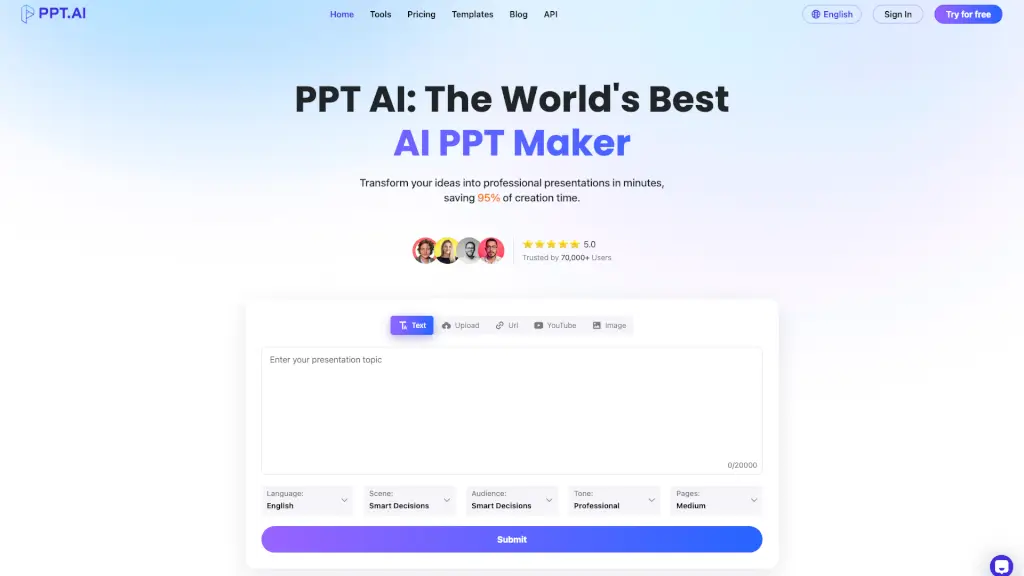
What is PPT.AI?
PPT AI is a cutting-edge tool that transforms your ideas into stunning presentations in minutes. Whether you're a student, a professional, or anyone who needs to create high-quality slides, PPT AI saves you up to 95% of the time it would take to create a presentation manually. With its smart automation and premium templates, you can focus on your content while PPT AI handles the design and layout.
What are the features of PPT.AI?
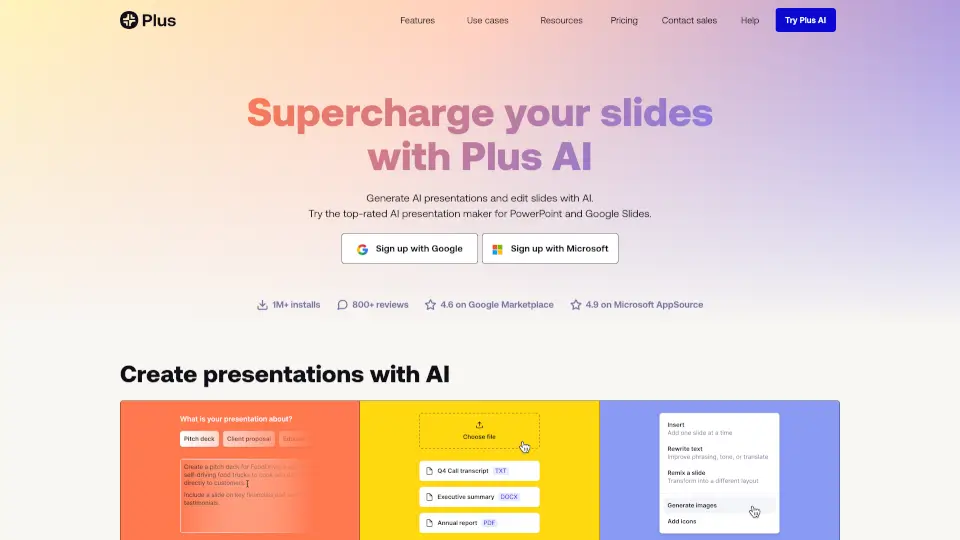
- Instant ConversionTransform documents, spreadsheets, audio, or video into 20+ professional slides in seconds.
- Multi-Model Intelligence EnginePowered by advanced AI models like DeepSeek, GPT-4o, Claude 3.5, and Gemini 2.0 for intelligent content analysis and slide creation.
- Free Professional TemplatesAccess a collection of expertly designed templates at no cost, with smart design recommendations.
- Smart Design OptimizationPPT AI ensures perfectly structured and professionally styled slides with layout and visual refinement.
- Multilingual SupportCreate presentations in multiple languages with PPT AI's intelligent translation capabilities.
- Effortless Editing & SharingModify text, colors, and images with intuitive tools, and export presentations in multiple formats.
What are the use cases of PPT.AI?
- Business PresentationsQuickly create professional business plans, project reports, and meeting materials.
- Educational MaterialsGenerate teaching materials, research reports, and class summaries for students and teachers.
- Marketing CampaignsDevelop product introductions, company profiles, and marketing strategies with ease.
- Project ReportsConvert project data and findings into clear, visually appealing slides.
- Public SpeakingPrepare engaging and well-structured presentations for public speaking events.
- Work SummariesSummarize work progress and achievements for superiors and colleagues.
How to use PPT.AI?
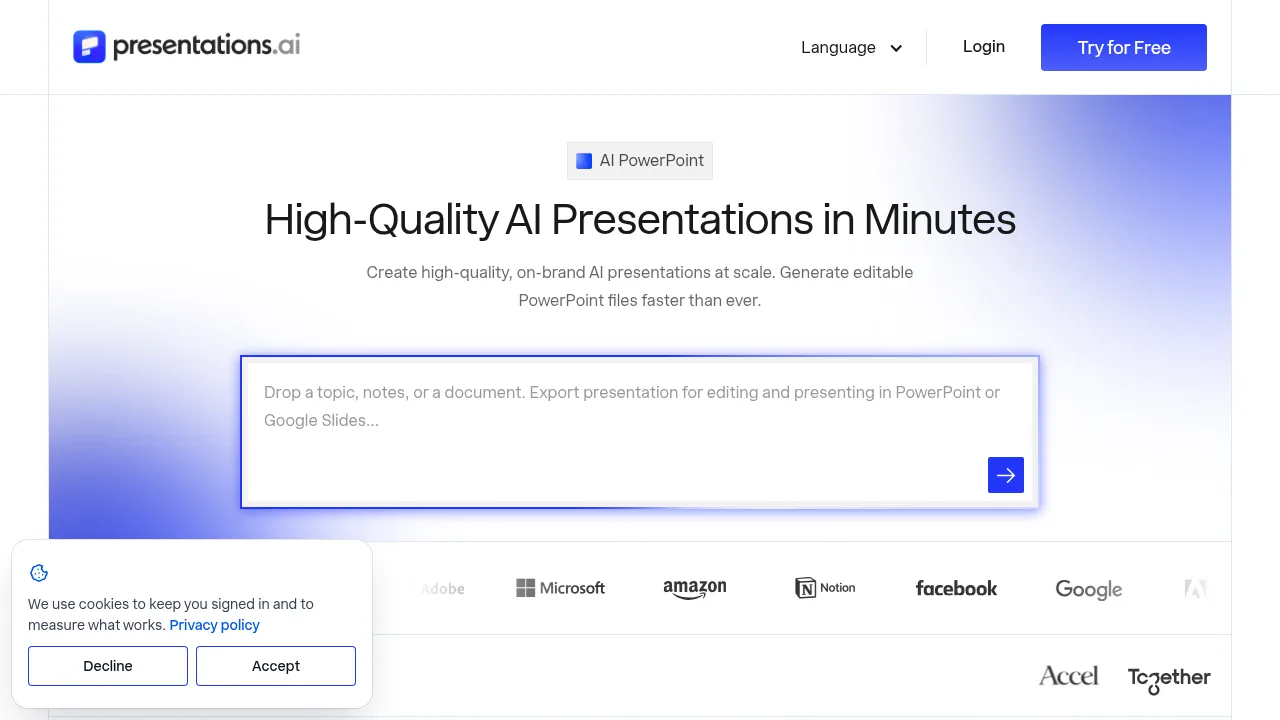
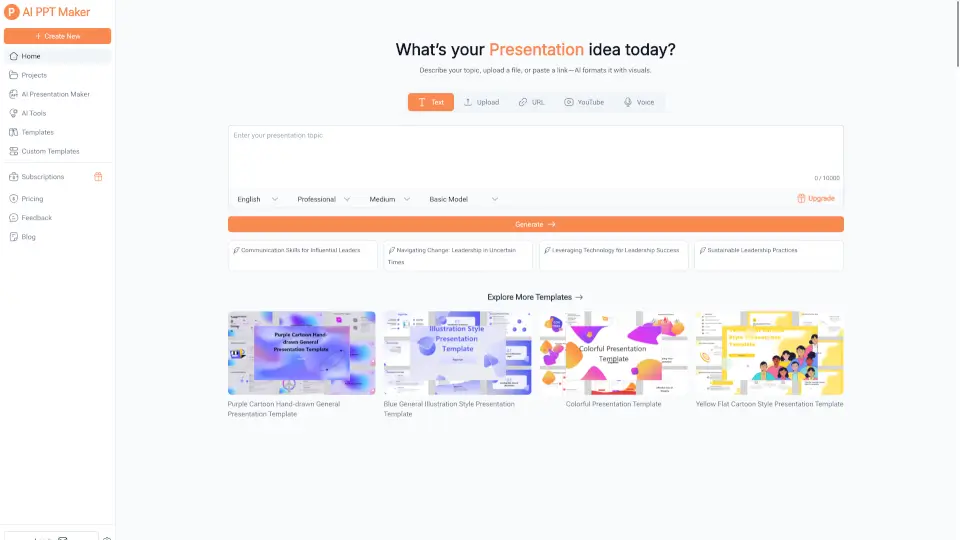
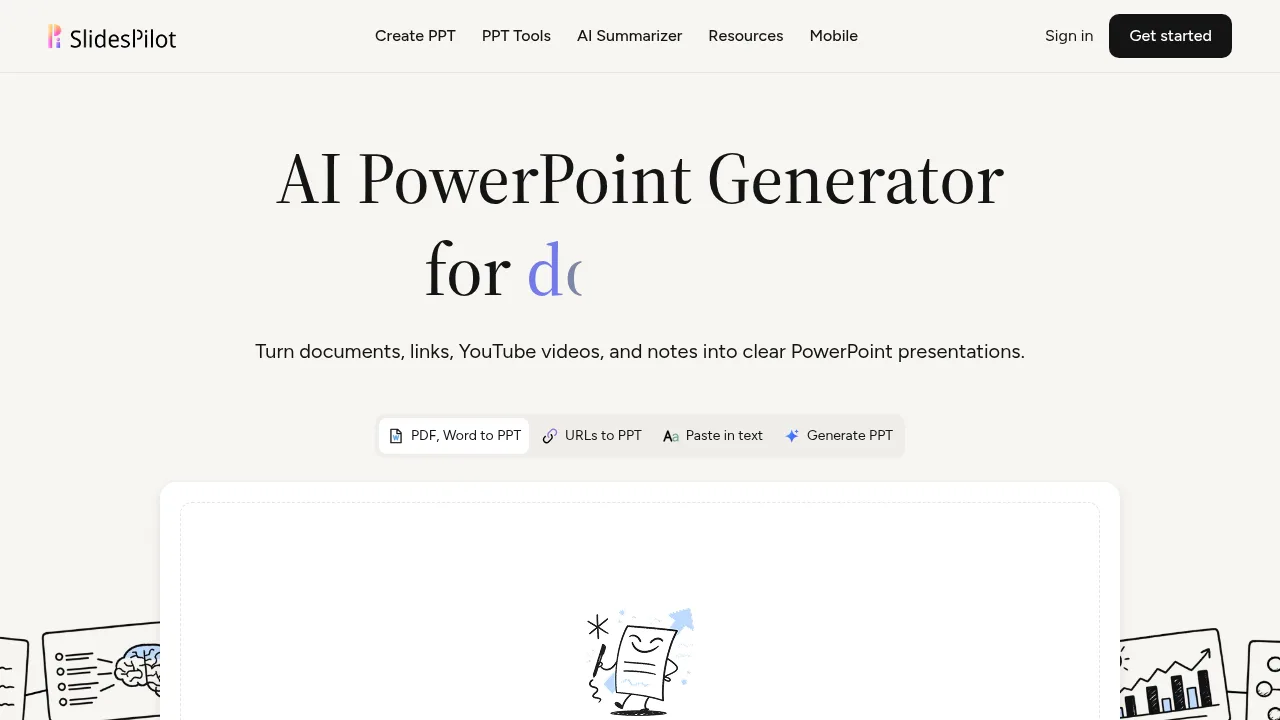
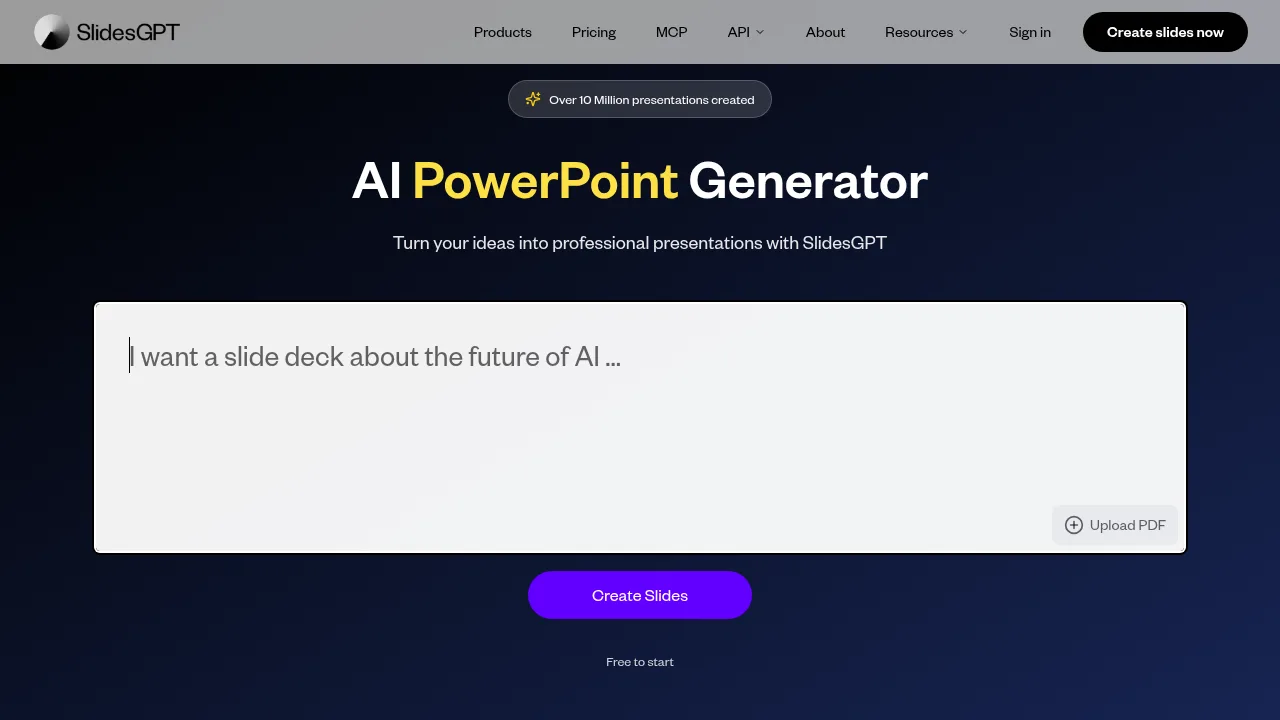
- Input Your ContentEnter your topic or upload content (text, Word, PDF, or video).
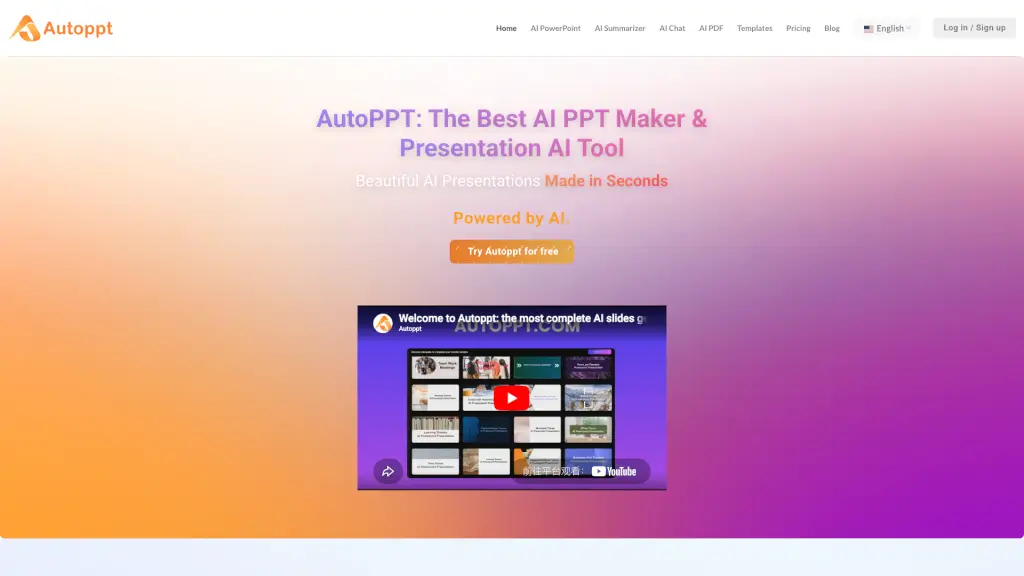
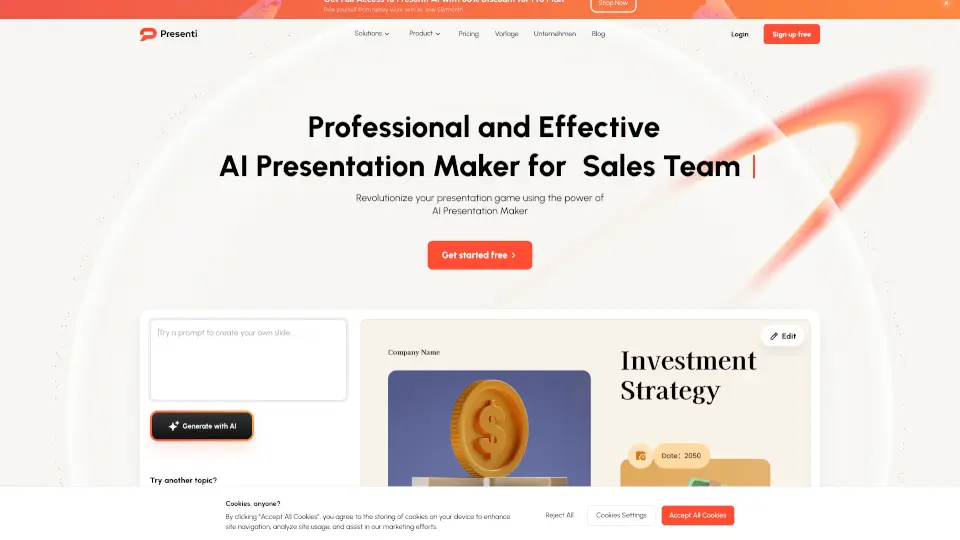
- Smart GenerationWatch as PPT AI designs your slides with AI-powered automation. Choose from various templates.
- Customize and DownloadRefine your slides with PPT AI editing tools. Adjust layouts, styles, and text, then download or present directly from the platform.
- Export and ShareExport your presentation in PowerPoint format or other formats, and share it with your team or audience.