
What is Slidesgo?
Slidesgo is a go-to platform for free Google Slides themes and PowerPoint templates that work for school, business, or creative projects. Whether you're a student preparing a thesis defense, a teacher planning a lesson, or a professional pitching a business idea, Slidesgo offers professionally designed, visually engaging slides you can use right away—100% free for any use.
What sets Slidesgo apart is its huge library of ready-to-edit templates across every subject and style—from minimalist business decks to colorful elementary school worksheets—and powerful AI-powered tools that help you generate full presentations, quizzes, lesson plans, and more in minutes. No design skills needed!
What are the features of Slidesgo?
- Free Templates for Any Use: Download high-quality Google Slides and PowerPoint templates with no hidden fees or attribution required.
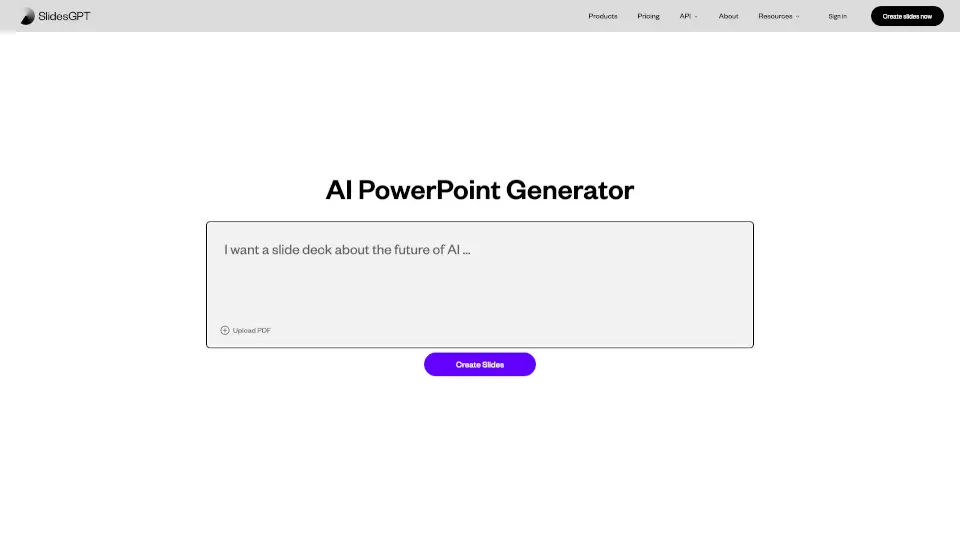
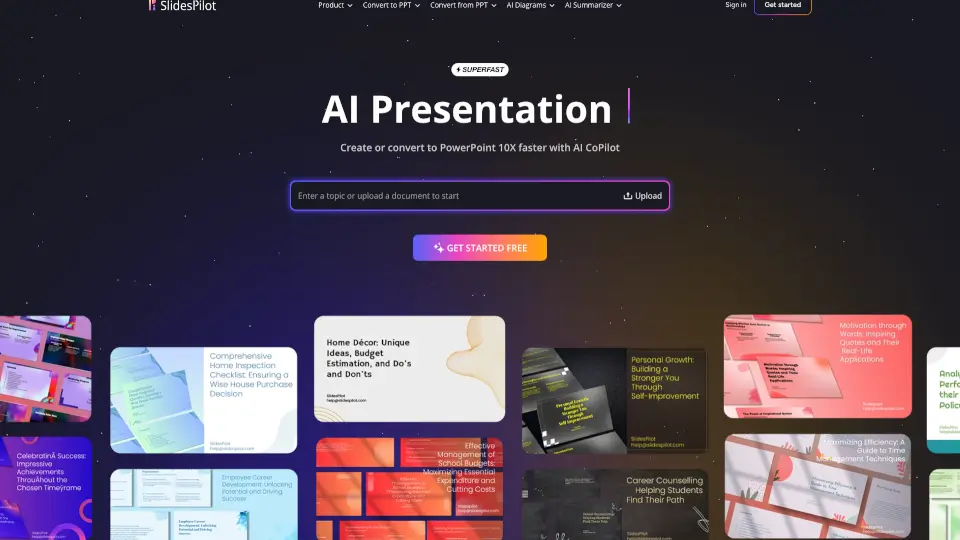
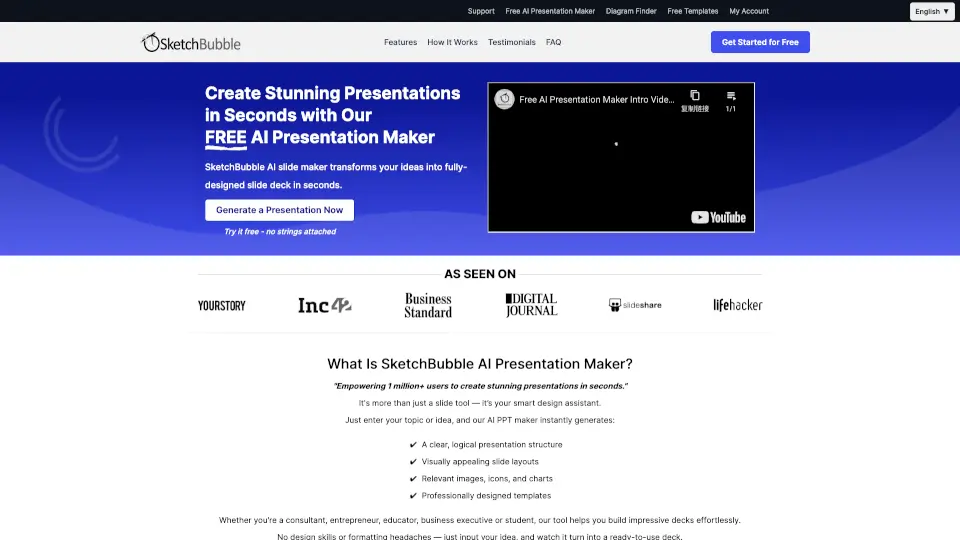
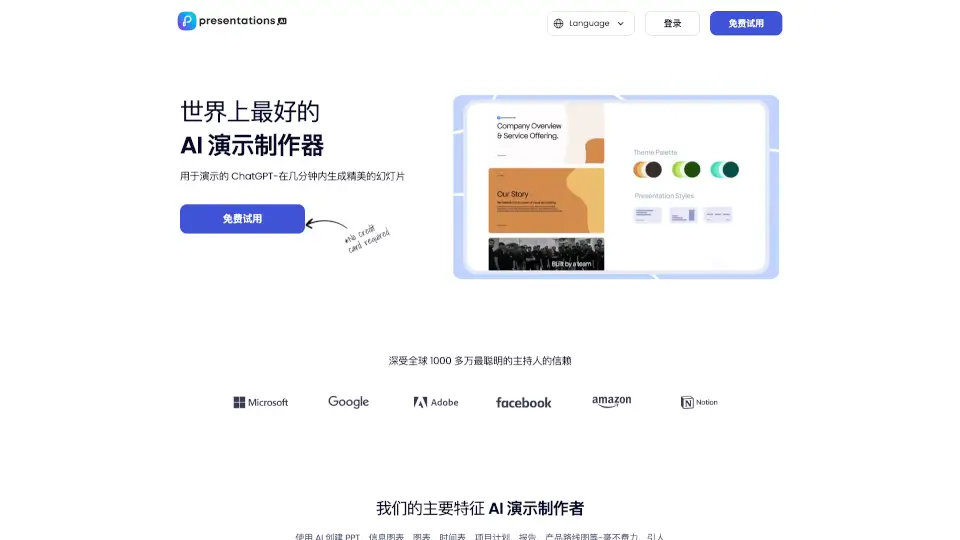
- AI Presentation Tools: Create full slide decks instantly using prompts with the AI Presentation Maker, or convert PDFs, generate quizzes, icebreakers, and exit tickets.
- Education-Focused Collections: Access Slidesclass, Teacher Toolkit, and subject-specific templates (math, history, science) tailored for Pre-K through university.
- Multiple Editable Formats: Open templates directly in Google Slides, PowerPoint, or Canva—no extra software needed.
- Trend-Driven Designs: Stay current with 2026 presentation trends, seasonal themes (like summer or back-to-school), and industry-specific styles (medical, marketing, architecture).
- Infographics & Printable Resources: Turn data into visuals or download coloring pages, worksheets, and storybook slides for hands-on learning.
What are the use cases of Slidesgo?
- A high school teacher creating a Reconstruction Era history lesson with ready-made timelines and discussion prompts.
- A college student designing a clean, professional thesis defense presentation using a minimalist academic template.
- A small business owner building a modern business proposal to pitch to investors with built-in financial charts.
- A fitness coach making a sports nutrition workshop using vibrant, image-rich slides.
- A nonprofit organizer planning a community service event with branded, easy-to-customize slides.
- A parent helping their child with a back-to-school “About Me” project using fun, age-appropriate designs.
How to use Slidesgo?
- Visit Slidesgo.com and browse by category (education, business, style, color, or subject).
- Click “Download and open in Google Slides” or “Download as a PowerPoint file”—no signup needed for basic downloads.
- Register for a free account to download up to 3 templates per month and save favorites.
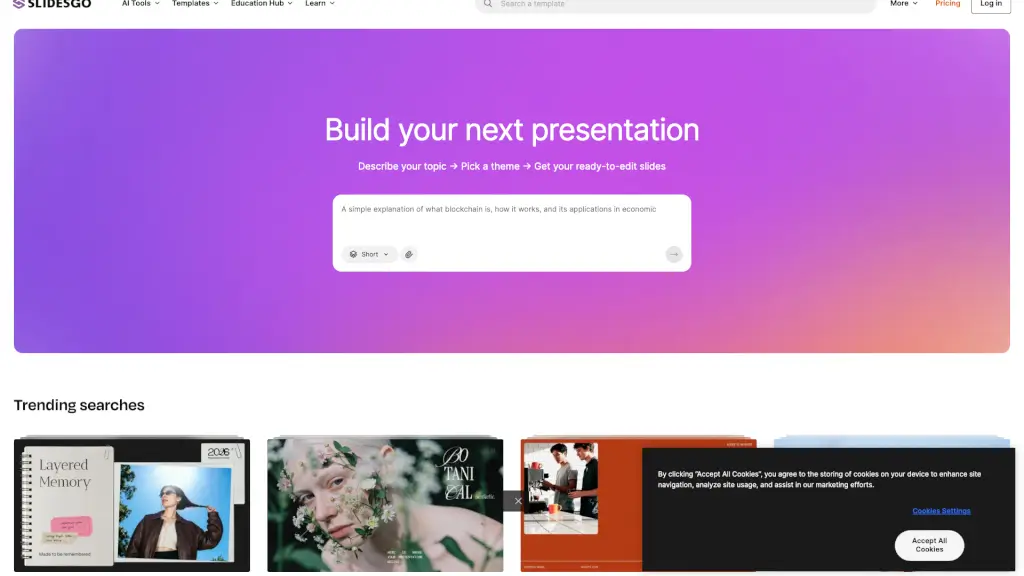
- Use the AI Presentation Maker: describe your topic, pick a theme, and generate a complete editable deck in seconds.
- Customize text, colors, and images directly in Google Slides, PowerPoint, or Canva—no design experience required.
- For educators: explore Slidesclass or the Teacher Toolkit for curriculum-aligned, ready-to-teach materials.