Avc.ai logo

Avc.ai

4.0
(0 Reviews)
United States31.48%

AVC.AI is an online AI image enhancer that upscales, denoises, restores, and refines faces to dramatically improve photo quality in seconds.

Verified by SeekTool
Avc.ai

Avc.ai Product Information

What is Avc.ai?

Tired of blurry, grainy, or low-res photos ruining your memories or projects? AVC.AI is a smart online tool that uses cutting-edge AI to breathe new life into your images—no tech skills needed. Whether it’s an old family photo, a smartphone snapshot, or a pixelated screenshot, AVC.AI automatically enhances quality with impressive accuracy.

What sets AVC.AI apart is how it handles multiple enhancement tasks in one go: it upscales resolution, removes noise, restores faded details, and even refines facial features naturally. You don’t need Photoshop or expensive software—just upload, click, and get professional-looking results in seconds.

What are the features of Avc.ai?

  • AI-Powered Upscaling: Enlarge images up to 4x without losing sharpness or creating blurry artifacts.
  • Smart Denoising: Remove grain, sensor noise, and compression artifacts while preserving real details.
  • Photo Restoration: Repair scratches, discoloration, and blur in old or damaged photos.
  • Face Refinement: Enhance facial clarity, skin texture, and lighting for natural-looking portraits.
  • One-Click Enhancement: Automatically applies the best combination of fixes based on your image type.
  • Batch Processing: Upload and enhance multiple images at once—great for photographers or archivists.
  • Privacy-Focused: Your images are processed securely and deleted shortly after download.

What are the use cases of Avc.ai?

  • Reviving faded childhood photos or scanned film negatives
  • Sharpening blurry screenshots for blog posts or social media
  • Preparing high-quality product images for e-commerce listings
  • Cleaning up low-light smartphone photos before printing
  • Enhancing ID photos or passport pictures for official use
  • Restoring historical or archival images for research or display
  • Improving webinar or Zoom screenshots for professional presentations

How to use Avc.ai?

  • Go to https://avc.ai and click “Upload Image”
  • Choose a photo from your device (supports JPG, PNG, and more)
  • Let the AI auto-detect the best enhancement mode—or pick one manually (e.g., “Face” or “General”)
  • Preview the before/after result using the slider
  • Click “Download” to save your enhanced image instantly
  • For best results, avoid uploading heavily compressed or double-saved files
Avc.ai Contact Email:

support@avc.ai

Do you like this tool?

Upvote to help others discover it!

Avc.ai Alternatives

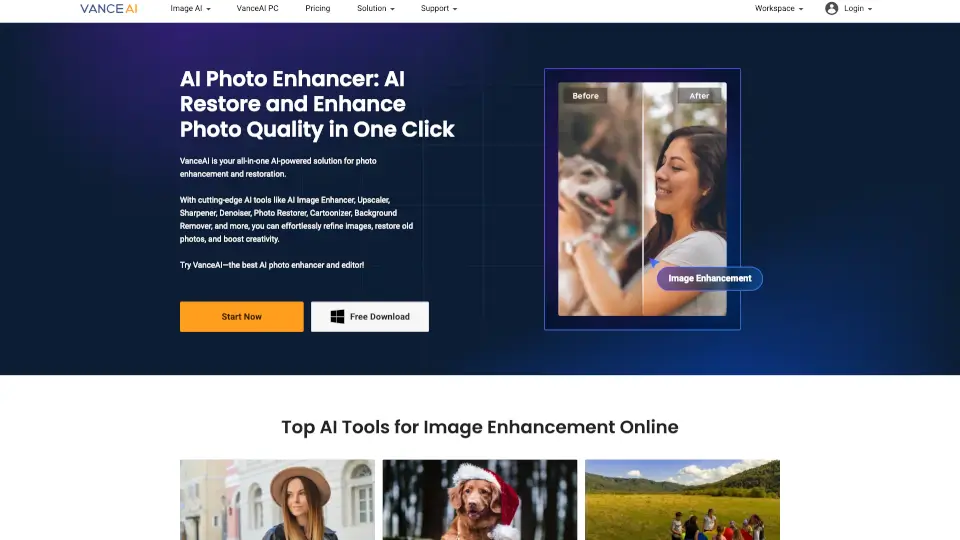
VanceAI

VanceAI

VanceAI simplifies photo and video editing with powerful AI tools—upscaling, restoring, and enhancing in clicks. Ideal for pros and beginners alike!

US
12.61%
465.2K
5.0
Let's Enhance

Let's Enhance

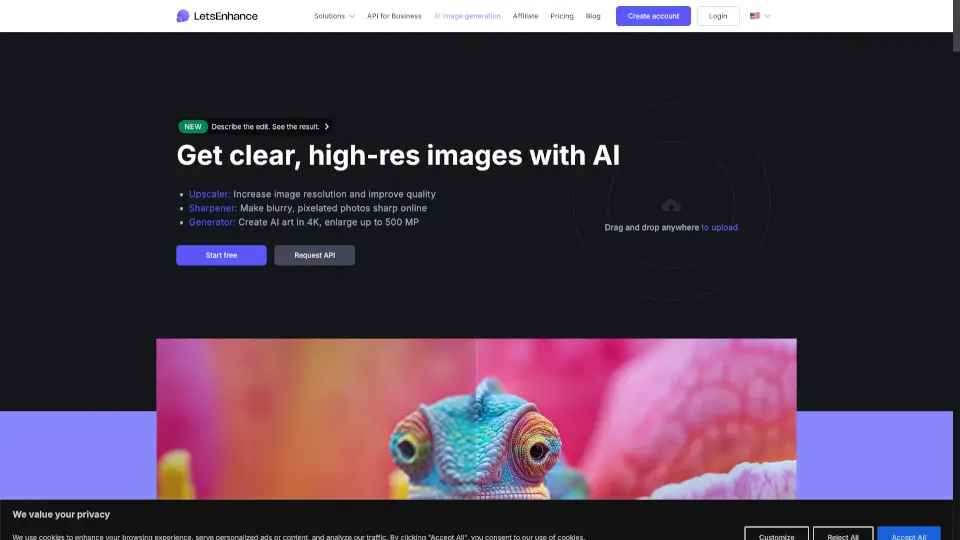
Let’s Enhance uses advanced AI to upscale, sharpen, and restore images naturally—delivering print-ready, high-resolution results without the artificial look.

US
17.06%
1.1M
5.0
Face26

Face26

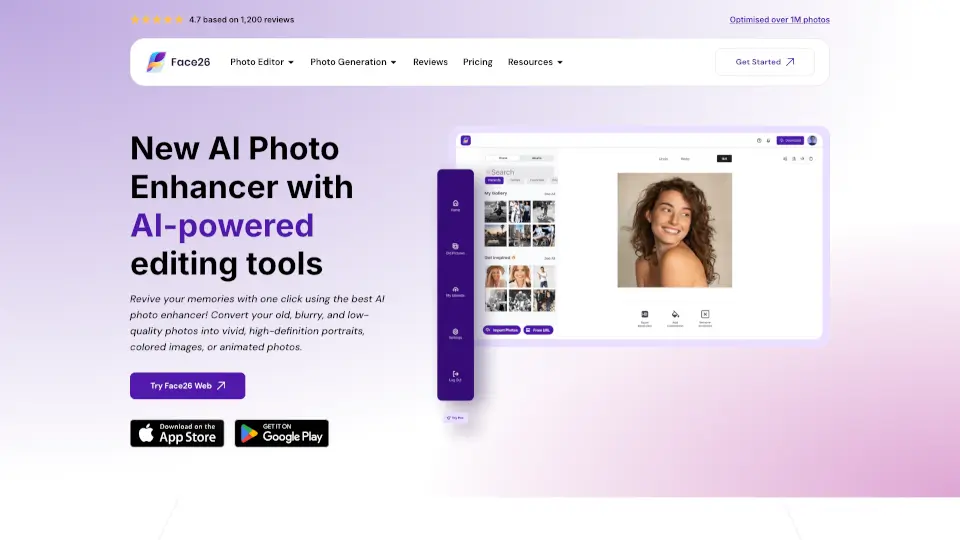
Face26 is a free, easy-to-use AI photo enhancer that restores, sharpens, and upscales images with professional-quality results in seconds.

US
14.28%
58.7K
5.0
AVCLabs

AVCLabs

AVCLabs AI simplifies video and photo editing with powerful AI tools, making professional-quality enhancements accessible to everyone.

US
14.58%
138.4K
5.0
AI Image Enlarger

AI Image Enlarger

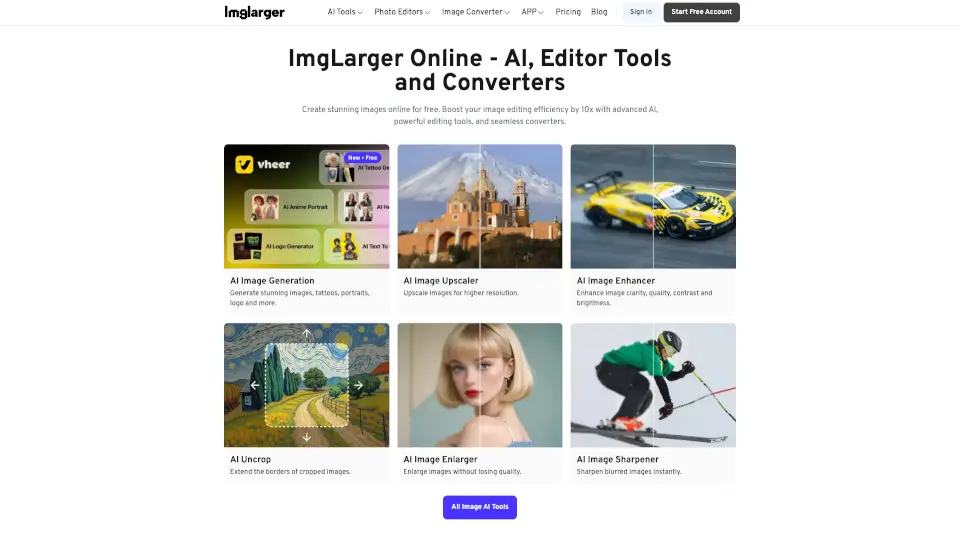
ImgLarger is a free, browser-based AI image enhancer that upscales, restores, edits, and converts photos without losing quality.

IN
15.16%
323.3K
5.0
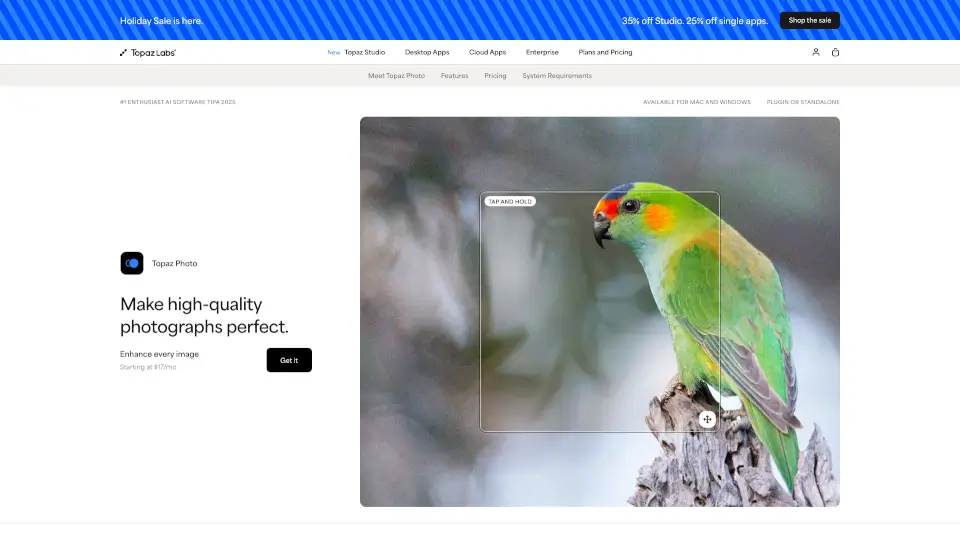
Topaz Photo AI

Topaz Photo AI

Topaz Photo uses cutting-edge AI to sharpen, denoise, unblur, and upscale images—turning good photos into stunning, professional-quality results.

US
29.62%
2.8M
5.0
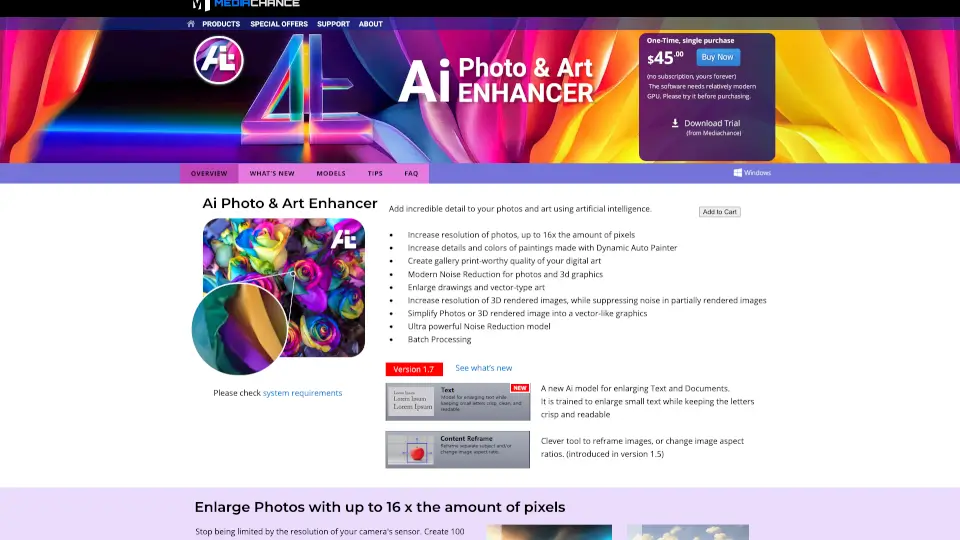
Mediachance's AI Photo & Art Enhancer

Mediachance's AI Photo & Art Enhancer

AI Photo & Art Enhancer uses specialized artificial intelligence models to dramatically upscale resolution, reduce noise, and add incredible detail to photos, digital art, 3D renders, and AI-generated images.

US
28.18%
26.0K
4.0
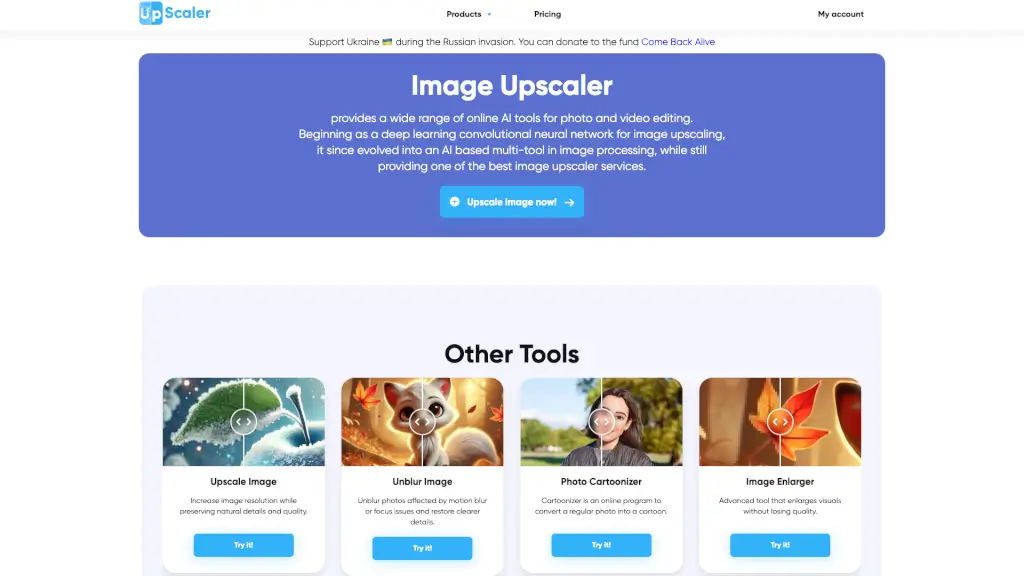
ImageUpscaler

ImageUpscaler

Enhance and transform your images and videos with Image Upscaler, the AI-powered platform for upscaling, unblurring, and more.

US
13.68%
1.7M
5.0

Avc.ai Related Other Categories

Avc.ai Traffic Analysis

💡 Insights

🌱
Emerging Tool
10K-100K monthly visits. Niche or new tool with potential unique value.
⚠️
Slight Decline
Traffic has slightly decreased recently.
👍
Good Experience
Bounce rate of 38%. Users are willing to explore features.
  • Monthly Visits

    39.87K

  • Bounce Rate

    38.15%

  • Pages Per Visit

    2.84

  • Visit Duration

    00:00:20

  • Global Rank

    700374

  • Country Rank

    27465

Visits Over Time

Traffic Sources

Gen Ai0.00%
Display Ads0.00%
Social Organic0.00%
Mail0.00%
Search Paid0.00%
Social Paid0.00%
Referrals0.00%
Affiliate0.00%
Search Organic0.00%
Direct0.00%

Top Keywords

1
video stabilizer
CPC$0.49
320Traffic
2
free dedicated video enhancer to 1080p
220Traffic
3
free ai stabilize video
90Traffic
4
free video stabilizer online
CPC$0.29
80Traffic
5
free ai video enhancer
CPC$0.76
50Traffic

Top Regions

RegionPercentage
United States
United States
31.48%
Vietnam
Vietnam
7.84%
India
India
7.79%
Indonesia
Indonesia
5.40%
Brazil
Brazil
5.35%
Low
High

Powered by SimilarWeb

Avc.ai FAQ

Is AVC.AI free to use?

Yes! AVC.AI offers a free tier with daily usage limits. Paid plans unlock higher resolution outputs, batch processing, and faster speeds.

Does it really improve face quality without making people look fake?

Absolutely. The face refinement model is trained to enhance eyes, skin tone, and lighting while keeping natural textures—no plastic or over-smoothed looks.

How much can I upscale my image?

You can upscale by 2x or 4x depending on your plan. The AI intelligently adds realistic details instead of just stretching pixels.

Are my uploaded photos stored or shared?

No. AVC.AI deletes all uploaded images from servers within 24 hours and doesn’t use them for training or sharing.

What file formats does it support?

JPG, JPEG, PNG, and WebP are fully supported for both upload and download.

Can I use it on mobile?

Yes! The website works smoothly on smartphones and tablets—no app download required.

Why does my enhanced photo look different from the original?

The AI interprets missing details based on learned patterns. While it aims for realism, slight artistic interpretation may occur—especially in very low-quality inputs.

Avc.ai Reviews

0

0

0 Reviews
Sign Into leave a review

Recent Reviews

No reviews yet

Avc.ai Embed

Use website badges to drive community support for SeekTool.ai. They are easy to embed in your homepage or footer.

Light
Dark
Avc.ai - Featured on SeekTool.aiAvc.ai - Featured on SeekTool.ai
How to install?