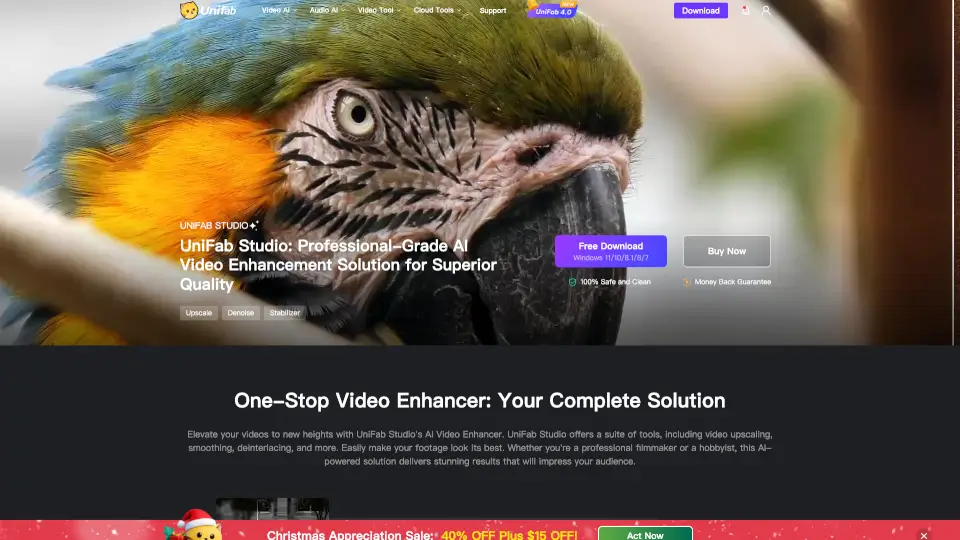
Was ist Vance Video AI?
VanceAI’s AI Video Enhancer is your go-to tool for transforming videos. Whether you’re a passionate video creator or simply want to polish your home videos, this powerful software suite is designed to boost the quality of your footage effortlessly.
Was sind die Merkmale von Vance Video AI?
- Upscaling: Turn your lower-resolution videos into stunning 4K or 8K visuals.
- Smoothing: Enhance motion for a more cinematic feel.
- Deinterlacing: Clean up old footage for a fresh, modern look.
- AI Denoiser: Remove unwanted noise and grain for clearer videos.
- HDR Conversion: Elevate your visuals with richer colors and contrast.
- Stabilization: Eliminate shaky footage for a professional finish.
- Smooth Frame Rate: Adjust frame rates up to 120 FPS for smoother playback.
Was sind die Anwendungsfälle von Vance Video AI?
- Perfect for filmmakers looking to elevate cinematic quality.
- Ideal for YouTubers wanting sharp visuals that stand out.
- Great for preserving old home videos with modern enhancements.
- Useful for gamers who want high-quality recordings.
Wie benutzt man Vance Video AI?
- Download the VanceAI Video Enhancer.
- Install and open the software.
- Import your video file.
- Choose the desired enhancement tools.
- Click "Enhance" and wait for your new video to process.
- Export your finished video in your preferred format.