What is Jam?
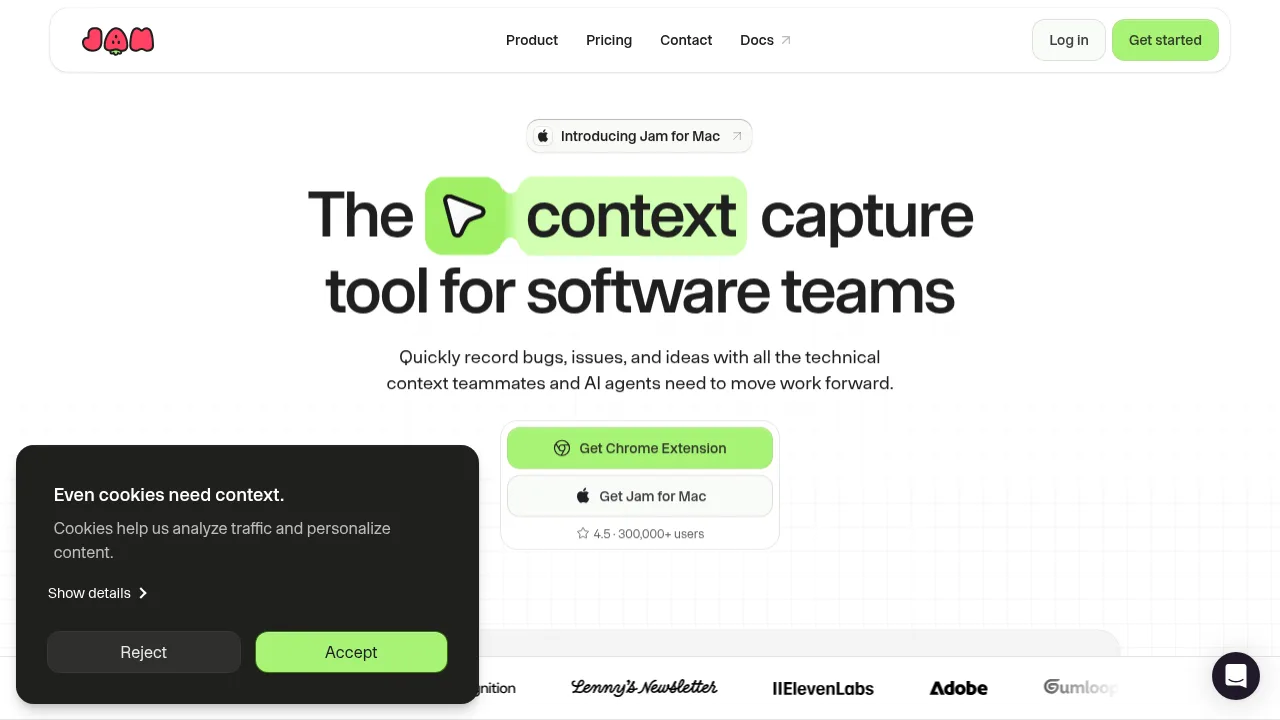
Jam is a screen recording tool for software teams that captures bugs, feedback, and ideas alongside technical context. It is available as a Chrome extension, Mac app, and iOS app. Recordings can be routed to issue trackers or AI coding agents for investigation.
What are the features of Jam?
- Screen and screenshot captureRecords the screen or takes a screenshot via the browser extension, Mac app, or iOS app.
- Automatic technical contextAttaches available console logs, network requests, user events, and device details to each recording.
- AI-generated summary (Jam AI)Automatically suggests a title, summary, and reproduction steps for the captured issue.
- Integration routingSends recordings directly to Linear, Jira, Slack, or AI tooling.
- Agent integration (Jam MCP and Jam CLI)Allows AI agents to read recording context via Jam MCP or publish agent-made videos using Jam CLI.
- Custom metadata (Jam SDK)Developers call
jam.metadata()at capture time to include live user, feature flag, and app-state context.
What are the use cases of Jam?
- Customer bug reportingTeams send a Recording Link so customers can record an issue without installing Jam, with auto-blur hiding matched sensitive elements.
- Support ticket triageThe Jam for Fin integration lets customers record and submit issues directly within a support conversation.
- Automated agent debuggingWebhooks trigger AI agent runs when a new Jam is created, allowing the agent to pull context and investigate the fix.
Jam Pricing Information:
- Free accessThe source states users can "Get started for free," but does not detail specific plan limits or features included.
- Sales contactEnterprise or team options require contacting sales; no pricing tiers are specified.