
What is Guidejar?
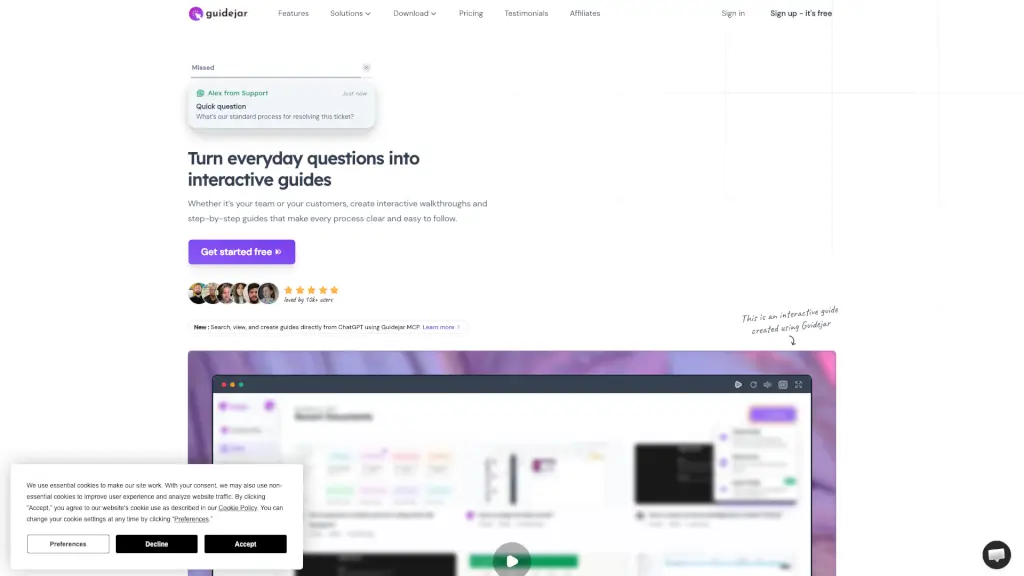
Guidejar is an interactive walkthrough software that helps teams create step-by-step guides, SOPs, product demos, and onboarding experiences—without needing design or coding skills. Whether you're training new hires, launching a feature, or helping customers use your product, Guidejar turns complex processes into clear, clickable experiences anyone can follow.
Instead of answering the same questions over and over, teams use Guidejar to build reusable, interactive content that reduces support tickets, speeds up onboarding, and boosts user confidence. With just a few clicks, you can record any workflow in your browser or desktop app and instantly share it as a polished guide.
What are the features of Guidejar?
- Interactive Walkthroughs: Create clickable, step-by-step guides that let users learn by doing—no passive videos required.
- AI Voiceover & Translation: Add professional-sounding voiceovers and translate guides into multiple languages with AI.
- Conditional Branching: Build personalized experiences with multiple paths based on user choices or roles.
- Help Center Widget: Embed a searchable help center directly into your website for instant user support.
- Dynamic Variables: Personalize content in real time using user-specific data like name, role, or company.
- Cross-Platform Recording: Capture workflows in browsers (via Chrome extension) or desktop apps (Mac/Windows).
- Custom Branding & Domain: Match your help center to your brand and publish it on your own domain (e.g., help.yourcompany.com).
- Team Collaboration & Access Control: Invite teammates, assign roles, and manage who can view or edit guides.
What are the use cases of Guidejar?
- Internal Wiki: Document HR policies, IT setups, or sales playbooks so employees always know the right process.
- User Onboarding: Guide new customers through key actions to boost activation and reduce early churn.
- Product Marketing: Launch new features with interactive demos that show—not tell—how they work.
- Sales Enablement: Equip reps with self-running demos to shorten discovery calls and close deals faster.
- Lead Generation: Let prospects explore your product hands-on before booking a demo, capturing high-intent leads.
- Customer Support: Turn common support questions into self-serve guides that reduce ticket volume.
- Training & SOPs: Standardize operations across remote teams with always-up-to-date procedural guides.
How to use Guidejar?
- Install the Guidejar Chrome extension or desktop app (Mac/Windows) to start recording.
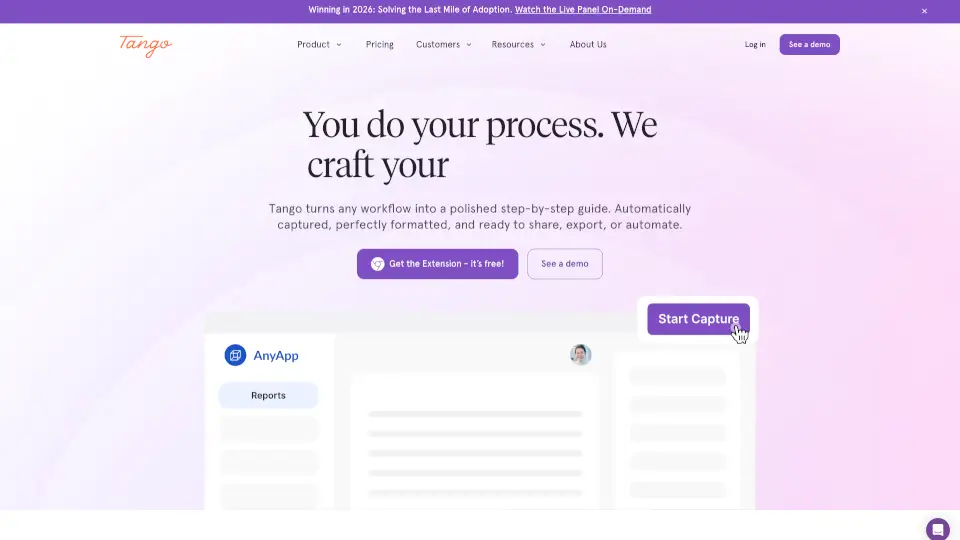
- Click “Start Capture” and walk through any process—Guidejar auto-records every click and screen.
- After recording, edit steps, add zoom effects, insert AI voiceovers, or split content into chapters.
- Use conditional branching to create decision-based paths for different user types or scenarios.
- Publish your guide as a shareable link, embed it in your help docs, or add it to your branded help center.
- Track engagement with built-in analytics to see which steps users skip or replay.