What is Cal.ai?
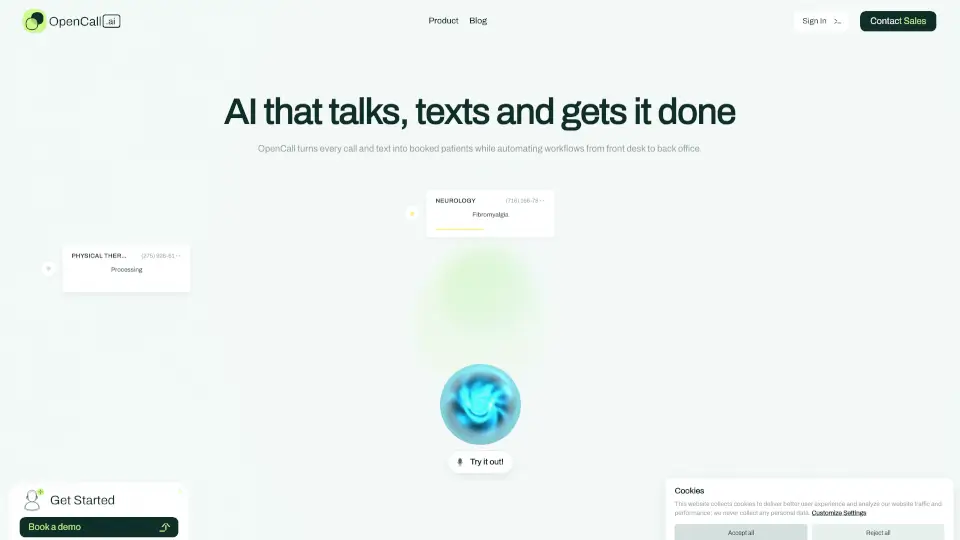
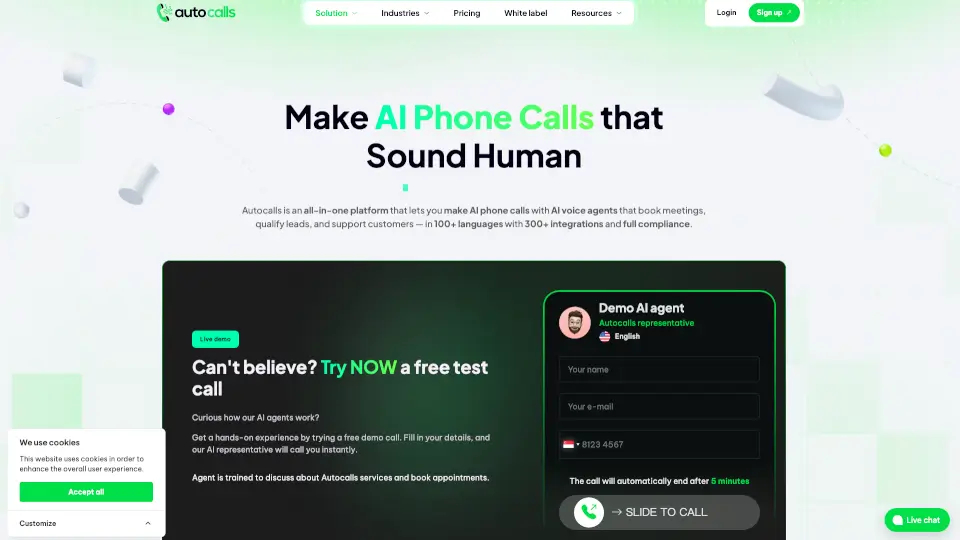
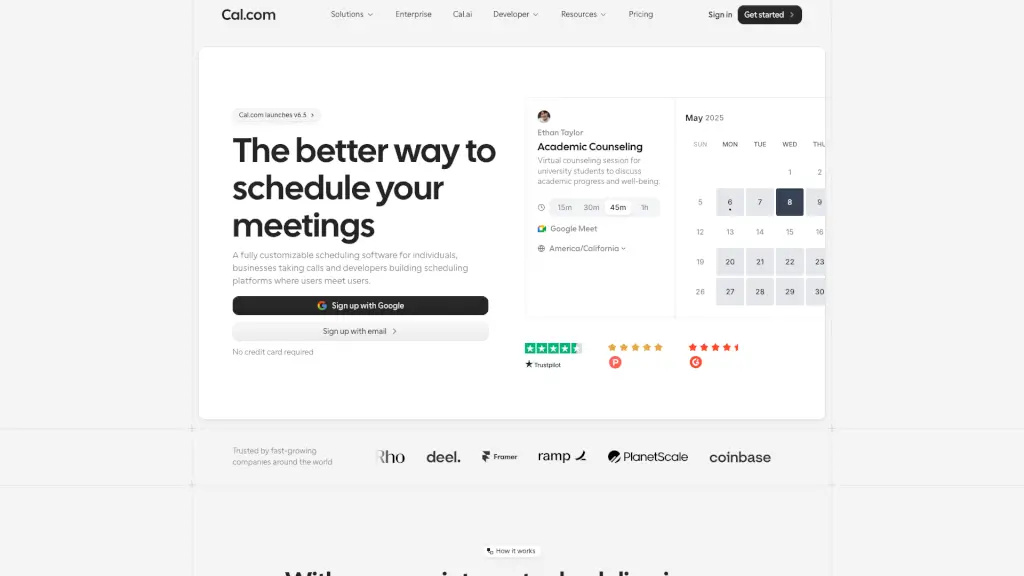
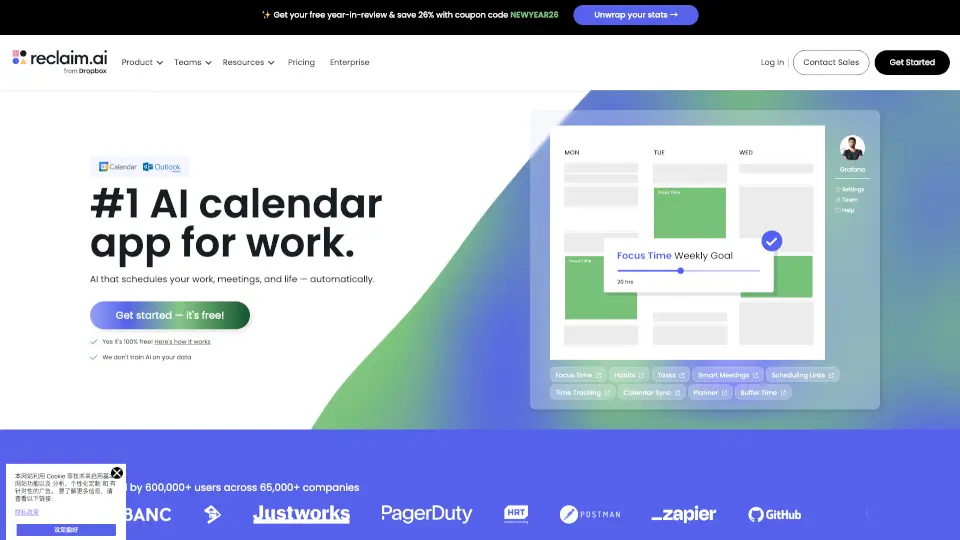
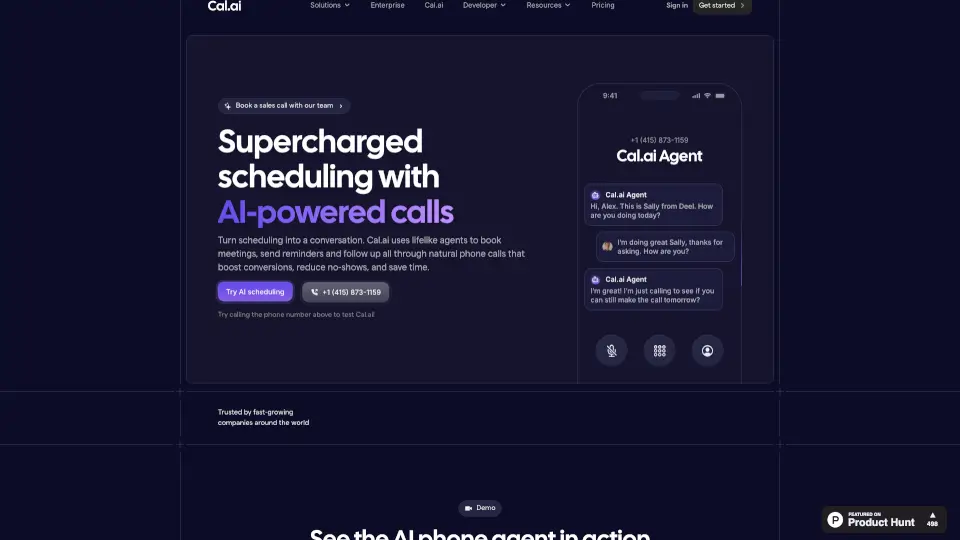
Cal.ai transforms your scheduling process by using lifelike AI agents to make automated phone calls. Instead of relying on endless emails or text reminders, Cal.ai handles bookings, confirmations, follow-ups, and no-show recovery through natural, human-like conversations. Built natively into Cal.com, it helps you reduce missed appointments, boost booking rates, and free up your team from repetitive phone work — all at an affordable $0.29 per minute.
What are the features of Cal.ai?
- Customizable AI ConversationsWrite your own script prompts, set the tone and personality of your AI agent, and define clear goals for each call. You control how the conversation flows.
- Human-Like Voice & FlowThe AI delivers natural, adaptive conversations that feel real. Most people won't realize they're talking to an AI unless you tell them.
- Workflow TriggersAutomate calls based on specific events like form submissions, upcoming meetings, no-shows, or cancellations — fully integrated with Cal.com Workflows.
- Detailed Call AnalyticsAccess full call transcripts, track completion rates, measure booking conversions, and analyze customer sentiment directly in your dashboard.
- Low Cost Per MinuteEach AI-powered call costs only $0.29 per minute (29 credits), making it an affordable way to scale your scheduling efforts.
What are the use cases of Cal.ai?
- Proactive Lead Follow-UpAutomatically call leads who haven't booked yet and guide them toward scheduling a meeting on your calendar.
- No-Show ReductionSend personalized reminder calls before important appointments or sales calls to boost attendance rates.
- Team Time SavingsLet the AI handle repetitive confirmation and follow-up calls 24/7, so your team can focus on higher-value work.
How to use Cal.ai?
- Set Your TriggerChoose when the AI agent should call — after a form submission, before a meeting, or following a no-show.
- Add a Phone NumberAssign a dedicated phone number for your AI agent to call from. You can even import an existing number.
- Set Up Your AI AgentWrite a custom prompt for reminders, confirmations, or follow-ups. The AI handles the rest in your chosen voice and tone.
- Monitor PerformanceReview call transcripts and analytics in your Cal.com dashboard to refine your scripts and improve conversion rates.