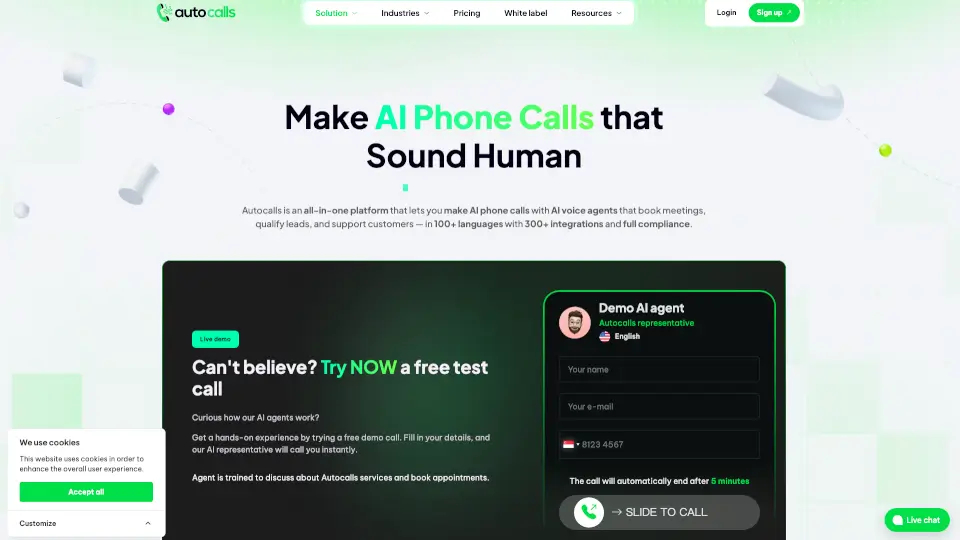
Was ist AutoCalls.ai?
Autocalls.ai ist eine benutzerfreundliche Plattform, mit der du ganz einfach KI-Telefonanrufe mit natürlichen Sprachassistenten automatisieren kannst – ohne Programmierkenntnisse. Egal ob eingehende oder ausgehende Anrufe, Autocalls.ai unterstützt über 100 Sprachen und lässt sich in mehr als 300 Apps integrieren. So kannst du Kundenservice, Terminbuchungen, Lead-Qualifizierung und vieles mehr automatisieren.
Was sind die Merkmale von AutoCalls.ai?
- No-Code Plattform: Erstelle und steuere KI-Sprachagenten ohne Programmierkenntnisse.
- Mehrsprachigkeit: Über 100 Sprachen und verschiedene Akzente verfügbar.
- Globale Telefonnummern: Wähle aus Nummern in über 150 Ländern.
- Integration: Verknüpfe mit HubSpot, GoHighLevel, Zoho, Google Kalender und mehr als 300 weiteren Tools.
- Simultane Anrufe: Bis zu 1.000 Anrufe gleichzeitig möglich.
- Stimmen-Klonen: Nutze hunderte natürliche Stimmen oder klone deine eigene.
- White Label: Starte deine eigene Plattform mit eigenem Branding.
- Sicherheit & Datenschutz: DSGVO-konform, mit Verschlüsselung und Opt-out-Optionen.
Was sind die Anwendungsfälle von AutoCalls.ai?
- Kundenservice: Automatisiere Support-Anrufe und beantworte häufige Fragen rund um die Uhr.
- Terminbuchung: Lass KI-Agenten Termine für Praxen, Salons oder Werkstätten koordinieren.
- Lead-Qualifizierung: Filtere Interessenten vor, bevor sie von echten Mitarbeitern kontaktiert werden.
- Vertrieb & Cold Calls: KI-Agenten übernehmen Kaltakquise und Nachfassaktionen.
- Umfragen & Feedback: Führe Zufriedenheitsumfragen und Feedbackgespräche automatisch durch.
- Beschwerdemanagement: Nimm Beschwerden auf und leite sie nach Vorgabe weiter.
Wie benutzt man AutoCalls.ai?
- Registriere dich auf Autocalls.ai und wähle deinen Tarif.
- Erstelle deinen KI-Agenten mit dem Drag-and-Drop-Editor.
- Lade Unternehmensinfos, Dokumente oder Webseiten hoch, um den Agenten zu trainieren.
- Integriere deine bevorzugten Tools und Kalender.
- Starte Testanrufe oder richte Kampagnen für eingehende und ausgehende Anrufe ein.
- Überwache und optimiere deine Anrufe mit detaillierten Berichten.