What is Anvsoft?
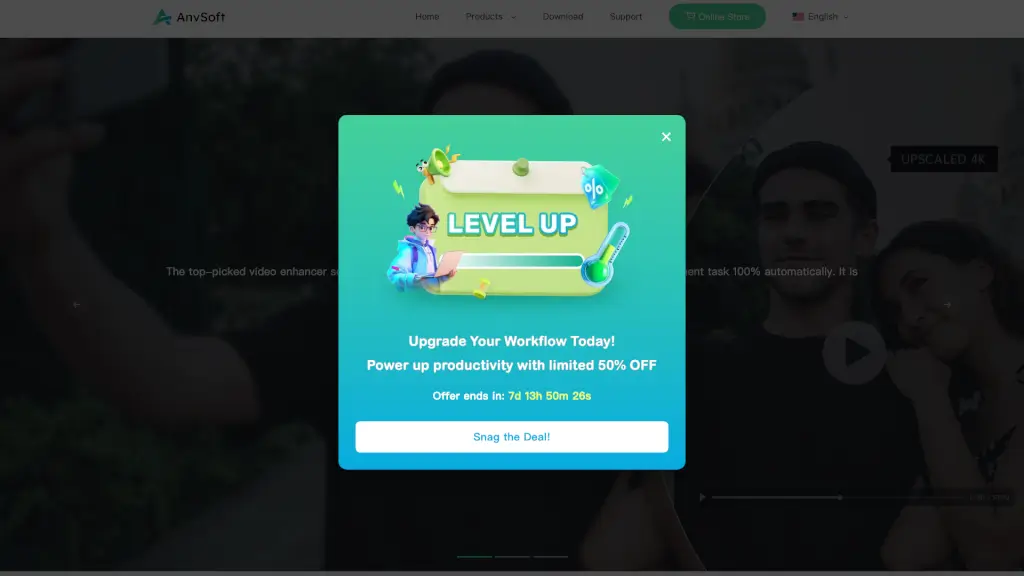
Anvsoft is a leading multimedia software company that offers a wide range of productivity tools to enhance your multimedia experiences. From video and photo editing to PDF management and mobile utilities, Anvsoft's tools are designed to make your digital life easier and more efficient. Whether you're a professional looking to streamline your workflow or a casual user wanting to improve your media, Anvsoft has the right tools for you.
What are the features of Anvsoft?
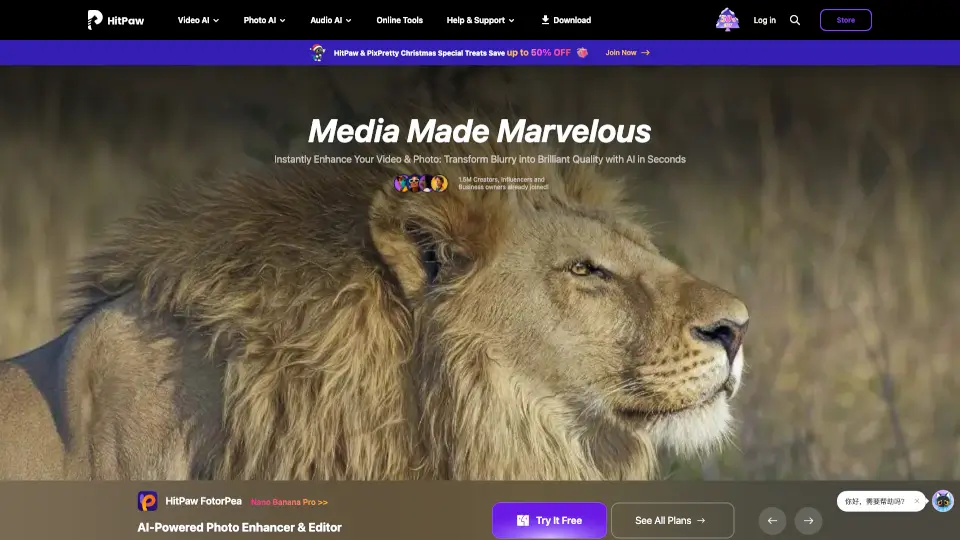
- AI Video Enhancer: Automatically enhances video quality with AI, including upscaling, denoising, and color correction.
- AI Video Blur: Blurs faces, license plates, and other objects in videos to protect privacy.
- Any Video Converter: Converts, downloads, records, and edits videos with ease.
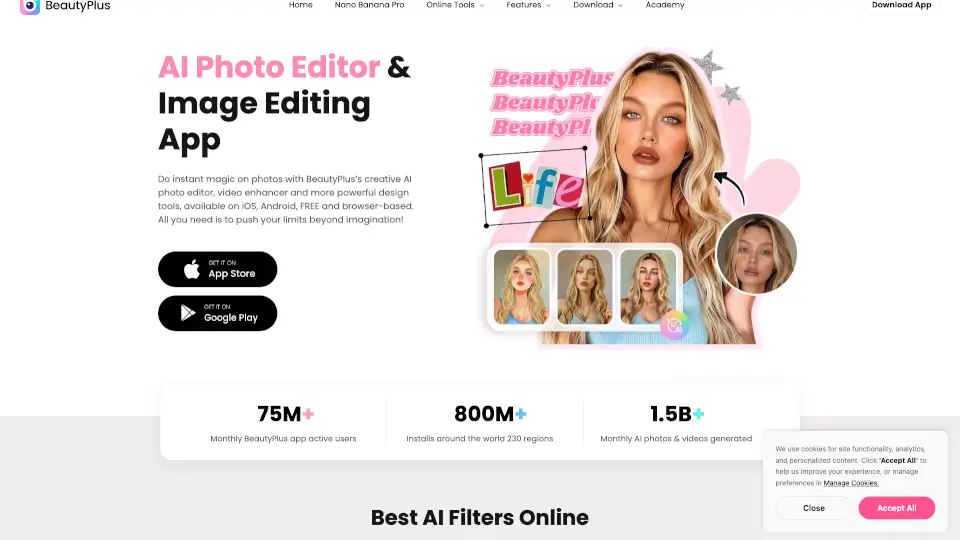
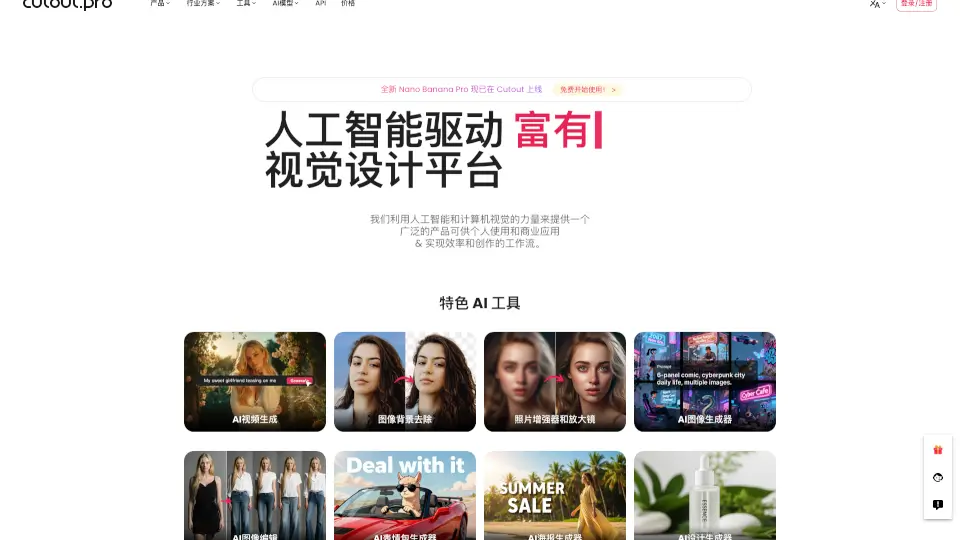
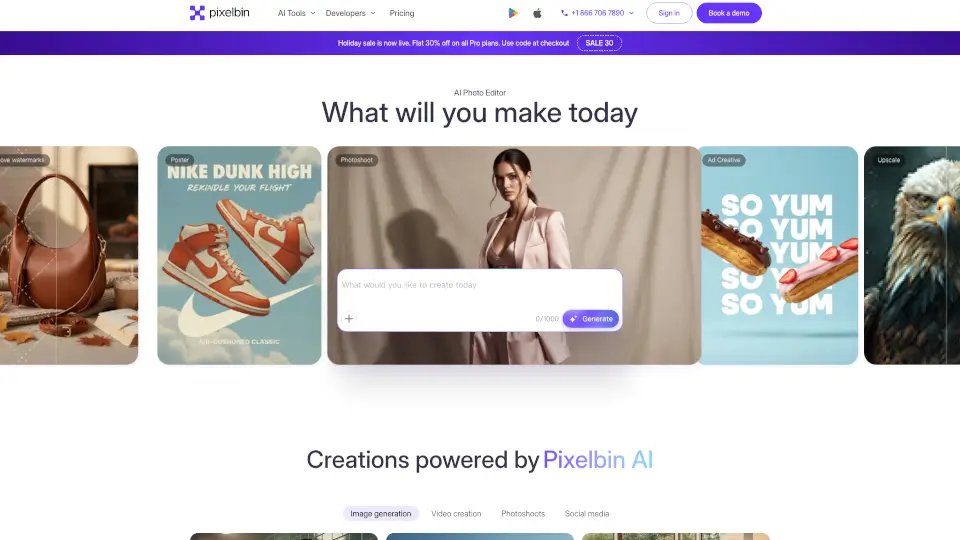
- AI Photo Editor: Simplifies complex image editing tasks, offering automatic enhancement and object removal.
- AI Photo Enhancer: Upscales and improves the clarity and color of photos.
- Syncios Mobile Manager: Manages iOS and Android data, including photos, contacts, and messages.
- PDF Tools: Converts, merges, and manages PDF files efficiently.
What are the use cases of Anvsoft?
- Video Editing for Social Media: Use AI Video Enhancer to improve the quality of your videos before posting on platforms like YouTube or Instagram.
- Privacy Protection: Apply AI Video Blur to hide sensitive information in your videos, such as faces and license plates.
- Multimedia Conversion: Convert and edit videos for various formats and devices using Any Video Converter.
- Photo Restoration: Restore old, blurry, or damaged photos with AI Photo Enhancer.
- Mobile Data Management: Organize and transfer data between mobile devices and computers with Syncios Mobile Manager.
- Document Management: Convert and merge PDF files for easy sharing and storage.
How to use Anvsoft?
- Download and install the Anvsoft tool from the official website.
- Open the application and import your media file (video, photo, or document).
- Select the desired feature, such as AI Video Enhancer or AI Photo Editor.
- Follow the on-screen instructions to apply the desired effects or conversions.
- Save and export the enhanced or converted file to your preferred location.