
What is Aidocmaker.com?
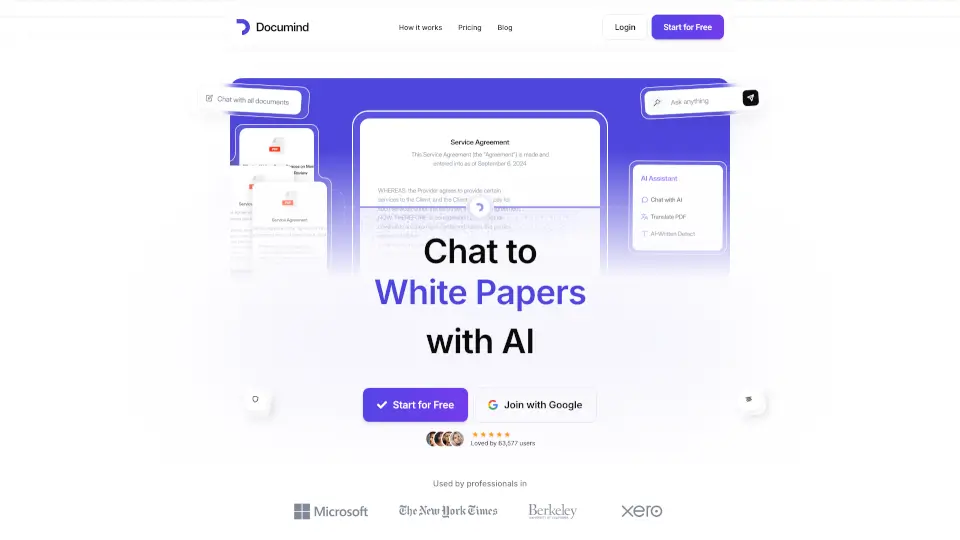
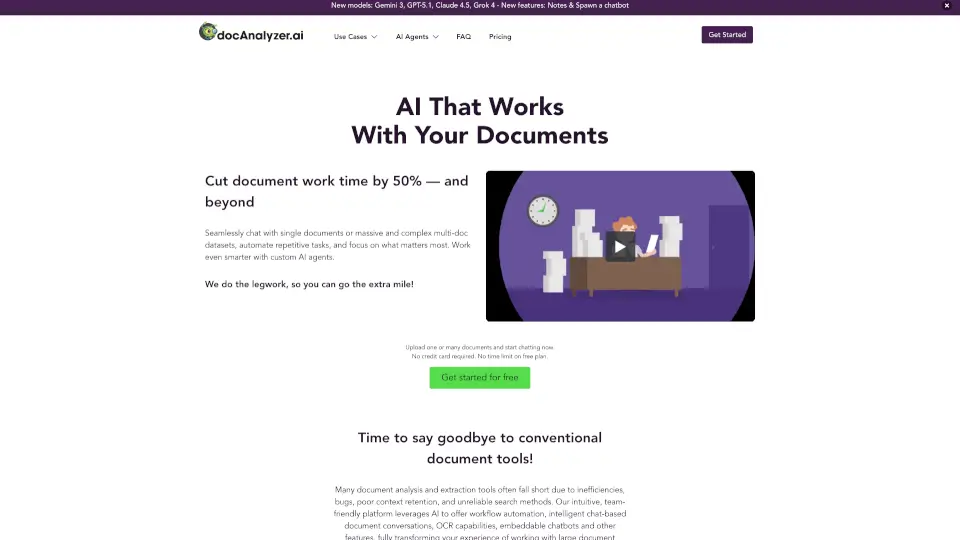
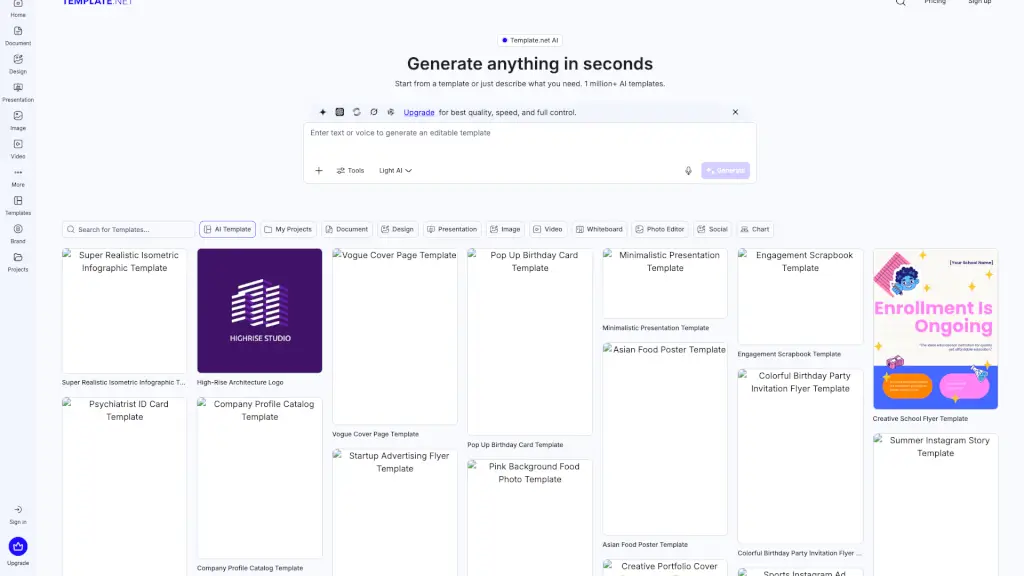
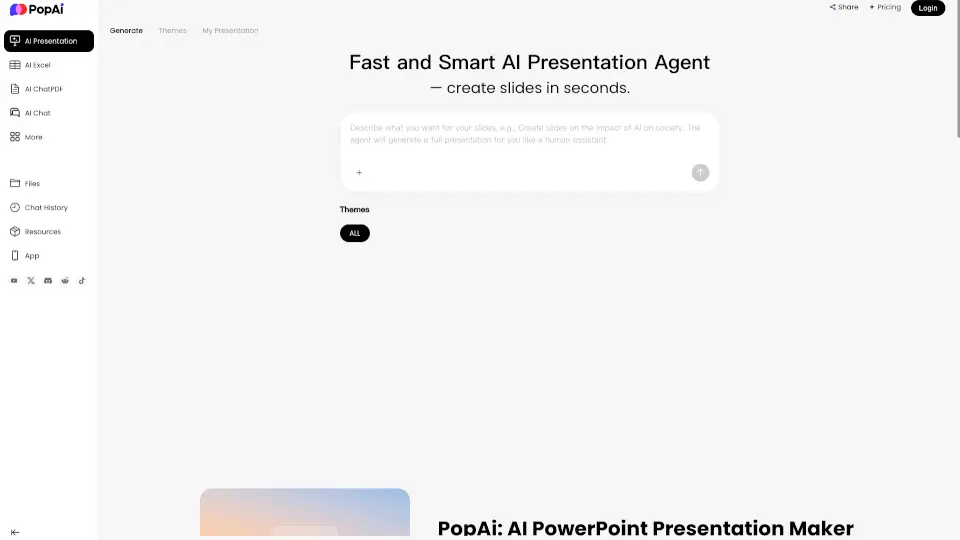
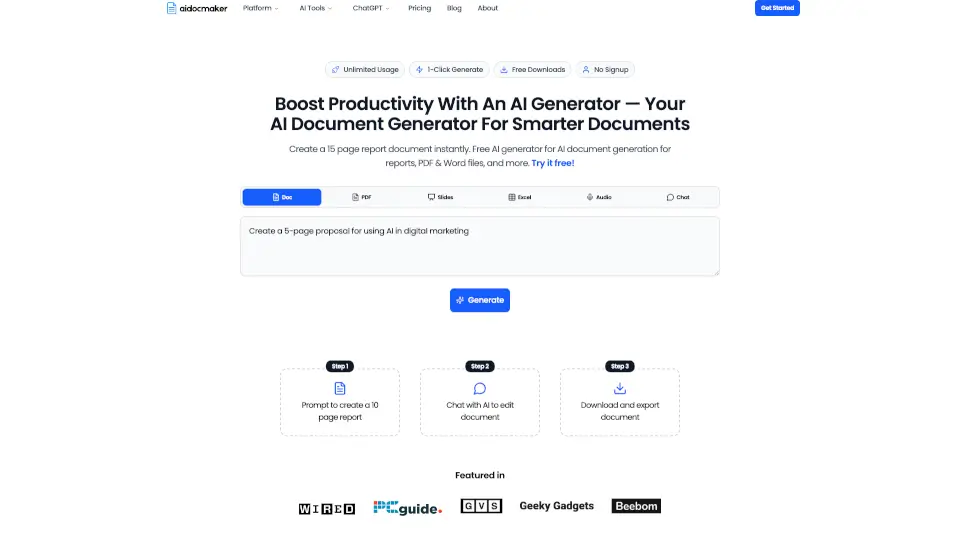
AI Doc Maker is a powerful, free platform that helps you create professional documents instantly using advanced AI. Instead of staring at a blank page, you simply describe what you need, and the tool generates polished reports, PDFs, Word files, spreadsheets, and more. It features agentic AI that can manage your workspace, learn from your preferences, and handle formatting automatically. Whether you are a student working on a research paper, a business owner drafting a proposal, or just someone who needs a quick file, AI Doc Maker gets the job done fast without requiring you to sign up.
What are the features of Aidocmaker.com?
- Agentic AI Workspace: The AI acts as your personal assistant, autonomously managing files, organizing content, and learning from your chats to improve over time.
- Multi-Format Generation: Create and export documents in various formats including PDF, Word, Excel, PowerPoint slides, and even audio summaries.
- One-Click Instant Creation: Generate complete documents in seconds with a single click. The platform offers free downloads and requires no signup to start.
- Smart Layout and Data Tools: Automatically applies professional formatting, headings, page breaks, charts, and data tables so your documents are print-ready.
- Document Rewriting and Uploading: Attach existing files to have the AI rewrite, summarize, or enhance content based on your reference materials.
- Global Multilingual Support: Generate high-quality content in over 50 languages, making it easy to reach international audiences.
What are the use cases of Aidocmaker.com?
- Student Research Papers: Type a topic and receive a well-structured report with proper sections, citations, and formatting, saving hours of typing and editing.
- Business Proposals and Contracts: Quickly draft client-ready proposals, scopes of work, and legal agreements that follow industry standards and match your tone.
- Spreadsheet Budget Tracking: Create Excel sheets with complex formulas, pivot tables, and charts for personal finance, freelance accounting, or project costs.
- Presentation Slide Decks: Turn rough outlines or text notes into polished slide presentations for meetings, pitches, or classroom projects.
- Content Repurposing: Paste a blog post or meeting notes and convert them into a clean PDF newsletter, summary document, or professional memo.
How to use Aidocmaker.com?
- Write a Detailed Prompt: Start by describing exactly what you need, including details like length, tone, and specific sections (e.g., "Create a 2-page proposal for a coffee shop with cost breakdowns").
- Choose Your Output Format: Select the file type you want, such as PDF for sharing, Word for editing, or Excel for data-heavy content.
- Upload Reference Files: If you have existing notes or drafts, attach them to guide the AI and ensure the output aligns with your current information.
- Refine with Chat: Use the built-in chat to ask the AI to rewrite paragraphs, change the style, or add missing information before downloading.
- Download Your File: Once satisfied, click the download button to save your document directly to your device instantly.