What is Template.net?
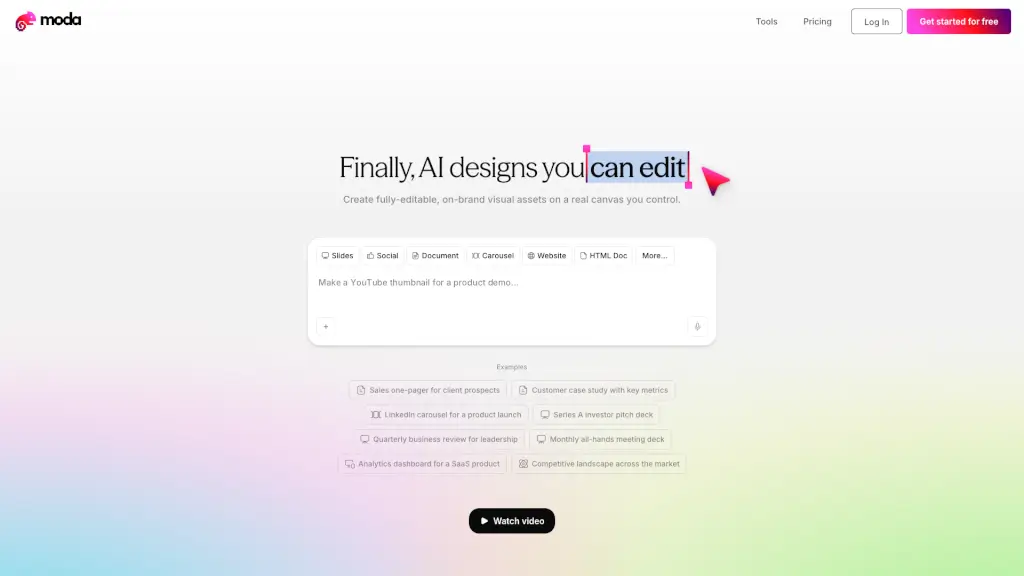
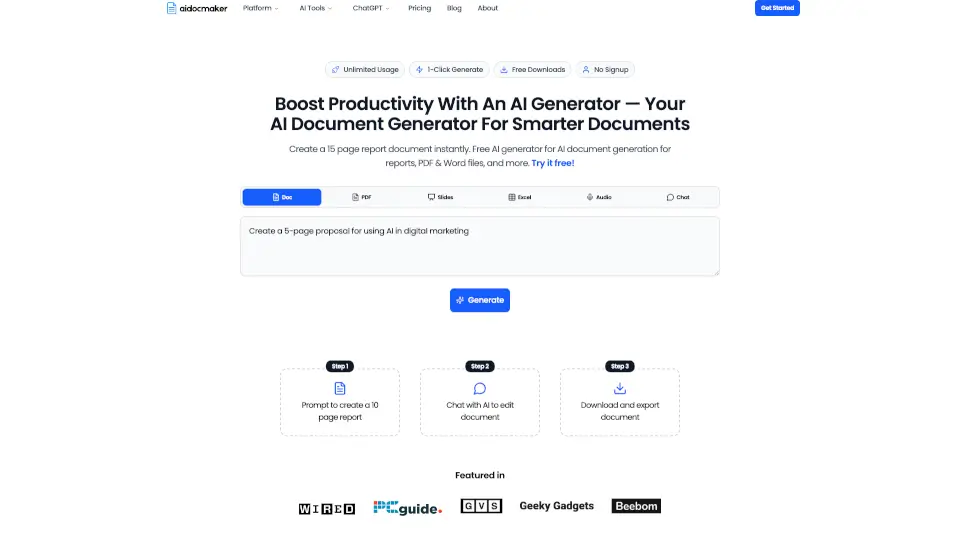
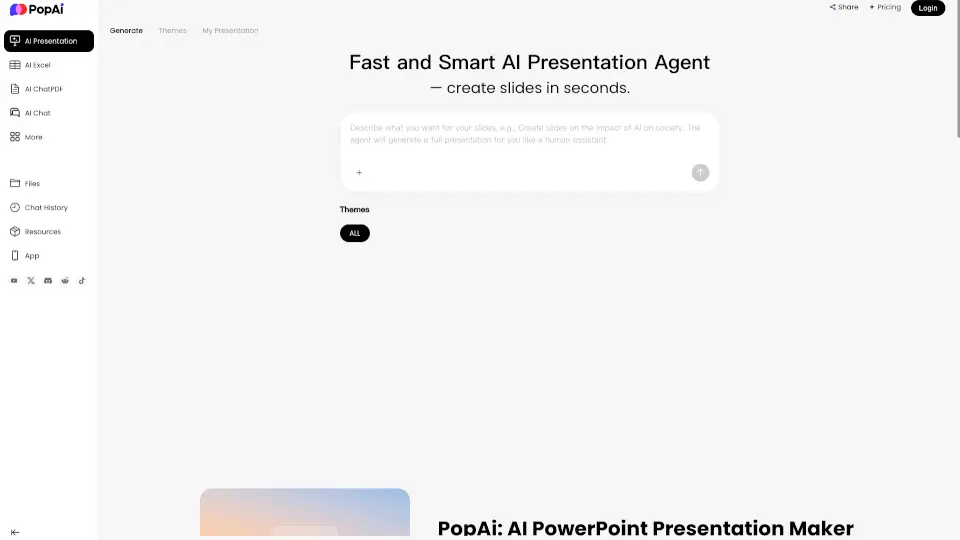
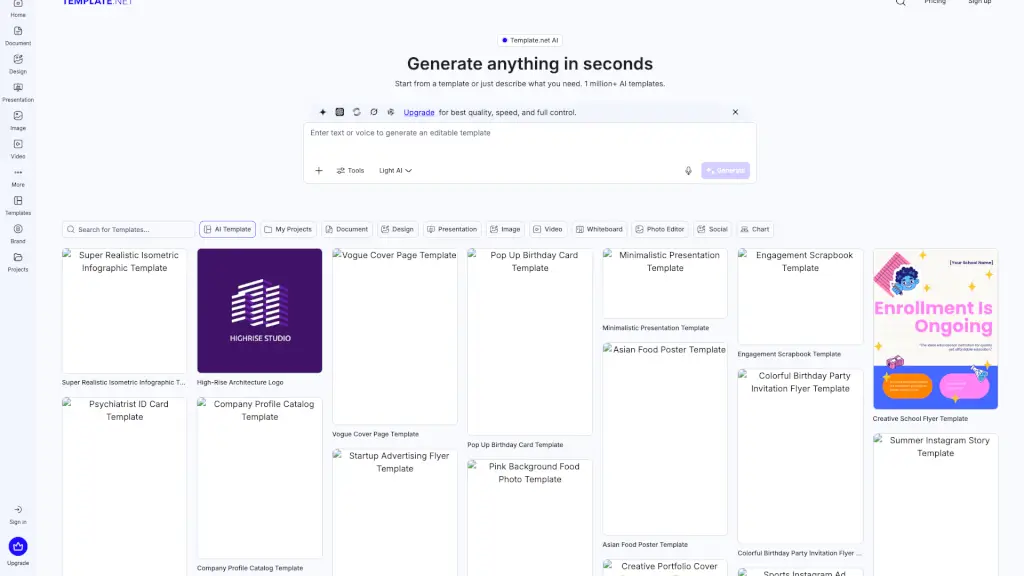
Tired of spending hours designing documents, presentations, or social media posts from scratch? Template.net is an AI-powered platform that turns your simple text prompts into fully editable, professional-quality assets in seconds—no design skills needed. Whether you're a student, marketer, small business owner, or HR professional, you can generate branded flyers, pitch decks, invoices, mood boards, and more without signing up.
What sets Template.net apart is its focus on real-world usability. Instead of giving you static images or locked-in mockups, it delivers layered, production-ready files like PowerPoint (.pptx), Word (.docx), PDF, SVG, and HTML that you can edit, share, and use anywhere. With over 1 million AI templates and support for instant brand customization, it’s built for people who need to go from idea to finished file—fast.
What are the features of Template.net?
- AI Prompt-to-Asset Engine: Describe what you need in plain English, and Template.net generates a complete, editable file—not just a preview.
- Fully Editable Outputs: Every element (text, layout, colors, images) is customizable in the built-in editor, with no “AI walls” blocking changes.
- Automatic Branding: Apply your logo, fonts, and color palette across all assets with one click using the integrated Brand Kit.
- Native File Exports: Download or share directly in industry-standard formats like PPTX, DOCX, PDF, SVG, MP4, and HTML.
- No-Signup Access: Start creating immediately—no account required for basic generation and editing.
- Cross-Platform Sharing: Export straight to Google Drive, Notion, Slack, Instagram, LinkedIn, and more.
- Team Collaboration: Invite colleagues to co-edit, comment, and approve designs in real time (with signup).
What are the use cases of Template.net?
- A startup founder quickly creates investor-ready pitch decks and branded proposals without hiring a designer.
- An HR manager generates compliant policy documents, onboarding checklists, and employee ID cards—all matching company branding.
- A teacher builds engaging lesson plans, student planners, and classroom posters using AI suggestions tailored to education.
- A real estate agent designs eye-catching Facebook posts, brochures, and property catalogs in minutes.
- A content creator produces Instagram carousels, TikTok banners, and YouTube thumbnails that stay on-brand across platforms.
- A nonprofit team repurposes one core message into donation flyers, email newsletters, and presentation slides for different audiences.
How to use Template.net?
- Go to Template.net and type a clear description of what you want (e.g., “modern restaurant menu with tropical colors”).
- Choose from suggested templates or let the AI generate a custom design from your prompt.
- Use the all-in-one editor to tweak text, swap images, adjust layouts, or apply your brand kit.
- Resize your design instantly for different platforms (e.g., turn a post into a story or flyer).
- Export your file in your preferred format—PDF for print, PPTX for presentations, or PNG for social media.
- Share directly to Google Drive, WhatsApp, Instagram, or download for offline use—no watermark on free tier.