
What is Zorq AI?
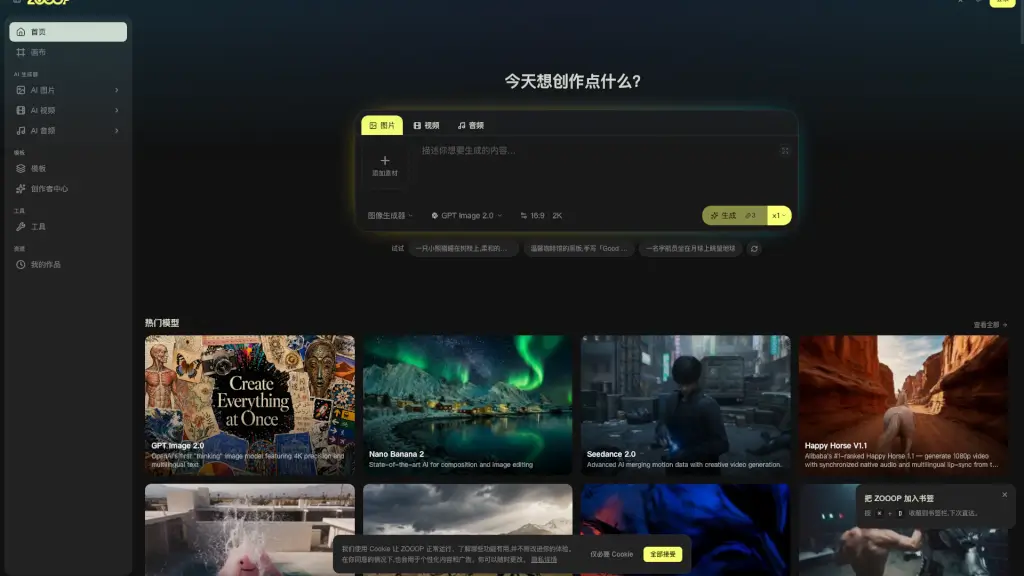
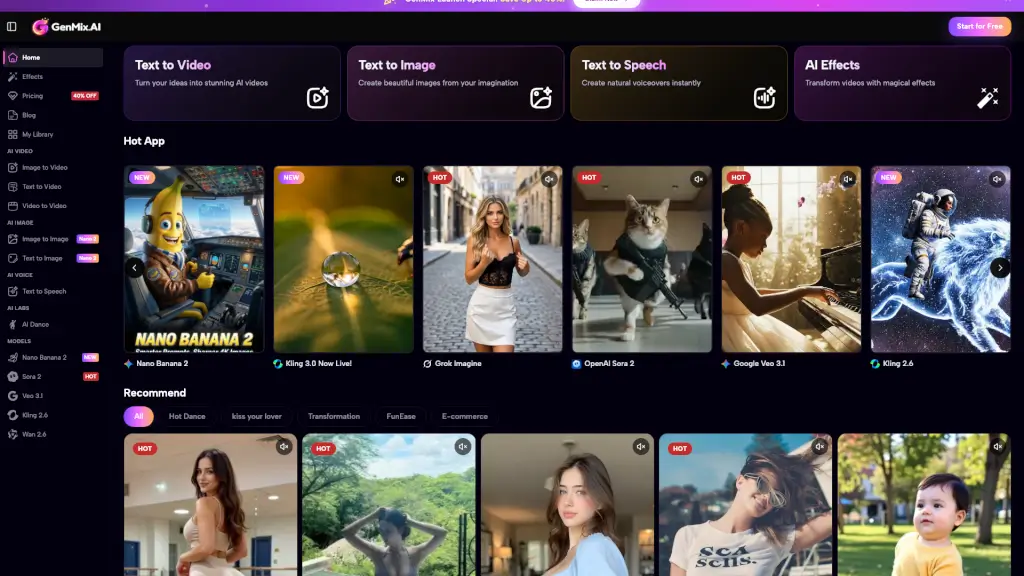
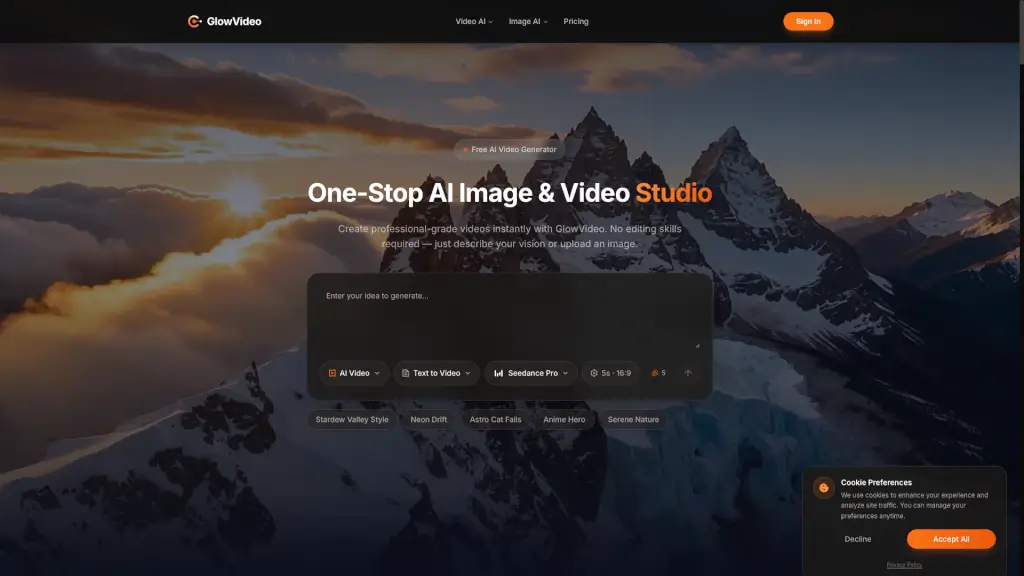
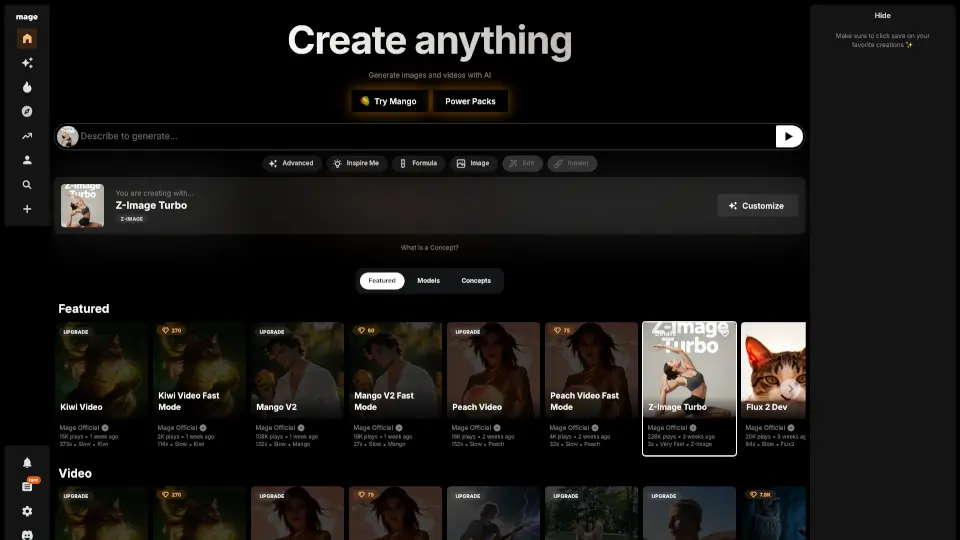
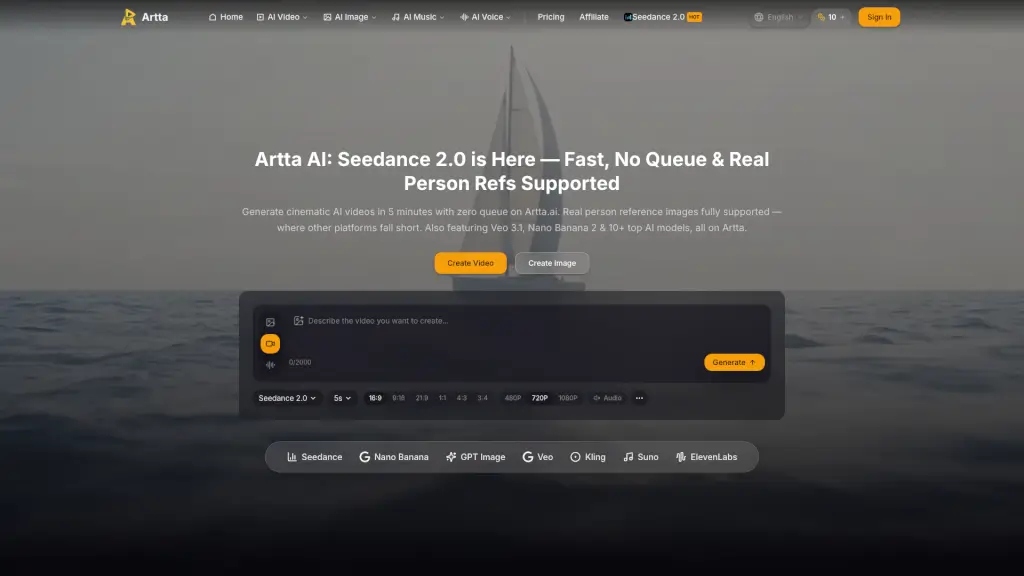
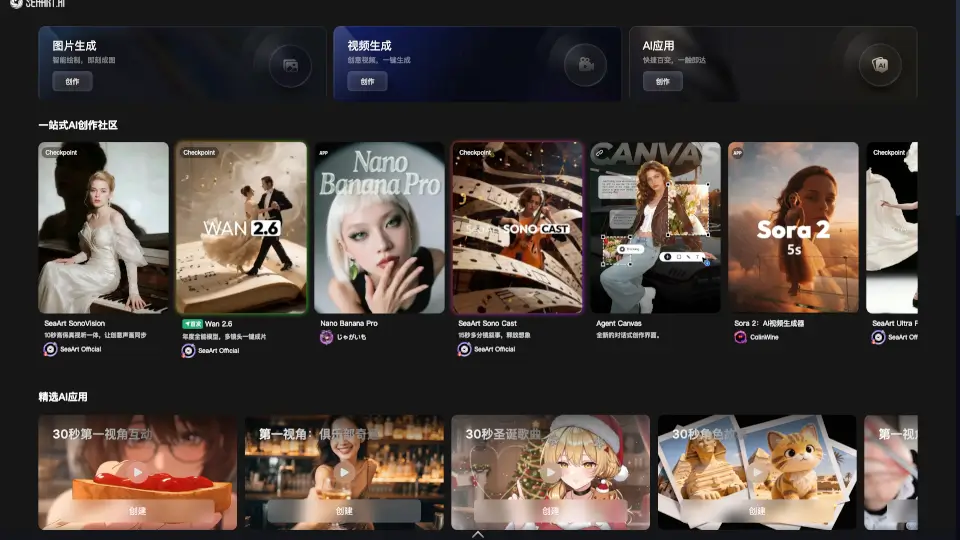
Zorq AI is an all-in-one AI image and video generation platform that gives you access to multiple premium models under a single account. Instead of subscribing to separate tools like Sora, Kling, Seedance, or Google Veo, you get one dashboard where you can pick the model that fits your task—whether you need cinematic video, photorealistic portraits, or motion-controlled animations. The platform is designed for content creators, marketers, and AI enthusiasts who want to experiment with different models without managing multiple subscriptions. It also includes features like AI character consistency, prompt refinement, and a community gallery for sharing and discovering inspiration.
What are the features of Zorq AI?
- Multi-Model Access: Use models like Sora 2, Kling 3.0, Google Veo 3.1, Seedream 4.5, Nanobanana Pro, and Wan 2.2 from one account. Each model is optimized for different tasks—video generation, image creation, motion control, or dance generation.
- Motion Control: Apply precise camera and subject motion to your characters using Kling Motion Control and Seedance 2.0. You can transfer motion from one character to another, making it useful for animation and choreography workflows.
- AI Characters: Build a consistent AI character with a single face, then generate unlimited photos and videos featuring that identity. The platform includes preset characters like Lisa, Noah, Mika, and Aria.
- Prompt Assist: Zorq rewrites your prompt to match the selected model, format, and quality level. It handles aspect ratio and quality settings automatically, and you can output as plain text or structured JSON.
- Claude Integration (MCP Server): Connect Zorq to Claude as an MCP server. Claude can run every model on your account using your own credits. Works on Claude.ai (Pro, Max & Team), Claude Desktop, and Claude Code.
- MultiGen Engine: Create consistent characters across multiple variations using Nanobanana Pro’s MultiGen feature. Useful for generating a series of images with the same subject in different poses or settings.
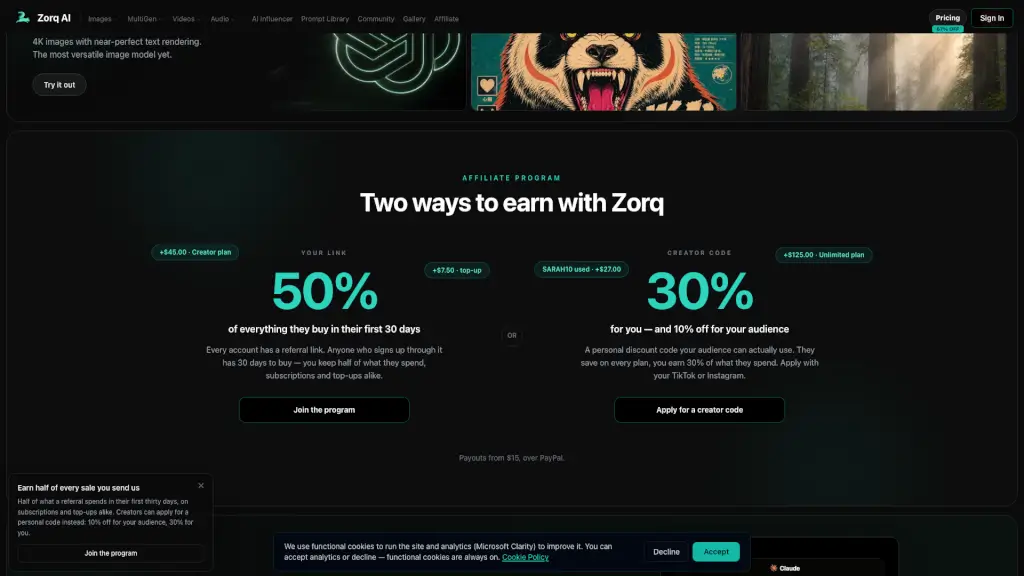
- Affiliate and Creator Programs: Two ways to earn: a referral link gives you 50% of what new users spend in their first 30 days, and a creator code gives your audience 10% off while you earn 30% of their spend. Payouts start at $15 via PayPal.
What are the use cases of Zorq AI?
- Social media content creator: Generate cinematic videos or AI portraits for Instagram, TikTok, or YouTube thumbnails using Kling 3.0 or Sora 2, then refine with motion control.
- Animator or motion designer: Use Kling Motion Control or Seedance 2.0 to transfer motion to existing characters, creating consistent dance or movement sequences without manual keyframing.
- Independent filmmaker: Produce concept videos or storyboards by combining text prompts with models like Google Veo 3.1 or Nanobanana Pro, and edit with Kling O1 Video Edit.
- E-commerce marketer: Generate product images with consistent brand characters using the AI Characters feature, then create promotional videos with Seedream 4.5.
- AI researcher or hobbyist: Compare outputs from different models (e.g., GPT Image 2 for 4K text rendering vs. Wan 2.2 for animation) to find the best fit for a specific style or task.
- Affiliate marketer: Promote Zorq AI using the referral link or creator code, earning a percentage of subscription revenue from new users who sign up through your link.
How to use Zorq AI?
- Start by creating a free account on Zorq AI. You can pick a model from the homepage (e.g., Sora 2, Kling 3.0, or Seedream 4.5) and describe what you want to create in the prompt box.
- Use the Prompt Assist feature to refine your prompt for the specific model you selected. This improves output quality and handles aspect ratio and resolution automatically.
- If you want to generate consistent characters, go to the AI Characters section, upload a face or choose a preset, then generate images or videos that maintain that identity across multiple outputs.
- For motion control, select a model like Kling Motion Control, upload a source character or video, and specify the motion you want to transfer. The platform handles the rest.
- To connect with Claude, find the MCP server integration in your settings, copy the connection details, and paste them into Claude’s integration panel. Your credits will be used directly from your Zorq account.
- Review your output in the gallery or community section. You can submit your best work to the community gallery for 5–100 credits per approved post.