
What is SeaArt AI?
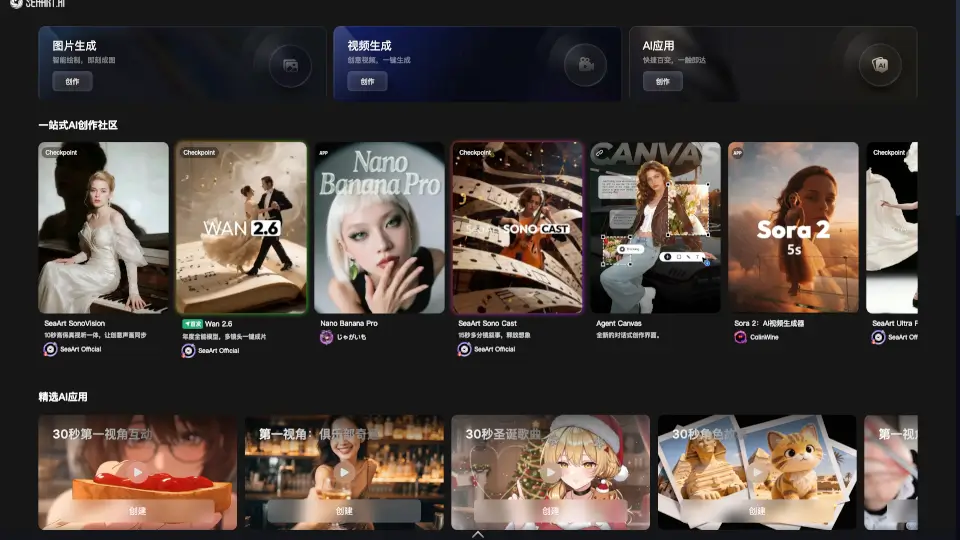
SeaArt AI is a vibrant, all-in-one AI creative community where artists, storytellers, and hobbyists come together to turn ideas into stunning visuals, videos, and interactive experiences. Whether you're sketching a fantasy character, generating a cinematic clip, or chatting with an AI companion, SeaArt gives you the tools to create fast and share freely.
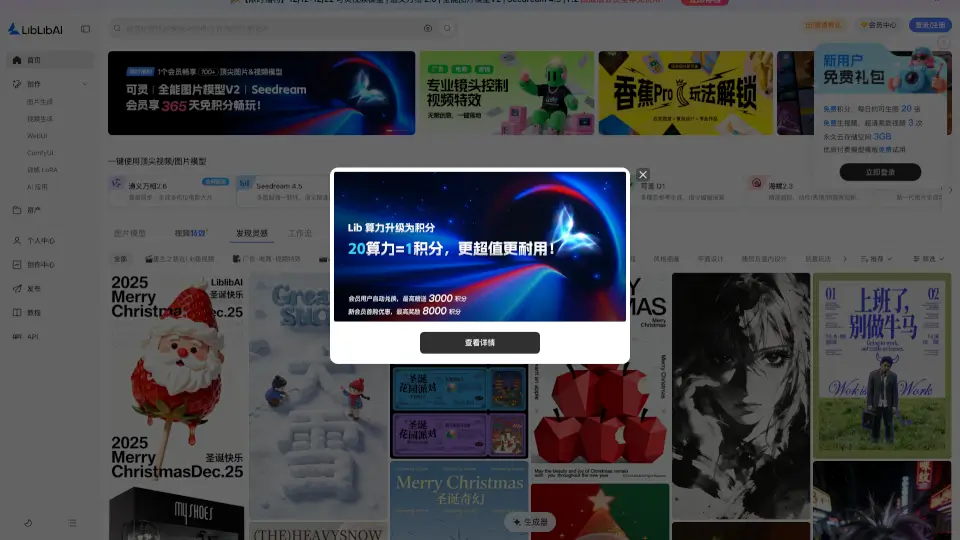
More than just a generator, SeaArt blends cutting-edge AI models like Seedance 2.0, Veo 3.1, Kling 3.0, and Sora 2 with a lively social feed—so you can explore trending styles, remix others’ work, and get inspired daily. From anime lovers to realism pros, everyone finds their niche in themed communities like #二次元, #写实, or #福瑞.
What are the features of SeaArt AI?
- AI Video Generation: Create movie-quality clips in minutes using advanced models like Seedance 2.0 (with 360° drone shots, time freeze, and multi-angle tracking) or Veo 3.1 (with native audio and frame-level control).
- Smart Image Creation: Generate, edit, and enhance images with tools like AI Poster Maker, Handheld Selfie Simulator, and AI Rubber Eraser—all powered by top models including Flux AI and Qwen Image.
- Interactive AI Characters: Chat with lifelike AI personas—from anime girlfriends like Mizu to fantasy heroes like Lucian—and enjoy deep roleplay with synced expressions and voice.
- Community-Driven Inspiration: Join active groups like #OC Creators (378.9K members) or #Sci-Fi Worldbuilders (41K+) to share work, get feedback, and collaborate.
- Multi-Model Switching: Instantly toggle between leading AI engines (Sora, Wan, Kling, PixVerse, etc.) to match your desired style, motion quality, or budget.
- Built-in Visual Effects: Add pro-grade effects like bullet time, snowfall, diamond glows, train transitions, or lip-synced dialogue without leaving the app.
What are the use cases of SeaArt AI?
- An indie animator uses Seedance 2.0 to storyboard a short film with dynamic camera moves like aerial sweeps and push-in zooms.
- A fan artist generates a JOJO-style poster of their original character (OC) and shares it in the #让我的OC上C位 community for feedback.
- A content creator builds a flirty, anime-style AI girlfriend chatbot (like "狐系女友 - Mizu") for immersive storytelling on social media.
- A game dev quickly prototypes Q-version mechs using the Q版 generator, then turns them into 3D-ready hand models via Nano Banana.
- A YouTuber adds realistic mouth-synced dialogue to an AI-generated video using Wan 2.6 for a sci-fi vlog series.
- A digital painter enhances skin texture and lighting in a portrait using the AI Image Enhancer, then posts it in the #写实 group to showcase realism skills.
How to use SeaArt AI?
- Download the SeaArt app from the App Store or Google Play to access all tools on mobile.
- Start with a template—like “AI Elevator Selfie” or “PixVerse V6 Dance”—to generate your first image or video in seconds.
- Use multi-image reference when creating videos to maintain character consistency across scenes.
- Explore trending hashtags (#二次元, #福瑞, #科幻) to discover styles and connect with creators who share your interests.
- Try free AI角色聊天 with pre-built personas before designing your own custom AI companion.
- Switch between video models (e.g., choose Hailuo 2.3 Fast for budget-friendly motion or Kling 3.0 for 4K cinematic output) based on your project needs.