
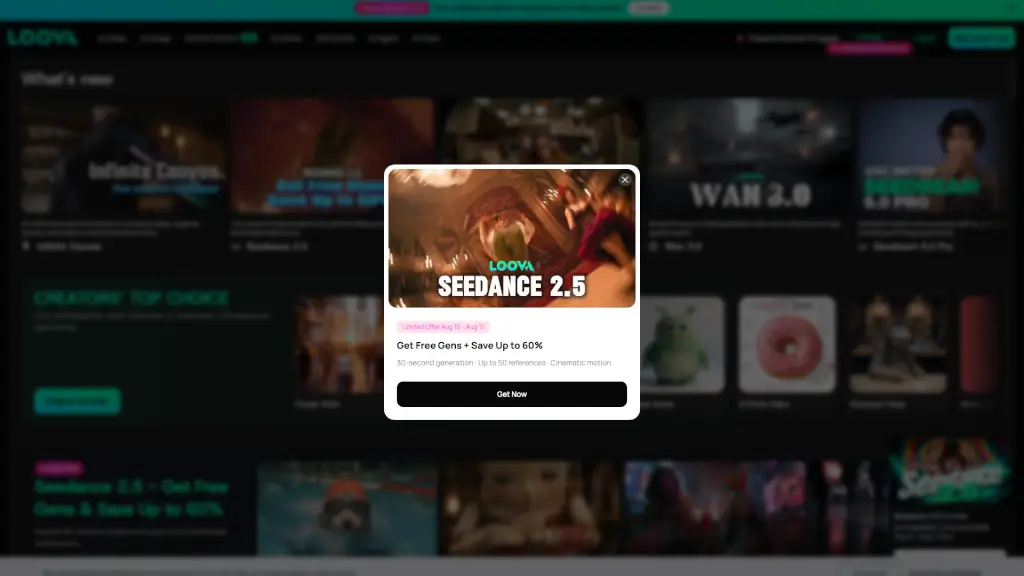
What is Loova?
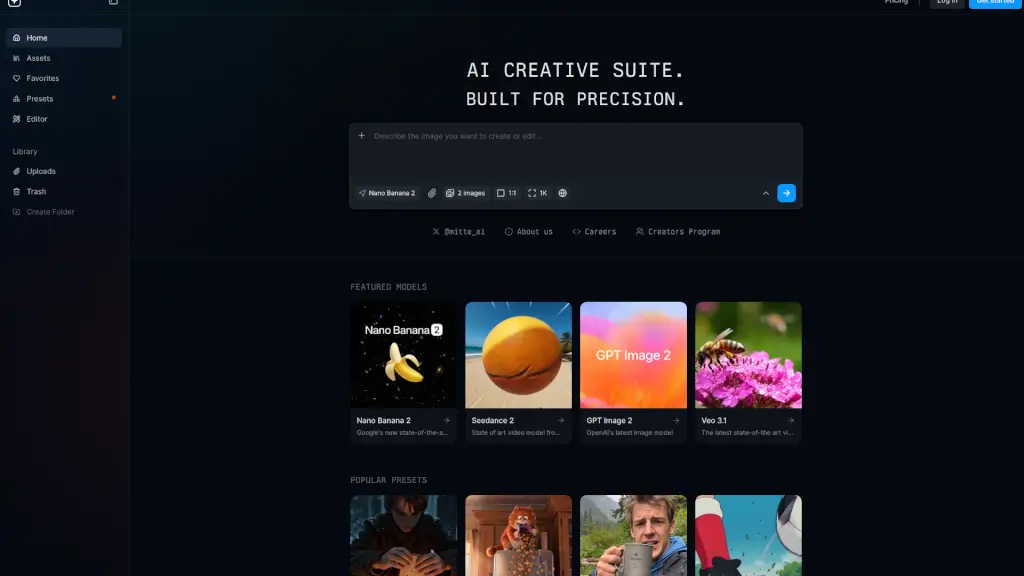
Loova AI is an all-in-one AI image and video generator platform that aggregates top models like Seedance 2.5, Nano Banana Pro, Sora 2, VEO 3.1, and Kling O1. It targets creators, marketers, and advertisers who need to produce visual content—from text-to-video and image-to-image to editing, character swapping, and motion transfer. The platform fits into workflows where you switch between multiple AI tools for ad creation, social media content, or product demos.
What are the features of Loova?
- AI Video Generator (Text/Image/Video): Generate videos from text prompts, images, or reference videos using models like Seedance 2.5 and MiniMax H3. Supports up to 30-second clips with native audio.
- AI Image Generator with Multi-Model Backend: Create images from text or image inputs. Choose from models like GPT Image 2, Nano Banana 2, Seedream 5.0, and FLUX.2 for different styles and photorealism levels.
- AI Video Editor with Prompt Control: Edit existing videos by describing changes in natural language. Works with reference clips and supports object removal, background replacement, and angle changes.
- Talking Photo from Still Images: Turn any static image into a realistic talking avatar with synced lip movements and voiceover, useful for explainer videos or social media.
- Character Swap for Videos and Images: Replace a person in a video or image with another subject using AI, preserving scene context and motion. Ideal for ad personalization.
- Mimic Motion Transfer: Apply the motion and expressions from a reference video onto a different image or character, enabling consistent animation across assets.
What are the use cases of Loova?
- Marketers creating product video ads using UGC-style avatars with GPT Image 2 and Seedance 2.0.
- Content producers generating viral-style short clips with Happy Horse 1.0 or PixVerse V6 for social media.
- Advertisers cloning proven viral videos into their own brand assets via Viral Ad Clone feature.
- E-commerce teams producing product images with AI background changer and extender for listing photos.
- Social media managers making talking photos from brand mascots or customer testimonials to boost engagement.
How to use Loova?
- Sign up for a free account on the Loova website to access limited free generations and test models.
- Choose a model from the AI Video or AI Image tab (e.g., Seedance 2.5 for video, Nano Banana Pro for image).
- Enter a text prompt, upload a reference image, or provide a video clip as input depending on the feature.
- Adjust output settings like resolution, duration, or style, then click generate and review the result.
- Use the built-in AI Video Editor or AI Photo Editor to refine the output with prompt-based edits.