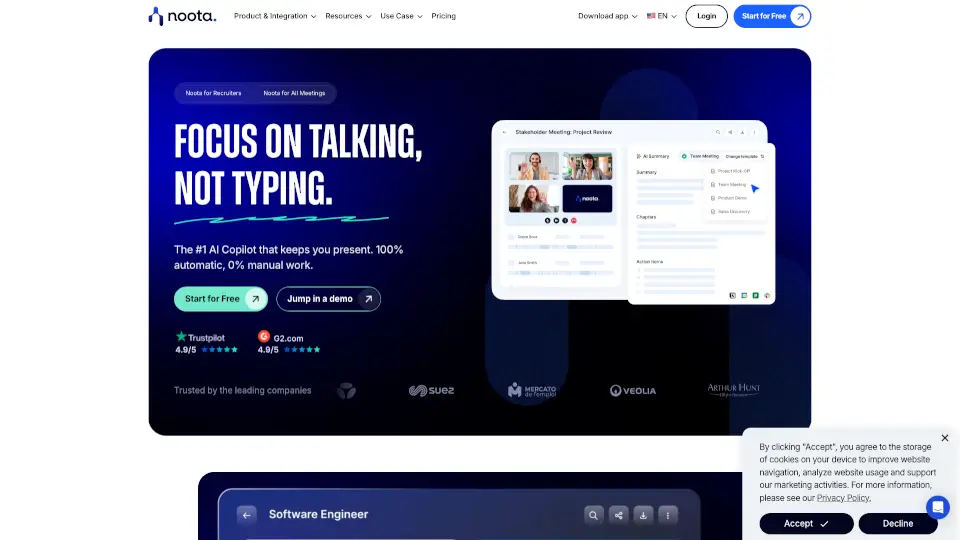


What is Zoom IQ?
Zoom AI Companion is your smart, built-in assistant inside Zoom Workplace that turns conversations into action—without disrupting how you already work. Designed to boost productivity and collaboration, it uses artificial intelligence to summarize meetings, draft messages, extract tasks, and surface key insights from chats, calls, emails, and documents. Whether you're leading a team, managing projects, or juggling back-to-back meetings, AI Companion helps you stay on top of everything with less manual effort.
Unlike generic AI tools, Zoom AI Companion understands your context—your meeting history, team discussions, and workflows—so it delivers relevant, actionable help exactly when you need it. Available across Zoom Meetings, Chat, Mail, Canvas, and more, it’s seamlessly integrated so you can focus on what matters most: your work.
What are the features of Zoom IQ?
- Meeting Summaries & Smart Chapters: Automatically generates concise summaries, highlights decisions, and breaks meetings into searchable sections—no full recording required.
- AI Writing Assistant: Drafts professional emails, chat replies, and announcements in the right tone and length, saving time on routine communication.
- Task Automation with Zoom Tasks: Creates, assigns, and organizes to-do items directly from meetings, chats, or emails using AI suggestions.
- Cross-Platform Meeting Insights: Captures notes and action items not just from Zoom, but also Microsoft Teams and Google Meet (via My Notes).
- Smart Search Across Apps: With AI Companion 3.0, find information across Zoom, Google Workspace, and Microsoft 365 in one place.
- Real-Time Meeting Help: Ask questions during meetings via sidebar—like “Who said what?” or “What’s next?”—to stay focused and informed.
- Document Summarization: Upload PDFs, Word docs, or Slides and get instant summaries or key takeaways without reading the whole file.
- My Notes Integration: Jot personal notes during meetings; AI enhances them with transcript context and stores everything in Zoom Hub for easy access.
What are the use cases of Zoom IQ?
- A project manager quickly catches up on missed stand-ups by reviewing AI-generated summaries and extracted action items.
- A sales rep drafts follow-up emails after client calls using AI-suggested messaging based on actual conversation content.
- Remote teams use AI to distill hours of brainstorming in Zoom Whiteboard into organized ideas and next steps.
- Executives prepare for high-stakes meetings with AI-curated briefs that include past decisions, pending tasks, and attendee context.
- HR professionals summarize employee feedback from town halls and automatically create improvement tasks.
- Hybrid workers stay aligned by using My Notes to capture personal reflections while AI handles official documentation.
- Marketers upload campaign decks and ask AI Companion to generate fresh slogans or social media blurbs in seconds.
How to use Zoom IQ?
- Enable AI features: Go to your Zoom account settings > AI Chat and toggle on desired capabilities (admin approval may be required).
- Access during meetings: Click the AI Companion icon in the Zoom toolbar to ask real-time questions or request summaries.
- Use in Zoom Chat or Mail: Open any conversation or email and click the AI icon to summarize, draft replies, or find action items.
- Upload files in Canvas or AI sidebar: Drag in documents to get summaries, outlines, or rewritten content tailored to your needs.
- Try prompt examples: Start with simple requests like “Summarize this meeting” or “What are my action items?” to see immediate results.
- Explore My Notes: Enable the feature (when available) to take personal notes alongside AI-enhanced meeting insights stored in Zoom Hub.