
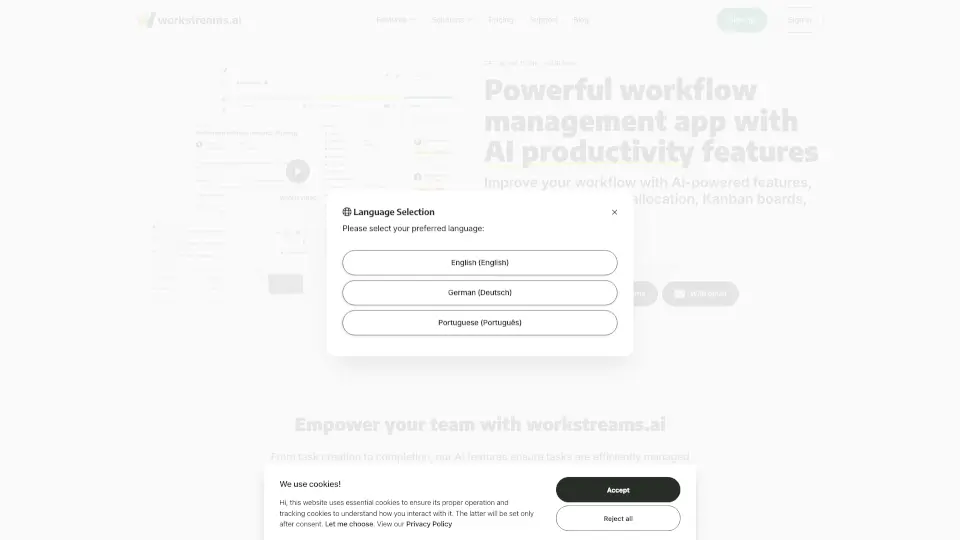
What is workstreams.ai?
Workstreams.ai is an AI-powered task and workflow management tool designed to simplify teamwork and streamline collaboration. Whether you're managing projects, tracking tasks, or automating workflows, Workstreams.ai offers intuitive features to help your team get stuff done efficiently. With integrations for Slack and Microsoft Teams, you can create tasks, collaborate, and track progress without leaving your favorite communication tools. Best of all, it’s 100% free for up to 3 team members.
What are the features of workstreams.ai?
- AI Task Description GeneratorSave time by generating detailed task descriptions with AI.
- Time Allocation TrackingMonitor how much time tasks take and optimize your workflow.
- Frozen TasksHighlight stuck tasks to keep your workflow moving.
- In-App CalendarView tasks monthly, weekly, or daily for better planning.
- Repeating Tasks AutomationSet tasks to repeat and never miss a deadline.
- Slack & Teams IntegrationCreate and manage tasks directly in your communication channels.
- Kanban BoardsUse flexible, visual boards to organize and track tasks.
- Auto-Forwarding AutomationAutomatically move tasks through your workflow.
- Ownership & AccountabilityAssign tasks and track progress with clear ownership.
What are the use cases of workstreams.ai?
- Marketing TeamsManage campaigns, content creation, and reporting.
- HR & RecruitmentStreamline hiring, onboarding, and employee retention.
- Customer SupportTrack feedback, bug reports, and feature requests.
- Sales TeamsOrganize leads, follow-ups, and deal closures.
- IT & DevelopmentHandle bug fixes, feature releases, and project timelines.
How to use workstreams.ai?
- Sign UpStart with a free account or add it to your Slack or Teams workspace.
- Create TasksUse the AI Task Generator to draft descriptions and break tasks into actionable subtasks.
- Set WorkflowsOrganize tasks on Kanban boards and automate repetitive processes.
- Track ProgressUse the in-app calendar and time allocation features to stay on top of deadlines.
- CollaborateCommunicate and assign tasks directly within your Slack or Teams channels.