
What is Narrative?
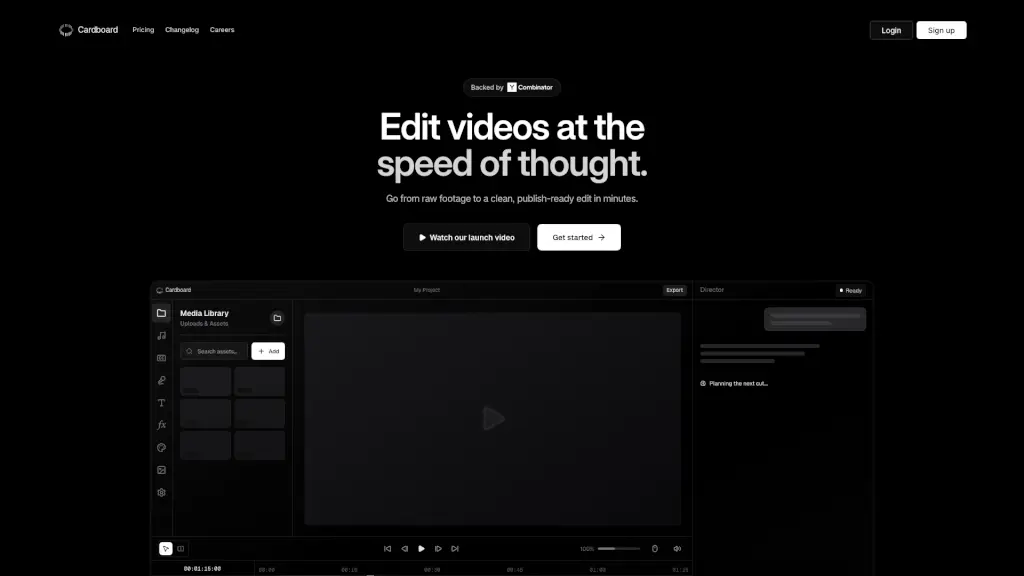
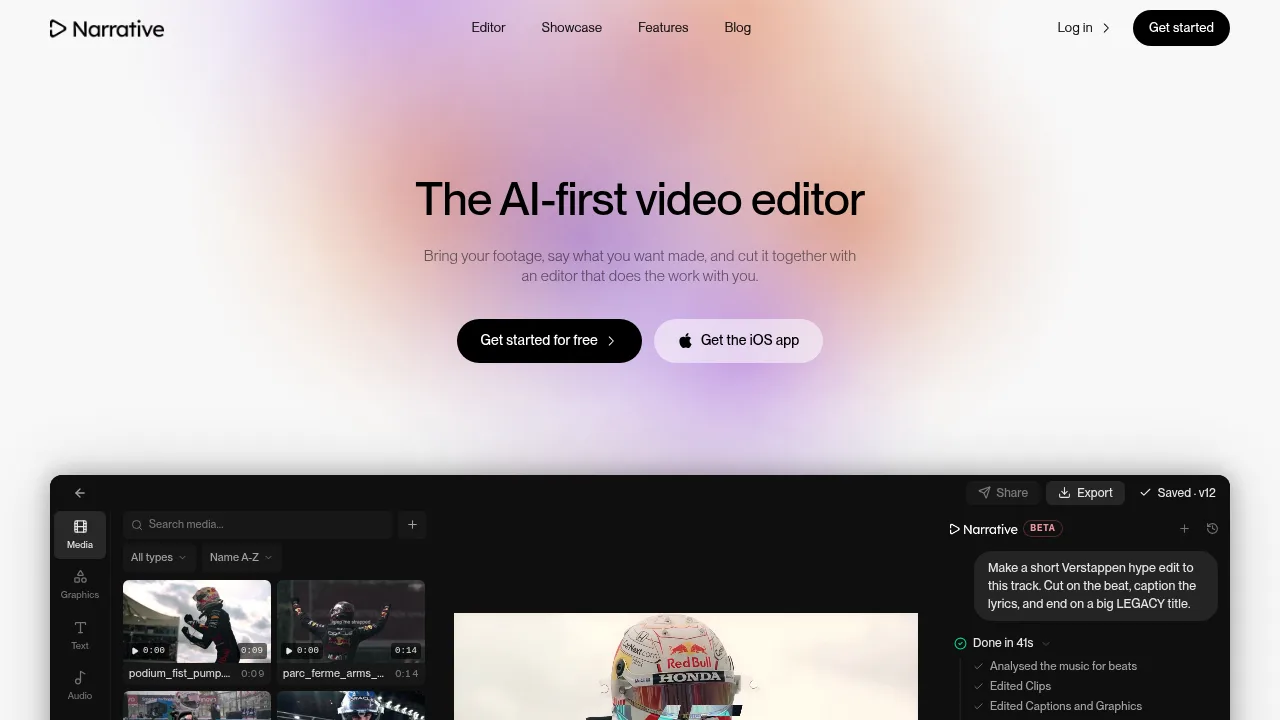
Narrative is an AI-first video editor that assembles footage based on natural language instructions. Users upload clips and describe the desired edit through a conversational interface rather than manual timeline adjustments. The tool is available via web and iOS app, with free access to start.
What are the features of Narrative?
- Conversational editingUsers type instructions like "cut on the beat" or "remove the ums," and the agent reads the footage, makes the cut, and reports its actions.
- Version historyEvery conversational turn or manual change saves a new version, allowing users to step back to any previous state.
- Processing tiersThree speed options handle different workloads: Fast for quick cuts, Balanced for most edits, and Max for long footage or complex briefs.
- Aspect ratio reframingProjects can switch between 16:9, 9:16, 1:1, and 4:5, with options such as stacking both speakers vertically.
- Integrated workspaceTranscripts, captions, versions, framing controls, and the conversational interface exist within a single editable timeline.
What are the use cases of Narrative?
- Wedding highlight reelsA filmmaker provided two hours of wedding footage and requested a 10-minute highlight with vows in the middle, receiving a cut on the timeline.
- Sports hype editsUsers can request beat-synced edits with captioned lyrics and stylized titles from uploaded match clips and music tracks.
- Podcast reframingConversational footage can be converted to vertical formats while keeping multiple speakers visible in a stacked layout.
How to use Narrative?
- Upload mediaImport video clips and audio tracks into the project.
- Describe the editType instructions into the prompt field, specifying cuts, pacing, captions, or titles.
- Select processing tierChoose Fast, Balanced, or Max based on footage length and complexity.
- Review the timelineExamine the generated cut, where each action is logged as a reversible version.
- Iterate or exportRequest changes conversationally, restore previous versions, or export the final video.
Narrative Pricing Information:
- Free accessAvailable to start; specific feature limits or quotas are not stated.
- Credit-based usageEdits consume credits (for example, one documented edit used 9.5 credits), with costs displayed per operation (for example, $0.58 spent). Plan pricing and credit packages are not detailed.