
What is Motion?
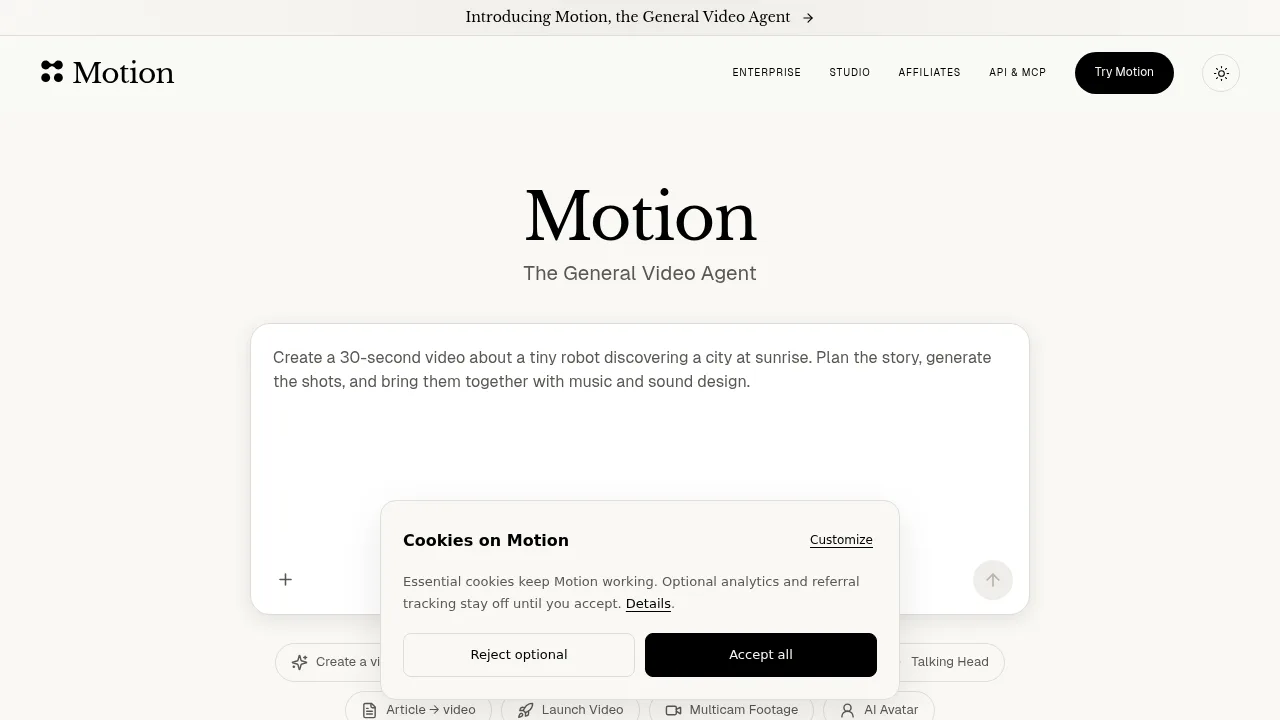
Motion is a video agent by Mosaic that plans, generates, and edits videos from footage, writing, references, or text prompts. It supports direct exports to professional editing software and integrates with external AI agents via API and MCP. The platform operates on a credit system available through non-subscription purchases or monthly plans.
What are the features of Motion?
- Video planning and assemblyAccepts raw footage, images, audio, style references, or written briefs, then plans shots, builds the edit, and checks the cut before delivery.
- Iterative editing controlsUsers can request changes via chat, draw annotations directly on preview frames with timestamps, or adjust clips, titles, and audio in a timeline.
- Professional export optionsExports projects directly to Adobe Premiere Pro, After Effects, DaVinci Resolve, Remotion, and Hyperframes for continued editing.
- Automated schedulingRuns repeatable video tasks on a set schedule or triggered by events like new YouTube uploads or stream endings, with a dedicated chat per run.
- Source integrationsConnects to Dropbox, Google Drive, Slack, Frame.io, Getty, Notion, GitHub, and Figma to import assets into the workflow.
- API and MCP accessProvides an API for building video creation into products and an MCP connection for creating and editing videos from agents like Claude, ChatGPT, and Cursor.
What are the use cases of Motion?
- Style-matched talking head videosSupplying a reference video to match its pacing and typography while cutting founder footage into a formatted talking head clip.
- Social media highlight distributionConnecting social accounts to schedule finished videos across platforms such as Instagram, YouTube, TikTok, LinkedIn, X, Facebook, Threads, Reddit, Mastodon, Bluesky, and Snapchat.
- Recurring update summariesScheduling an automation to turn weekly updates into a short review video every Monday at a specified time.
How to use Motion?
- Provide inputDescribe the film, attach raw footage, images, audio, a style reference, or paste a link to a video.
- Review the first cutWatch the generated video where the agent has planned the story, built the shots, and checked the edit.
- Request changesReply in the chat, draw on the preview frame to mark a change, or trim clips and move layers in the timeline.
- Export or shareExport the project to Premiere Pro, After Effects, DaVinci Resolve, Remotion, or Hyperframes, or publish directly to connected social channels.
Motion Pricing Information:
- Flex$6 for 200 credits; no subscription required, and credits never expire.
- ProStarts at $29/month for 1,000 credits per month; larger credit bundles and annual billing are available.
- EnterpriseCustom pricing for teams requiring 50,000+ credits per month.