
What is Motion?
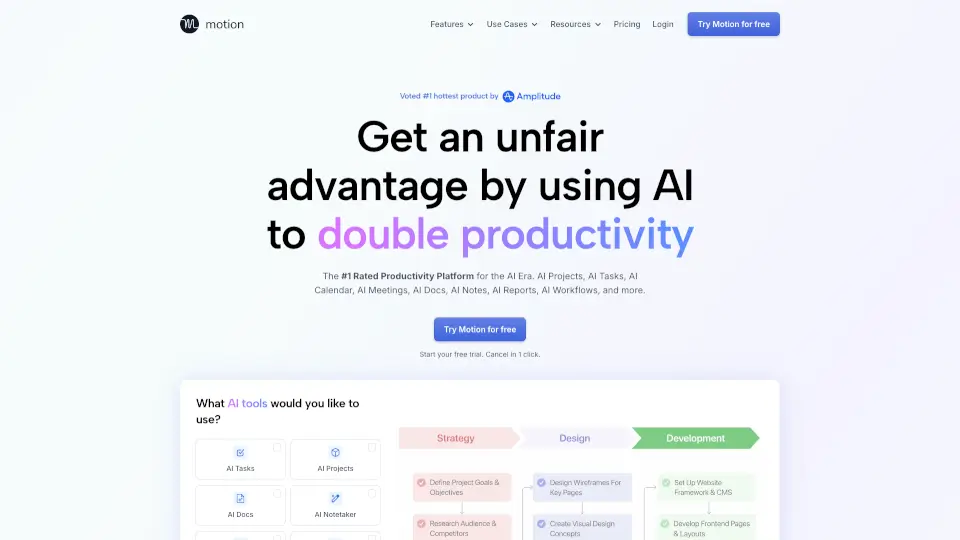
Motion is the #1 rated productivity platform for the AI era, designed to help individuals and teams work smarter—not harder. Instead of juggling endless apps, spreadsheets, and manual planning, Motion uses AI to automate your entire workflow: from tasks and projects to meetings, docs, and calendars. It’s like having a personal AI assistant that plans your day, captures meeting notes, writes reports, and keeps every project on track—so you can focus on what actually matters.
Built for everyone—from solo professionals to 1,000-person companies—Motion replaces outdated tools with a single, intelligent AI-powered SuperApp for work. Whether you're managing client projects, coordinating team workflows, or trying to reclaim work-life balance, Motion’s adaptive AI learns your priorities and reshapes your schedule in real time to keep you productive without burnout.
What are the features of Motion?
- AI Task Planner: Automatically prioritizes and schedules your tasks based on deadlines, dependencies, and workload—no more missed due dates.
- AI Project Manager: Instantly turns project ideas into full plans with tasks, timelines, and assignees; updates progress automatically.
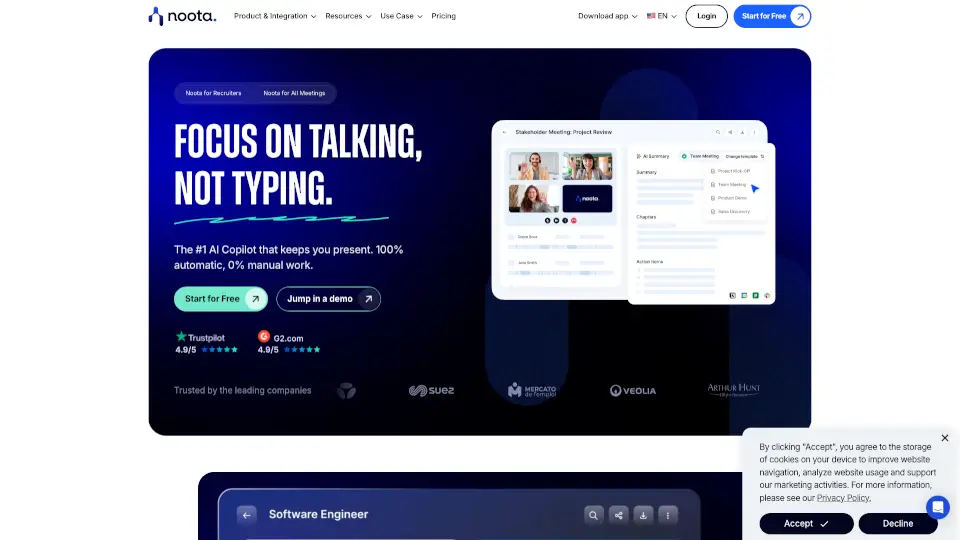
- AI Meeting Notetaker: Records, transcribes, summarizes meetings, and turns decisions into actionable tasks—so you never miss a detail.
- AI Calendar Assistant: Time-blocks your day intelligently, reschedules dynamically when plans change, and prevents double-booking across all calendars.
- AI Docs Assistant: Organizes notes, drafts content, and pulls hidden tasks from old documents into your central task list.
- AI Workflows Builder: Converts SOPs (Standard Operating Procedures) into repeatable, auto-assigned project templates in seconds.
- AI Dashboards & Business Intelligence: Predicts project ETAs, flags bottlenecks, and shows team capacity to prevent overload or idle time.
What are the use cases of Motion?
- Marketing agencies running multiple client campaigns can auto-schedule deliverables and track progress without daily check-ins.
- IT service providers use Motion to manage ticket-based projects, assign tasks, and ensure SLAs are met—without micromanaging.
- Law firms streamline case management by turning client notes into structured tasks with deadlines and reminders.
- Startups and executive teams gain clarity on priorities, reduce meeting overload, and protect deep work time with smart scheduling.
- Individuals with ADHD or executive dysfunction rely on Motion’s structure to stay focused, reduce overwhelm, and meet deadlines consistently.
- Construction or real estate teams coordinate complex, multi-phase projects with automatic task sequencing and resource balancing.
How to use Motion?
- Sign up for a free trial (no credit card required) and connect your email, calendar (Google/Outlook/iCloud), and collaboration tools like Slack or Zoom.
- Forward emails or share meeting recordings directly into Motion—its AI will extract tasks, deadlines, and action items automatically.
- Describe a new project in plain language (e.g., “Launch our Q3 product campaign”), and let Motion’s AI generate a full project plan instantly.
- Use the AI Meeting Notetaker in Zoom, Google Meet, or Teams—notes, summaries, and follow-up emails are created post-meeting.
- Review your AI-generated daily schedule each morning; Motion adjusts it throughout the day as priorities shift.
- Build reusable AI Workflows from SOPs (like employee onboarding) to launch consistent, error-free processes with one click.