
What is URL to Any?
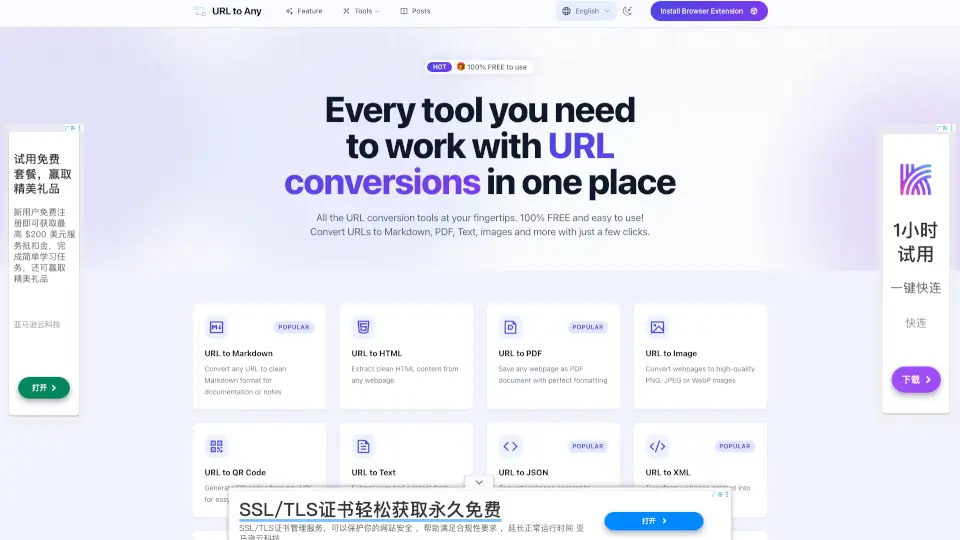
URL to Any is your all-in-one tool for converting any webpage into different formats like Markdown, PDF, images, text, and more. It’s fast, free, and super easy to use—just paste a URL, pick your format, and get your result in seconds. No downloads or sign-ups needed.
What are the features of URL to Any?
- Convert URLs to Markdown: Instantly turn any webpage into clean Markdown for notes or documentation.
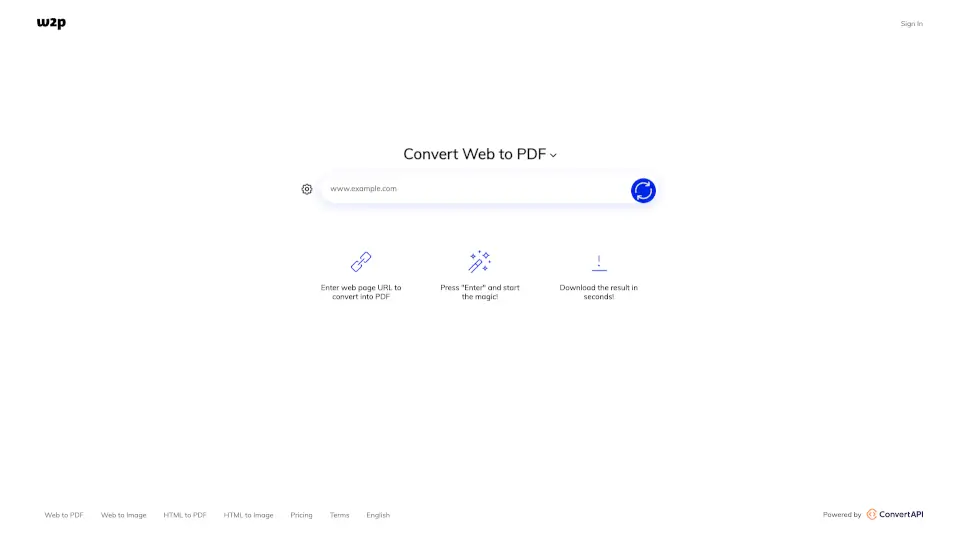
- URL to PDF: Save webpages as perfectly formatted PDF files.
- URL to Image: Create high-quality PNG, JPEG, or WebP images from any webpage.
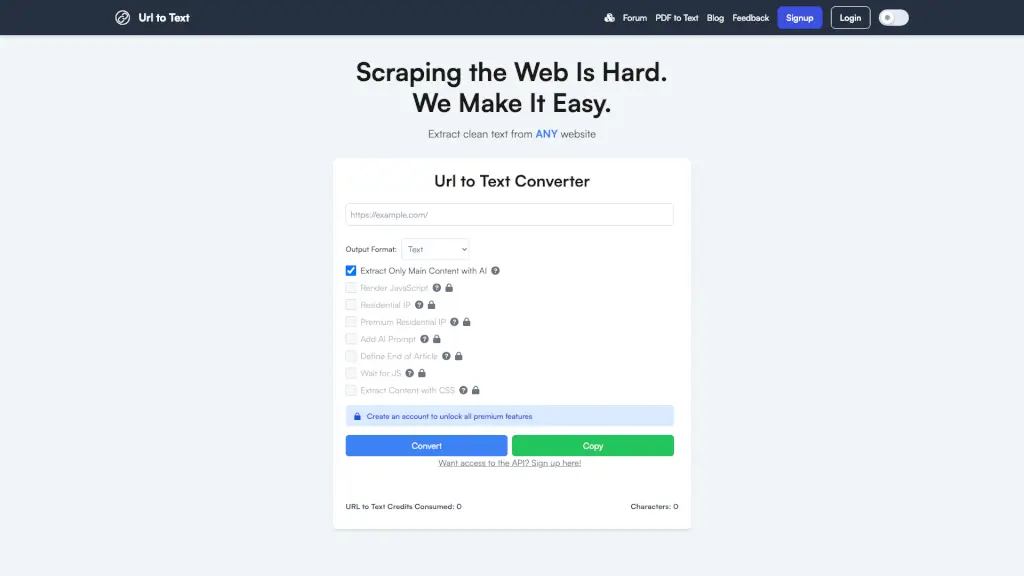
- URL to Text: Extract pure text content without messy formatting.
- URL to HTML: Get clean HTML from any site.
- URL to JSON/XML: Transform webpage content into structured JSON or XML.
- URL to MP3: Convert webpages to MP3 or podcast format.
- URL Encode/Decode: Encode or decode text in multiple formats like Base64, JWT, Hex, and more.
- URL Extractor: Grab all URLs from a website in TXT or CSV.
- URL Opener: Open multiple URLs at once.
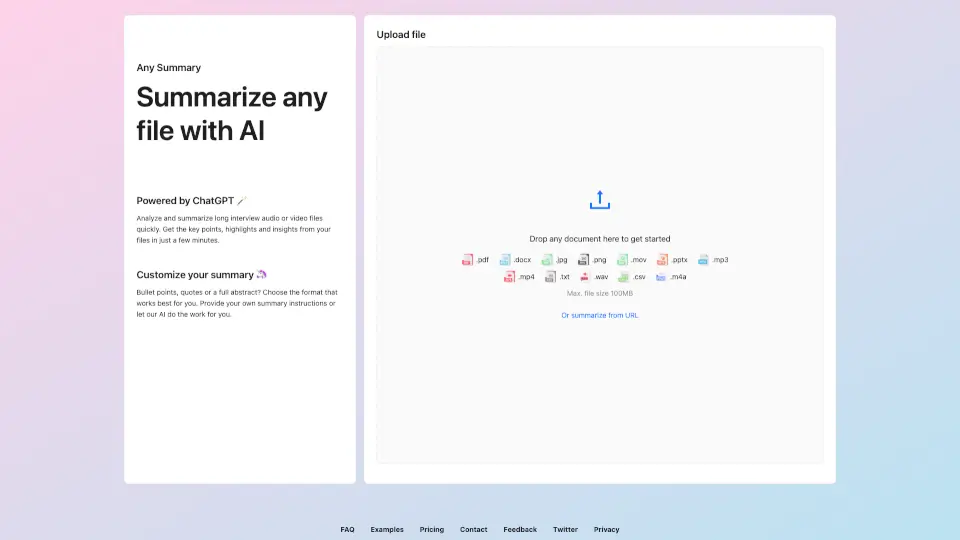
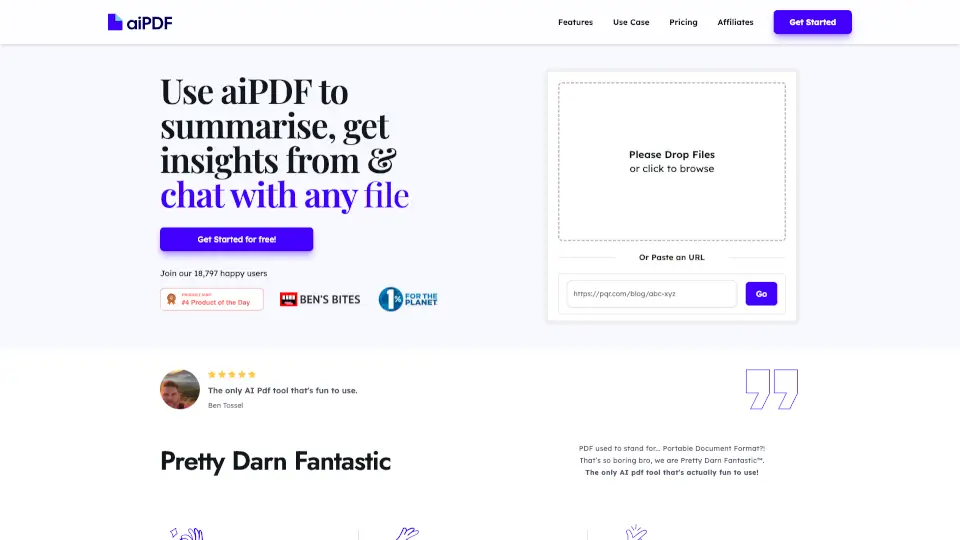
- AI Summarizer: Get instant summaries of any webpage.
- URL to QR Code: Generate QR codes for easy sharing.
What are the use cases of URL to Any?
- Save web articles for offline reading or sharing.
- Create documentation from online resources.
- Share webpage content with friends or colleagues in different formats.
- Extract text or images for school projects or work presentations.
- Generate QR codes for quick link sharing.
- Summarize long articles for quick reference.
How to use URL to Any?
- Step 1: Copy the URL of the webpage you want to convert.
- Step 2: Paste it into the URL to Any tool.
- Step 3: Choose your desired format (Markdown, PDF, image, etc.).
- Step 4: Click convert and download or copy your result.