
URLtoText logo

URLtoText

4.0
(0 Reviews)
United States33.41%

URL to Text is a versatile tool that extracts clean, readable text from any website, offering features like AI-powered content extraction, JavaScript rendering, and residential IP usage for enhanced accuracy and accessibility.

Verified by SeekTool
Social Media:

URLtoText Product Information

What is URLtoText?

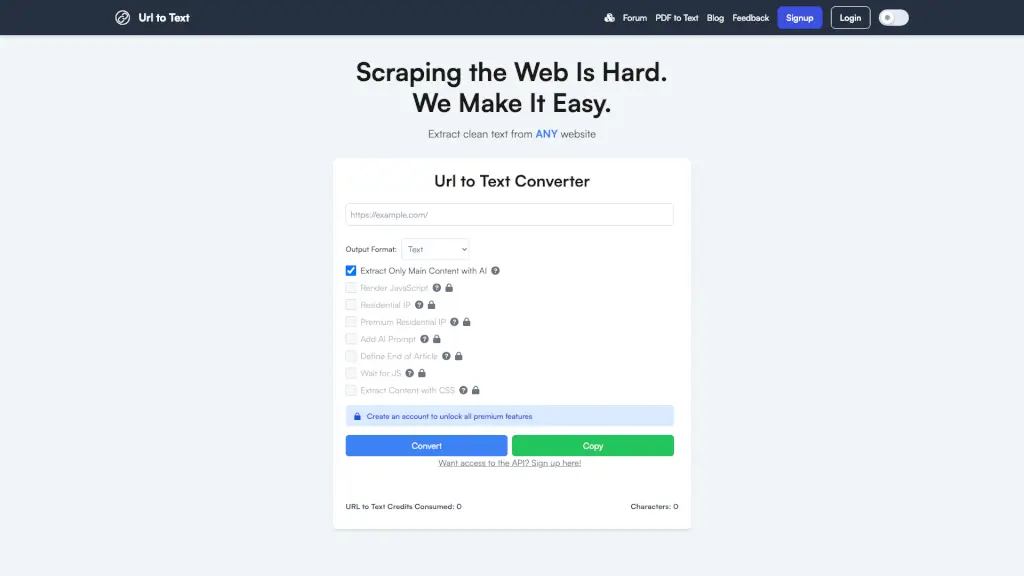
URL to Text is a powerful tool designed to help you extract clean, readable text from any website. Whether you're a student, a professional, or just someone who needs to quickly get the main content from a webpage, this tool makes it easy and efficient. With options like JavaScript rendering, AI-powered content extraction, and the ability to use residential IPs, URL to Text ensures that you get the most accurate and relevant information every time.

What are the features of URLtoText?

  • Extract Clean Text: Quickly convert any webpage into plain text or markdown format.
  • AI-Powered Content Extraction: Use advanced AI to extract only the main, relevant content on the page.
  • JavaScript Rendering: Render JavaScript on the page before converting to ensure all dynamic content is captured.
  • Residential IP Usage: Use a residential IP address to bypass certain restrictions and access more content.
  • Custom CSS Selector: Specify a CSS selector to extract specific parts of the webpage.
  • Wait for JS Load: Wait for JavaScript to fully load on the page before fetching content, ensuring all dynamic elements are included.
  • Add AI Prompt: Add an AI-generated prompt for custom extraction, making it even more tailored to your needs.

What are the use cases of URLtoText?

  • Research and Summarization: Quickly extract key points from articles, research papers, and other web content.
  • Content Curation: Gather and curate content from multiple sources for newsletters, blogs, or social media.
  • SEO Analysis: Analyze the text content of websites for SEO purposes, such as keyword density and content quality.
  • Data Collection: Collect data from web pages for market research, competitive analysis, or academic studies.
  • Accessibility: Convert web content into a more accessible format for users with visual impairments or those who prefer reading in plain text.
  • Social Media Monitoring: Monitor and extract text from social media posts and mentions for brand management.

How to use URLtoText?

  • Enter the URL of the webpage you want to extract text from in the provided input box.
  • Choose your desired output format (Text, Markdown, or HTML).
  • Select additional options like JavaScript rendering, AI-powered content extraction, and residential IP usage.
  • Click the "Convert" button and wait for the tool to process the request.
  • Once the conversion is complete, click "Copy" to copy the extracted text to your clipboard.

URLtoText Contact Email:

support@urltotext.com

Do you like this tool?

Upvote to help others discover it!

URLtoText Alternatives

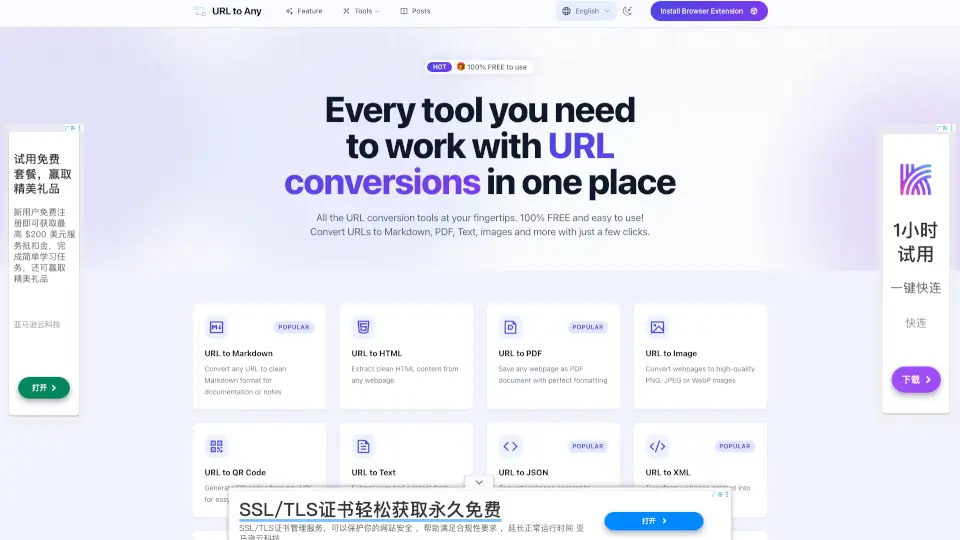
URL to Any

URL to Any

URL to Any is a free, fast, and secure tool for converting webpages to formats like PDF, Markdown, images, and more—perfect for saving, sharing, and referencing.

US
29.63%
48.8K
4.0
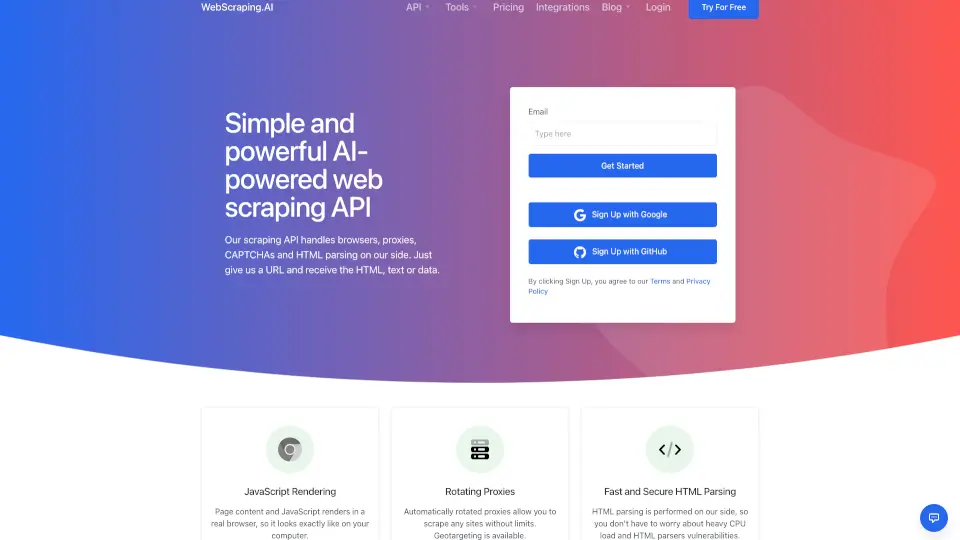
WebScraping.AI

WebScraping.AI

WebScraping.AI is a user-friendly scraping API that handles proxies, browsers, and AI tools to make web scraping effortless and efficient.

US
27.13%
16.3K
4.0
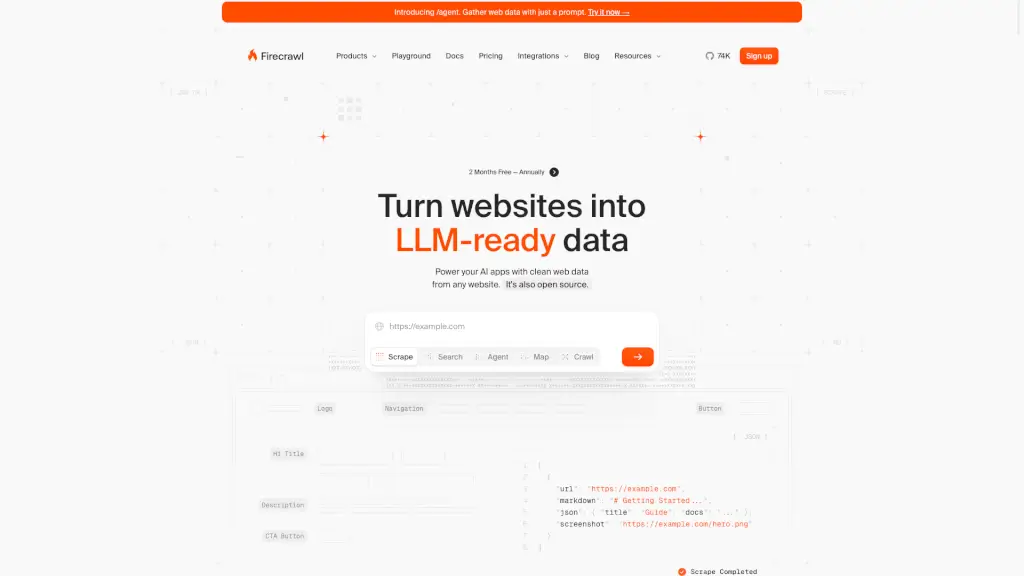
Firecrawl

Firecrawl

Firecrawl is a powerful web scraping and crawling API that delivers clean, structured data from the internet, making it easy to integrate into AI and other applications.

US
24.31%
1.4M
5.0
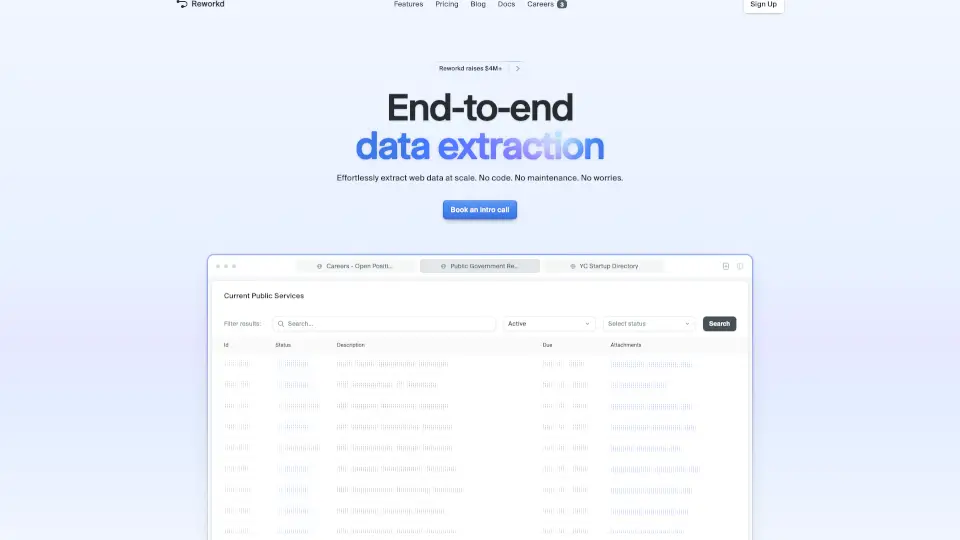
Reworkd

Reworkd

Effortlessly extract web data at scale with Reworkd's automated solution.

US
16.99%
88.3K
5.0
Thunderbit

Thunderbit

Thunderbit is an AI web scraper that extracts structured data from any website, PDF, or image in 2 clicks and exports it directly to spreadsheets or apps—no coding required.

US
12.71%
527.0K
5.0
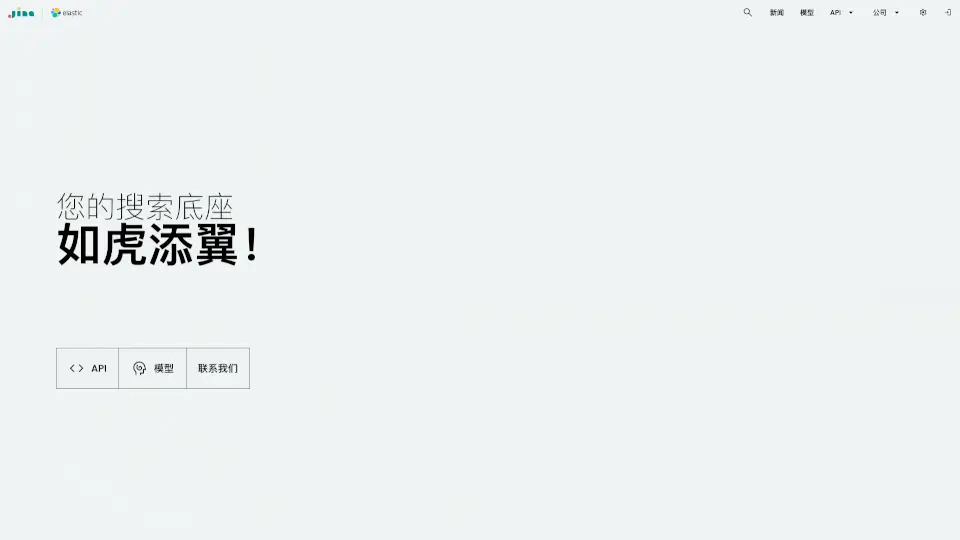
Jina AI

Jina AI

Jina AI offers a powerful suite of tools for enhanced search, content extraction, and data analysis, making it the go-to solution for smarter information retrieval.

US
14.38%
376.1K
5.0
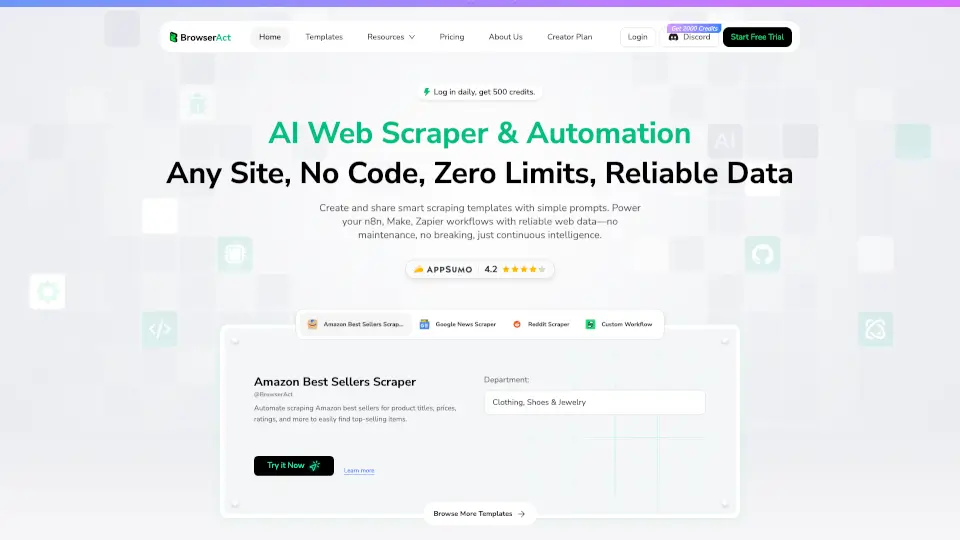
BrowserAct

BrowserAct

BrowserAct is a no-code AI web scraper that automates data extraction from any site, integrates with business tools, and runs 24/7 for reliable results.

CN
27.65%
145.6K
5.0
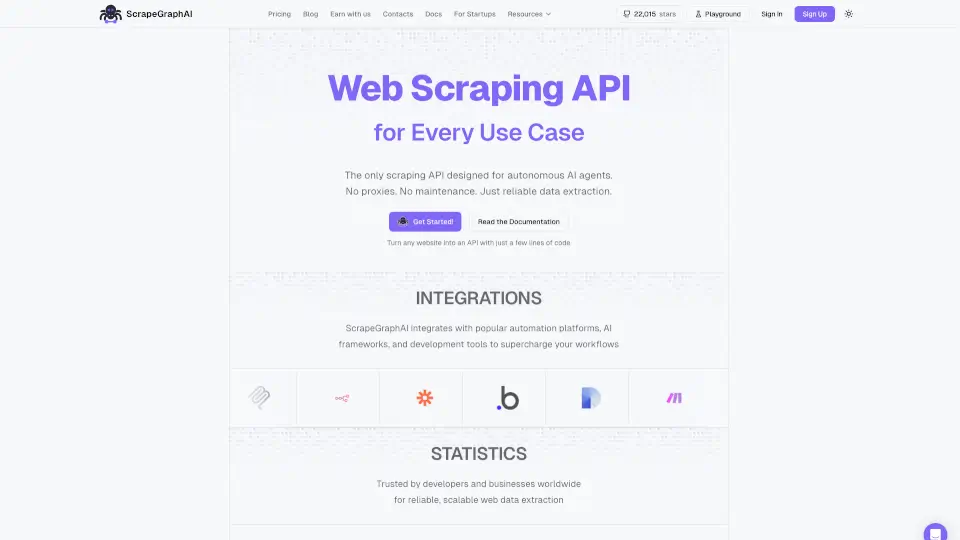
ScrapeGraphAI

ScrapeGraphAI

ScrapeGraphAI simplifies web scraping, turning any website into structured data quickly and easily.

US
17.37%
115.8K
5.0

URLtoText Related Other Categories

URLtoText Traffic Analysis

💡 Insights

🌱
Emerging Tool
10K-100K monthly visits. Niche or new tool with potential unique value.
📉
Traffic Decline
Significant traffic drop recently. Check for alternatives.
👍
Good Experience
Bounce rate of 43%. Users are willing to explore features.
  • Monthly Visits

    41.33K

  • Bounce Rate

    42.55%

  • Pages Per Visit

    1.55

  • Visit Duration

    00:00:22

  • Global Rank

    864931

  • Country Rank

    815587

Visits Over Time

Traffic Sources

Search Organic58.30%
Direct33.24%
Social Organic3.88%
Referrals3.49%
Gen Ai1.10%
Search Paid0.00%
Social Paid0.00%
Affiliate0.00%

Top Keywords

1
url to text
1.27KTraffic
2
link to text
300Traffic
3
how to take an article text from a website
270Traffic
4
online read url
250Traffic
5
extract text from url
180Traffic

Top Regions

RegionPercentage
United States
United States
33.41%
India
India
13.40%
United Kingdom
United Kingdom
5.15%
Nigeria
Nigeria
5.14%
Brazil
Brazil
5.02%
Low
High

Powered by SimilarWeb

URLtoText FAQ

What does this tool do?

Our tool allows you to input a URL and get back the raw text of that webpage in either plain text or markdown format. We offer additional features such as JavaScript rendering, AI-powered main content extraction, residential IP address usage, and the ability to add an AI prompt to the output.

How do I use the URL-to-text converter?

  1. Enter the URL in the text input box. 2. Select your desired options and output format. 3. Click 'Convert' and wait for the tool to process. 4. Click 'Copy' to copy the output displayed below.

What types of URLs can I convert?

We can convert any valid URL with HTML and CSS content. We also support JavaScript-heavy sites through our JavaScript rendering feature. Additionally, you can input YouTube URLs to get free transcripts.

Is there a limit to how many URLs I can convert?

The free version has rate limits applied. For unlimited access and a robust API, please sign up for our paid version.

Does the tool preserve formatting and images?

The tool does not preserve images. For formatting, if you select markdown output, it preserves the formatting that markdown supports. Plain text output does not retain formatting.

Can I choose between plain text and markdown output?

Yes, you can choose between plain text and markdown output formats.

Is my data secure when using this tool?

We prioritize data security. We only collect basic web analytics for rate limiting and service protection. While we process the data from URLs you input, we do not sell this information to third parties or examine it unless necessary for debugging.

Is this service free? Are there paid options?

We offer a free version with rate limits. A paid version is available with additional features, functionalities, and a robust API without rate limits.

How can I report issues or inaccuracies in the conversion?

Click on the feedback form link at the top of the page, submit your concerns, and we will get back to you.

Are there other tools available?

Yes, we offer additional tools. You can access them through the 'Other Products' menu item at the top of the screen.

URLtoText Reviews

0

0

0 Reviews
Sign Into leave a review

Recent Reviews

No reviews yet

URLtoText Embed

Use website badges to drive community support for SeekTool.ai. They are easy to embed in your homepage or footer.

Light
Dark
URLtoText - Featured on SeekTool.aiURLtoText - Featured on SeekTool.ai
How to install?

Category Rankings

Ranked by monthly traffic