Tingo AI logo

Tingo AI

3.0
(0 Reviews)

Tingo.ai is an AI meeting assistant that records, transcribes, and summarizes your online meetings into searchable, shareable notes with action items, so you can focus on conversations, not note-taking.

Verified by SeekTool
Social Media:
Tingo AI

Tingo AI Product Information

What is Tingo AI?

Tingo.ai is an AI-powered meeting assistant that automatically records, transcribes, and summarizes your online meetings. Whether you're using Zoom, Google Meet, or Microsoft Teams, Tingo joins your calls and creates a searchable, shareable record. It extracts key decisions, action items, and highlights so you never have to take messy notes again. The main value? You stay fully present in the conversation while Tingo handles the paperwork.

What are the features of Tingo AI?

  • Automatic Transcription: Converts spoken words into accurate, time-stamped text in real-time or after the meeting – supports multiple languages.
  • AI Summaries & Action Items: Uses natural language processing to generate concise meeting summaries and automatically identify tasks, deadlines, and owners.
  • Seamless Integration: Works with popular video conferencing tools (Zoom, Google Meet, Teams) – just invite Tingo’s bot or use its Chrome extension.
  • Searchable Meeting Library: All past meetings are stored with full-text search so you can instantly find what was said, by whom, and when.
  • Collaboration & Sharing: Send summaries or full transcripts to teammates via email or Slack, and add comments or reactions right inside the Tingo dashboard.
  • Privacy & Security: Meetings are encrypted in transit and at rest; you can delete recordings anytime and control who has access.

What are the use cases of Tingo AI?

  • Team stand-ups: Get a written recap of daily scrum meetings without anyone taking notes, perfect for distributed teams in different time zones.
  • Client calls: Never miss a client requirement again – Tingo logs every detail and action item, which you can review before the next follow-up.
  • Brainstorming sessions: Capture every wild idea and later search for specific keywords (e.g., “budget”, “Q4 plan”) to turn creative chaos into actionable plans.
  • University lectures or webinars: Students can focus on the lecture while Tingo creates a searchable transcript and summary for study notes.
  • Internal training or onboarding: New hires can revisit past training meetings with full transcripts, reducing the need for repetitive Q&A sessions.

How to use Tingo AI?

  • Step 1: Sign up at tingo.ai and connect your calendar (Google, Outlook) or your video conferencing account.
  • Step 2: Install the Tingo Chrome extension or add the Tingo bot to your meeting invite (e.g., add tingo@tingo.ai to a Google Meet event).
  • Step 3: During the meeting, Tingo automatically joins, records, and transcribes – you don’t need to do anything extra.
  • Step 4: After the meeting, open the Tingo dashboard to view the full transcript, AI-generated summary, and action items. Edit, share, or export as needed.
  • Step 5: Use the search bar to find specific topics across all your meetings – just type a keyword or phrase.


Do you like this tool?

Upvote to help others discover it!

Tingo AI Alternatives

Meeting.ai

Meeting.ai

Meeting.ai saves you time by capturing, transcribing, and organizing your meetings with AI. Focus on conversations while it handles the notes.

ID
58.57%
73.0K
5.0
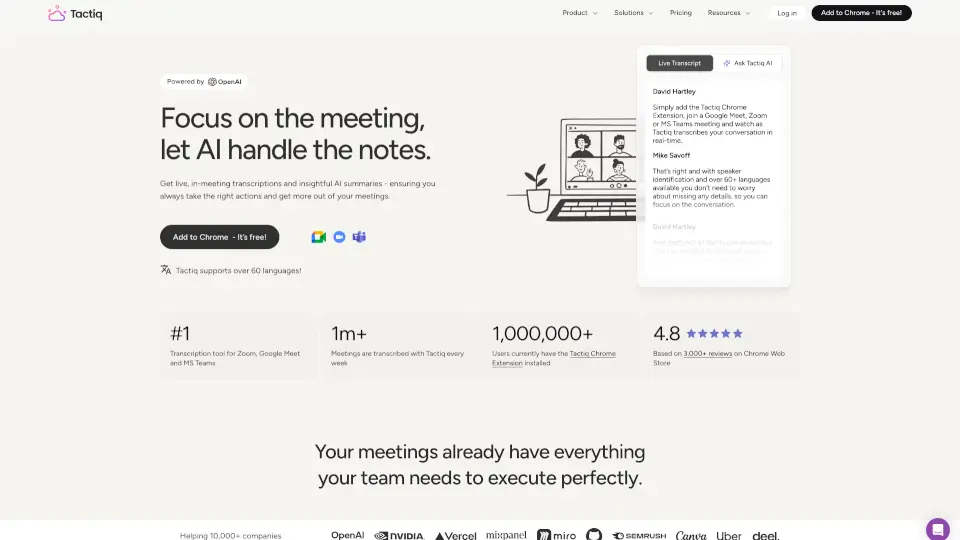
Tactiq

Tactiq

Tactiq is the AI note taker that transcribes and summarizes Google Meet, Zoom, and Teams meetings live, so you get instant notes and action items without a bot.

BR
27.60%
6.1M
5.0
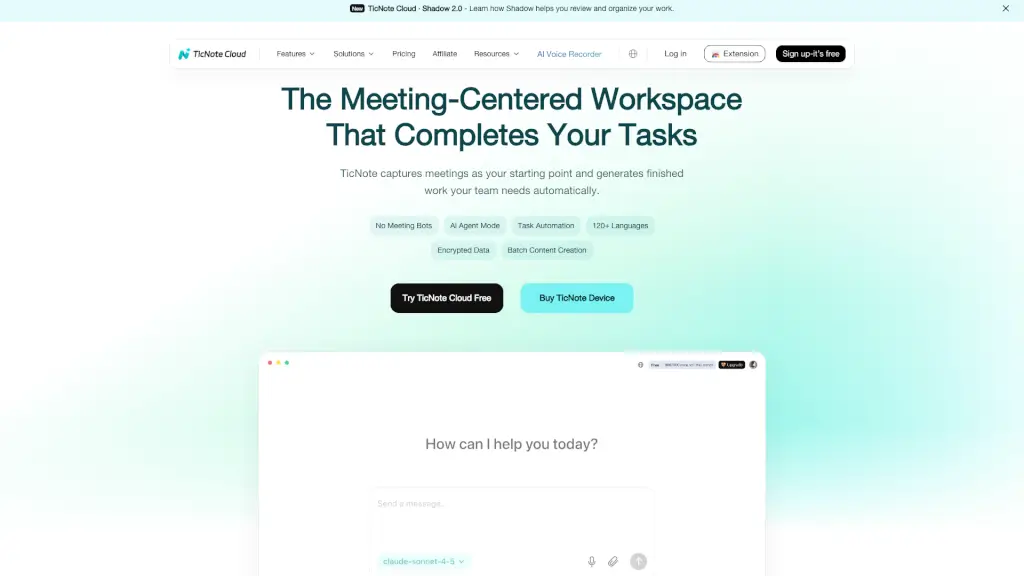
TicNote Cloud

TicNote Cloud

TicNote Cloud uses AI to transcribe meetings and automatically generate actionable notes, summaries, and files—no bots required.

US
16.20%
199.7K
5.0
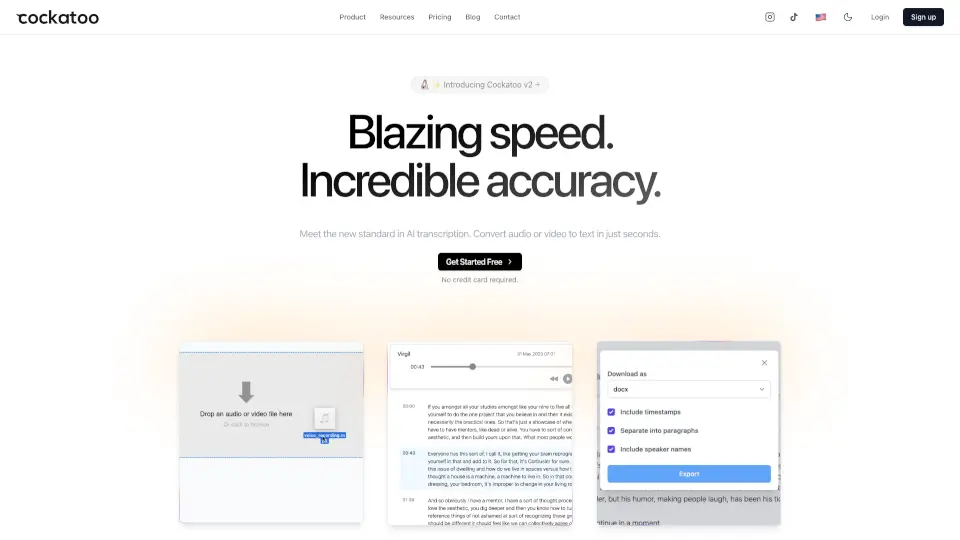
Cockatoo

Cockatoo

Cockatoo is an AI meeting assistant that turns live calls into clear summaries, action items, and searchable notes—so teams stay aligned without extra work.

US
30.58%
124.0K
5.0
mymeet.ai

mymeet.ai

Boost your meeting productivity with mymeet.ai’s AI assistant that automatically summarizes, assigns tasks, and generates accurate transcripts in over 100 languages.

RU
54.50%
293.9K
5.0
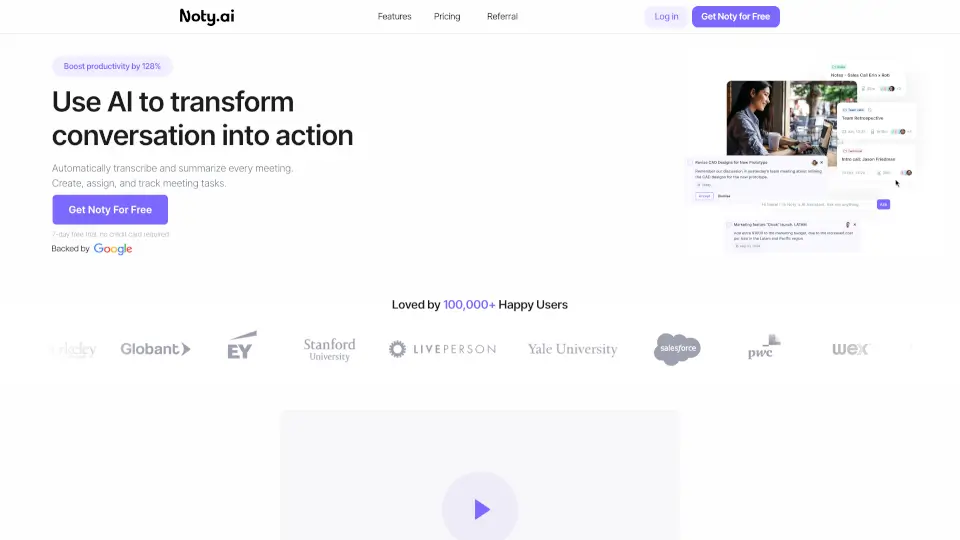
Noty.ai

Noty.ai

Noty.ai is an AI meeting assistant that transforms conversations into tracked, actionable to-dos—boosting productivity by turning meetings into results.

US
12.35%
42.9K
4.0
MeetGeek

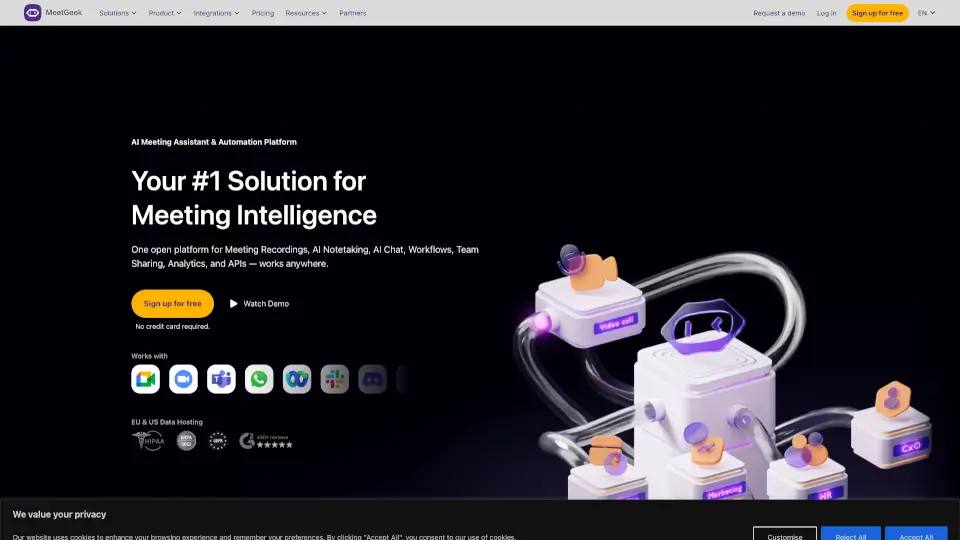
MeetGeek

MeetGeek is a free-to-start AI meeting assistant that records, transcribes, and summarizes online and offline meetings with zero setup, turning conversations into actionable insights.

US
12.12%
214.8K
5.0
JotMe

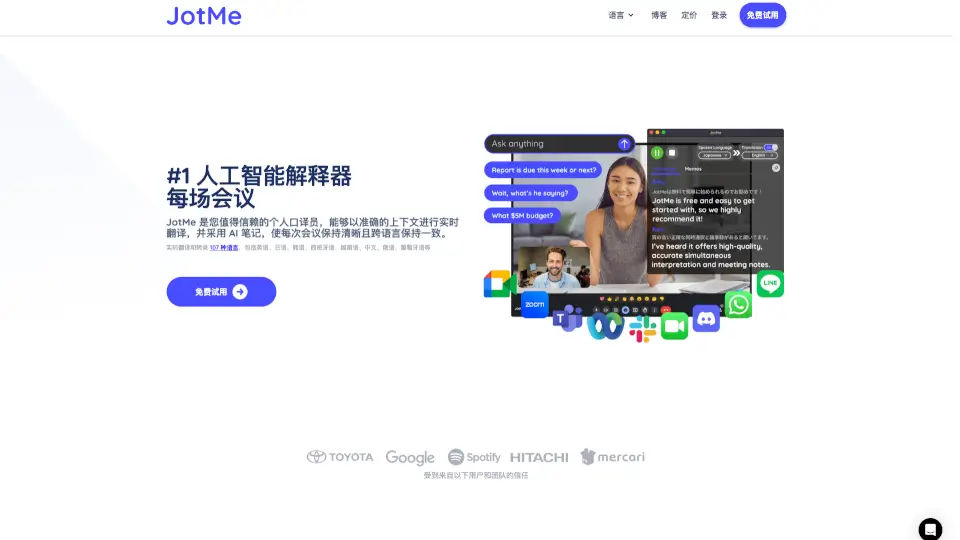
JotMe

JotMe is your real-time AI meeting assistant, offering transcription, translation, and note-taking in 107 languages. Perfect for global teams, it ensures everyone stays aligned and productive.

US
12.90%
221.9K
5.0

Tingo AI Related Other Categories

Tingo AI Traffic Analysis

💡 Insights

🔍
Niche Tool
Lower traffic volume. Likely new or highly specialized. Good for early adopters.
📉
Traffic Decline
Significant traffic drop recently. Check for alternatives.
👍
Good Experience
Bounce rate of 52%. Users are willing to explore features.
  • Monthly Visits

    195

  • Bounce Rate

    52.22%

  • Pages Per Visit

    3.39

  • Visit Duration

    00:00:24

  • Global Rank

    6226672

  • Country Rank

    0

Visits Over Time

Traffic Sources

Gen Ai0.00%
Display Ads0.00%
Social Organic0.00%
Mail0.00%
Search Paid0.00%
Social Paid0.00%
Referrals0.00%
Affiliate0.00%
Search Organic0.00%
Direct0.00%

Top Keywords

1
sexy chat ai
CPC$1.71
200Traffic
2
tingo ai affiliate program
10Traffic
3
tingo
CPC$0.28
0Traffic

Top Regions

RegionPercentage
Low
High

Powered by SimilarWeb

Tingo AI FAQ

Is Tingo free to use?

Tingo offers a free tier with limited minutes per month. Paid plans unlock longer recordings, more users, and advanced features like custom vocabulary and Slack integration.

Which video conferencing platforms does Tingo support?

Tingo works with Zoom, Google Meet, Microsoft Teams, and Webex. You can also use it with any platform that supports a bot invite or screen sharing.

Can Tingo transcribe meetings in languages other than English?

Yes, Tingo supports over 30 languages including Spanish, French, German, Japanese, and Mandarin. The AI can also detect and separate multiple speakers.

How do I invite Tingo to a meeting?

For Zoom, add tingo@tingo.ai as a participant. For Google Meet, install the Chrome extension and Tingo will auto-join when you start the meeting. Detailed setup guides are available on the website.

Is my meeting data private and secure?

Absolutely. Tingo uses end-to-end encryption for recordings and transcripts. You can delete any meeting data from your dashboard, and recordings are stored in secure cloud servers compliant with GDPR and SOC 2.

Can I edit the AI-generated summary or action items?

Yes, you can manually correct, add, or remove any items in the summary. Tingo also allows you to create custom notes or pins within the transcript.

Does Tingo work if I’m not the meeting host?

Yes, as long as the host allows external participants or bots, you can add Tingo to any meeting you are invited to. For team-wide use, it’s best to have the host set it up.

Tingo AI Reviews

0

0

0 Reviews
Sign Into leave a review

Recent Reviews

No reviews yet

Tingo AI Embed

Use website badges to drive community support for SeekTool.ai. They are easy to embed in your homepage or footer.

Light
Dark
Tingo AI - Featured on SeekTool.aiTingo AI - Featured on SeekTool.ai
How to install?