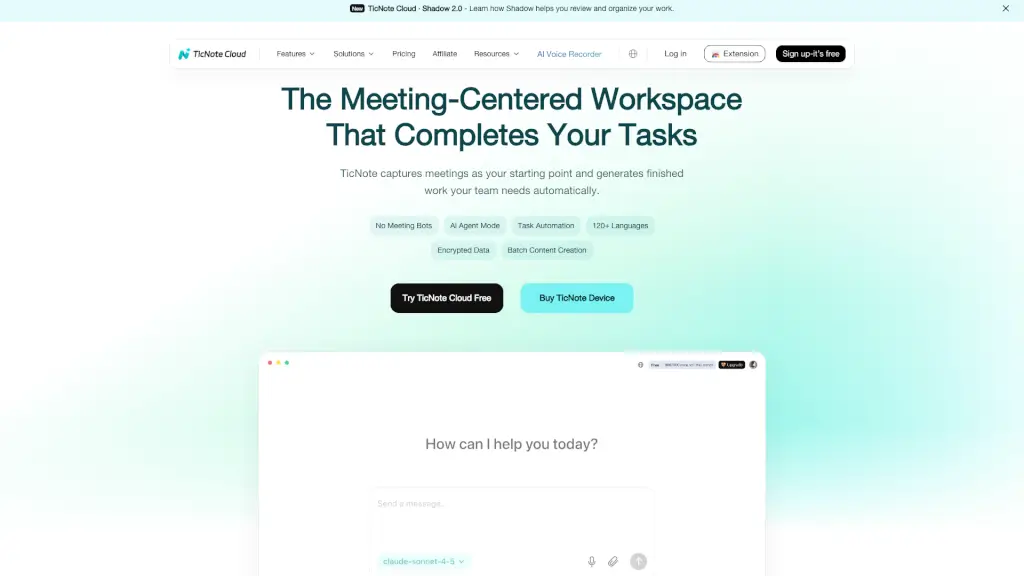
What is TicNote Cloud?
TicNote Cloud is an AI-powered workspace that turns your meetings into finished work—automatically. Instead of scrambling to take notes or chase action items after a call, TicNote captures everything you say and transforms it into clear summaries, task lists, reports, or presentations. It’s designed for busy teams who want to stop transcribing and start doing.
What makes TicNote stand out? It works without meeting bots—your conversations stay private, processed securely on-device or in encrypted cloud storage. Whether you’re running sales calls, team standups, or client interviews, TicNote listens, understands, and delivers ready-to-use outputs so you can focus on the conversation, not the clipboard.
What are the features of TicNote Cloud?
- No Meeting Bots: Records and transcribes without third-party bots joining your calls—keeping your meetings private and compliant.
- AI Notes & Summaries: Automatically extracts key points, decisions, and action items into structured, shareable notes.
- Shadow AI Chat: Your AI assistant that executes tasks like drafting emails, building reports, or creating presentations from meeting content.
- 120+ Languages Support: Real-time transcription and translation in over 120 languages, including English, Spanish, Japanese, German, and more.
- Smart Templates: Over 100 meeting-specific templates (sales calls, sprint planning, research interviews) that auto-structure your notes.
- AI Knowledge Base: Links transcripts, files, and notes into a searchable “second brain” with smart tagging and version history.
- Mind Maps & Visual Summaries: Turns rambling discussions into visual mind maps to clarify ideas and next steps.
- Batch Content Creation: Generate multiple deliverables at once—perfect for turning a week of meetings into client updates or internal docs.
What are the use cases of TicNote Cloud?
- A product manager uses TicNote after sprint planning to auto-generate Jira-ready tasks and share a summary with stakeholders.
- A sales rep records a discovery call and instantly gets a polished follow-up email draft and CRM update based on pain points discussed.
- An engineering lead skips manual note-taking during team standups and receives accurate action items to assign in Slack or Asana.
- A journalist interviews sources in multiple languages and gets translated, summarized transcripts within minutes.
- An entrepreneur captures brainstorming sessions and uses Shadow AI to turn raw ideas into pitch decks or business plans.
- A marketing team reviews campaign meetings and exports ready-made reports with key insights and next steps.
How to use TicNote Cloud?
- Click the TicNote extension or app to start recording with one click before your meeting begins.
- Let TicNote run in the background—no bots needed—while it captures audio and transcribes in real time.
- After the meeting ends, review your auto-generated summary, action items, and mind map in seconds.
- Use Shadow AI Chat to ask for specific outputs: “Create a client email,” “Build a slide deck,” or “List all open tasks.”
- Apply a smart template (like Sales Call or Customer Discovery) to instantly format notes for your workflow.
- Share or export finished files directly to email, Slack, Google Docs, or your project management tool.