
What is Camtasia?
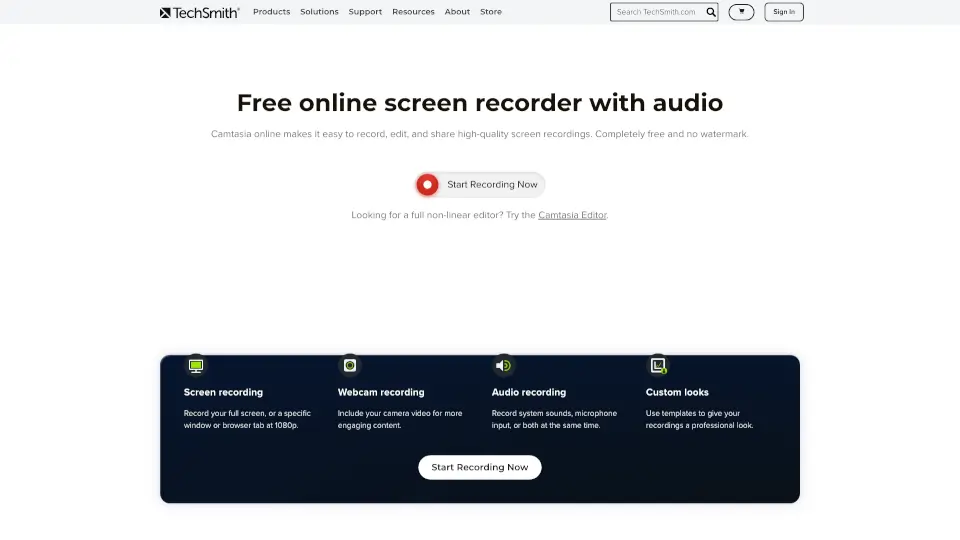
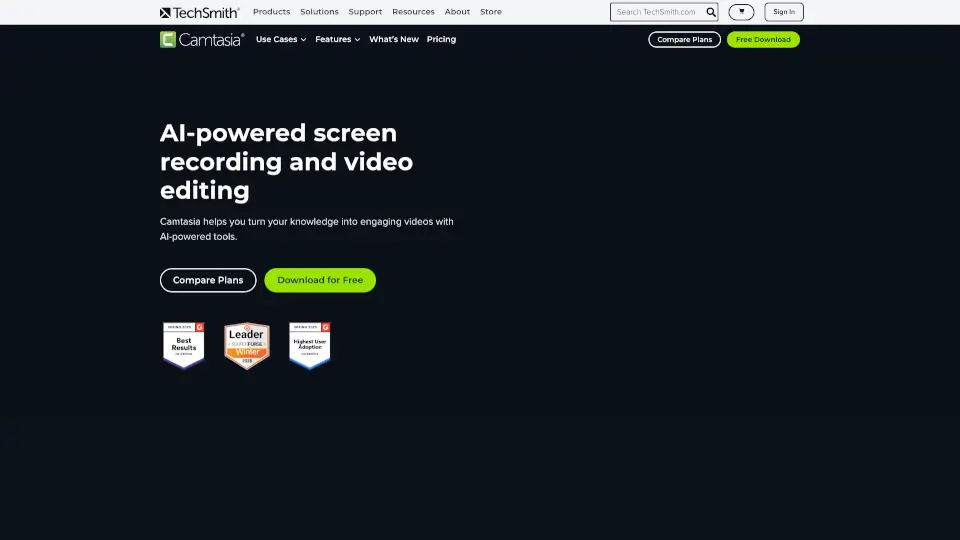
Camtasia is a powerful yet user-friendly screen recorder and video editor designed for creating professional tutorials, training videos, and software demos. Whether you’re a beginner or a pro, Camtasia’s intuitive tools and AI-powered features help you turn your ideas into polished videos effortlessly.
What are the features of Camtasia?
- Multitrack Recording: Record screen, camera, and audio separately for full editing control.
- AI-Powered Tools: Generate scripts, narration, and visuals faster with AI assistance.
- Drag-and-Drop Editing: Simplify complex edits like zooms and callouts with just a few clicks.
- Custom Themes & Templates: Keep your videos consistent and on-brand.
- Accessibility Features: Auto-generate captions and translations for wider reach.
- Cursor Effects: Highlight cursor movements to make tutorials clearer.
What are the use cases of Camtasia?
- Educators: Create engaging lesson videos or online courses.
- Corporate Trainers: Streamline employee onboarding with step-by-step guides.
- Content Creators: Produce polished software demos or YouTube tutorials.
- Marketing Teams: Craft compelling product explainer videos.
How to use Camtasia?
- Download and install Camtasia (free trial available).
- Record your screen, webcam, or audio—or import existing footage.
- Edit using drag-and-drop tools, AI features, and customizable templates.
- Export your video (watermark-free with a paid plan).