
Seedream 4.0 logo

Seedream 4.0

3.0
(0 Reviews)
Japan34.05%

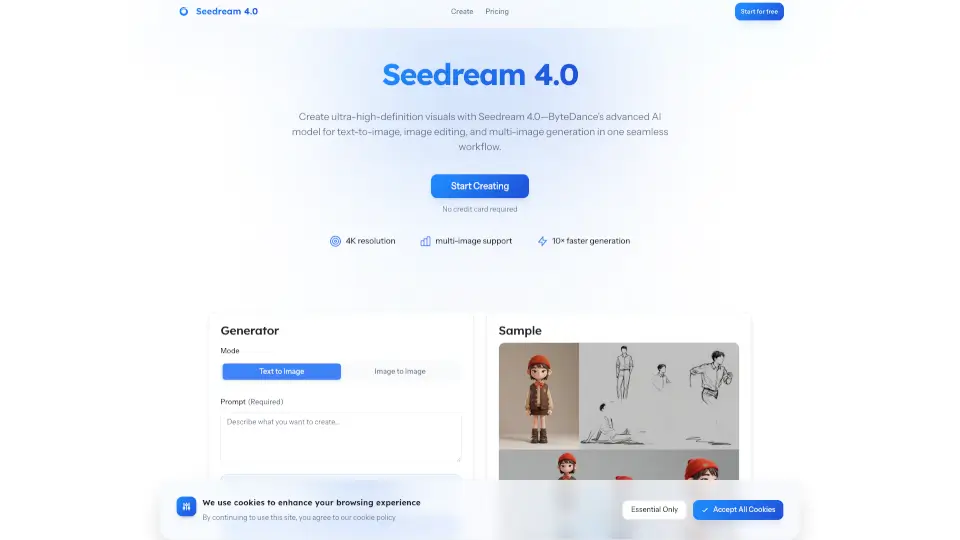
Seedream 4.0 is ByteDance’s advanced AI image generator, offering fast, high-quality, and consistent visuals with deep scene understanding and easy editing.

Verified by SeekTool
Social Media:
Seedream 4.0

Seedream 4.0 Product Information

What is Seedream 4.0?

Seedream 4.0 is ByteDance’s next-generation AI image generator. It’s built for creators who want fast, high-quality images—whether you’re making comics, ads, or social posts. With deep scene understanding, reference image support, and artistic style transfer, Seedream 4.0 makes it easy to create and edit stunning visuals. You can generate up to 4K images, keep characters and products consistent, and even create story-driven image sequences—all in just a few clicks.

What are the features of Seedream 4.0?

  • Deep Scene Understanding: Handles complex, multi-subject scenes with accurate details, lighting, and composition.
  • Reference-Based Consistency: Upload up to 6 reference images to keep characters, products, or branding consistent across images.
  • Artistic Style Transfer: Easily switch between painterly, cinematic, or sculptural looks without losing subject identity.
  • Ultra-Fast Rendering: Generate high-quality images quickly, with native 2K output and support for up to 4K resolution.
  • Sequential Story Generation: Create up to 9 coherent images in one go—perfect for comics, ads, and storyboards.
  • Commercial-Grade Design: Improved text rendering and layout reliability for production-ready graphics.
  • Easy Editing: Make changes with plain-English instructions—no need for masks or layers.

What are the use cases of Seedream 4.0?

  • Comics and Storyboards: Generate multiple, consistent frames for narrative projects.
  • Product and Branding: Keep your brand assets or product shots consistent across campaigns.
  • Marketing Graphics: Create posters, ads, and social content with reliable text and layout.
  • Artistic Exploration: Experiment with different styles and moods for creative projects.
  • Client Work: Produce high-resolution, commercial-ready visuals for clients.

How to use Seedream 4.0?

  • Add References (Optional): Upload up to 6 images to lock in character, product, or brand consistency—or start from text only.
  • Describe Your Vision: Write a natural-language prompt. Seedream 4.0 understands complex scenes and style cues.
  • Generate & Refine: Preview fast results, then iterate with simple text edits—no technical skills needed.
  • Export in High Resolution: Download crisp images (native 2K, up to 4K) ready for print, web, or social media.
Seedream 4.0 Contact Email:

support@seedream4.io

Do you like this tool?

Upvote to help others discover it!

Seedream 4.0 Alternatives

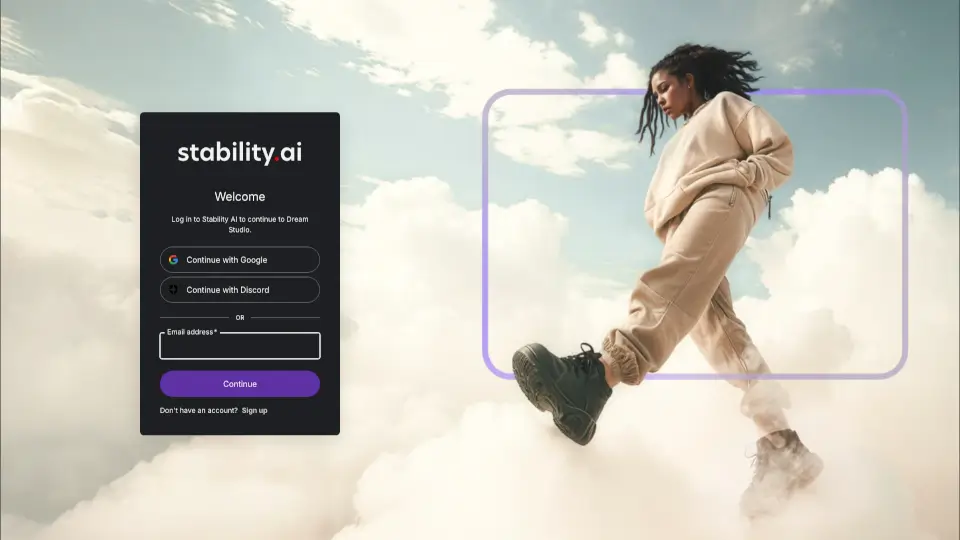
DreamStudio

DreamStudio

DreamStudio is an easy-to-use AI image generator that transforms text prompts into high-quality visuals using Stable Diffusion technology.

JP
100.00%
5.5K
3.0
CGDream

CGDream

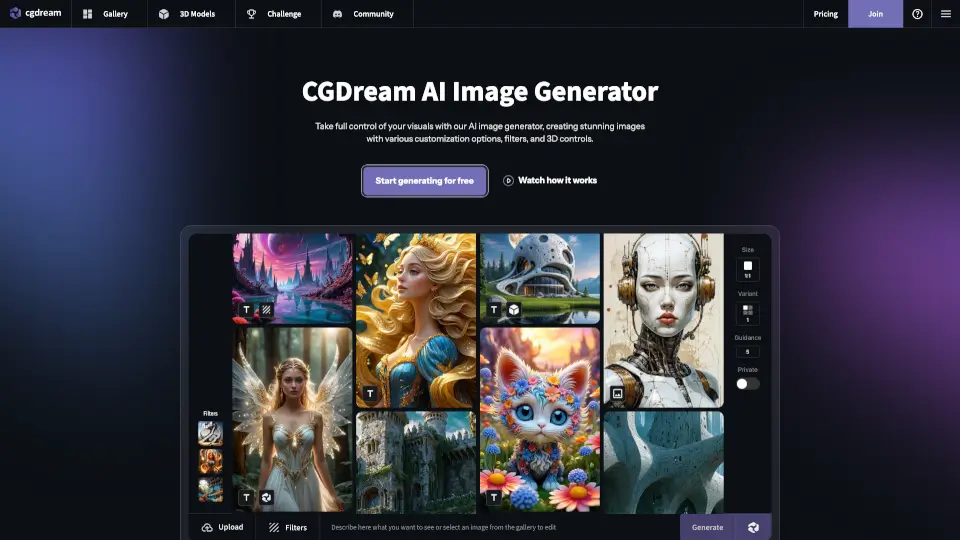
CGDream is a free, browser-based AI image generator that transforms text, photos, or 3D models into unique, high-quality visuals with professional editing tools.

US
22.69%
217.0K
5.0
DreamStudio AI

DreamStudio AI

Dream Studio is a powerful AI-driven platform for creating and editing images, perfect for designers, artists, and content creators.

PL
14.73%
45.7K
4.0
StarryAI

StarryAI

StarryAI is a free, user-friendly AI image generator that lets anyone create high-quality, original visuals with full ownership and commercial rights.

US
18.04%
272.7K
5.0
Segmind

Segmind

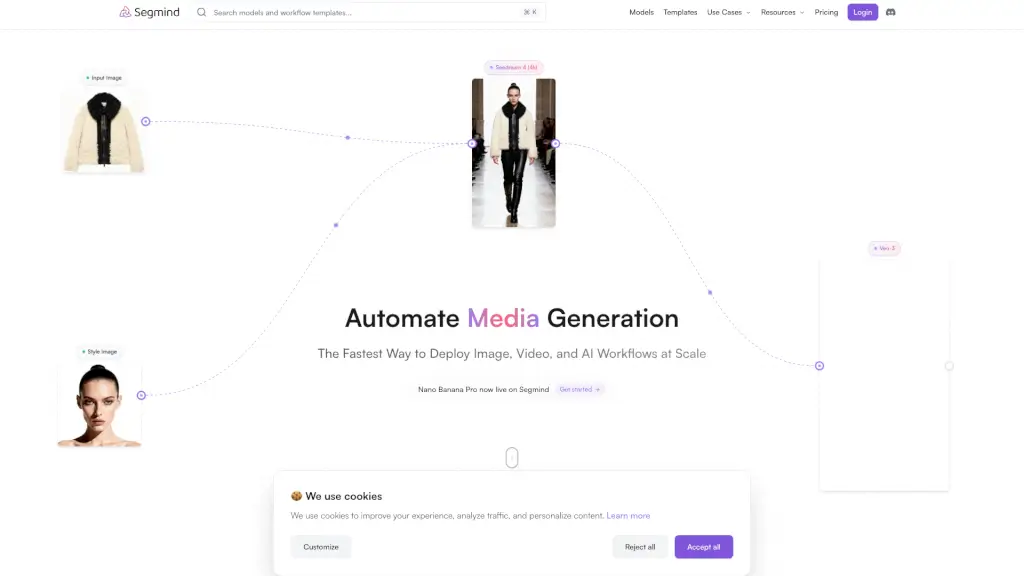
Segmind automates and scales image and video generation workflows, offering AI-powered tools and integration with top models for professional content creation.

ES
6.02%
190.5K
5.0
Craiyon

Craiyon

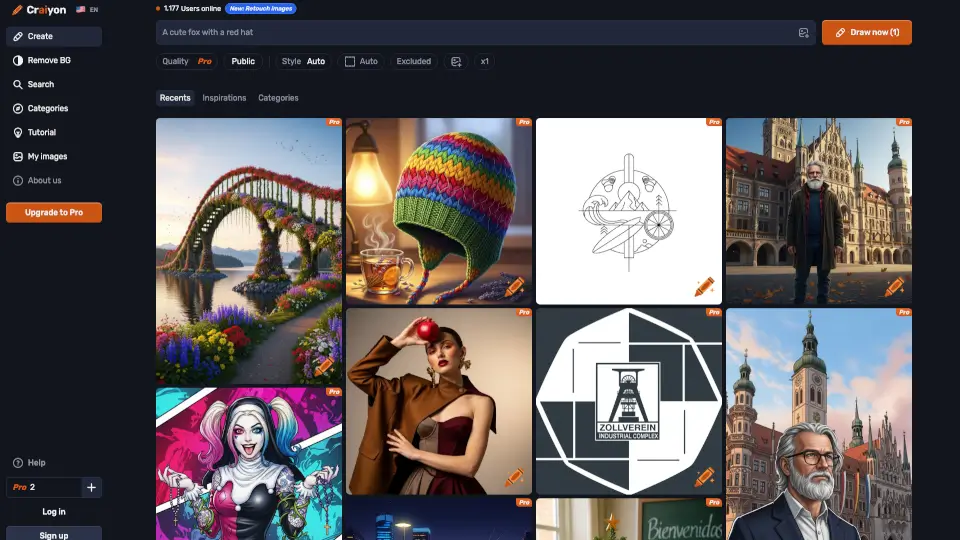
Craiyon is a free AI image generator that creates custom visuals from text prompts in multiple styles, perfect for creators, marketers, and curious minds.

US
27.86%
1.6M
5.0
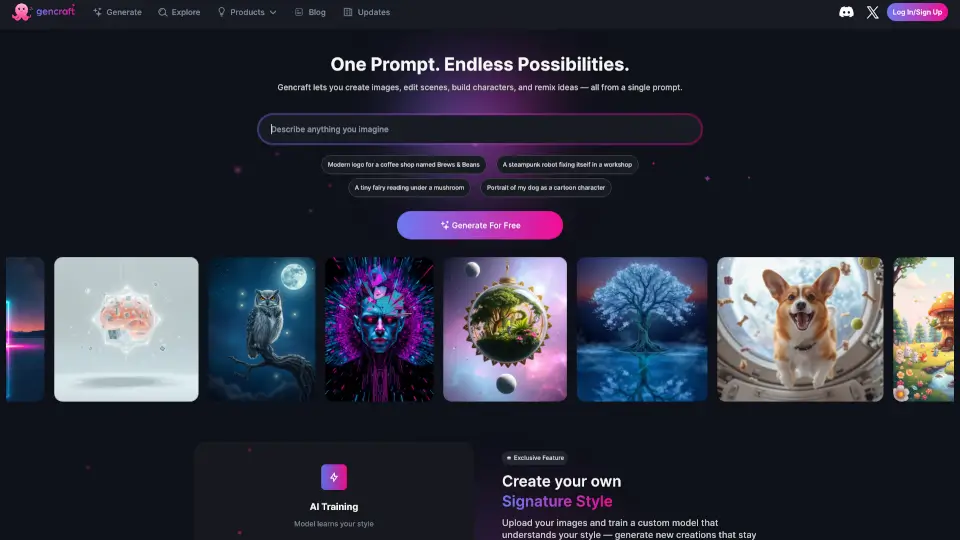
Gencraft

Gencraft

Gencraft is a free AI art generator that lets anyone create, edit, and customize stunning images using text prompts and community-powered models.

US
19.26%
246.7K
5.0
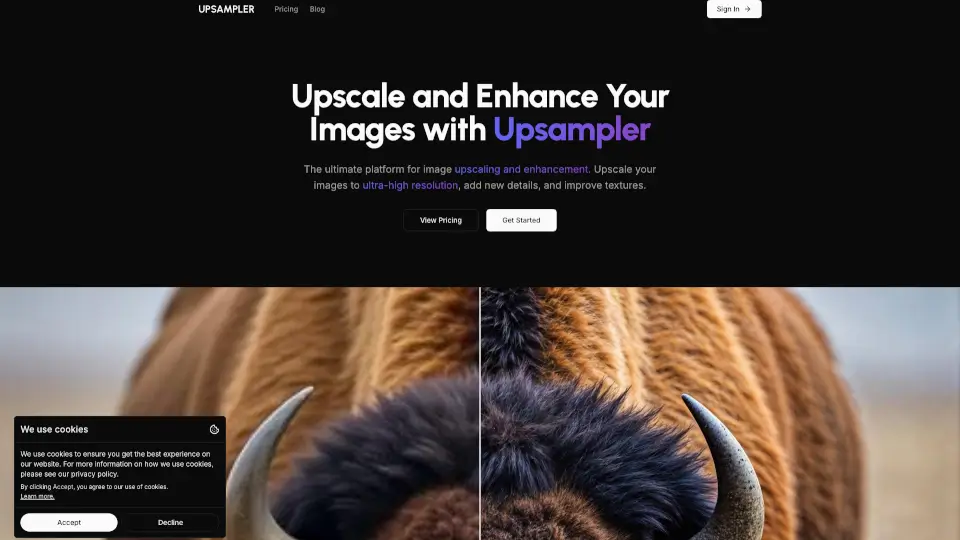
Upsampler

Upsampler

Generate, upscale, and edit images or turn them into videos with Upsampler's all-in-one AI platform featuring 43+ advanced models.

US
13.26%
312.9K
5.0

Seedream 4.0 Related Other Categories

Seedream 4.0 Traffic Analysis

💡 Insights

🔍
Niche Tool
Lower traffic volume. Likely new or highly specialized. Good for early adopters.
➡️
Stable
Traffic remains stable, indicating a mature product.
👍
Good Experience
Bounce rate of 40%. Users are willing to explore features.
  • Monthly Visits

    3.92K

  • Bounce Rate

    39.79%

  • Pages Per Visit

    1.10

  • Visit Duration

    00:00:14

  • Global Rank

    5378962

  • Country Rank

    693249

Visits Over Time

Traffic Sources

Gen Ai0.00%
Display Ads0.00%
Social Organic0.00%
Mail0.00%
Search Paid0.00%
Social Paid0.00%
Referrals0.00%
Affiliate0.00%
Search Organic0.00%
Direct0.00%

Top Keywords

1
シードリーム0.4 画像生成 無料 エロ対応
170Traffic
2
seedream
CPC$0.56
0Traffic
3
seedream 4.0
CPC$0.33
0Traffic
4
seadream
CPC$2.62
0Traffic
5
seeddream
CPC$2.70
0Traffic

Top Regions

RegionPercentage
Japan
Japan
34.05%
Russia
Russia
27.87%
Indonesia
Indonesia
18.45%
India
India
10.40%
Brazil
Brazil
9.23%
Low
High

Powered by SimilarWeb

Seedream 4.0 FAQ

What is Seedream 4.0?

Seedream 4.0 is ByteDance’s unified model for image generation and editing, designed for complex prompts, reference consistency, and high-definition results up to 4K.

How fast is Seedream 4.0?

It’s very fast—creators report quick rendering for native 2K output, with support for up to 4K when you need extra detail.

Can I use reference images?

Yes, you can upload up to 6 reference images to keep characters, products, or brand assets consistent across multiple generations.

Does Seedream 4.0 support sequential or batch creation?

Yes, you can generate up to 9 coherent, story-driven images in a single batch—great for comics, ads, and storyboards.

Is there a free plan?

Yes, new accounts get free credits to try the model. Paid plans unlock higher limits and pro features for commercial work.

Is it suitable for commercial projects?

Absolutely. Seedream 4.0 is used for campaign visuals, product imagery, illustrations, and social content, with improved text rendering and layout control.

Where can I access the model?

Use Seedream 4.0 on the Generator page. Developers can explore API access via ByteDance’s enterprise channels. Some third-party platforms also host the model.

How does editing work?

Just type plain-English instructions to edit images—change attributes, adjust composition, or restyle a shot without manual masking.

Any tips for best results?

Be clear about subjects, context, and style. Add lighting, lens, or mood cues. For consistency, use reference images and repeat key prompt phrases.

Seedream 4.0 Reviews

0

0

0 Reviews
Sign Into leave a review

Recent Reviews

No reviews yet

Seedream 4.0 Pricing

Basic

Best for consistent solo creators. Annual plan includes 3,000 credits/year (≈600 image edits). Save 30% vs monthly. One invoice, zero hassle.
$6.93/year ($0.028/credit)
  • Private generations (brand-safe)
  • Commercial license included

Pro

Great for weekly publishing schedules. Annual plan includes 6,000 credits/year (≈1,200 image edits). Save 30% vs monthly. Lower effective rate.
$13.93/year ($0.028/credit)
  • Priority processing
  • Private generations (brand-safe)
  • Commercial license included

Business

Best for agencies scaling production. Annual plan includes 9,000 credits/year (≈1,800 image edits). Save 30% vs monthly. Lower effective rate.
$20.93/year ($0.028/credit)
  • Priority processing
  • Bulk generation tools
  • Private generations (brand-safe)
  • Commercial license included

One-Time

Pay as you go. Credits never expire.
$0.028/credit
  • Commercial license included
  • Private generations (brand-safe)

Seedream 4.0 Embed

Use website badges to drive community support for SeekTool.ai. They are easy to embed in your homepage or footer.

Light
Dark
Seedream 4.0 - Featured on SeekTool.aiSeedream 4.0 - Featured on SeekTool.ai
How to install?