
What is Readdle?
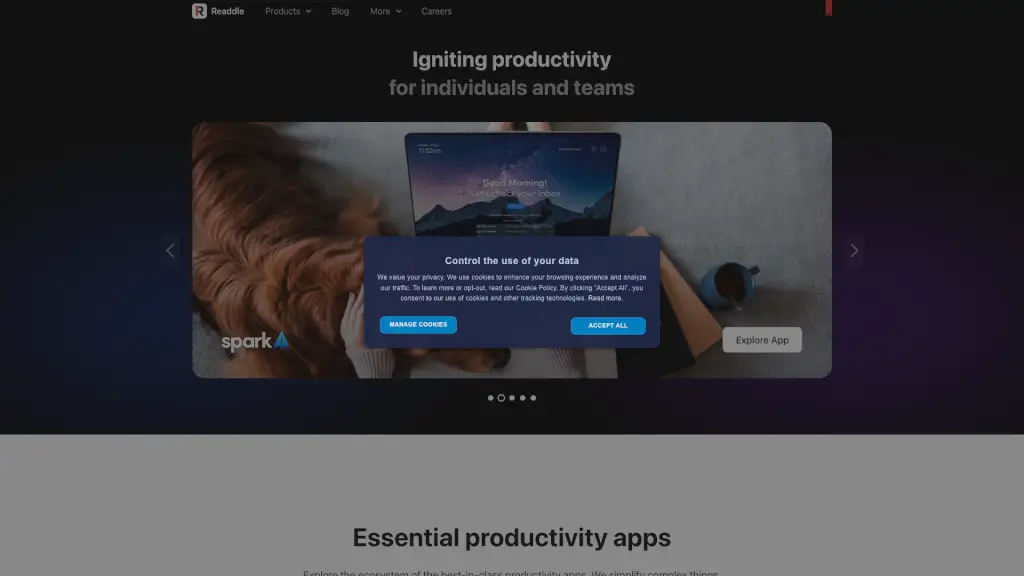
Readdle builds essential productivity apps that help iPhone, iPad, and Mac users get more done—without the clutter. Founded in 2007, this team of over 300 people across 8 global hubs has created tools trusted by millions to simplify everyday tasks like managing emails, editing PDFs, scanning documents, and organizing files.
What sets Readdle apart is its focus on Apple-first design: every app feels native, fast, and intuitive on iOS and macOS. Whether you’re a student juggling assignments, a professional handling contracts, or someone just trying to tame their inbox, Readdle’s suite of apps works seamlessly across your Apple devices to streamline your workflow and reduce digital stress.
What are the features of Readdle?
- PDF Expert: Edit, annotate, sign, and organize PDFs with precision—Apple’s App of the Year winner.
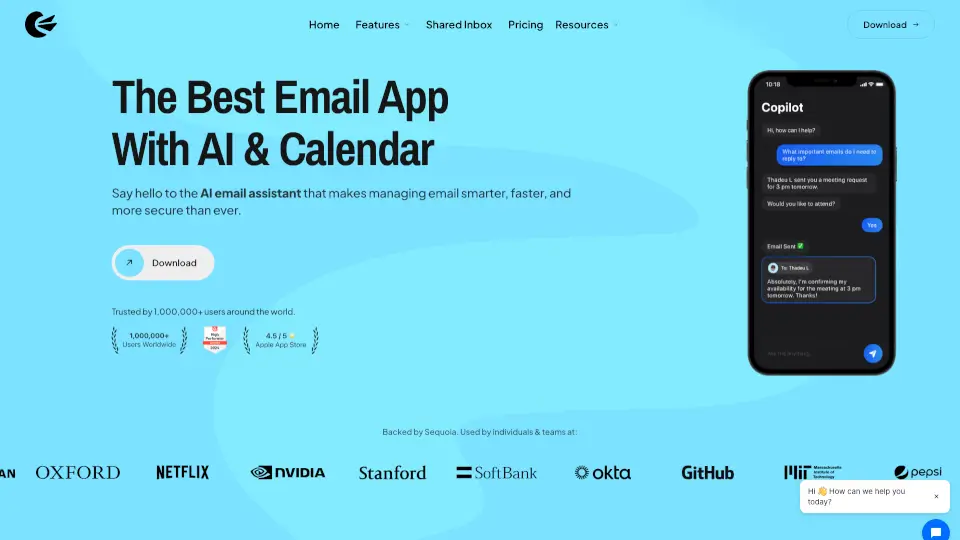
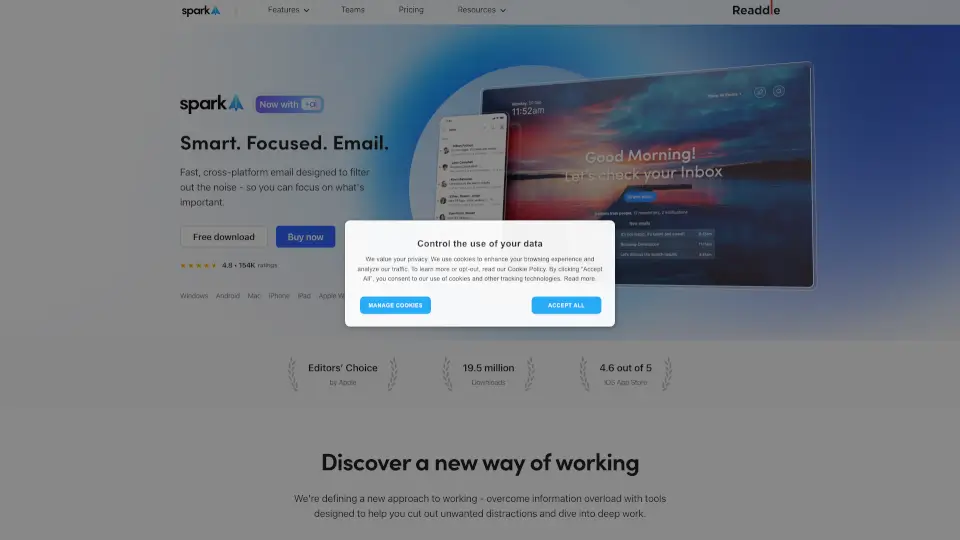
- Spark Email: A smart, focused inbox that prioritizes important messages and integrates AI for meeting notes and summaries.
- Scanner Pro: Turn your iPhone or iPad into a powerful document scanner with auto-crop, OCR, and expense report automation.
- Calendars: A beautifully designed calendar app that syncs across Apple devices and won the Red Dot Design Award 2021.
- Documents: A file manager supercharged with built-in PDF tools, media playback (including MP3), and cloud integration.
- Fluix: A workflow automation tool for business teams to manage forms, approvals, and field operations digitally.
What are the use cases of Readdle?
- A college student scans lecture notes with Scanner Pro, annotates them in PDF Expert, and stores everything in Documents.
- A remote worker uses Spark to filter out noise, focus on priority emails, and generate AI-powered meeting summaries.
- A small business owner creates and signs client contracts in PDF Expert, then tracks deadlines in Calendars.
- A freelancer organizes invoices, receipts, and project files across iPhone and Mac using Documents and Scanner Pro.
- Field technicians use Fluix to complete digital checklists, capture signatures, and sync data in real time.
- A busy parent manages family schedules effortlessly with Calendars’ clean interface and shared calendar support.
How to use Readdle?
- Download any Readdle app from the App Store (iOS/iPadOS) or Mac App Store—all are optimized for Apple devices.
- Sign in with your Apple ID to enable seamless syncing across iPhone, iPad, and Mac where supported (e.g., Spark, Calendars).
- Use AI features in Spark like Smart Inbox and Meeting Notes by enabling them in settings—no extra cost for core AI tools.
- In Documents, drag and drop files between cloud services (iCloud, Google Drive, Dropbox) without leaving the app.
- With Scanner Pro, point your camera at a receipt or document—the app auto-detects edges and enhances readability instantly.
- Combine apps: scan a contract in Scanner Pro, edit it in PDF Expert, then email it directly from Spark for a smooth workflow.