
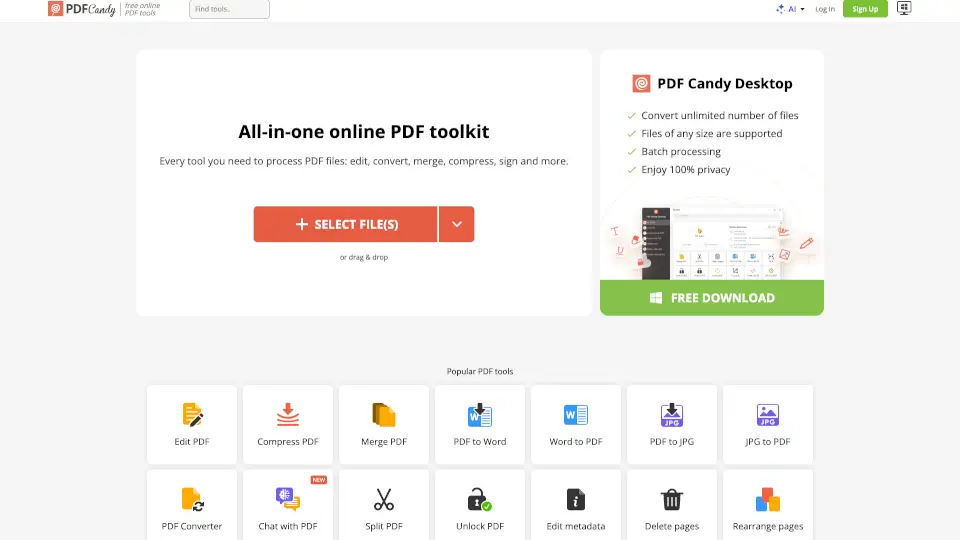
What is PDF Candy?
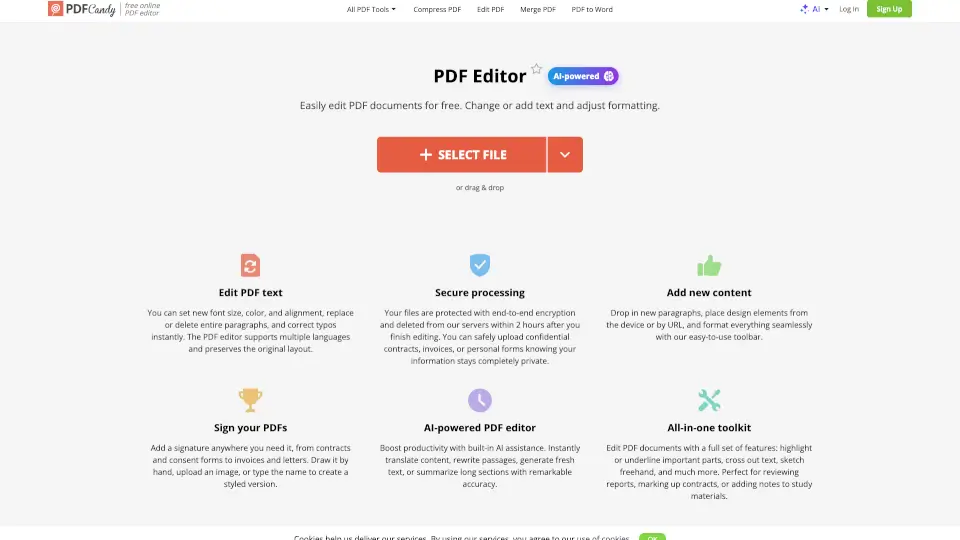
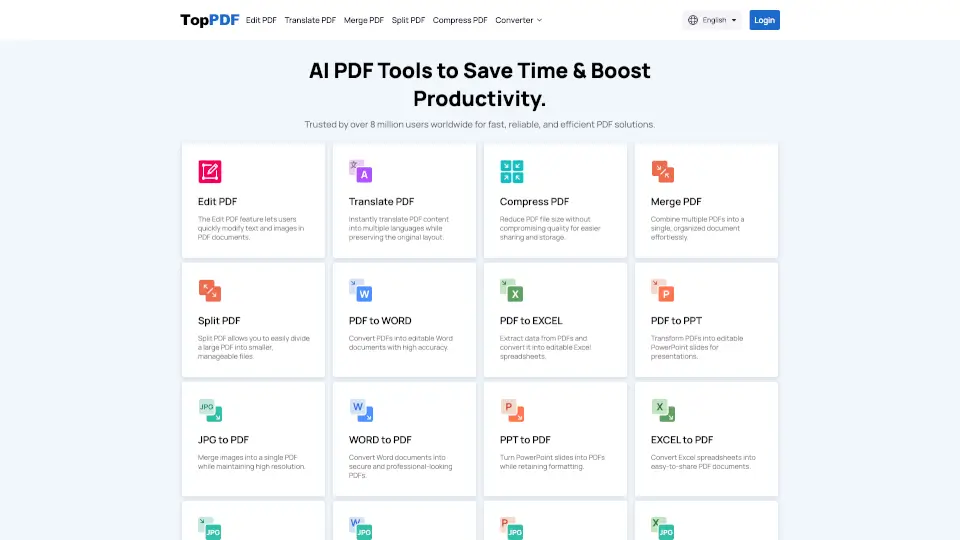
PDF Candy is your go-to free online PDF toolkit that offers over 80 tools to handle all your PDF needs. Whether you need to edit, convert, merge, or compress PDFs, PDF Candy has got you covered. It’s user-friendly, secure, and accessible from any device.
What are the features of PDF Candy?
- Edit PDF: Add text, images, or watermarks with ease.
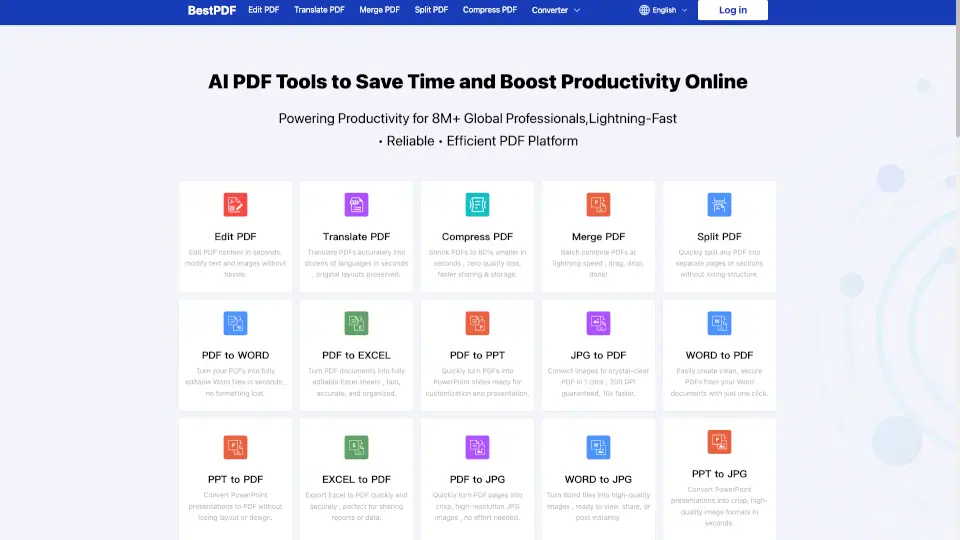
- Convert PDF: Transform PDFs to Word, JPG, Excel, and more.
- Merge & Split PDF: Combine or divide PDF files effortlessly.
- Compress PDF: Reduce file size without losing quality.
- Protect & Unlock PDF: Secure your files or remove restrictions.
- Extract Pages: Pull specific pages from a PDF.
- PDF to Image: Convert PDFs to JPG, PNG, or other image formats.
What are the use cases of PDF Candy?
- Students: Convert lecture notes to PDF or extract pages for study material.
- Professionals: Merge reports, compress files for email, or sign documents digitally.
- Designers: Convert PDFs to images for editing or presentations.
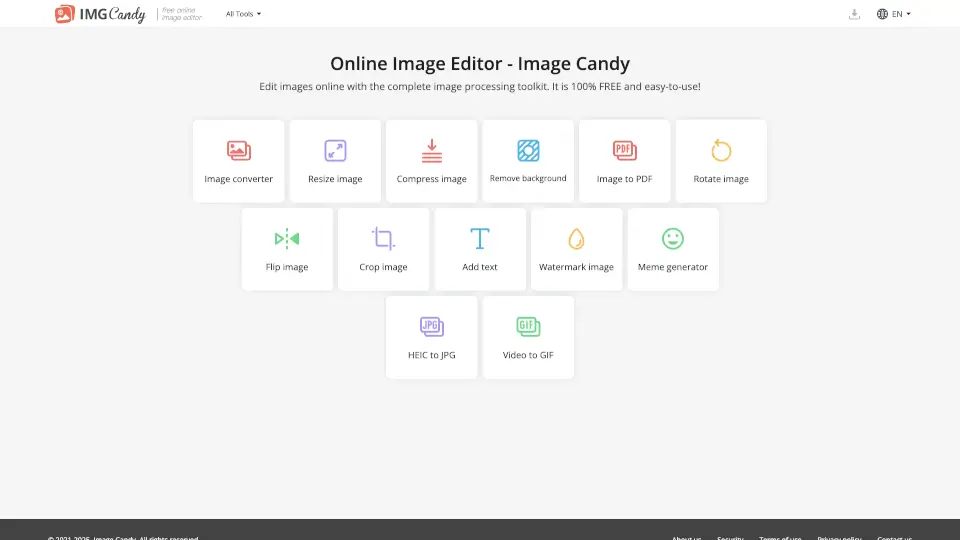
- General Users: Rotate, crop, or add watermarks to personal documents.
How to use PDF Candy?
- Visit the PDF Candy website.
- Choose the tool you need (e.g., Edit, Convert, Merge).
- Upload your file(s) from your device, Google Drive, or Dropbox.
- Process the file and download the result.