
PaintShop Pro logo

PaintShop Pro

2
5.0
(0 Reviews)
United States35.03%

PaintShop Pro is an all-in-one photo editing software that delivers professional editing power, AI enhancements, and creative flexibility for photographers and designers at any skill level.

Verified by SeekTool
Social Media:
PaintShop Pro

PaintShop Pro Product Information

What is PaintShop Pro?

PaintShop Pro by Corel is a powerful yet approachable photo editing software designed for photographers, hobbyists, and creative professionals who want pro-level results without the steep learning curve. Whether you're fixing family photos, designing social media graphics, or enhancing landscapes, PaintShop Pro delivers smart tools, AI-powered enhancements, and precise editing control—all in one affordable package.

Unlike some complex alternatives, PaintShop Pro balances advanced capabilities with an intuitive interface. It’s packed with everything from basic crop-and-adjust functions to layers, masks, HDR merging, and artistic effects—making it a versatile choice for both everyday edits and creative projects.

What are the features of PaintShop Pro?

  • AI-Powered Editing Tools: Automatically enhance photos with features like AI Upsampling, AI Artifact Removal, and AI Denoise for cleaner, sharper images.
  • Complete Photo Studio: Edit, retouch, restore, and create with layers, masks, brushes, text tools, and vector graphics support.
  • RAW & HDR Support: Work directly with RAW camera files and merge multiple exposures into stunning HDR images.
  • Artistic Effects & Filters: Apply dozens of creative looks—from painterly styles to vintage film—with one-click presets or customizable adjustments.
  • Batch Processing: Save time by applying edits, resizing, or converting file formats across hundreds of images at once.
  • Smart Workspace: Choose between Beginner, Intermediate, or Advanced modes to match your skill level and workflow needs.

What are the use cases of PaintShop Pro?

  • Restoring old or damaged family photos with scratch removal and color correction tools
  • Creating eye-catching social media graphics using built-in templates and design elements
  • Enhancing landscape or travel photography with HDR merging and sky replacement
  • Preparing product photos for e-commerce with background removal and color accuracy tools
  • Optimizing images for web or print with precise resizing and format conversion
  • Adding watermarks to protect your original photography before sharing online

How to use PaintShop Pro?

  • Start with the Beginner workspace if you’re new—tools are simplified but still powerful.
  • Use One-Click Fixes (like Smart Photo Fix) for quick improvements to exposure, color, and sharpness.
  • Explore Layers and Masks to non-destructively blend effects or combine multiple images.
  • Apply AI Artifact Removal when enlarging low-resolution photos to maintain clarity.
  • Save time with Batch Process to resize or convert dozens of images in seconds.
  • Check the Learning Center on Corel’s site for free tutorials tailored to your version.
Do you like this tool?

Upvote to help others discover it!

PaintShop Pro Alternatives

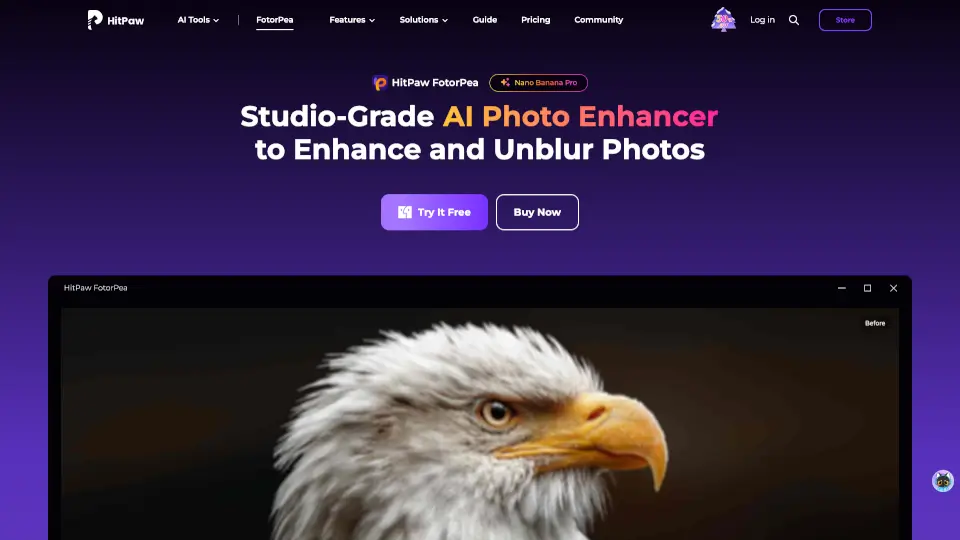
HitPaw FotorPea

HitPaw FotorPea is your go-to AI photo enhancer for sharpening, upscaling, and restoring images effortlessly. Perfect for pros and beginners alike!

US
16.27%
|
902.0K
|
5.0
Topaz Labs

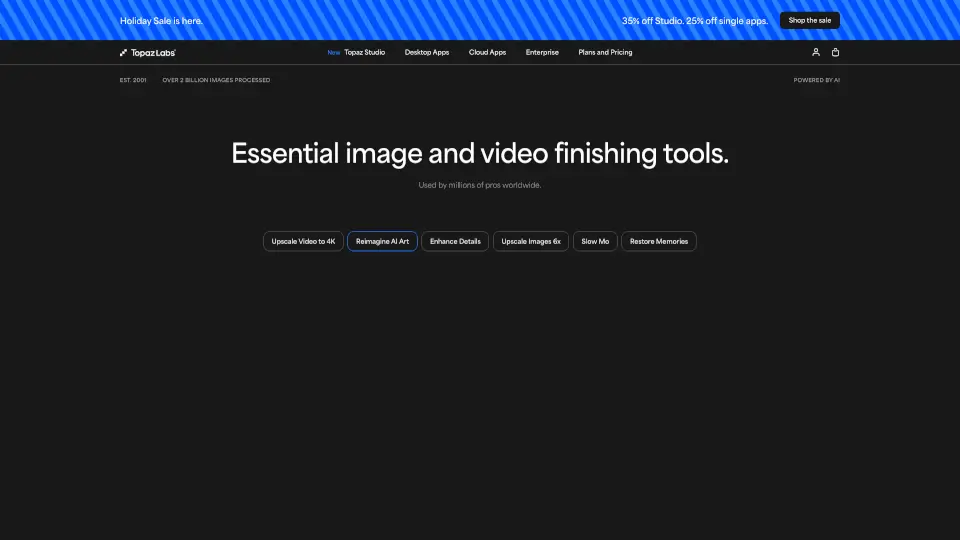
Topaz Labs delivers professional AI-powered photo and video enhancement for stunning noise reduction, upscaling, sharpening, and restoration.

US
27.52%
|
2.8M
|
5.0
FilterPixel

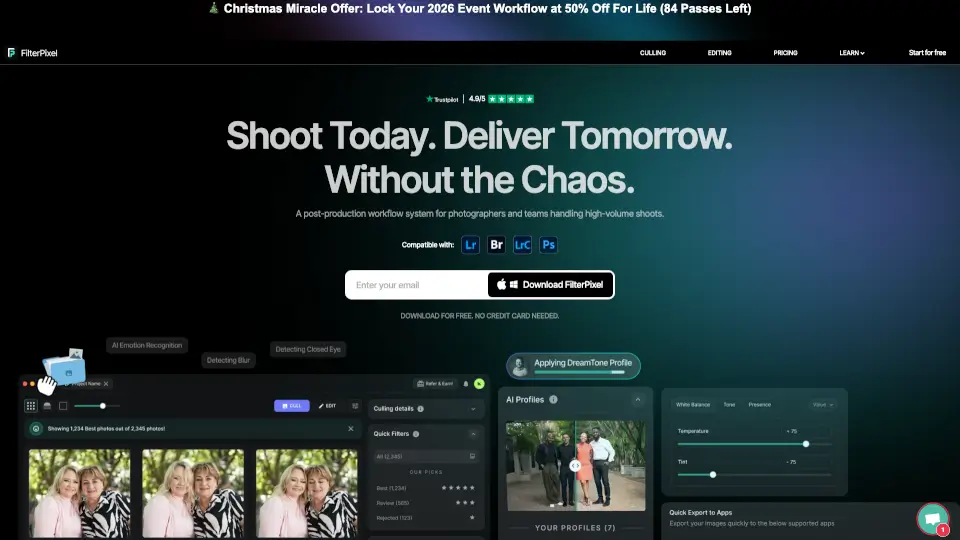
FilterPixel automates photo culling and editing, saving you time and enhancing your creative workflow.

US
30.37%
|
22.9K
|
4.0
ON1 Photo RAW

ON1 Photo RAW 2026.4 is the all-in-one, subscription-free RAW photo editor with powerful AI tools, smart organization, and professional editing features you own forever.

US
37.98%
|
572.2K
|
5.0
Radiant Photo

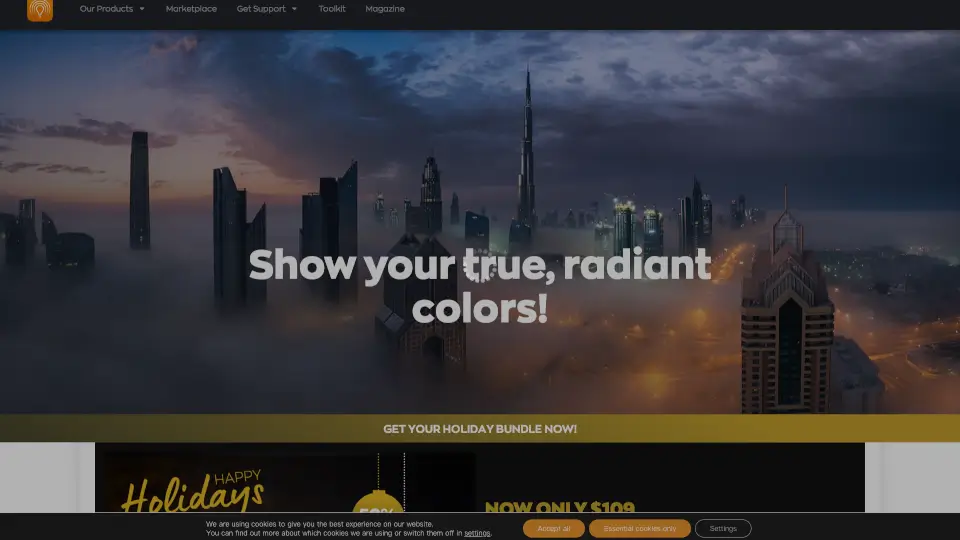
Radiant Photo 2 is the ultimate photo editor for vibrant, true-to-life results. AI-powered yet intuitive, it’s perfect for pros and hobbyists alike.

US
49.36%
|
20.7K
|
4.0
Imagen AI

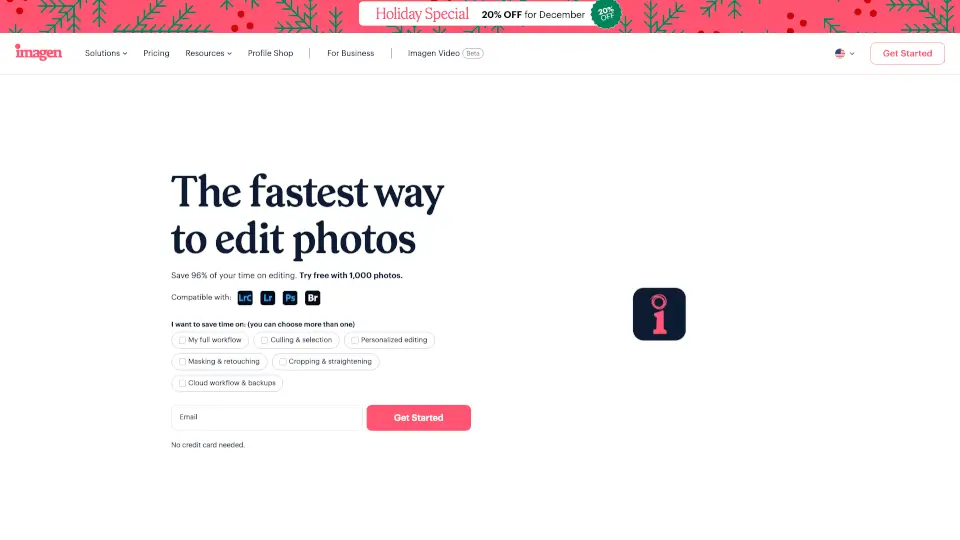
Imagen is an AI photo editor and culling tool that learns your unique style to automate editing, save hours, and keep your work consistently professional.

US
25.83%
|
790.2K
|
5.0
Pixa

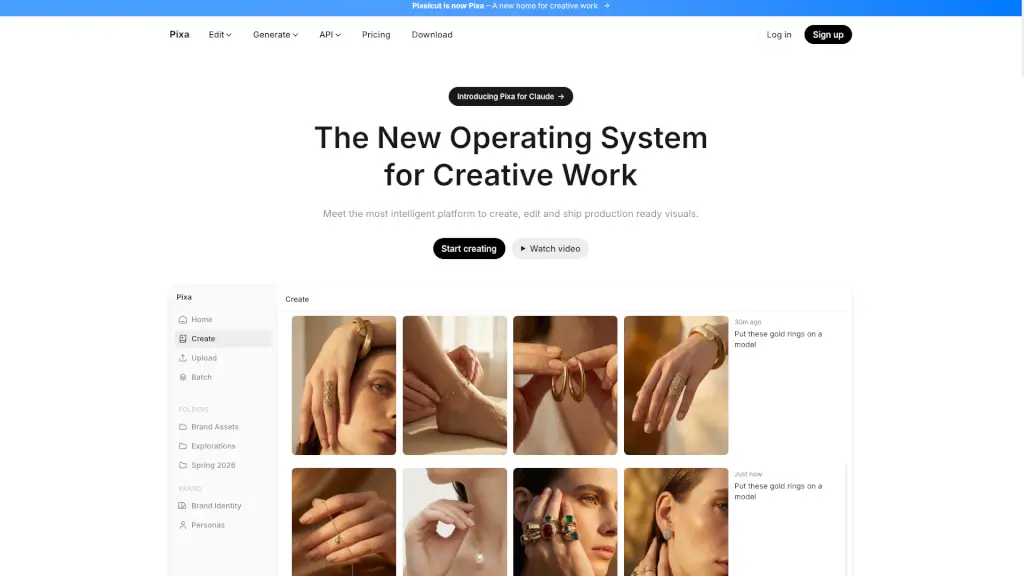
Pixa, the free AI photo editor, offers powerful and easy-to-use tools for creating, editing, and sharing high-quality visuals, making it perfect for small businesses and creatives alike.

US
5.11%
|
248.4K
|
5.0
Photopea

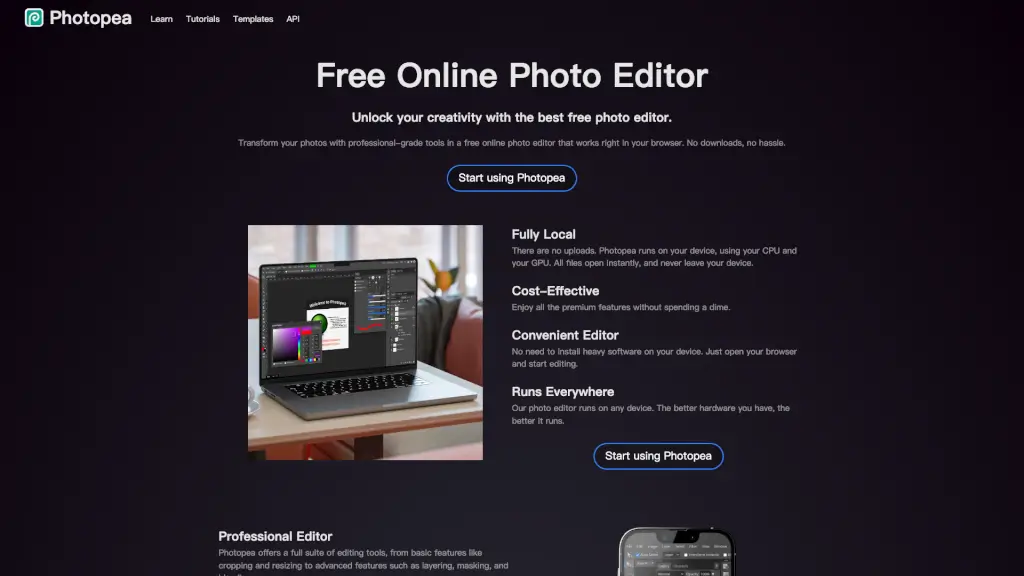
Transform your photos with professional-grade tools using Photopea, the best free online photo editor that works right in your browser.

US
19.98%
|
18.0M
|
5.0

PaintShop Pro Related Other Categories

PaintShop Pro Traffic Analysis

💡 Insights

Medium Scale
100K-1M monthly visits. Growing tool with active development.
⚠️
Slight Decline
Traffic has slightly decreased recently.
👍
Good Experience
Bounce rate of 40%. Users are willing to explore features.
  • Monthly Visits

    134.00K

  • Bounce Rate

    40.28%

  • Pages Per Visit

    2.23

  • Visit Duration

    00:01:28

  • Global Rank

    298028

  • Country Rank

    173287

Visits Over Time

Traffic Sources

SearchOrganic41.25%
Direct22.08%
SearchPaid15.62%
Referrals9.63%
Affiliate5.06%
Mail3.86%
SocialOrganic1.26%
DisplayAds0.75%
GenAi0.47%
SocialPaid0.00%

Top Keywords

1
corel paintshop pro
CPC$1.62
2.16KTraffic
2
paintshop pro
CPC$1.79
1.70KTraffic
3
paint shop pro
CPC$2.17
650Traffic
4
corel
CPC$0.82
320Traffic
5
png
CPC$0.40
310Traffic

Top Regions

RegionPercentage
United States
United States
35.03%
Japan
Japan
7.65%
Canada
Canada
4.36%
Germany
Germany
4.22%
Netherlands
Netherlands
3.84%
Low
High

Powered by SimilarWeb

PaintShop Pro FAQ

What’s the difference between PaintShop Pro and PaintShop Pro Ultimate?

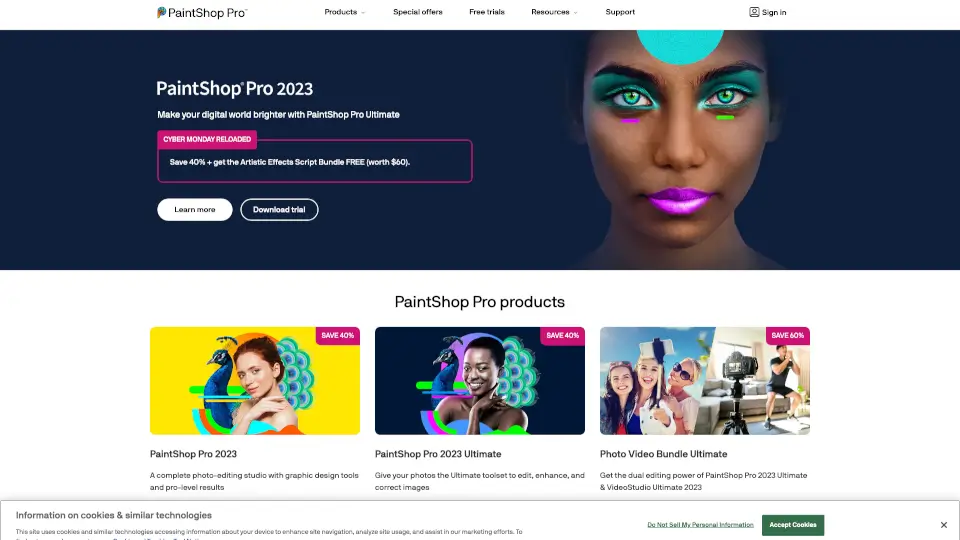
PaintShop Pro Ultimate includes extra premium content like additional brushes, textures, gradients, and the exclusive Artistic Effects Script Bundle—not found in the standard version.

Can I edit RAW photos in PaintShop Pro?

Yes! PaintShop Pro supports RAW files from hundreds of cameras and includes a dedicated RAW Lab for detailed adjustments before opening in the main editor.

Does PaintShop Pro work on Mac?

No—PaintShop Pro is only available for Windows PCs. Mac users will need alternative photo editing software.

Is there a free trial available?

Yes, Corel offers a fully functional free trial of PaintShop Pro so you can test all features before buying.

How do I open JPEG, PNG, or other image files in PaintShop Pro?

Just go to File > Open and select your image—PaintShop Pro supports JPEG, JPG, PNG, BMP, GIF, TIFF, PSD, and many more formats, including vector files like EPS and AI.

Can I use PaintShop Pro for business or classroom use?

Yes—Corel offers special Business and Education licensing options with volume discounts and flexible deployment for teams or institutions.

What’s included in the Photo Video Bundle Ultimate?

It combines PaintShop Pro 2023 Ultimate with VideoStudio Ultimate 2023, giving you top-tier tools for both photo editing and video creation in one package.

PaintShop Pro Reviews

0

0

0 Reviews
Sign Into leave a review

Recent Reviews

No reviews yet

PaintShop Pro Embed

Use website badges to drive community support for SeekTool.ai. They are easy to embed in your homepage or footer.

Light
Dark
PaintShop Pro - Featured on SeekTool.aiPaintShop Pro - Featured on SeekTool.ai
How to install?

Looking for PaintShop Pro Alternatives?

Compare top AI tools similar to PaintShop Pro. Find the best option for your needs.

View Alternatives

Reviews

0.0

Share your experience with this tool...

Trending

Featured

Subscribe to our AI Newsletter

Get the top AI stories delivered to your inbox weekly.