
OneCal logo

OneCal

5.0
(0 Reviews)
United States34.41%

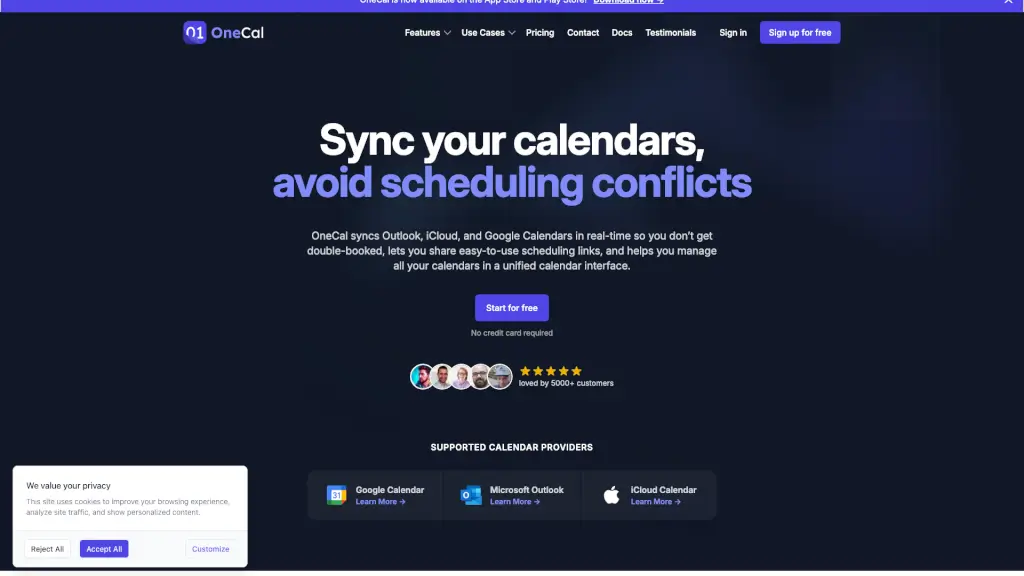
OneCal syncs Google, Outlook, and iCloud calendars in real time to prevent double bookings and simplify scheduling—all while protecting your privacy.

Verified by SeekTool
Social Media:
OneCal

OneCal Product Information

What is OneCal?

Juggling multiple calendars from Google, Outlook, and iCloud can be a scheduling nightmare—double bookings, missed meetings, and constant manual updates. OneCal solves this by syncing all your calendars in real time, so everything stays up to date automatically across platforms. Whether you're managing work, personal life, or client appointments, OneCal keeps your schedule unified and conflict-free.

With OneCal, you get more than just syncing: share easy booking links, control what details appear on each calendar for privacy, and manage everything from one clean, mobile-friendly interface. Trusted by over 5,000 professionals—from freelancers to executives—it’s the simple way to bring order to calendar chaos without compromising security.

What are the features of OneCal?

  • Real-Time Multi-Way Calendar Sync: Instantly sync events between Google Calendar, Outlook, and iCloud—changes reflect across all connected calendars as they happen (iCloud updates may take up to 10 minutes).
  • Privacy-Focused Sync Controls: Choose exactly what info syncs—hide event titles, limit details, or exclude certain events—so your work calendar stays professional while your personal one stays private.
  • Custom Scheduling Links: Create individual or team booking links in minutes, letting others schedule time with you without back-and-forth emails.
  • Unified Calendar View: Manage all your calendars in one place—create, edit, RSVP, or join meetings from a single, intuitive interface on web or mobile.
  • Zero Data Storage Policy: OneCal never stores, analyzes, or sells your calendar data. Events are synced securely via OAuth2, and only minimal necessary permissions are requested.
  • Team & Multi-Organization Support: Sync calendars across different companies or Gmail accounts, and upgrade to team plans for organization-wide coordination.

What are the use cases of OneCal?

  • A freelancer using both a personal Google Calendar and a client-facing Outlook account avoids double-booking by syncing both in real time.
  • An executive assistant manages a CEO’s iCloud (personal) and Outlook (work) calendars through one view, sharing availability via branded booking links.
  • A small business owner with five Gmail calendars uses OneCal to sync them all and creates separate scheduling links for consultations, team meetings, and client onboarding.
  • A remote worker across time zones ensures family events (on iCloud) don’t clash with work meetings (on Google Workspace) thanks to automatic, real-time syncing.
  • A consultant shares a collective team scheduling link so clients can book time with any available team member without internal coordination.
  • A photographer syncs personal, studio, and client project calendars to maintain clear availability while keeping sensitive event details private.

How to use OneCal?

  • Sign up for free at OneCal (no credit card needed) and connect your Google, Outlook, or iCloud accounts using secure OAuth2 login.
  • Select which calendars you want to sync and choose sync direction (one-way or multi-way) along with privacy settings (e.g., hide titles).
  • Create personalized scheduling links for yourself or your team, customize them with logos or availability rules, and share via email or website.
  • Use the unified web or mobile app (available on iOS and Android) to view, edit, or join events across all synced calendars in one place.
  • Revoke access anytime through your account settings—OneCal never stores passwords or full event data.
Do you like this tool?

Upvote to help others discover it!

OneCal Alternatives

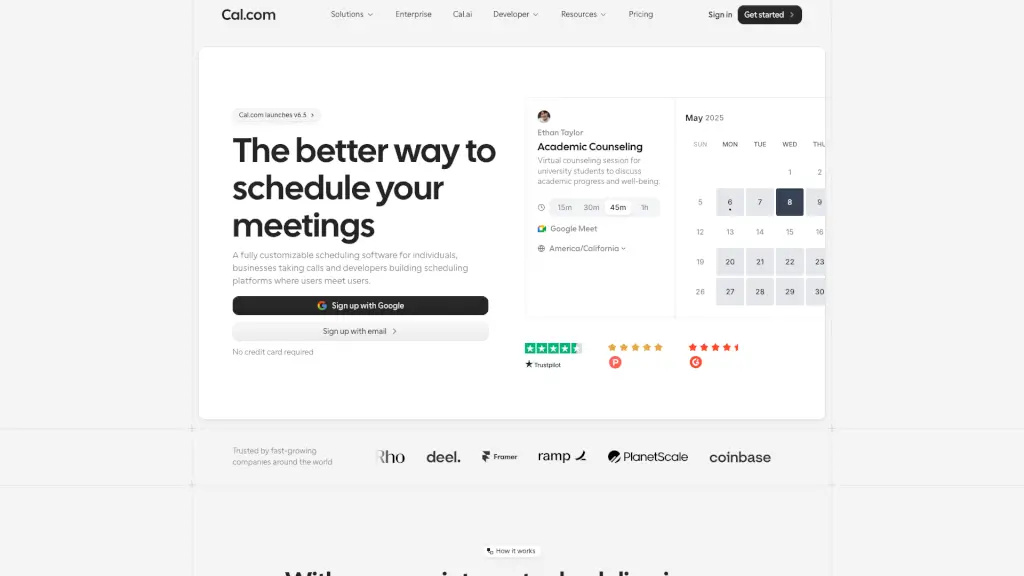
Cal.com

Cal.com

Cal.com is a free, customizable, and privacy-focused scheduling platform that makes online booking effortless for individuals, teams, and developers.

US
39.38%
3.8M
5.0
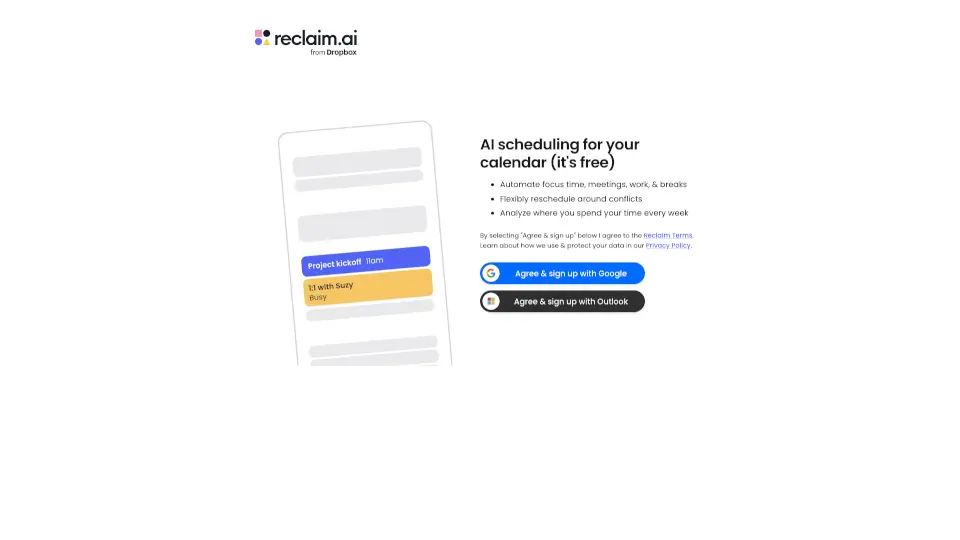
Reclaim

Reclaim

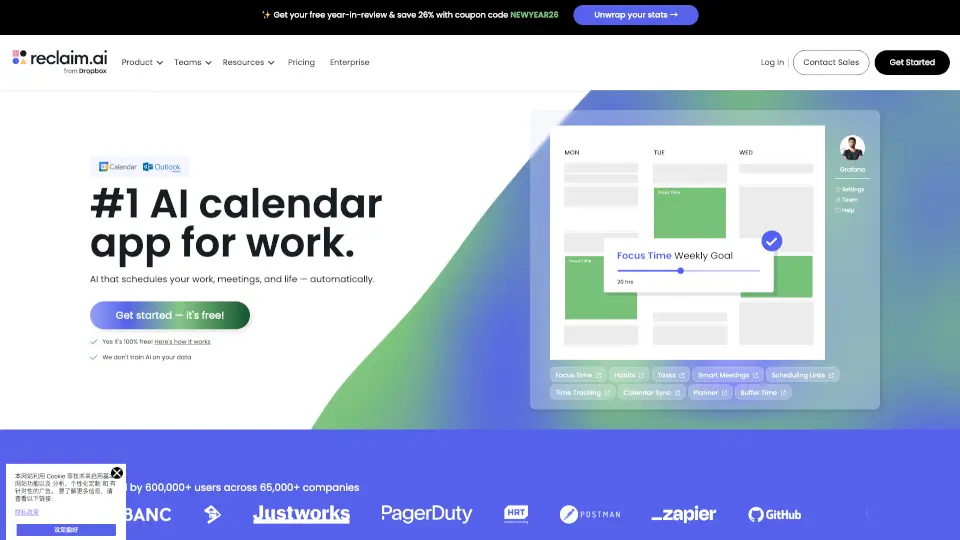
Reclaim is a free AI scheduling tool that helps you save time by automating focus sessions, meetings, and breaks. It works with Google Calendar and Outlook, reschedules conflicts, and shows weekly time insights.

US
45.03%
451.5K
5.0
Clockwise: AI Powered Time Management Calendar

Clockwise: AI Powered Time Management Calendar

Clockwise uses AI to optimize your calendar by creating Focus Time, rescheduling meetings, and saving hours each week for what matters most.

US
51.75%
26.1K
4.0
Reclaim AI

Reclaim AI

Reclaim.ai is an AI calendar assistant that automatically defends focus time, optimizes meetings, and organizes your schedule to boost daily productivity.

US
39.89%
679.9K
5.0
Morgen

Morgen

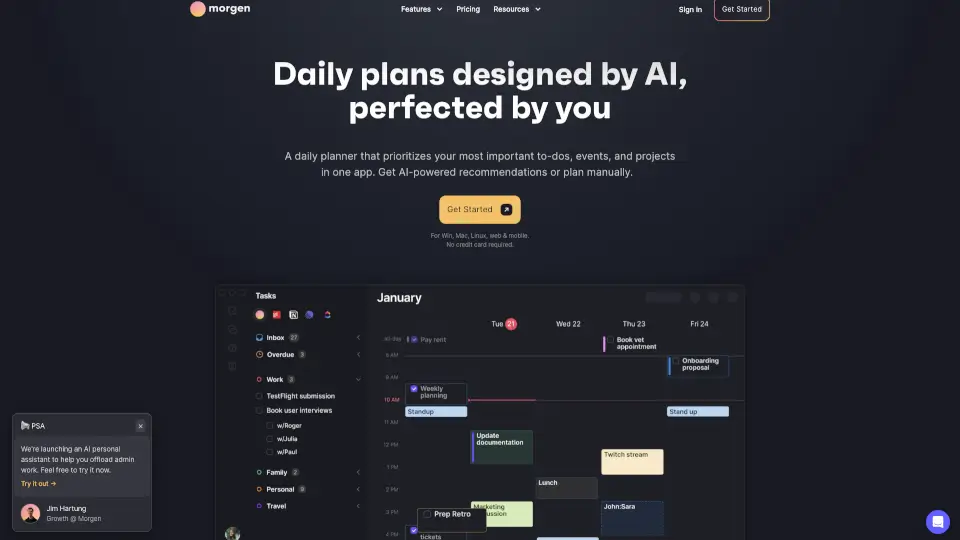
Morgen is an AI-powered daily planner that combines your calendars and tasks, helping you time block, schedule meetings, and protect focus time in one app.

US
22.50%
305.2K
5.0
Ohai.ai

Ohai.ai

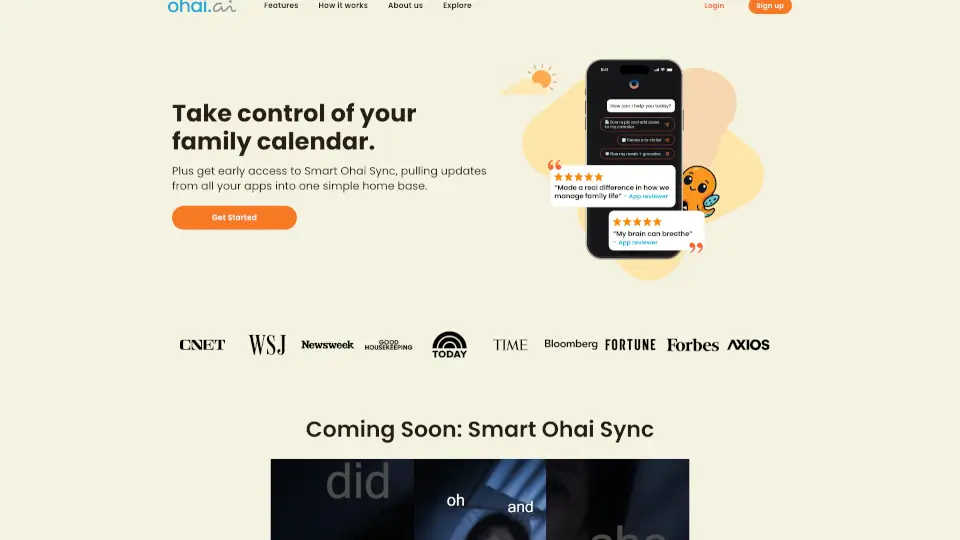
Ohai is an AI-powered household manager that organizes your family’s calendars, to-dos, meals, and emails through simple text messages—freeing your brain from mental clutter.

US
62.18%
55.1K
5.0
YCloud

YCloud

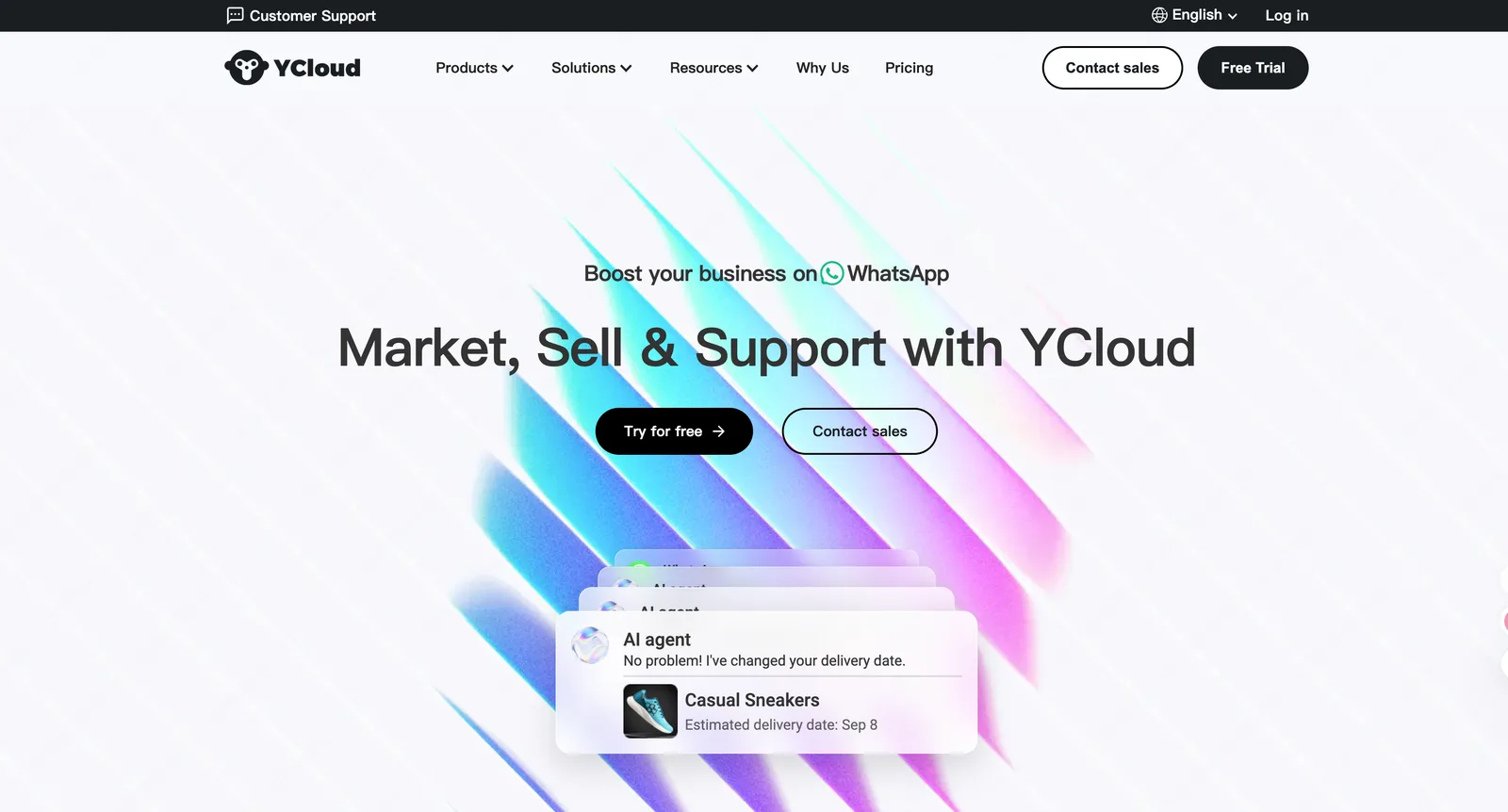
YCloud offers secure, user-friendly cloud storage with strong privacy controls and seamless cross-device syncing.

MX
18.28%
206.3K
5.0
Akiflow

Akiflow

Akiflow is the premier AI time-blocking digital planner that unifies calendars, tasks, and inbox into one seamless workspace, helping busy pros save hours every week.

NL
20.24%
161.8K
5.0

OneCal Related Other Categories

OneCal Traffic Analysis

💡 Insights

Medium Scale
100K-1M monthly visits. Growing tool with active development.
➡️
Stable
Traffic remains stable, indicating a mature product.
👍
Good Experience
Bounce rate of 41%. Users are willing to explore features.
  • Monthly Visits

    109.77K

  • Bounce Rate

    40.80%

  • Pages Per Visit

    2.75

  • Visit Duration

    00:01:00

  • Global Rank

    328896

  • Country Rank

    211803

Visits Over Time

Traffic Sources

Search Organic43.06%
Direct38.34%
Referrals8.16%
Social Organic5.05%
Mail2.01%
Search Paid1.98%
Gen Ai1.40%
Social Paid0.00%
Affiliate0.00%

Top Keywords

1
onecal
CPC$1.13
5.11KTraffic
2
come trasferire un calendario da outlook a apple calendar
210Traffic
3
onecalendar linux
200Traffic
4
como salvar um arquivo em ics
190Traffic
5
agenda google dans outlook
170Traffic

Top Regions

RegionPercentage
United States
United States
34.41%
Germany
Germany
6.08%
Japan
Japan
5.71%
Spain
Spain
3.89%
France
France
3.61%
Low
High

Powered by SimilarWeb

OneCal FAQ

What calendar providers are supported?

OneCal supports Google Calendar, Microsoft Outlook Calendar, and Apple iCloud Calendar.

How often does OneCal synchronize calendars?

Calendars sync automatically in real-time. Changes are detected and synced immediately—though iCloud updates may take up to 10 minutes to appear on other calendars.

Can I import calendars from different organizations?

Yes! You can connect calendars from multiple organizations or personal Google accounts—all in one OneCal account.

How is calendar sync different from importing an external calendar?

Imported calendars (like “subscribe-only” feeds) don’t let others see your external events when booking time with you. OneCal copies events into your primary calendar, making them fully visible during scheduling.

Can I sync one calendar to multiple destinations?

Absolutely. For example, sync your work Google Calendar to both your personal Outlook and iCloud calendars simultaneously—each sync is independently configured.

Do I need to worry about OneCal-generated events being copied to other calendars?

No. OneCal never copies events it created, so you won’t get endless loops or duplicate syncs.

Is OneCal going to mess my calendar up?

Nope. OneCal only clones events based on your settings and never modifies existing events. If you delete a sync, you can optionally remove all cloned events it created.

Can I use OneCal with my team?

Yes! OneCal offers team plans so your entire organization can sync calendars and share booking links seamlessly.

Does OneCal have a mobile app?

Yes—the OneCal mobile app is available on both the App Store (iOS) and Google Play Store (Android) for on-the-go calendar management.

OneCal Reviews

0

0

0 Reviews
Sign Into leave a review

Recent Reviews

No reviews yet

OneCal Embed

Use website badges to drive community support for SeekTool.ai. They are easy to embed in your homepage or footer.

Light
Dark
OneCal - Featured on SeekTool.aiOneCal - Featured on SeekTool.ai
How to install?

Category Rankings

Ranked by monthly traffic