
ON1 Photo RAW logo

ON1 Photo RAW

5.0
(0 Reviews)
United States37.93%

ON1 Photo RAW 2026.4 is the all-in-one, subscription-free RAW photo editor with powerful AI tools, smart organization, and professional editing features you own forever.

Verified by SeekTool
Social Media:

ON1 Photo RAW Product Information

What is ON1 Photo RAW?

Tired of juggling Lightroom for organizing and Photoshop for editing? ON1 Photo RAW 2026.4 brings everything together in one powerful, easy-to-use app you actually own—no subscription needed. Designed by photographers for photographers, it combines professional-grade RAW processing, smart AI tools, non-destructive editing, and fast photo management all in a single workspace.

Whether you're a hobbyist wanting simpler edits or a pro seeking full creative control, ON1 Photo RAW eliminates workflow headaches. With built-in AI like Super Select, Sky Swap, and Resize AI, you get stunning results faster—without monthly fees or cloud lock-in. Plus, with the 21st Anniversary Sale, it’s now up to 60% off through July 8, 2026.

What are the features of ON1 Photo RAW?

  • All-in-One Workflow: Edit, organize, retouch, apply layers, and export—all without switching apps.
  • Built-In AI Tools: Includes NoNoise AI, Resize AI 2026, Portrait AI, Generative Erase, and Sky Swap AI at no extra cost.
  • Smart Masking: Super Select AI and AI Depth Masks create precise selections in seconds, not minutes.
  • Perpetual License: Pay once, own forever—no subscription required. Install on 2 computers (3 for MAX edition).
  • Photo Management Without Import: Browse photos directly from your folders; tag, keyword, and search with AI assistance.
  • Creative Effects Library: Hundreds of stackable, maskable presets, LUTs, textures, and borders included.
  • Free Updates: Get all minor updates (like 2026.1 through 2026.4) at no extra charge within the same version year.

What are the use cases of ON1 Photo RAW?

  • Wedding Photographers: Quickly cull, edit, and retouch hundreds of RAW files in one place using batch processing and AI skin smoothing.
  • Landscape Enthusiasts: Swap dull skies instantly with Sky Swap AI, enhance depth with Cinematic Depth Lighting, and enlarge prints using Resize AI.
  • Family Historians: Restore old scanned photos with Restore AI (in MAX edition) to fix scratches, fading, and blur—no manual retouching needed.
  • Real Estate Pros: Correct perspective on crooked buildings, brighten interiors, and remove distractions with Generative Erase.
  • Travel Bloggers: Edit on both Mac and Windows, apply consistent looks with adaptive presets, and export optimized images fast.
  • Film Shooters: Use Film Negative Inversion to digitize and color-correct negatives automatically.

How to use ON1 Photo RAW?

  • Start with your RAW files: Open them directly—no import step needed. ON1 browses your existing folders.
  • Apply global edits first: Use the Develop module for exposure, white balance, and lens corrections.
  • Use AI masking for precision: Click on a subject or sky with Super Select AI to create masks instantly for localized adjustments.
  • Enhance creatively: Stack effects like Double Exposure or Motion Blur and mask them to specific areas.
  • Batch process for efficiency: Apply edits or Restore AI to entire folders of similar images in one go.
  • Export with confidence: Choose format, size, and sharpening settings tailored to web, print, or social media.

Do you like this tool?

Upvote to help others discover it!

ON1 Photo RAW Alternatives

Luminar AI

Luminar AI

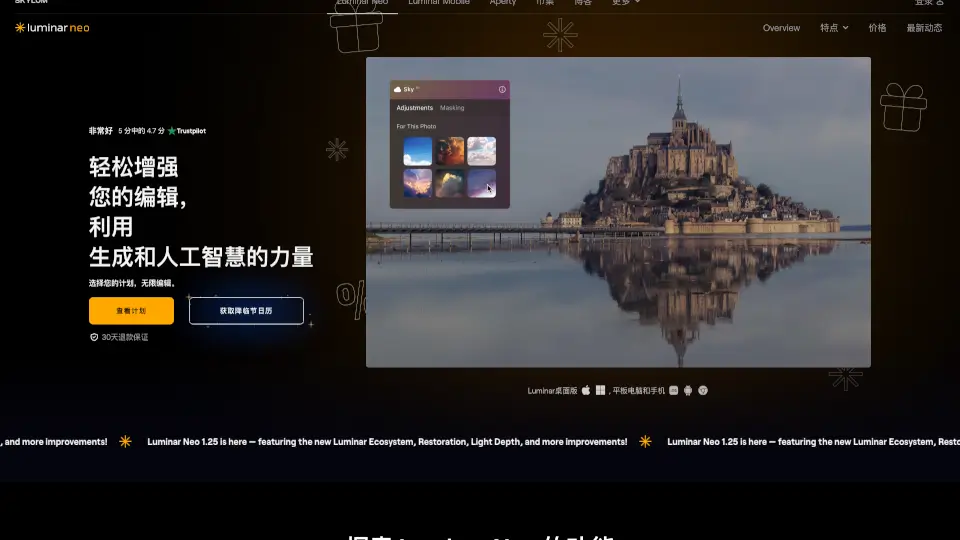
Luminar Neo is an innovative AI photo editor that simplifies editing with powerful tools like SkyAI, RelightAI, and SkinAI, perfect for photographers of all levels.

US
21.85%
1.3M
5.0
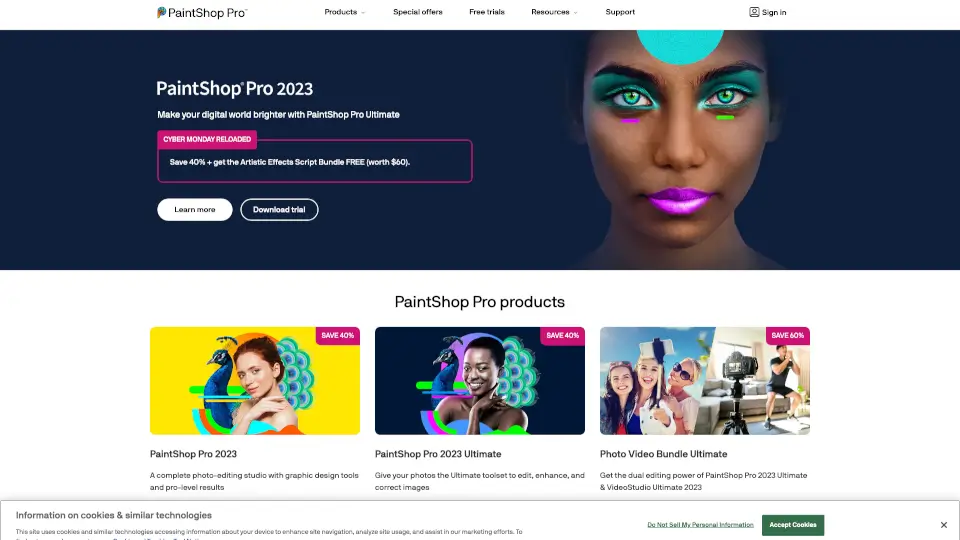
PaintShop Pro

PaintShop Pro

PaintShop Pro is an all-in-one photo editing software that delivers professional editing power, AI enhancements, and creative flexibility for photographers and designers at any skill level.

US
38.84%
128.3K
5.0
Luminar Neo

Luminar Neo

Luminar Neo is an intuitive photo editor packed with AI tools for quick, professional results. Enhance, retouch, and get creative on Mac or PC with ease.

US
21.85%
1.3M
5.0
Imagen AI

Imagen AI

Imagen is an AI photo editor and culling tool that learns your unique style to automate editing, save hours, and keep your work consistently professional.

US
27.13%
871.8K
5.0
FilterPixel

FilterPixel

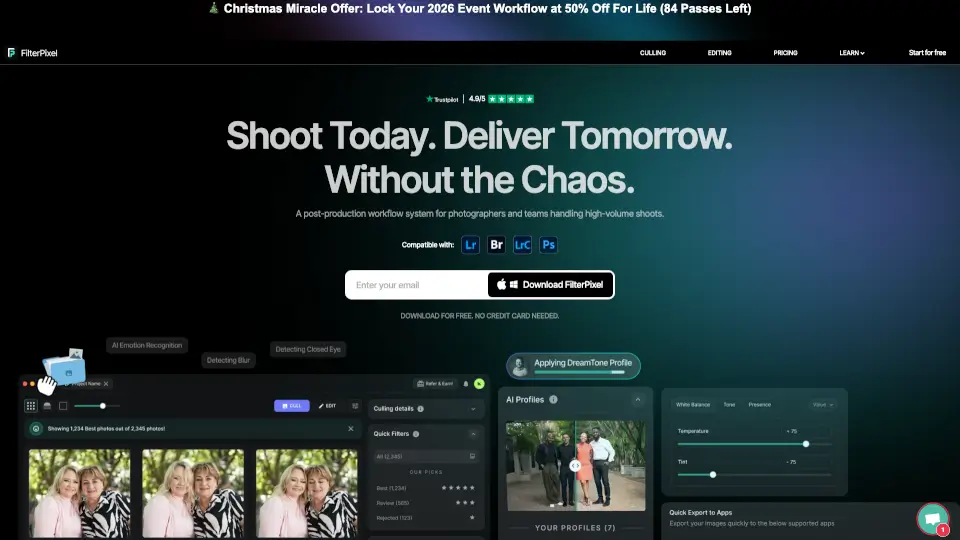
FilterPixel is an AI photo culling and editing tool for event photographers that uses genre-specific DeepCull to select editorial-worthy shots and apply consistent edits at scale.

US
39.63%
22.4K
4.0
Radiant Photo

Radiant Photo

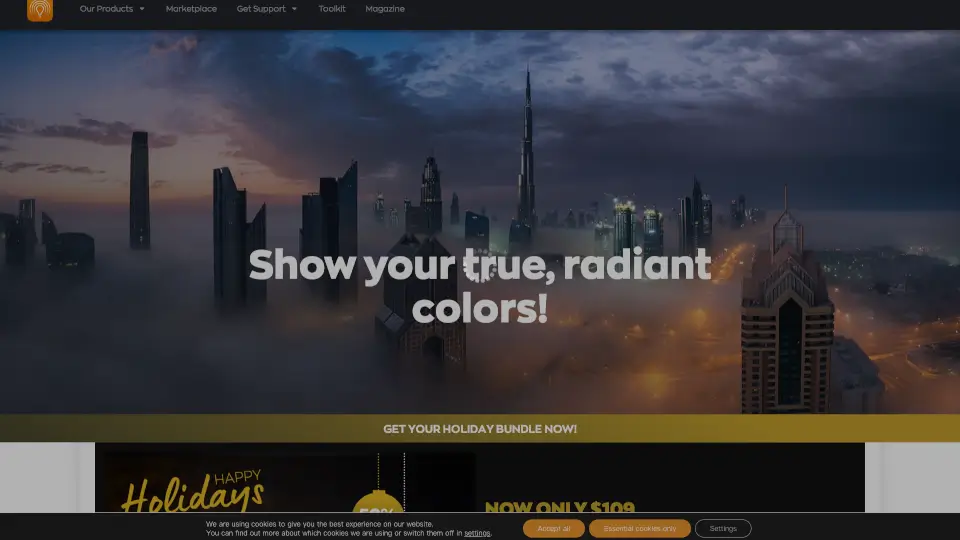
Radiant Photo 2 is the ultimate photo editor for vibrant, true-to-life results. AI-powered yet intuitive, it’s perfect for pros and hobbyists alike.

US
44.50%
23.0K
4.0
Skylum Luminar Neo

Skylum Luminar Neo

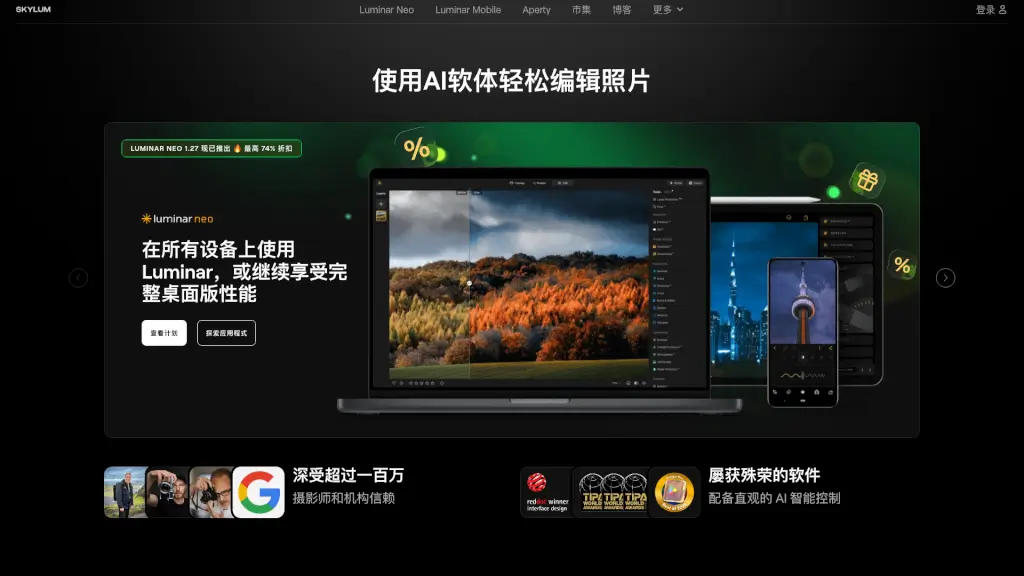
Luminar Neo is a powerful and user-friendly photo editing software that uses advanced AI tools to help you create stunning images with ease.

US
21.85%
1.3M
5.0
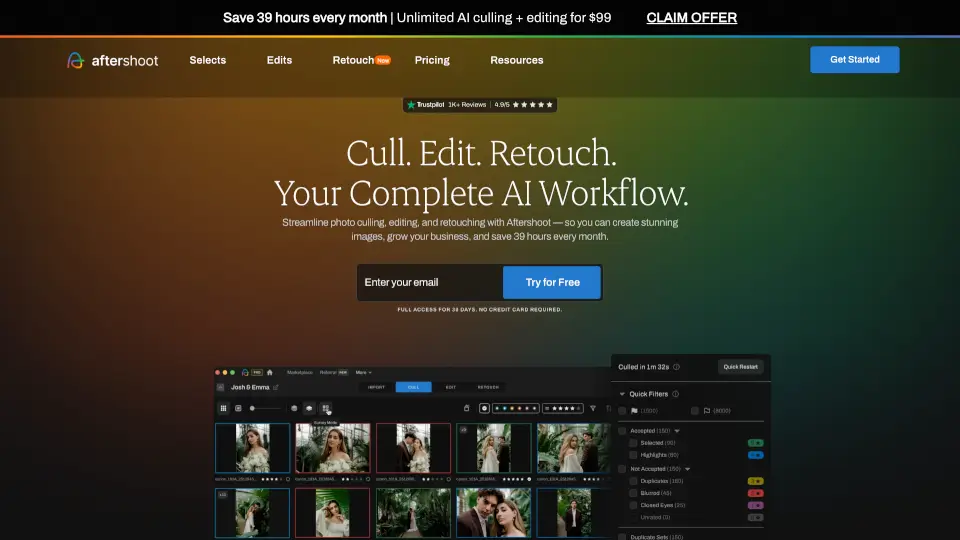
AfterShoot

AfterShoot

Aftershoot is the best AI culling, editing, and retouching software for photographers who want to deliver stunning galleries faster while preserving their unique style—all with offline privacy and unlimited usage.

US
21.71%
396.6K
5.0

ON1 Photo RAW Related Other Categories

ON1 Photo RAW Traffic Analysis

💡 Insights

Medium Scale
100K-1M monthly visits. Growing tool with active development.
📊
Steady Growth
Recent growth of 28%. Product is in a healthy upward trend.
👍
Good Experience
Bounce rate of 41%. Users are willing to explore features.
  • Monthly Visits

    730.84K

  • Bounce Rate

    41.46%

  • Pages Per Visit

    2.91

  • Visit Duration

    00:01:59

  • Global Rank

    70758

  • Country Rank

    39571

Visits Over Time

Traffic Sources

Search Organic37.27%
Direct26.26%
Mail10.44%
Referrals10.05%
Search Paid6.09%
Social Organic4.80%
Affiliate2.36%
Gen Ai1.28%
Display Ads0.95%
Social Paid0.49%

Top Keywords

1
on1 photo raw
CPC$5.15
20.45KTraffic
2
on1
CPC$5.00
7.20KTraffic
3
lightroom presets
CPC$0.63
1.65KTraffic
4
on1 resize ai
CPC$4.29
1.53KTraffic
5
on1 photo
CPC$6.11
1.51KTraffic

Top Regions

RegionPercentage
United States
United States
37.93%
United Kingdom
United Kingdom
5.80%
Canada
Canada
5.28%
France
France
5.23%
Belgium
Belgium
4.99%
Low
High

Powered by SimilarWeb

ON1 Photo RAW FAQ

What is ON1 Photo RAW?

ON1 Photo RAW is a complete, standalone photo editor for Mac and Windows that replaces both Lightroom and Photoshop. It offers RAW processing, AI-powered editing, layers, masking, and photo organization—all in one app with no subscription required.

What is ON1 Restore AI?

Restore AI is an advanced photo restoration tool built into ON1 Photo RAW MAX. It fixes dust, scratches, wrinkles, faded colors, noise, and blur—and can even colorize black-and-white photos—using powerful cloud-based AI models.

Is Restore AI included with ON1 Photo RAW?

No. Restore AI is exclusive to ON1 Photo RAW MAX 2026.4. Standard Photo RAW users can upgrade to MAX to access it.

Does Photo RAW require a subscription?

No. You can buy ON1 Photo RAW or Photo RAW MAX with a one-time payment and own it forever. Subscriptions are optional and include extra benefits like Cloud Sync and future major upgrades.

How many computers can I install Photo RAW on?

The standard Photo RAW installs on 2 computers. Photo RAW MAX (perpetual license) installs on 3 computers. Subscribers can install on up to 5 computers.

Why does Restore AI use cloud processing?

Restore AI uses very large AI models that need more memory and computing power than most desktops provide. Cloud processing ensures high-quality results quickly—without requiring huge local downloads or long wait times.

Are photos processed with Restore AI private?

Yes. Your photos are never used to train AI models and remain private. They’re only processed for your requested restoration task and then deleted from servers.

What’s new in Photo RAW 2026.4?

Key updates include built-in Resize AI 2026, 1-click Subject & Background Masking, Cinematic Depth Lighting, Film Negative Inversion, Perspective Correction, Grayscale editing support, and Windows ARM optimization.

ON1 Photo RAW Reviews

0

0

0 Reviews
Sign Into leave a review

Recent Reviews

No reviews yet

ON1 Photo RAW Embed

Use website badges to drive community support for SeekTool.ai. They are easy to embed in your homepage or footer.

Light
Dark
ON1 Photo RAW - Featured on SeekTool.aiON1 Photo RAW - Featured on SeekTool.ai
How to install?

Category Rankings

Ranked by monthly traffic