What is CopyFish?
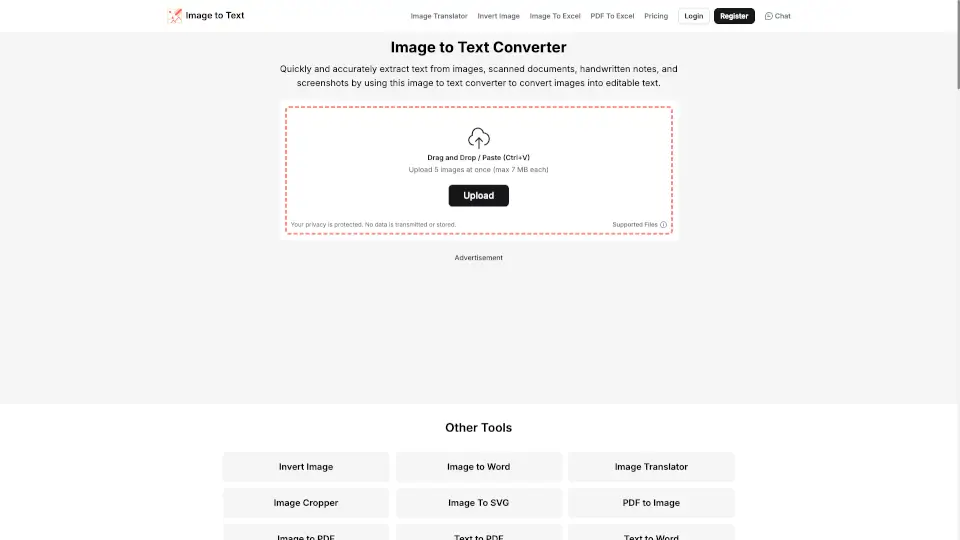
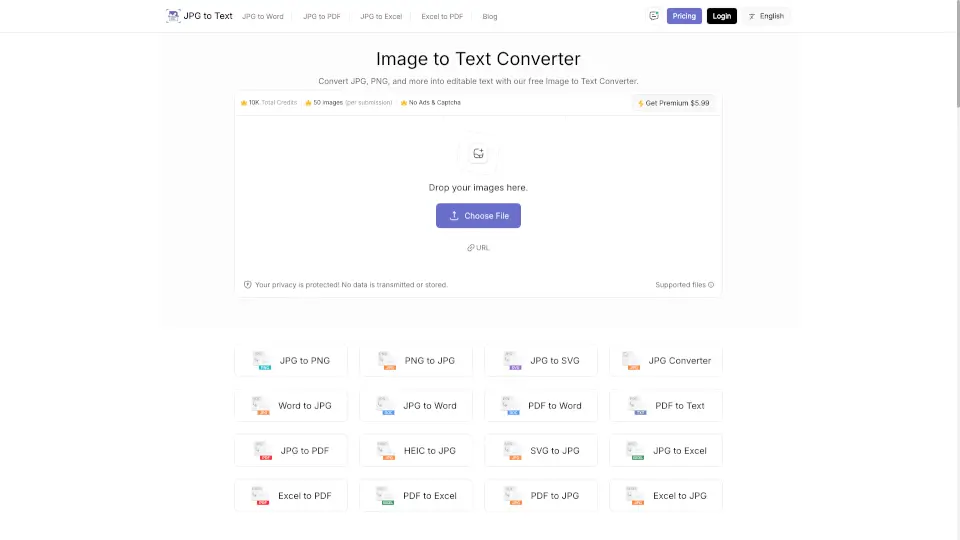
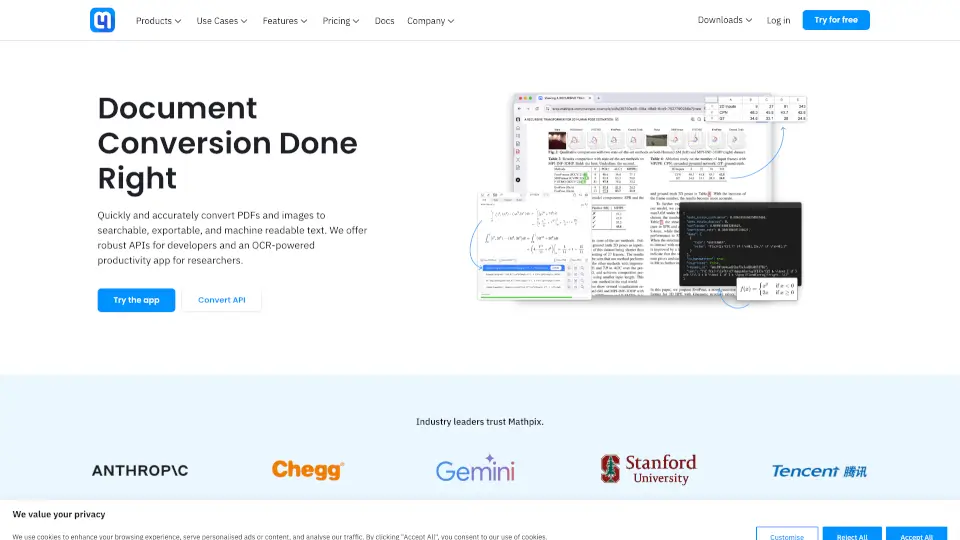
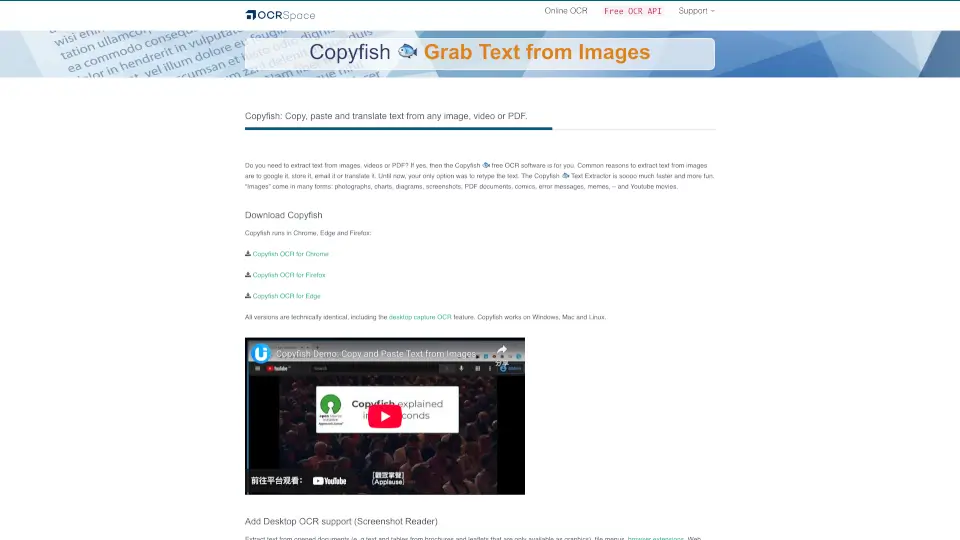
Tired of manually retyping text from screenshots, PDFs, or videos? Copyfish is a free, open-source OCR (Optical Character Recognition) tool that lets you instantly extract and reuse text from almost anything you see on your screen. Whether it’s a meme, a scanned document, a YouTube video subtitle, or a chart in a presentation, Copyfish grabs the text so you can copy, paste, search, or translate it—no more tedious typing.
Built as a browser extension for Chrome, Edge, and Firefox, Copyfish works across Windows, Mac, and Linux. It’s especially handy for students, researchers, office workers, and anyone who deals with image-based text regularly. And if you need to capture text outside your browser—like from desktop apps or file menus—you can add its free Desktop OCR support with a small companion app.
What are the features of CopyFish?
- Free & Open-Source OCR: Extract text from images, videos, and PDFs at no cost, with transparent code.
- Multi-Browser Support: Works seamlessly in Chrome, Edge, and Firefox with identical features across all.
- Desktop Text Capture: Grab text from any part of your screen (not just websites) using the optional UI.Vision XModule.
- Broad Language Support: Recognizes over 30 languages across two OCR engines, including Chinese, Japanese, Arabic, Russian, and more.
- No Retyping Needed: Instantly convert screenshots, memes, error messages, comics, and brochures into editable text.
- Lightweight & Fast: Runs directly in your browser without heavy software installs (unless you enable desktop capture).
What are the use cases of CopyFish?
- Copy text from a YouTube video or online lecture slide to take notes quickly.
- Extract data from a scanned PDF brochure or leaflet that’s saved as an image.
- Translate a foreign-language meme or social media post by grabbing its text first.
- Pull error messages from software dialogs to search solutions online.
- Reuse tables or paragraphs from digital textbooks or research papers that aren’t selectable.
- Capture menu items or UI text from games or desktop applications for guides or documentation.
How to use CopyFish?
- Install the Copyfish extension from the Chrome, Edge, or Firefox add-on store.
- Click the Copyfish icon while viewing a webpage image or PDF to select and extract text.
- For desktop capture (outside the browser), install the free UI.Vision XModule and right-click the Copyfish icon to choose “Desktop Text Capture.”
- Choose your preferred OCR language in settings for better accuracy with non-English content.
- Once text is extracted, simply copy, translate, or share it like any regular text.
- Check the OCR API status dashboard if you’re using automation features and notice delays.