CopyFish logo

CopyFish

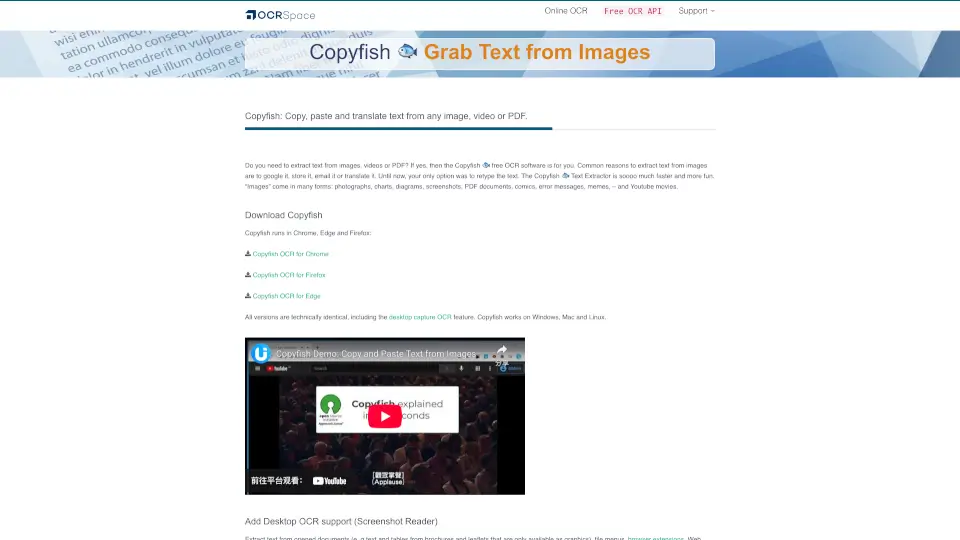
Copyfish is a free, open-source OCR tool that extracts editable text from images, videos, PDFs, and desktop screens—saving you from manual retyping.

Social Media:

CopyFish Product Information

What is CopyFish?

Tired of manually retyping text from screenshots, PDFs, or videos? Copyfish is a free, open-source OCR (Optical Character Recognition) tool that lets you instantly extract and reuse text from almost anything you see on your screen. Whether it’s a meme, a scanned document, a YouTube video subtitle, or a chart in a presentation, Copyfish grabs the text so you can copy, paste, search, or translate it—no more tedious typing.

Built as a browser extension for Chrome, Edge, and Firefox, Copyfish works across Windows, Mac, and Linux. It’s especially handy for students, researchers, office workers, and anyone who deals with image-based text regularly. And if you need to capture text outside your browser—like from desktop apps or file menus—you can add its free Desktop OCR support with a small companion app.

What are the features of CopyFish?

  • Free & Open-Source OCR
    Extract text from images, videos, and PDFs at no cost, with transparent code.
  • Multi-Browser Support
    Works seamlessly in Chrome, Edge, and Firefox with identical features across all.
  • Desktop Text Capture
    Grab text from any part of your screen (not just websites) using the optional UI.Vision XModule.
  • Broad Language Support
    Recognizes over 30 languages across two OCR engines, including Chinese, Japanese, Arabic, Russian, and more.
  • No Retyping Needed
    Instantly convert screenshots, memes, error messages, comics, and brochures into editable text.
  • Lightweight & Fast
    Runs directly in your browser without heavy software installs (unless you enable desktop capture).

What are the use cases of CopyFish?

  • Copy text from a YouTube video or online lecture slide to take notes quickly.
  • Extract data from a scanned PDF brochure or leaflet that’s saved as an image.
  • Translate a foreign-language meme or social media post by grabbing its text first.
  • Pull error messages from software dialogs to search solutions online.
  • Reuse tables or paragraphs from digital textbooks or research papers that aren’t selectable.
  • Capture menu items or UI text from games or desktop applications for guides or documentation.

How to use CopyFish?

  • Install the Copyfish extension from the Chrome, Edge, or Firefox add-on store.
  • Click the Copyfish icon while viewing a webpage image or PDF to select and extract text.
  • For desktop capture (outside the browser), install the free UI.Vision XModule and right-click the Copyfish icon to choose “Desktop Text Capture.”
  • Choose your preferred OCR language in settings for better accuracy with non-English content.
  • Once text is extracted, simply copy, translate, or share it like any regular text.
  • Check the OCR API status dashboard if you’re using automation features and notice delays.
Do you like this tool?

Upvote to help others discover it!

CopyFish Alternatives

imagetotext.cc

imagetotext.cc

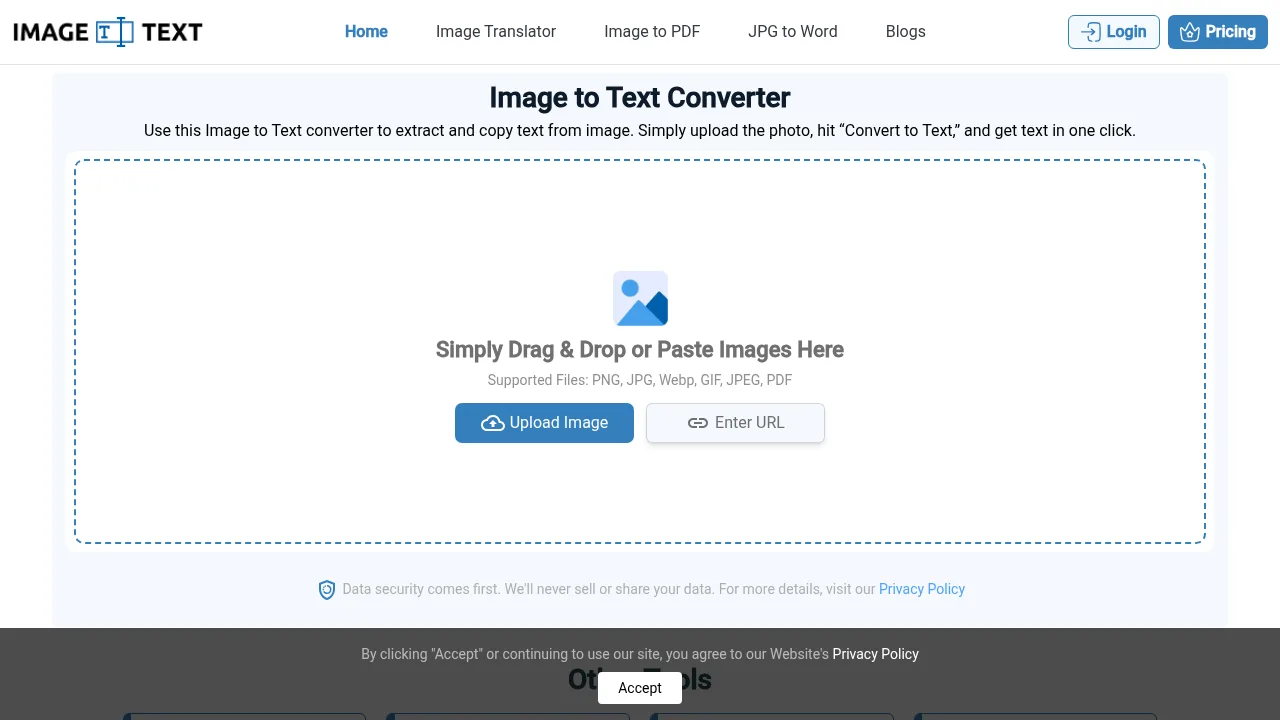
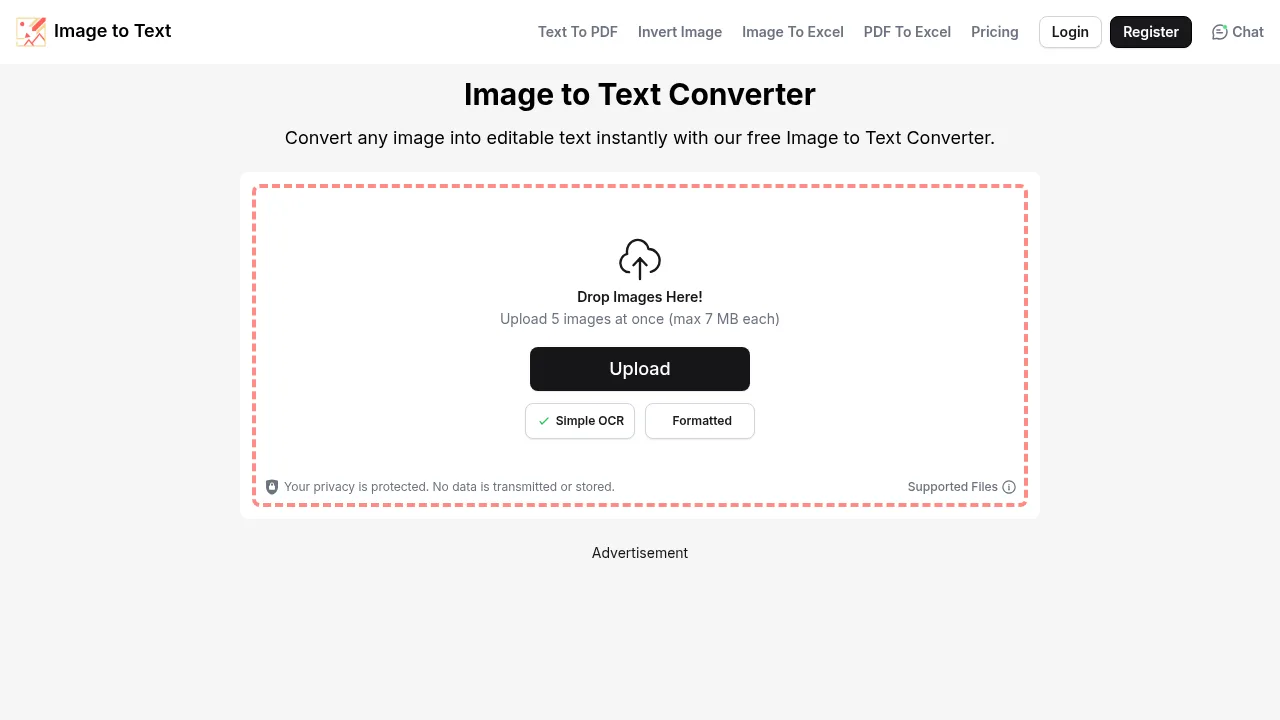
imagetotext.cc extracts editable text from images and documents using OCR, with export options including TXT, Word, HTML, and Markdown.

US
16.01%
308.3K
0
Image to Text Converter

Image to Text Converter

Image to Text Converter extracts editable text from uploaded images, PDFs, or URLs using OCR technology.

TW
20.46%
181.5K
0
Picture to Text Converter

Picture to Text Converter

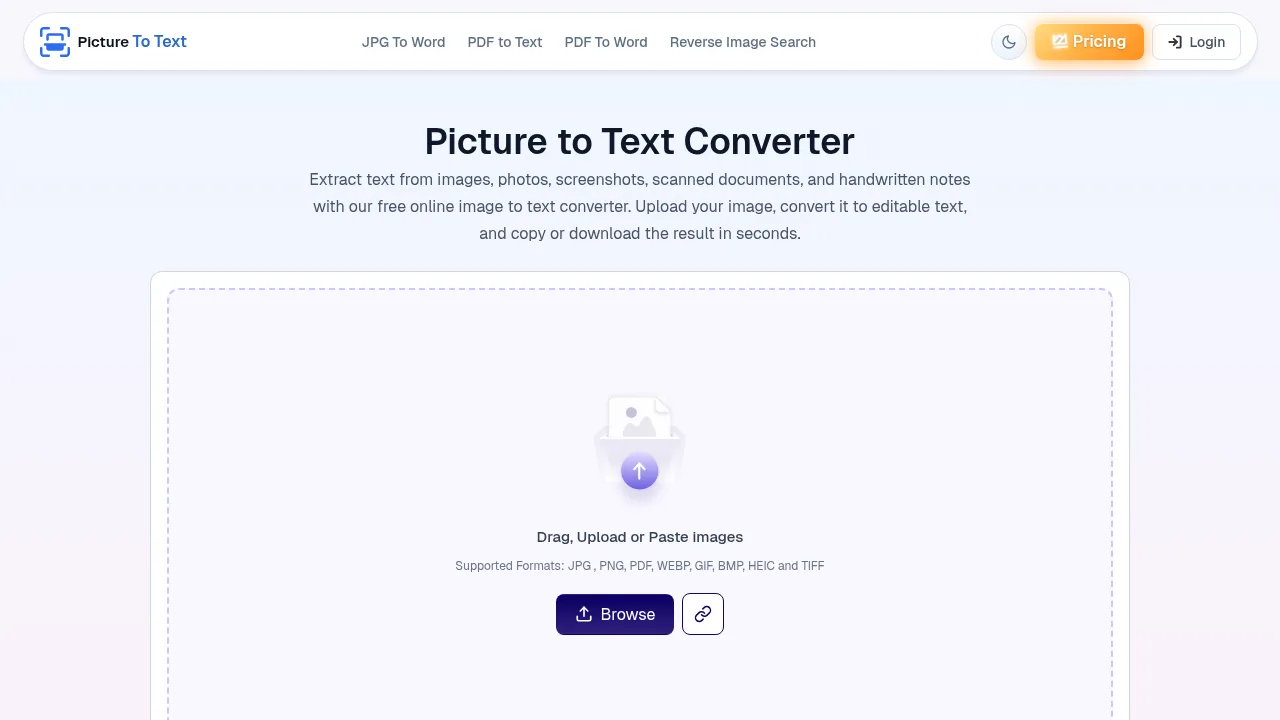
Picture to Text Converter extracts editable text from uploaded images, screenshots, and scanned documents using OCR and ICR engines.

IN
12.56%
155.1K
0
jpgtotext.com

jpgtotext.com

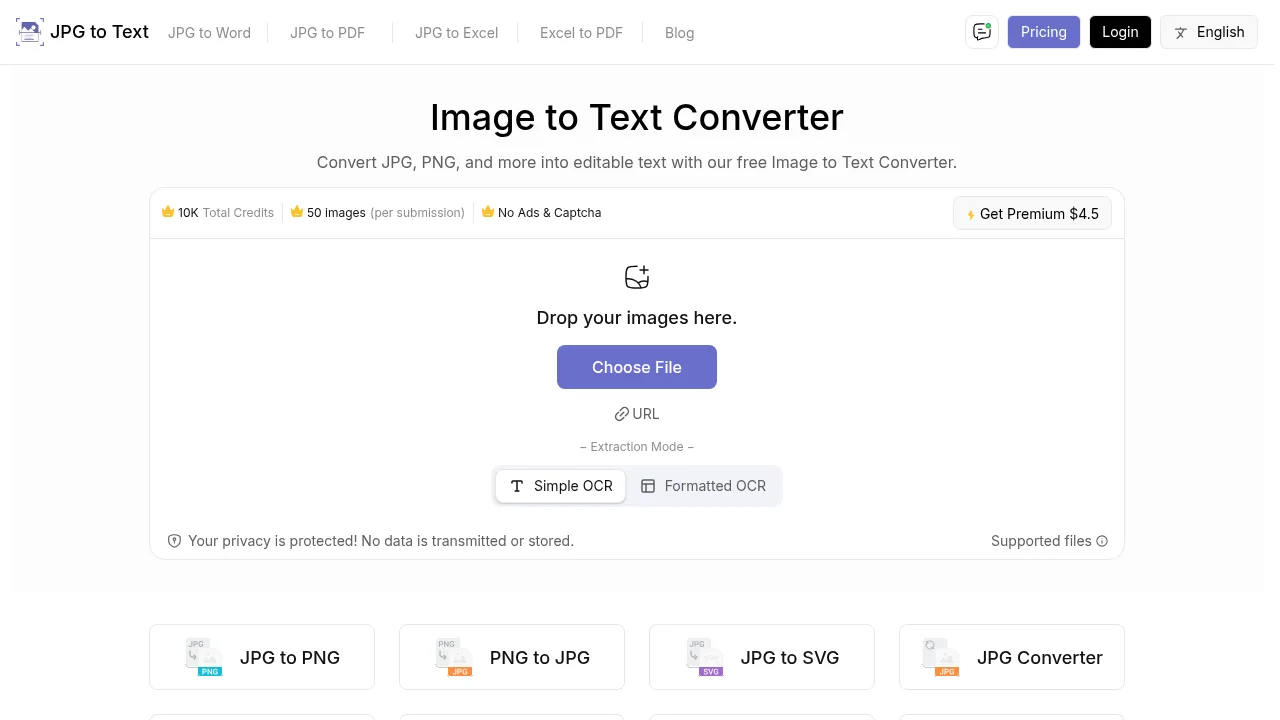
jpgtotext.com converts images in formats like JPG, PNG, and PDF into editable text, HTML, or Markdown using browser-based OCR.

IN
72.59%
425.0K
0
ImageToText.info

ImageToText.info

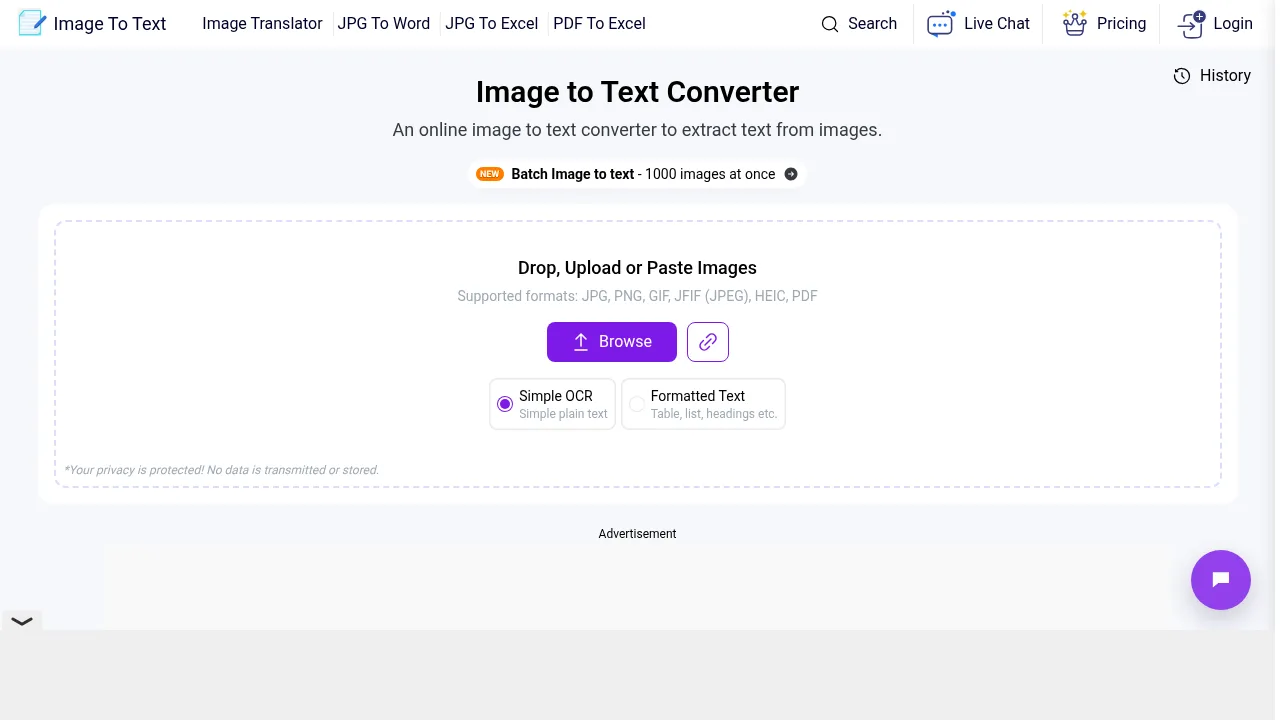
ImageToText.info uses tesseract-ocr to convert images and PDFs into editable plain text, formatted documents, or Markdown.

IN
12.54%
4.9M
0
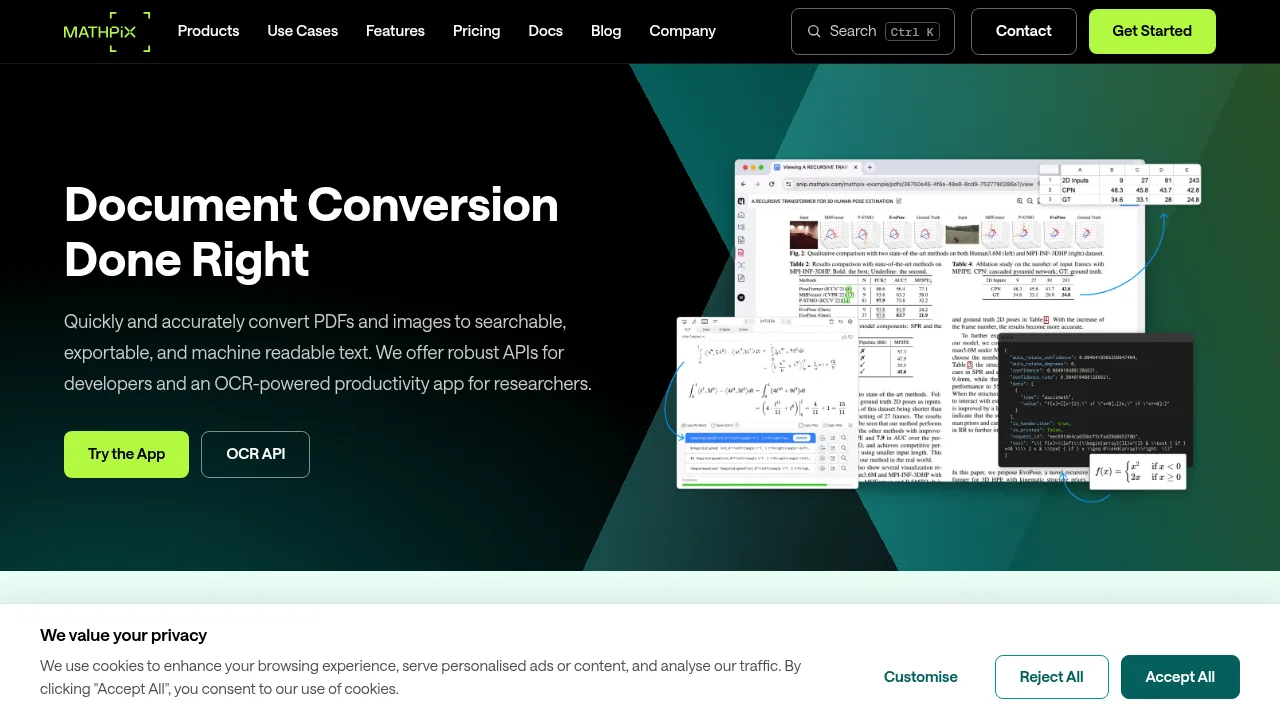
Mathpix

Mathpix

Mathpix uses OCR to convert scientific PDFs, images, and screen captures into editable formats like LaTeX, Markdown, and Word.

IN
19.00%
257.1K
0
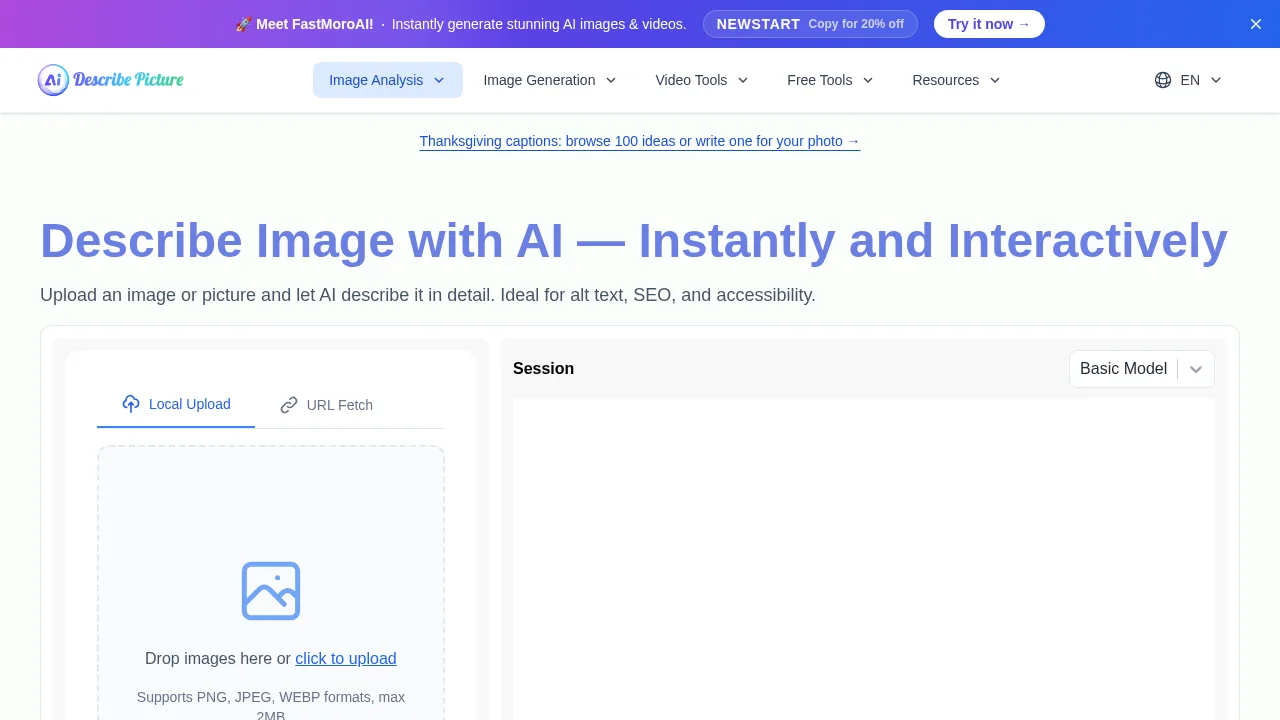
AI Describe Picture

AI Describe Picture

AI Describe Picture converts images into detailed text descriptions, code, Markdown, or AI prompts through a credit-based web chat interface.

US
35.18%
26.5K
0
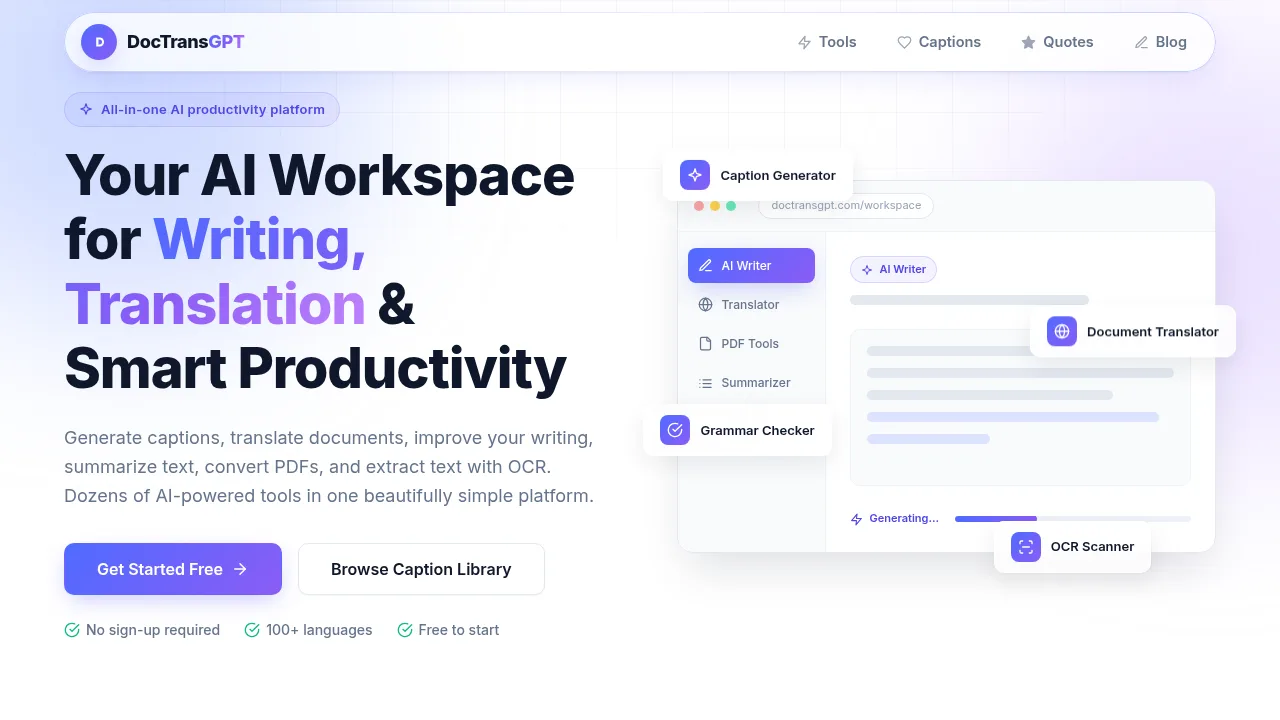
DocTransGPT

DocTransGPT

DocTransGPT provides browser-based tools for generating captions, translating documents, converting PDFs, extracting text via OCR, and summarizing content.

US
18.33%
51.3K
0

CopyFish Related Other Categories

CopyFish Traffic Analysis

Website traffic estimates for ocr.space. Visits are not unique users or product usage.

Data month: 2026-10

💡 Insights

⭐
Medium Scale
Estimated monthly visits exceed 100,000 and are at most 1 million.
📉
Traffic Decline
Estimated visits decreased 39.2% from the previous month.
🎯
Direct-led traffic
Direct traffic accounts for 75% of estimated visits.
  • Monthly Visits

    559.64K

  • Bounce Rate

    72.62%

  • Pages Per Visit

    1.35

  • Visit Duration

    00:00:30

  • Global Rank

    116162

  • Country Rank

    138356

Visits Over Time

Traffic Sources

Direct74.85%
Search Organic10.45%
Social Organic7.94%
Referrals4.06%
Mail1.39%
Gen Ai0.94%
Display Ads0.32%
Affiliate0.03%
Social Paid0.02%
Search Paid0.00%

Top Keywords

1
ocr space
CPC$1.91
2.56KTraffic
2
ocr space api
1.11KTraffic
3
copyfish extension
CPC$0.69
950Traffic
4
absolutely free ocr for pdf and png's online
830Traffic
5
copyfish
CPC$0.73
790Traffic

Top Regions

RegionPercentage
United States
United States
16.05%
India
India
12.61%
South Korea
South Korea
4.75%
Vietnam
Vietnam
4.35%
Philippines
Philippines
4.09%
Low
High

Powered by SimilarWeb

CopyFish FAQ

Do I need to install extra software to use Copyfish?

Only if you want to capture text from your desktop (outside the browser). For regular web pages, the browser extension alone is enough. Desktop OCR requires the free UI.Vision XModule for Windows, Mac, or Linux.

What languages does Copyfish support?

Copyfish has two OCR engines. Engine 1 supports Arabic, Chinese (simplified/traditional), English, French, German, Japanese, Korean, Russian, Spanish, and more. Engine 2 adds Thai, Ukrainian, Vietnamese, and additional Latin-based languages.

Can Copyfish extract text from videos or YouTube?

Yes! Copyfish can grab text visible in video frames, including subtitles, titles, or on-screen graphics in YouTube videos and other streaming content.

Is Copyfish really free?

Yes—Copyfish is completely free to use and open-source. There are no hidden fees, subscriptions, or watermarks.

Where can I get help if Copyfish isn’t working?

Visit the Copyfish help page or ask questions in the OCR software forum. The team also welcomes feedback via the OCR API Forum or email.

Does Copyfish work on Mac and Linux?

Yes! The browser extension works on all major operating systems, and the optional UI.Vision XModule for desktop capture is available for Windows, Mac, and Linux.

CopyFish Reviews

0
0 Reviews
Sign Into leave a review

Recent Reviews

No reviews yet

CopyFish Embed

Use website badges to drive community support for SeekTool.ai. They are easy to embed in your homepage or footer.

Light
Dark
CopyFish - Featured on SeekTool.aiCopyFish - Featured on SeekTool.ai
How to install?

Category Rankings

Ranked by monthly traffic