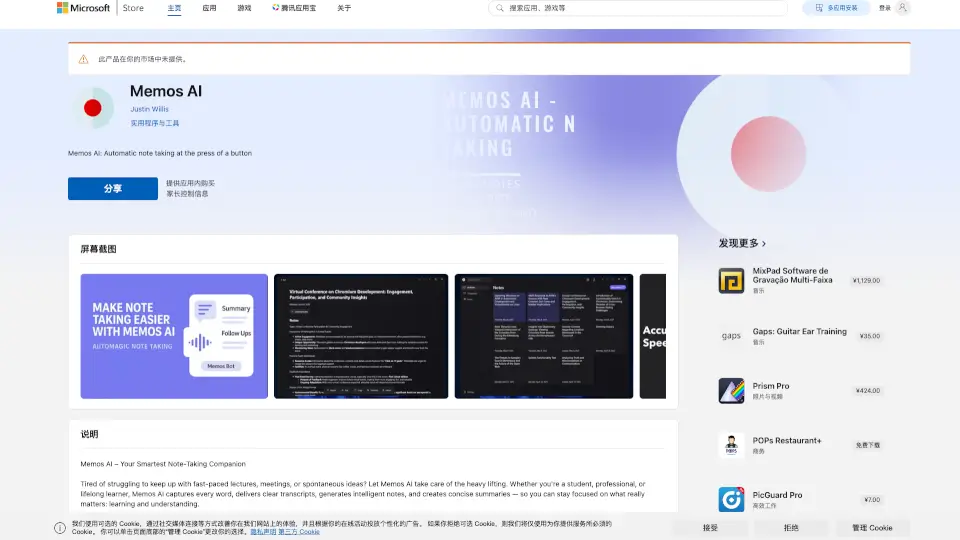

What is MemoAI?
Memo AI is a powerful tool that converts your audio and video files into text, making it easier to manage and understand your content. Whether you're dealing with YouTube videos, podcasts, or local media files, Memo AI can transcribe and translate them into over 90 languages. With advanced features like speaker diarization, live subtitles, and AI summarization, Memo AI helps you stay organized and productive. Best of all, it works entirely offline, ensuring your data remains secure and private.
What are the features of MemoAI?
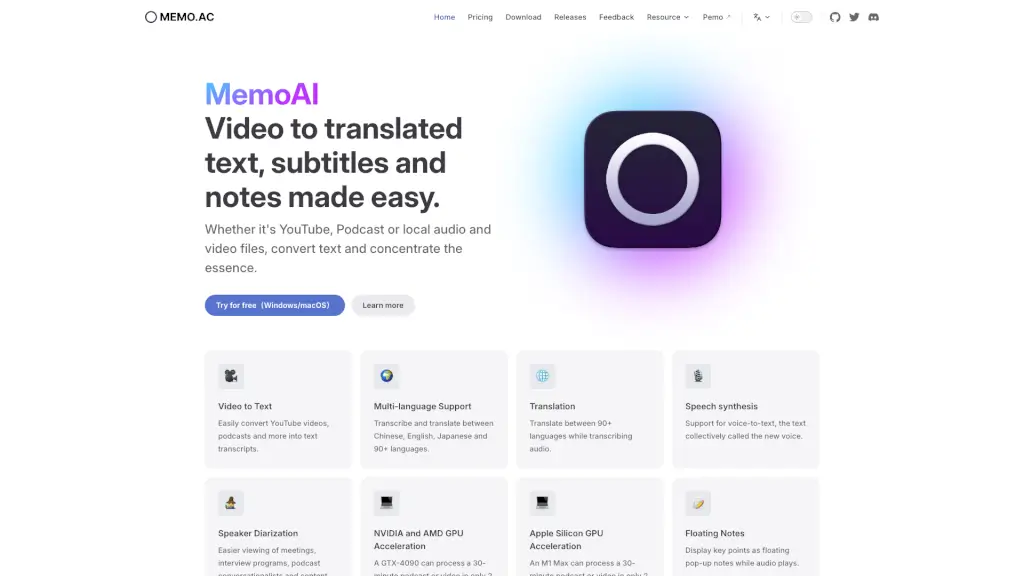
- Video to Text: Easily convert YouTube videos, podcasts, and other media into text transcripts.
- Multi-language Support: Transcribe and translate between Chinese, English, Japanese, and 90+ other languages.
- Translation: Translate between 90+ languages while transcribing audio.
- Speech Synthesis: Convert text back into speech for a more interactive experience.
- Speaker Diarization: Identify and separate different speakers in conversations for better clarity.
- NVIDIA and AMD GPU Acceleration: Process a 30-minute podcast or video in just 2 minutes with a GTX-4090 or M1 Max.
- Floating Notes: Display key points as floating pop-up notes while audio plays.
- Live Subtitles: Show real-time subtitles as audio plays back.
- Local Media Support: Supports a variety of local media file formats like MP4, MP3, AAC, and M4A.
- Clip Segmentation: Isolate and clip specific audio segments for transcription.
- Customize AI Prompts: Personalize the AI assistant prompts for tailored responses.
- AI Summarization: Generate smart summaries of transcripts using AI.
- Export Options: Export subtitles, Markdown, and Notion. More integrations coming soon!
- Cross-platform: Works on Windows and macOS.
- Secure and Private: No data leaves your device; works completely offline.
What are the use cases of MemoAI?
- Podcast Creators: Transcribe and translate podcast episodes for a global audience.
- Students and Researchers: Convert lecture recordings and research interviews into text for easy reference.
- Business Professionals: Transcribe and summarize meeting recordings for efficient note-taking.
- Content Creators: Add subtitles to YouTube videos and generate transcripts for SEO.
- Language Learners: Transcribe and translate audio and video content to improve language skills.
- Interviewers: Transcribe and organize interview recordings for better analysis and reporting.
- Event Organizers: Transcribe and summarize conference and webinar recordings for attendees.
How to use MemoAI?
- Download and install Memo AI on your Windows or macOS device.
- Open the application and select the file you want to transcribe.
- Choose the language and any additional settings you need, such as translation or speaker diarization.
- Click "Start" to begin the transcription process.
- Review and edit the transcript as needed.
- Export the transcript in your preferred format, such as Markdown or Notion.